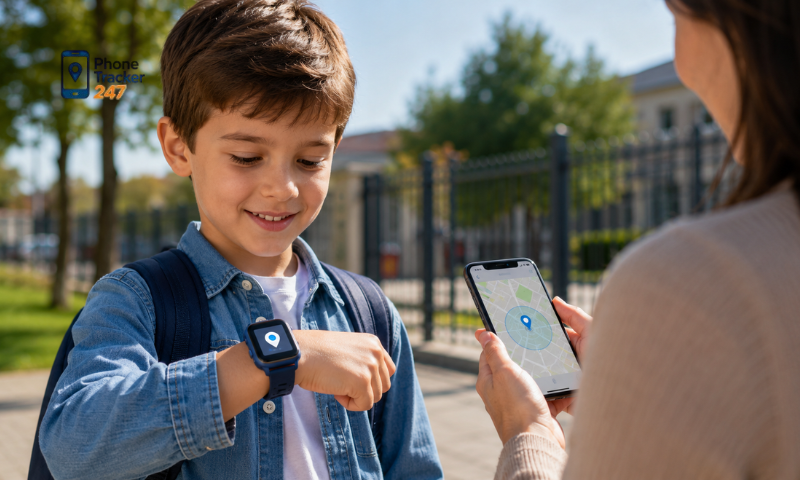
A Child GPS Tracker has become a popular solution for parents who want to monitor their children’s location and enjoy greater peace of mind in everyday life. However, not every GPS tracking app offers essential features such as real-time location tracking, geofencing alerts, or location history. In this article, PhoneTracker247 explores the key safety features every parent should look for when choosing a Child GPS Tracker to help protect their children and manage daily activities more effectively.
Essential Safety Features of a Child GPS Tracker
A reliable Child GPS Tracker should offer more than basic location information. The most useful apps combine real-time tracking, safety alerts, location history, and controlled sharing to help parents monitor children more effectively without checking the app constantly.
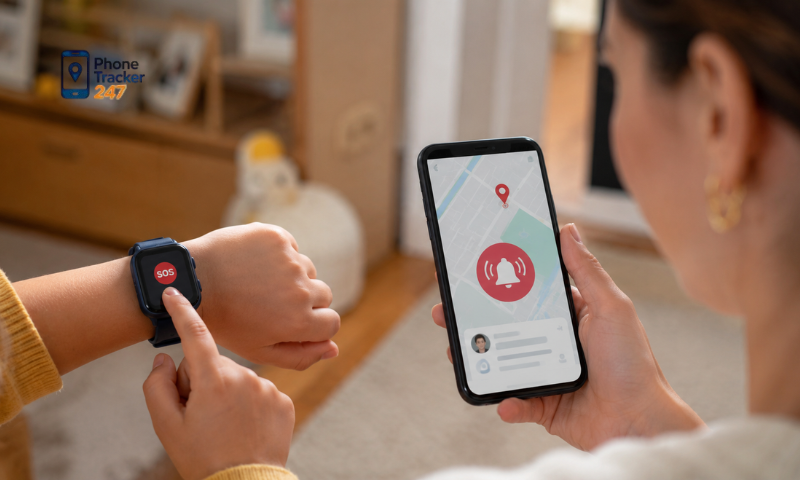
Real-Time Location Tracking
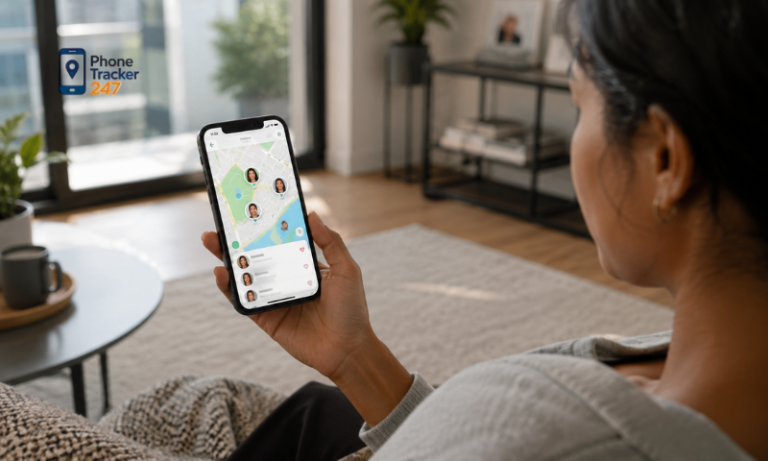
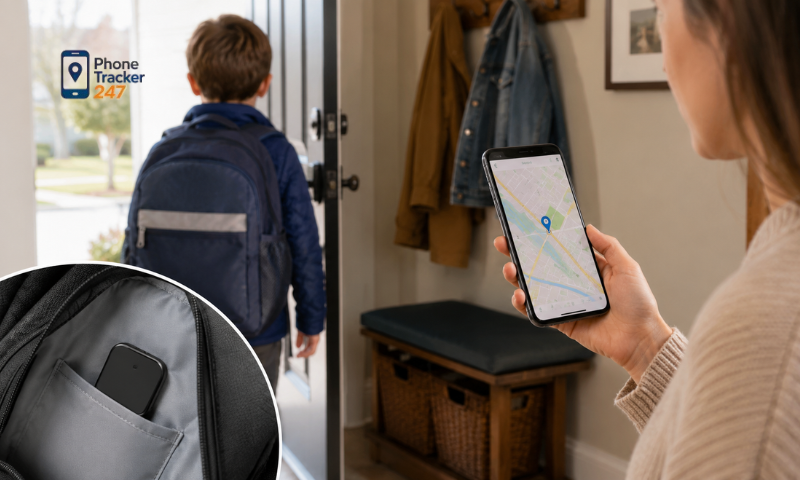
Real-time GPS tracking allows parents to see a child’s current location whenever needed. This can be especially useful when children:
- Walk to or from school.
- Attend after-school activities.
- Visit shopping malls or amusement parks.
- Travel with relatives or school groups.
- Move between regular daily locations.
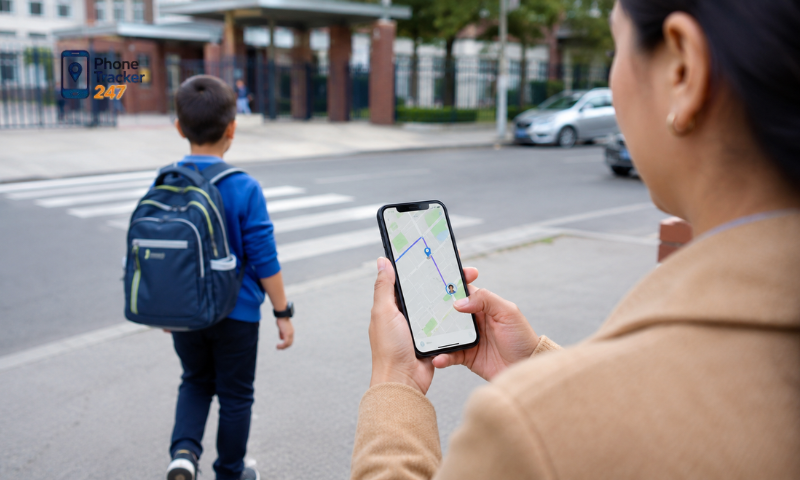
Frequent location updates can help parents notice unexpected movements and respond more quickly when necessary.
Geofencing Alerts
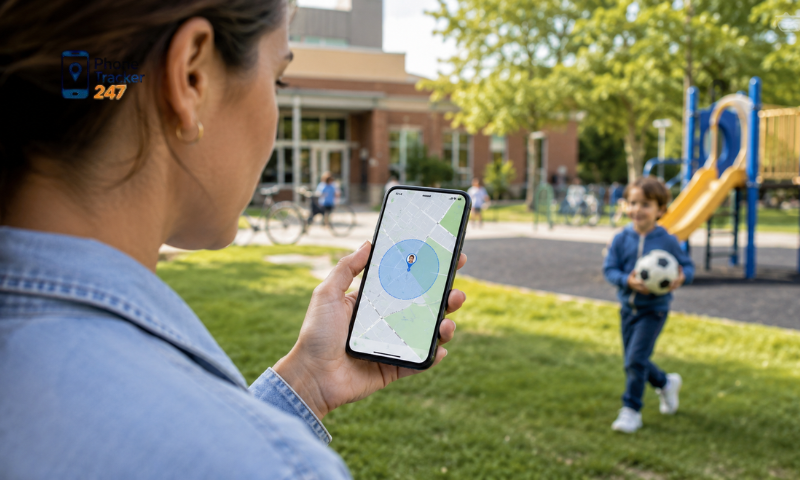
Geofencing allows parents to create virtual boundaries around familiar locations. Common safe zones may include:
- Home.
- School.
- Grandparents’ house.
- Sports centers.
- After-school activity locations.
When the child enters or leaves a designated zone, the app can automatically send an alert. This helps parents stay informed without continuously watching the location map.
Location History
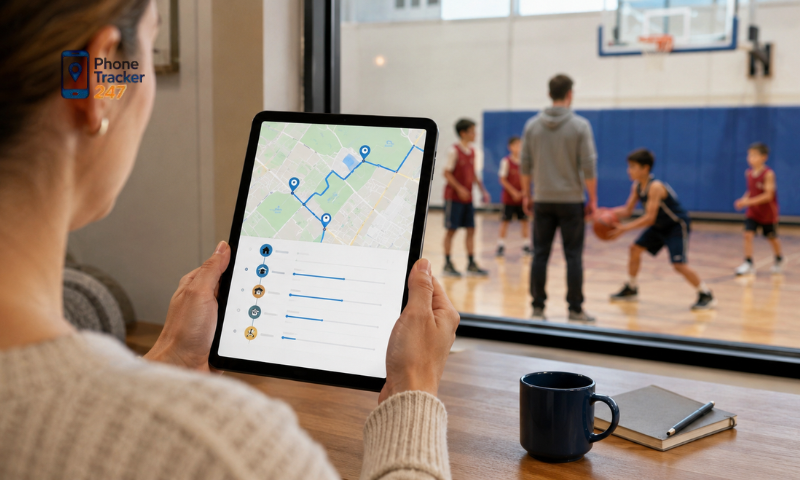
Location history provides a record of places and routes visited over a period of time. Depending on the tracking service, parents may be able to:
- Review routes taken during the day.
- Check arrival and departure times.
- Understand regular travel patterns.
- Confirm where a child has recently been.
The amount of stored history varies by app and subscription plan, so parents should review this feature before choosing a service.
Emergency and Device Alerts
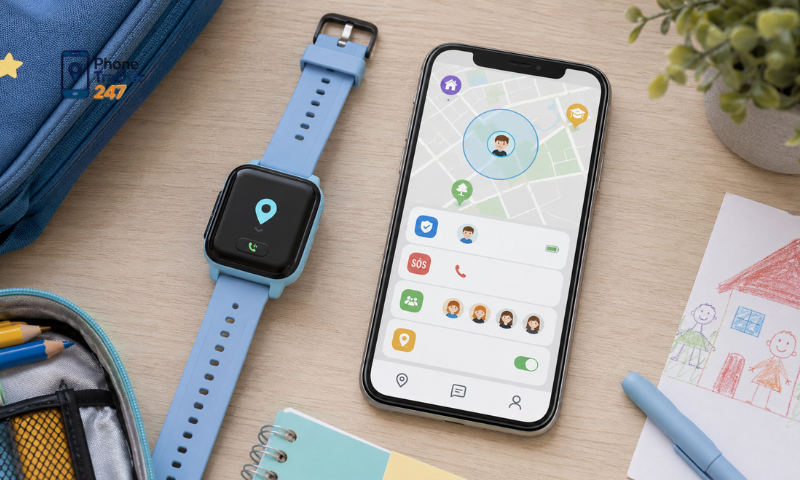
Useful Child GPS Tracker apps may also provide notifications when something requires attention. Common alerts include:
- SOS notifications.
- Low battery warnings.
- Device offline alerts.
- Unexpected movement notifications.
- Loss of location or network connection.
These alerts can help parents recognize potential problems before tracking or communication becomes unavailable.
See more: GPS Tracker for Kids: Phone App or Wearable Device?
Easy and Controlled Location Sharing
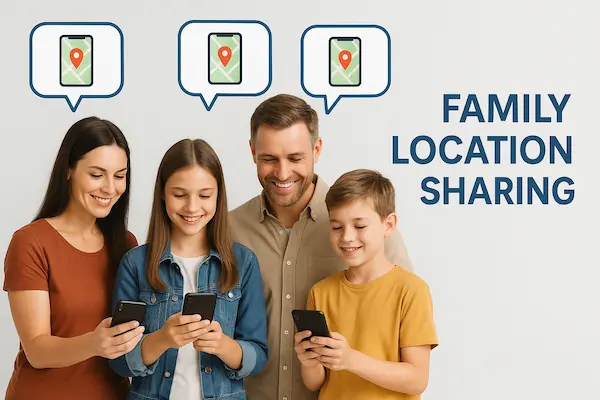
In many families, several trusted adults may be responsible for childcare. Location-sharing features can allow approved family members to access tracking information when necessary.
Important features to look for include:
- Access for parents or guardians.
- Permission controls for each user.
- Ability to remove access when needed.
- Secure account protection.
- Clear privacy settings.
Controlled sharing makes GPS tracking more convenient while helping ensure that a child’s location is only visible to trusted and authorized people.
How to Choose the Right Child GPS Tracker for Your Family
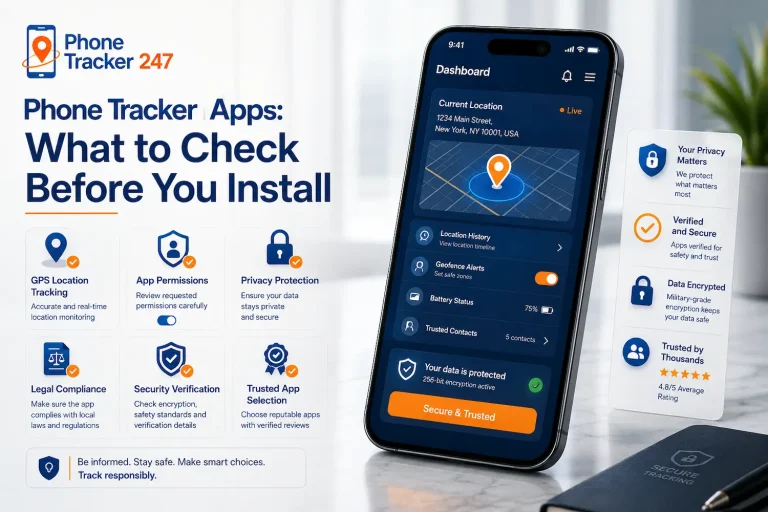
Choosing the right Child GPS Tracker requires more than comparing a list of features. Parents should also consider tracking reliability, privacy protection, device compatibility, ease of use, and pricing before making a decision.
Accurate and Reliable Location Tracking
Location accuracy can vary depending on the device, network, and surrounding environment. Important factors include:
- GPS signal strength.
- Mobile network coverage.
- Indoor or outdoor use.
- Device hardware quality.
- Frequency of location updates.
For everyday family use, stable and consistent tracking is often more useful than extremely precise location data that changes frequently.

Strong Privacy Protection
Because a child’s location is sensitive information, privacy and account security should be a top priority. Parents should look for services that:
- Use encrypted connections.
- Provide secure account authentication.
- Explain how location data is stored.
- Allow users to control sharing permissions.
- Make it easy to remove unauthorized access.
A good tracking service should help parents monitor their children without exposing personal location data unnecessarily.
Multi-Device Compatibility
Before choosing an app, parents should confirm that it works with the devices already used by family members. Compatibility may include:
- Android smartphones.
- iPhones.
- Tablets.
- Different operating system versions.
- Multiple devices under one family account.
Broad compatibility makes it easier for parents and trusted family members to access the same tracking platform.
See more: How to Track Child Phone Usage Without Over-Monitoring
User-Friendly Interface
A Child GPS Tracker should be simple enough to use quickly, especially when parents need location information immediately. A good interface should make it easy to:
- View live locations.
- Check recent movements.
- Receive safety alerts.
- Review location history.
- Manage family members and permissions.
Simple navigation is particularly important for families who use the tracking app every day.
Flexible Pricing Options
Pricing can vary significantly between GPS tracking services. Common options include:
- Free basic plans.
- Monthly subscriptions.
- Annual subscriptions.
- Premium plans with additional features.
- Family plans covering multiple users or devices.
Parents should compare both price and included features to avoid paying for functions they may not need.
The best Child GPS Tracker is one that balances reliable tracking, strong privacy, easy daily use, and a pricing plan that fits the family’s actual needs.
Why Do Many Parents Choose PhoneTracker247 to Monitor Their Children?
PhoneTracker247 is designed to help parents monitor family members’ locations through a simple and convenient platform. It focuses on essential tracking features that can support everyday family safety and coordination.
Depending on the subscription plan, users may have access to:
- Real-time location tracking: Check a child’s current location when needed.
- Location history: Review previous routes and visited locations.
- Geofencing alerts: Receive notifications when a child enters or leaves selected areas.
- Family location sharing: Allow trusted family members to view shared locations.
- Simple setup: Get started without complicated installation steps.
- Easy navigation: Access key tracking features through a straightforward interface.
- Smartphone compatibility: Use the service on modern smartphones without purchasing a separate GPS device.
These features can be useful during school commutes, family outings, after-school activities, and travel. By combining location tracking with simple family-sharing tools, PhoneTracker247 provides parents with a practical way to stay connected with their children.
Conclusion
A reliable Child GPS Tracker offers much more than live location updates. Features such as geofencing, location history, emergency notifications, and strong privacy protection can help parents stay informed while giving children greater independence in their daily lives.
If you’re looking for a practical family location solution, PhoneTracker247 provides tools that help parents monitor their children’s whereabouts more conveniently and confidently. Explore its features to see whether it meets your family’s safety and communication needs.
Frequently Asked Questions (FAQs)
1. What is a child GPS tracker?
A child GPS tracker lets parents monitor their child’s real-time location for safety.
2. How does a child GPS tracker work?
It uses GPS, Wi-Fi, and mobile networks to provide live location updates.
3. Can I track my child’s location in real time?
Yes. Most GPS trackers offer live location tracking.
4. Does it show location history?
Yes. Many trackers save recent location history.
5. Can I set safe zones?
Yes. Geofencing alerts notify you when your child enters or leaves a designated area.
6. Does a child GPS tracker require internet?
Yes. GPS and an internet connection are typically required for live tracking.
7. Can I track more than one child?
Yes. Many apps support multiple children under one account.
8. Is a child GPS tracker legal?
Yes, when used by parents or legal guardians in accordance with local laws.
9. Can a GPS tracker help find a lost child?
Yes. Real-time location and SOS features can help parents respond quickly.
10. Who should use a child GPS tracker?
Parents and guardians who want extra peace of mind about their child’s safety.