Children today spend more time online than ever before. Smartphones, tablets, and social media provide entertainment, education, and ways to connect with friends. However, they also expose young users to potential risks such as inappropriate content, cyberbullying, and excessive screen time.
Because of these concerns, many parents are searching for the best free parental control app to monitor their children’s device usage and keep them safe online. Tools like PhoneTracker247 help parents understand how their kids use their devices and encourage healthier digital habits.
Contents
What Is a Parental Control App?
Understanding parental control technology
A parental control app is software designed to help parents monitor and manage how children use their digital devices. These applications are typically installed on smartphones, tablets, or computers and allow parents to track activity, limit usage, and block certain content.
Most parental control tools work by collecting device usage data and presenting it in a dashboard where parents can review reports and manage settings. This gives families greater visibility into children’s online behavior and helps prevent exposure to harmful content.
Why parental control apps are important
Children often begin using digital devices at a young age. While technology can support learning and creativity, unrestricted access to the internet may expose children to content that is not age-appropriate.
Parental control apps provide parents with the tools they need to guide their children safely through the digital world. Instead of completely restricting access to technology, these apps help create balanced and responsible device usage habits.
See more: Bark vs PhoneTracker247 (2026): Which Safety App is Better?
Key Features of the Best Free Parental Control Apps
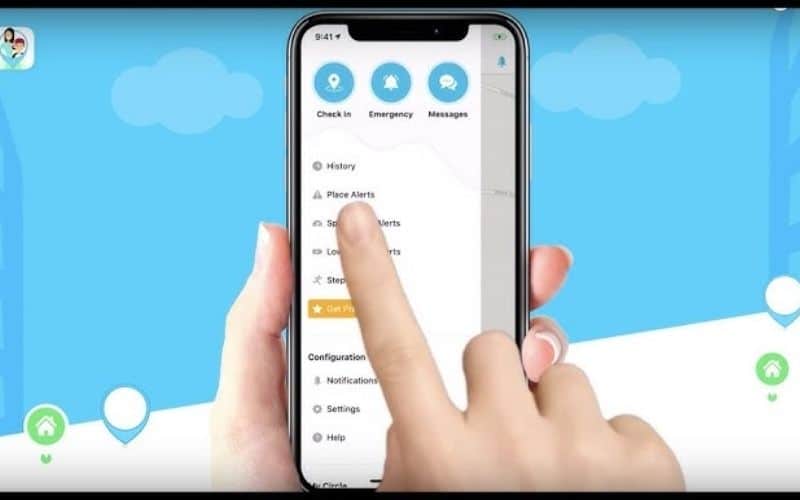
Screen time management
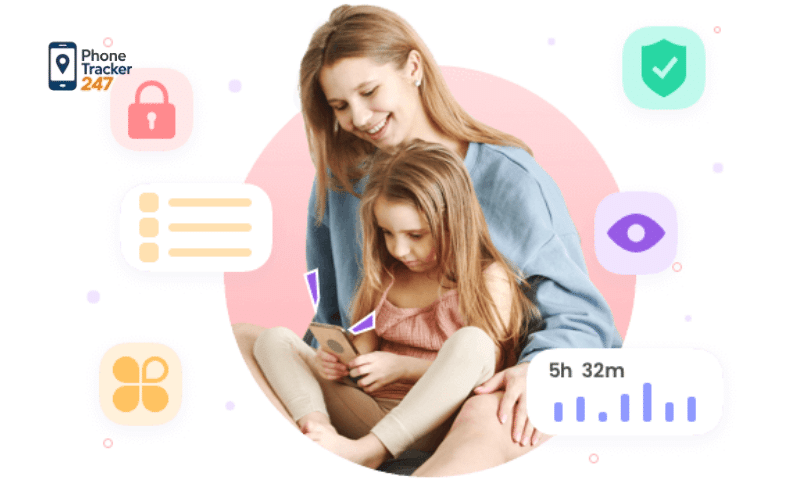
One of the most important features of a parental control app is screen time management. Excessive screen use can negatively impact sleep, concentration, and physical activity.
With screen time controls, parents can set daily limits or define specific hours when devices can be used. For example, devices may be restricted during school hours or late at night to help children maintain healthier routines.
App usage monitoring
Many children install multiple apps on their smartphones, including games, messaging platforms, and social media. Some apps may not be suitable for younger users.
Parental control apps allow parents to monitor which applications are used most frequently. This information helps parents understand how their children spend time online and identify potentially unsafe apps.
Website filtering
The internet contains vast amounts of information, but not all of it is appropriate for children. Content filtering tools allow parents to block websites that contain harmful or adult material.
These filters create a safer browsing experience by limiting access to inappropriate content and guiding children toward safer websites.
Location tracking
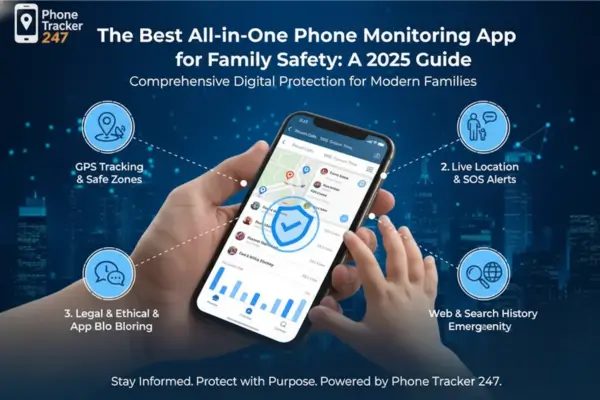
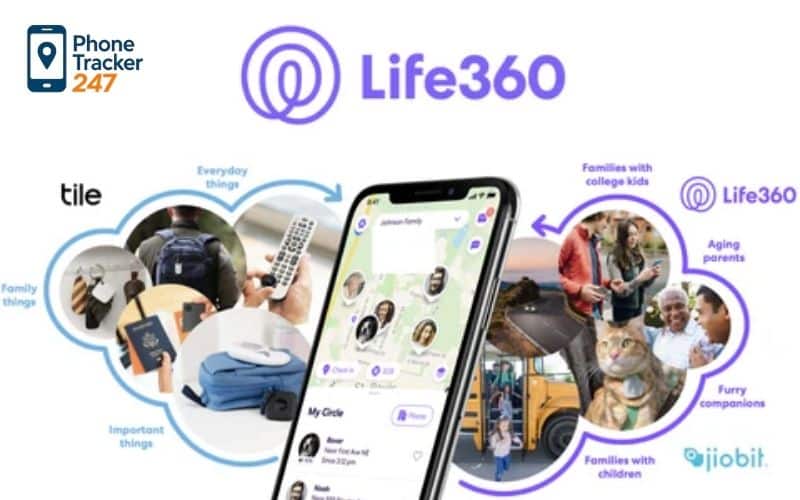
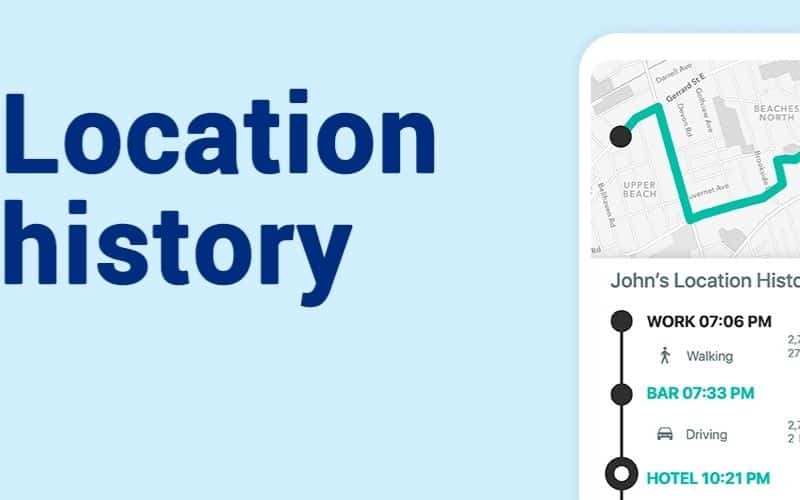
Some parental control apps include GPS tracking features that allow parents to see where their child’s device is located. This feature can help ensure children arrive safely at school or other destinations.
Location tracking also provides peace of mind for parents who want to stay informed about their child’s whereabouts.
See more: Top 7 Best Free Parental Blockers to Help Protect Children on the Internet
Why Many Parents Choose PhoneTracker247
Easy setup and simple interface
Many parents prefer tools that are easy to use and require minimal technical knowledge. PhoneTracker247 offers a user-friendly interface that allows parents to monitor activity without complicated installation steps.
This simplicity makes it easier for families to start monitoring device usage quickly.
Multiple monitoring tools
Parents often want a solution that includes multiple safety features in one platform. PhoneTracker247 offers monitoring capabilities that help parents better understand how their children interact with digital devices.
These tools can provide insights such as device activity, app usage patterns, and location awareness.
Supporting safer digital habits
Parental control apps should not only monitor children but also encourage responsible technology use. By reviewing usage data and discussing it with their children, parents can guide them toward healthier online habits.
PhoneTracker247 helps parents stay informed and involved in their children’s digital lives.
How to Choose the Best Free Parental Control App
Check device compatibility
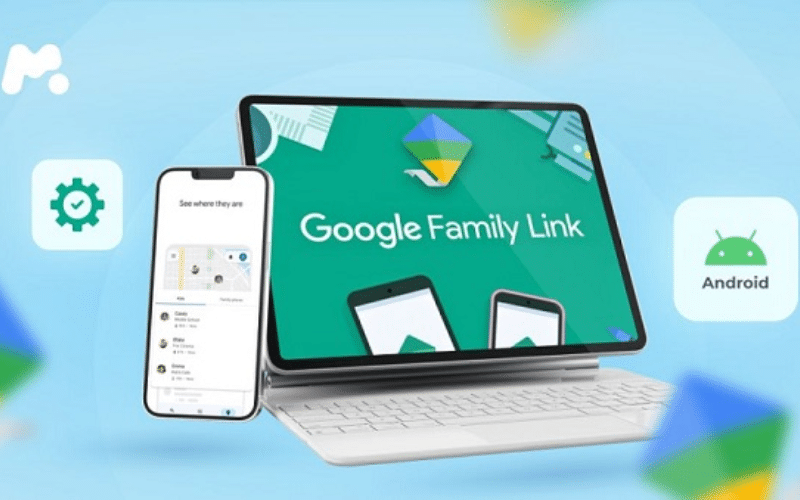
Before installing a parental control app, parents should confirm that the software supports their child’s device. Some apps are designed specifically for Android devices, while others support both Android and iOS systems.
Choosing a compatible app ensures that all features work properly.
Evaluate key safety features
When comparing parental control apps, it is important to look for tools that provide essential features such as:
- Screen time control
- App activity monitoring
- Website filtering
- Location tracking
These features help create a comprehensive digital safety system.
Consider ease of use
A parental control app should be simple enough for parents to manage without technical expertise. A clear dashboard and easy settings make it easier to monitor activity and adjust controls when needed.

Tips for Using Parental Control Apps Effectively
Talk openly with your children
Using monitoring tools does not mean parents should avoid communication. Instead, discussing online safety with children helps them understand why parental control apps are being used.
This conversation encourages trust and cooperation between parents and children.
Set clear digital rules
Establishing clear boundaries for device usage can help children develop responsible habits. Parents may set rules about when devices can be used and which apps are allowed.
These guidelines make it easier for children to understand expectations.
Review activity regularly
Most parental control apps provide reports showing how devices are used. Checking these reports regularly allows parents to identify potential issues early and discuss them with their children.
Regular monitoring helps maintain a safer online environment.
Conclusion
Digital technology is an important part of modern life, especially for younger generations. While smartphones and online platforms offer many benefits, they also present risks that parents must manage carefully.
Using the best free parental control app can help parents monitor device usage, protect children from harmful content, and encourage healthier digital habits. Tools like PhoneTracker247 provide helpful monitoring features that allow parents to stay informed about their children’s online activities.
By combining parental control technology with open communication, families can create a safer and more balanced digital experience for children.
For daily updates, subscribe to PhoneTracker’s blog!
We may also be found on Facebook!
FAQs – Best Free Parental Control App
1. What is the best free parental control app?
The best free app depends on your child’s device and needs.
2. Is Google Family Link free?
Yes, it is a strong free option for Android families.
3. Is Apple Screen Time free?
Yes, it is built into iPhone and iPad.
4. Can free apps block websites?
Some free tools can block or limit websites.
5. Can free apps set screen time limits?
Yes, many offer basic screen time controls.
6. Can free parental apps track location?
Yes, some free apps include location sharing.
7. Are free parental control apps enough?
They help, but advanced features may be limited.
8. What features should parents check?
Screen time, app limits, web filters, reports, and location.
9. Is PhoneTracker247 a good upgrade?
Yes, it offers broader family monitoring features.
10. What should parents start with?
Start with free built-in controls and clear family rules.