Choosing the best phone monitoring app for iPhone can feel like trying to see through frosted glass. You know the information is there, but Apple’s privacy protections, confusing feature claims, and legal concerns make the view less clear. Many people start with one goal, such as protecting a child, managing a company device, or keeping a family phone safe, then get lost in promises that sound bigger than real results. The best choice is not the loudest app on the page. It is the one that matches your purpose, works well on iPhone, and respects privacy from the start. Let’s find out more in this article with PhoneTracker247.
Core features to look for in the best iPhone monitoring app
The strongest apps solve real safety and oversight problems. Instead of chasing hype, buyers should judge each option by practical functions that support daily use and fast decision-making.
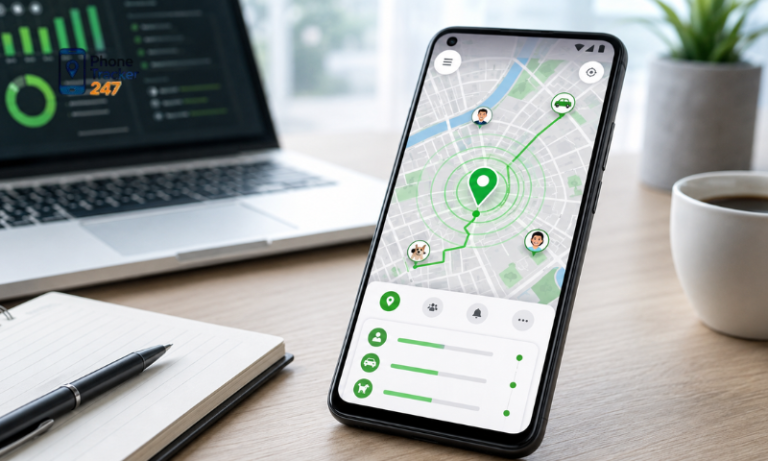
Location tracking and geofencing
Location tools remain one of the most valuable reasons people install a phone monitoring app on iPhone. They are easy to understand, immediately useful, and relevant across family and business use cases.
- Real-time GPS tracking supports live awareness
A strong platform should help users see where a device is now, not only where it was hours ago. This matters when parents want to check a child’s route or when a company needs to locate a field device. - Location history adds context
One location point tells you very little. Movement history shows routines, repeated stops, and unexpected changes that may deserve attention. - Geofencing turns passive monitoring into active alerts
Instead of checking the dashboard all day, users can create zones and receive alerts when a device enters or leaves those places. That saves time and improves response speed.
Call, message, and activity monitoring
A useful iPhone monitoring solution should go beyond maps. Location tells you where the phone is, but activity insights help explain how the device is being used.
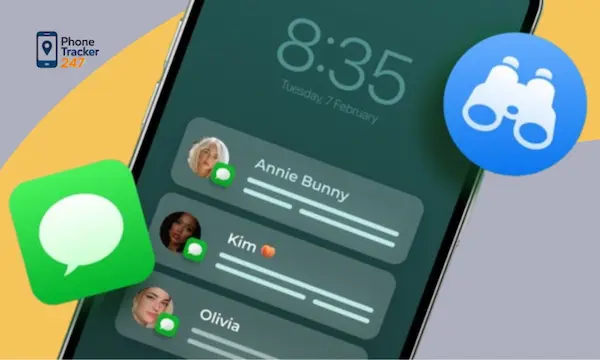
- Call logs and message visibility support pattern recognition
Families and businesses often need broad oversight, not constant deep review. Recent calls, messaging activity, and communication patterns can reveal risk or misuse early. - App usage monitoring shows digital habits
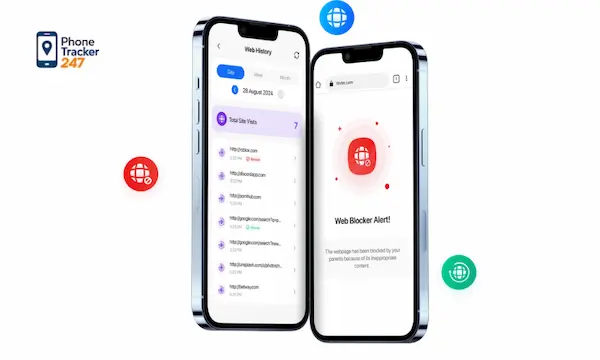
Time spent in apps, repeated app launches, and changes in behavior can tell a more complete story than a single alert. - Browsing and digital activity add another layer of safety
For parental monitoring in particular, online activity matters. A good app helps users identify risky browsing behavior without making the system too complex to manage.
See more: 10 Best Family Locator Apps for iPhone in 2026 (Free & Paid)
Dashboard usability and reporting
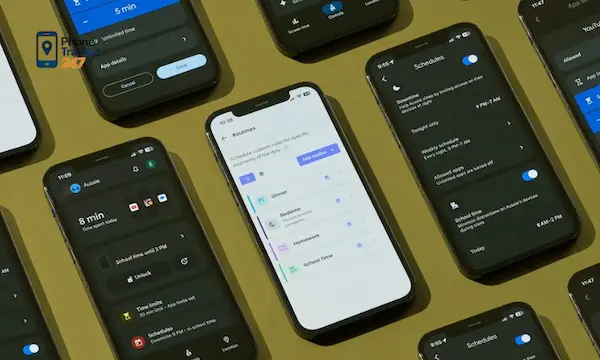
Even strong features lose value if the dashboard feels cluttered. Good monitoring depends on how quickly a user can understand the data and act on it.
- A clean dashboard reduces friction
Parents and managers do not want to dig through menus to find a recent alert or a location update. Clear design improves daily use. - Activity timelines help users connect the dots
A timeline format can show movement, app activity, and communication changes in a more useful sequence. - Reports make monitoring more efficient
Instead of checking every detail manually, users benefit from summaries that highlight what changed, what needs review, and what appears normal.
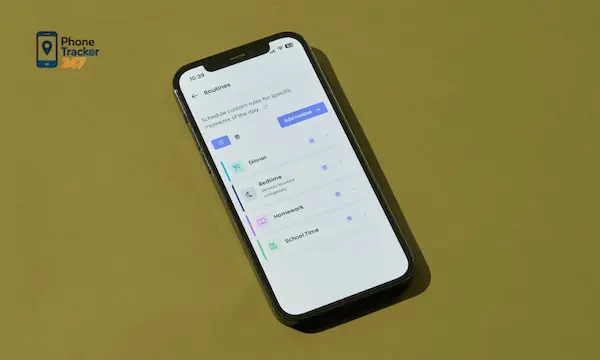
Best phone monitoring app for iPhone: what makes PhoneTracker247 stand out
The strongest solutions balance visibility, security, and trust. PhoneTracker247 positions itself as a privacy-first, consent-based monitoring platform rather than a hidden surveillance tool, which is an important distinction for modern users
All-in-one monitoring for daily safety and device oversight
Many users do not want three separate tools for location, communication, and activity monitoring. They want one platform that simplifies device oversight without creating more work.
- PhoneTracker247 brings multiple monitoring functions together
Its platform centers on location tracking, communication oversight, digital activity monitoring, and access to device data in one system - This structure fits real family and business needs
Parents can focus on safety and online behavior. Businesses can manage company devices with more clarity. Individual users can strengthen device awareness and security. - An all-in-one approach improves efficiency
When data lives in one place, users spend less time switching between tools and more time understanding what is happening on the device.
A privacy-first approach that builds trust
This is where PhoneTracker247 separates itself from many apps that lean into secretive language. Its positioning emphasizes lawful use, consent, and ethical monitoring, which aligns better with what responsible users actually need
- Consent-based monitoring lowers legal and ethical risk
That matters for families, employers, and anyone using the software for legitimate oversight. A trustworthy provider should make this point early and clearly. - The brand frames monitoring as a safety tool
According to the provided company overview, PhoneTracker247 does not want to be seen as spyware. It presents itself as a transparent solution for protection and control - Trust matters as much as features on iPhone
Since users are already navigating platform limits and privacy concerns, they are more likely to choose a product that explains its use honestly.
Security and compliance matter as much as features
Monitoring software handles sensitive information. Because of that, strong security standards should be treated as a core feature rather than a backend detail.
- PhoneTracker247 highlights strong encryption
The platform emphasizes AES-256 encryption, which supports safer data handling for monitored information - Compliance signals operational maturity
The company also points to GDPR and CCPA compliance, reinforcing its privacy-first positioning and showing that governance is part of the product model - This matters to both parents and businesses
A monitoring tool that collects useful data but protects it poorly creates a second problem. Users need visibility and protection at the same time.
Feature checklist: what to compare before you decide
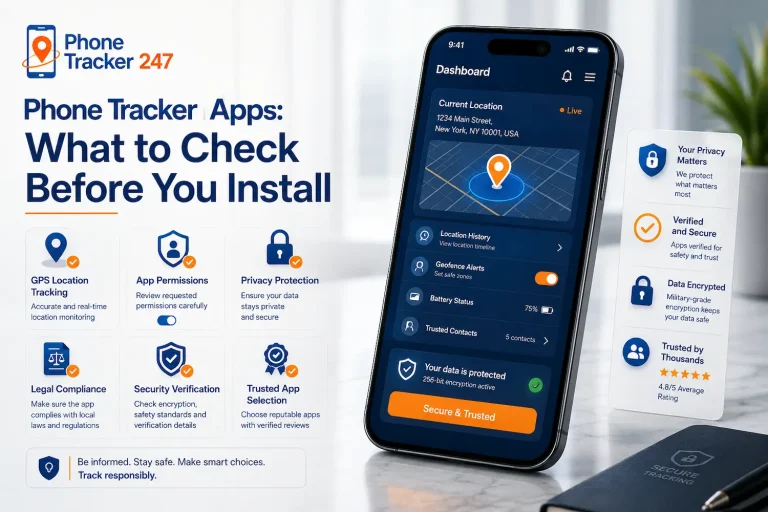
Before choosing a phone monitoring app for iPhone, use a practical comparison table. It helps separate real value from marketing language.
| Criteria | Why It Matters | What to Look For |
| iPhone compatibility | iOS has tighter limits than Android | Clear explanation of supported iPhone features |
| Location tracking | Useful for safety and device oversight | Real-time GPS, history, geofencing |
| Activity monitoring | Helps reveal usage patterns | App usage, browsing insights, timelines |
| Communication visibility | Adds context beyond location | Call logs, message-related monitoring where supported |
| Dashboard quality | Saves time and reduces confusion | Clean interface, easy summaries, quick alerts |
| Privacy approach | Reduces risk and improves trust | Consent-based use, transparent positioning |
| Security standards | Protects sensitive monitored data | Encryption, compliance, secure account controls |
Who should use an iPhone monitoring app?
The value of monitoring depends on the use case. The strongest fit usually falls into a few clear groups.
- Parents need better visibility into location, online habits, and device activity so they can protect children before issues escalate.
- Families benefit when they manage shared devices or want a safer digital environment for younger users.
- Businesses use monitoring tools to oversee company-owned iPhones, support productivity, and reduce device-related risk.
- Individuals may want better awareness for a vulnerable, shared, or frequently misplaced device.
- Responsible users should always choose platforms designed for lawful, transparent monitoring rather than secretive tracking.
How to choose the right iPhone monitoring solution for your needs
A better buying process starts with purpose. Once you know what outcome matters most, the comparison becomes simpler and more accurate.
- Define your main goal first so you do not overpay for features you will never use.
- Check iPhone support carefully because feature depth can vary across devices and operating system conditions.
- Prioritize privacy and consent to protect both the monitored user and the account owner.
- Review reporting quality since raw data is less helpful than clear, usable insight.
- Choose a trusted platform that balances oversight, simplicity, and secure data handling.
Common mistakes when choosing a phone monitoring app for iPhone
Many buyers do the research, but still make avoidable mistakes that reduce value after purchase.
- They chase feature volume instead of feature usefulness, which often leads to disappointment on iPhone.
- They ignore legal and privacy concerns, even though these issues directly affect safe long-term use.
- They expect Android-style access on iPhone, which creates the wrong benchmark from day one.
- They underestimate dashboard design, even though usability strongly affects daily results.
- They choose by price alone, which can push them toward weaker security or unclear product ethics.
Conclusion: the best phone monitoring app for iPhone balances visibility and privacy
The best phone monitoring app for iPhone is not the one that makes the boldest claims. It is the one that delivers useful visibility, works within real iPhone conditions, and handles privacy responsibly. For parents, families, businesses, and users who need lawful device oversight, that balance matters more than hype. PhoneTracker247 stands out because it combines all-in-one monitoring, a privacy-first model, and strong security positioning into a solution designed for responsible use
See how PhoneTracker247 can help you monitor iPhone activity more responsibly, protect the people who matter most, and stay in control with a privacy-first solution.
For daily updates, subscribe to PhoneTracker’s blog!
We may also be found on Facebook!
FAQs – Best Phone Monitoring App for iPhone
1. What is the best phone monitoring app for iPhone?
PhoneTracker247 is a strong choice for lawful family monitoring.
2. Can I monitor an iPhone legally?
Yes, with consent, ownership, or parental authority.
3. What features should parents look for?
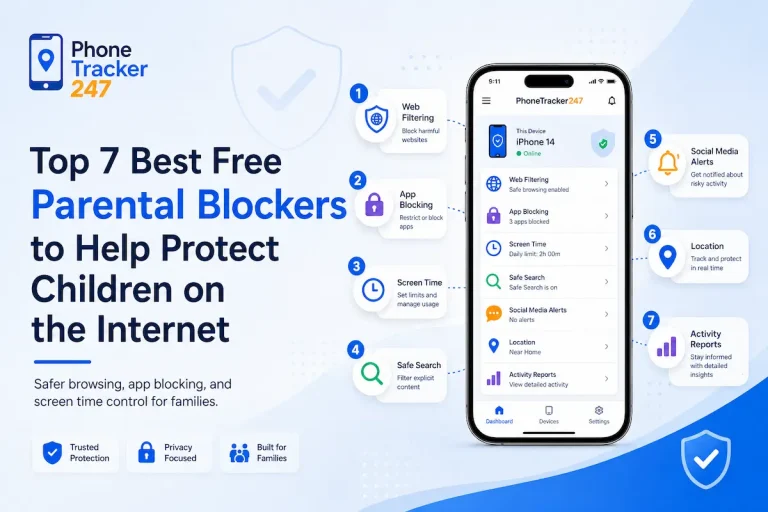
Location, screen time, app activity, web safety, and alerts.
4. Can parents track iPhone location?
Yes, location tracking helps monitor safety and movement.
5. Can I see iPhone app activity?
Yes, good tools show app usage and activity reports.
6. Can monitoring help with screen time?
Yes, it helps parents manage healthier phone habits.
7. Is Apple Screen Time enough?
It helps, but broader monitoring may be needed.
8. Should iPhone monitoring be hidden?
No, transparent monitoring is safer and more responsible.
9. Can PhoneTracker247 help parents?
Yes, it centralizes location and activity visibility.
10. What should parents set up first?
Start with location, Screen Time, and web safety rules.