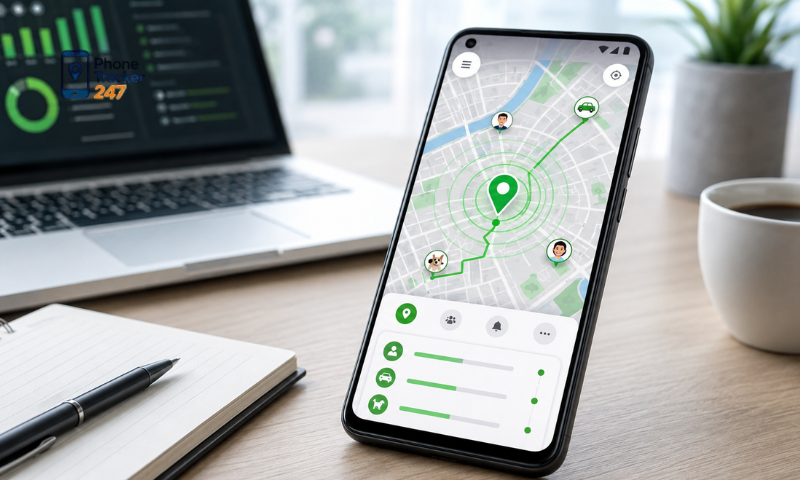
An Android Location Tracking App is increasingly used to track device locations, help find lost phones, share locations, or manage travel routes when necessary. However, the effectiveness of a location tracking app depends not only on positioning accuracy but also on battery consumption and how the app handles private data. In this article, PhoneTracker247 will examine three important factors to consider when using a location tracking app on Android: accuracy, battery life, and privacy.
Contents
Accuracy of an Android Location Tracking App
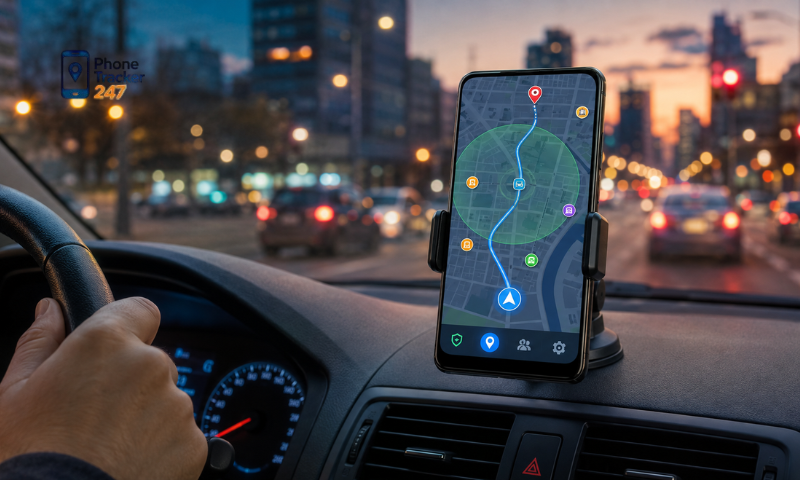
Accuracy is one of the most important factors when evaluating an Android Location Tracking App, but location results are not always identical under every condition. The displayed position may vary depending on GPS signals, Wi-Fi, mobile networks, the surrounding environment, and location permission settings on the device.
Factors that affect location accuracy
A location tracking app usually does not rely on a single data source. Instead, it may combine several positioning methods to determine the device’s location. As a result, real-world accuracy depends on several factors.
- GPS signal: usually provides more accurate results when the device is outdoors and is not heavily blocked by tall buildings or other obstacles.
- Wi-Fi connection: can help determine location faster in urban areas, shopping malls, or inside buildings.
- Mobile network: can estimate location when GPS signals are weak, although the margin of error may be larger.
- Surrounding environment: basements, high-rise buildings, enclosed spaces, and areas with many obstacles can reduce accuracy.
- Location permissions: if the user only allows approximate location access, the app will receive less detailed location data.
- Update frequency: more frequent location updates provide more recent movement data but may also consume more battery and mobile data.
Therefore, when using PhoneTracker247, users should interpret the displayed location based on real-world conditions rather than expecting perfect accuracy at all times.
How are GPS, Wi-Fi, and mobile networks different?
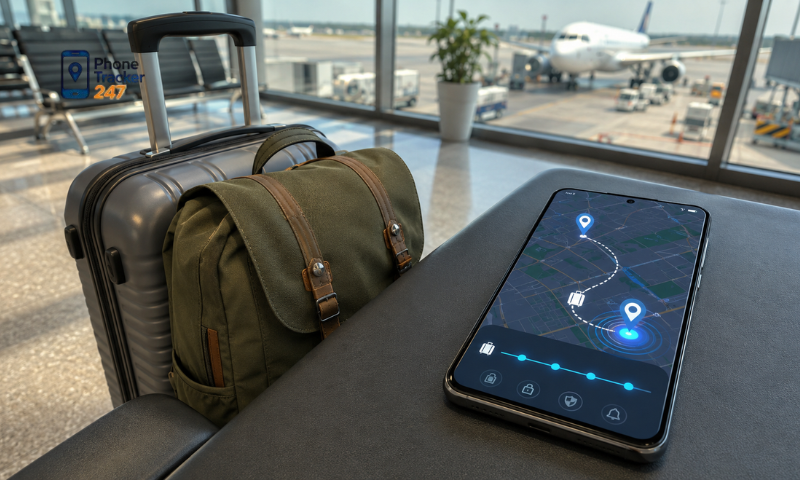
Each positioning technology works differently and offers a different level of accuracy. Many Android Location Tracking Apps combine multiple sources to improve location performance under different usage conditions.
- GPS: suitable for detailed outdoor positioning, especially in open areas.
- Wi-Fi: useful when the device is indoors or in areas with many Wi-Fi access points.
- Mobile network: estimates location based on nearby cell towers and is useful when GPS and Wi-Fi are unavailable.
- Multiple-source positioning: improves location speed and helps maintain tracking when signal conditions change.
Instead of relying entirely on GPS, combining several positioning technologies can help an app achieve a better balance between accuracy, update speed, and energy consumption.
See more: Android Phone Tracking App: Common Setup Mistakes
How does an Android Location Tracking App affect battery life?
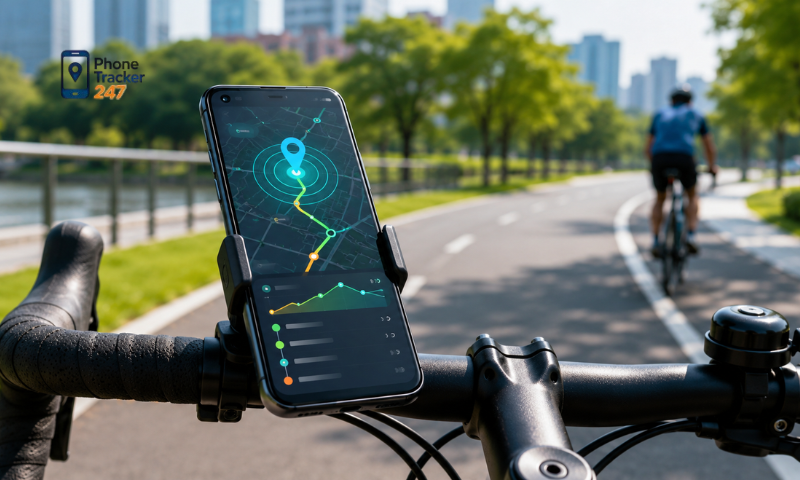
Using an Android Location Tracking App can increase battery consumption because the phone may need to determine its location, process data, and connect to the internet repeatedly to keep information updated. The actual impact depends on how the app operates, how frequently it requests location updates, and the conditions in which the device is being used.
Some common reasons why location tracking apps may consume more battery include:
- Continuous GPS usage: the device must regularly communicate with positioning services to determine its current location.
- Very frequent updates: shorter intervals between location requests require the phone to process data more often.
- Network synchronization: Wi-Fi or mobile data may be used to send and receive location information.
- Background activity: tracking may continue even when the user is not actively using the app.
- Maps and location history: loading maps, routes, and travel history may require additional processing resources.
- Weak signals: when GPS or network connectivity is unstable, the device may spend more time and energy trying to determine its location.
To reduce battery drain, users can lower the update frequency when continuous tracking is unnecessary, enable only the location features they actually need, and check the app’s battery usage in Android settings. With PhoneTracker247, selecting a tracking mode that matches the actual use case can help balance location updates with battery life.
Privacy when using an Android Location Tracking App
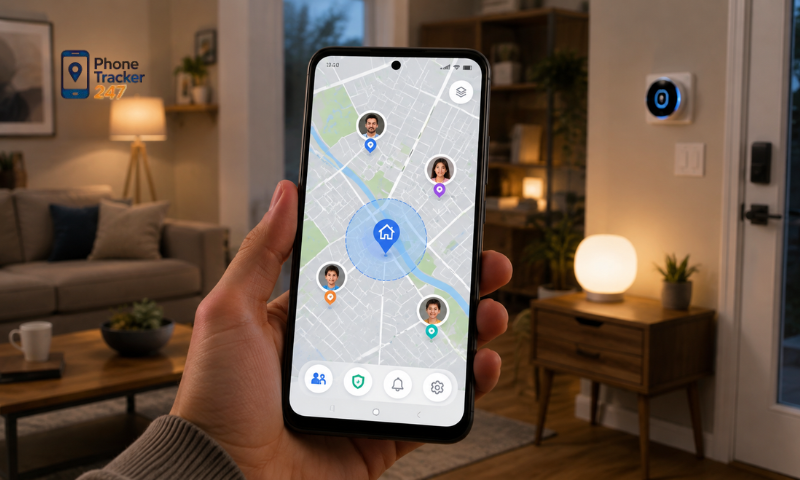
Location data can reveal where a person lives, where they work, their travel habits, and other details related to their daily life. For this reason, privacy should be treated as an important factor when choosing and using a location tracking app.
What data can a location tracking app collect?
Depending on its features, a location tracking app may request or process several types of data, including:
- The device’s current location.
- Location history if the feature is enabled.
- The time the device was detected at a specific location.
- Device information required for the app to function.
- Account data if the user registers for the service.
- Network information required to transmit location data.
Users should review the privacy policy and check which permissions an app requests before using it.
How to check and manage location permissions on Android
Android allows users to control location access for individual apps in detail.
- Grant location access only to apps that genuinely need it.
- Select Allow only while using the app if background tracking is unnecessary.
- Use Allow all the time only when continuous tracking is required and the user clearly understands why.
- Check whether the app is using precise or approximate location.
- Revoke location permissions when the app is no longer being used.
- Review privacy and permission settings periodically in Android.
Most importantly, tracking another person’s location should only be done with appropriate consent and within the limits of applicable law. Location tracking apps should not be used for secret surveillance or to violate another person’s privacy.
See more: Best Phone Tracker App for Android: Parent and Business Use
Tips for using a location tracking app safely
In addition to accuracy and battery performance, the way an Android Location Tracking App is used also plays an important role in overall safety.
Some recommended practices include:
- Track only with consent: especially when the location data belongs to another person.
- Use a strong password: reduce the risk of unauthorized access to the tracking account.
- Enable two-factor authentication when available: add an extra layer of account security.
- Do not share login credentials: especially through messages or unsecured communication channels.
- Review app permissions: grant only the permissions required for the features being used.
- Delete location history when it is no longer needed: reduce the amount of sensitive data being stored.
- Keep the app and Android updated: updates often include security improvements and bug fixes.
- Review the data policy: understand how long data is retained and whether users can request its deletion.
When choosing PhoneTracker247 or any other location tracking solution, users should evaluate its features, privacy practices, and level of data control instead of focusing only on whether it can display a location.

Conclusion
A good Android Location Tracking App should maintain a reasonable balance between three key factors: sufficient location accuracy, acceptable battery consumption, and strong privacy protection. Accuracy can vary depending on GPS, Wi-Fi, and mobile network conditions, while battery usage is influenced largely by update frequency and background activity.
If you are looking for a location tracking solution for Android devices, PhoneTracker247 can be considered for purposes such as location sharing, device management, or other permitted tracking scenarios. Before using any tracking feature, make sure the correct permissions are configured, personal data is properly controlled, and devices or individuals are tracked only with appropriate consent.