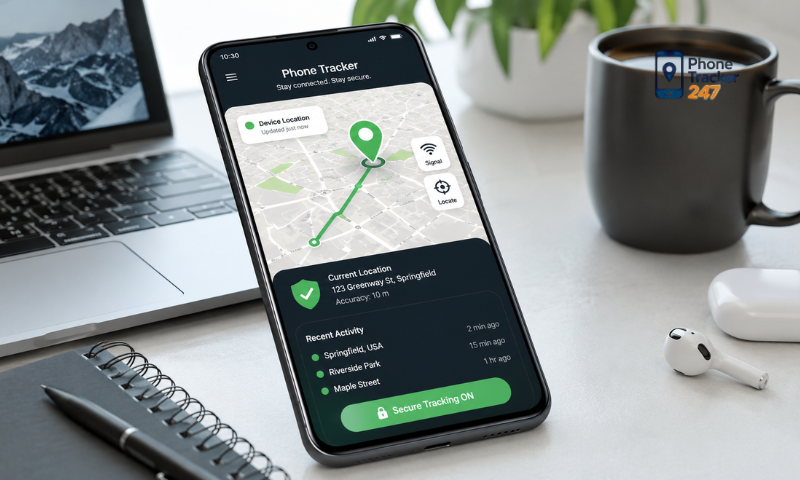
Choosing the best phone tracker app for Android often depends on the intended use, such as helping parents manage their children’s devices or allowing businesses to manage company-issued phones. In addition to location tracking, users should also consider privacy, device management capabilities, and how transparent the app is about data collection and permissions. In the article below, PhoneTracker247 explains the key criteria to consider when choosing a Best Phone Tracker App for Android for family and business use.
Contents
What Makes a Good Phone Tracker App?
A good phone tracking app should do more than simply locate a device. It should also be reliable, easy to use, and transparent about how it handles user data. For parents and businesses, the right choice should be based on actual needs rather than the number of features offered.
Important criteria include:
- Clear and reliable location tracking: The app should provide sufficiently accurate location data and stable updates under normal usage conditions.
- Easy-to-use interface: Users should be able to quickly check devices, locations, history, and settings without complicated steps.
- Stable Android performance: The app should work well with commonly used Android versions without causing unusual battery drain or excessive data usage.
- Reasonable location update frequency: Updates should be frequent enough for tracking needs without forcing the device to run continuously in the background.
- Transparent permission requests: The app should clearly explain why it needs access to location, notifications, or other permissions.
- A clear privacy policy: Users should know what data is collected, how long it is stored, and whether it is shared with third parties.
- Account security: The app should support strong passwords, additional authentication options, and tools for reviewing logged-in devices.
- Multi-device management: This is useful for families with several phones or businesses that manage multiple devices at the same time.
- Data control and deletion options: Users should be able to view, manage, or delete data that is no longer needed.
- Clear support channels: A trustworthy app should provide contact information, help resources, or guidance when users encounter problems.
- No excessive permission requests: If a feature only requires location access but the app also requests camera, microphone, or contact permissions without a clear explanation, users should be cautious.
- Suitable for the intended use: Parents, individuals, and businesses have different needs, so not every feature needs to be enabled.
Users should also consider how often the app is updated, the quality of technical support, and how the platform responds to security issues. An actively maintained app is generally better positioned to adapt to Android changes and new security requirements.
With PhoneTracker247, users should evaluate each feature according to their actual needs, enable only the permissions that are truly necessary, and regularly review settings to maintain control over personal data.
Important Features to Check Before Choosing
More features do not always mean a better app. When choosing a Best Phone Tracker App for Android, users should focus on the functions that are genuinely useful for family or business purposes.
Location Tracking and Location History
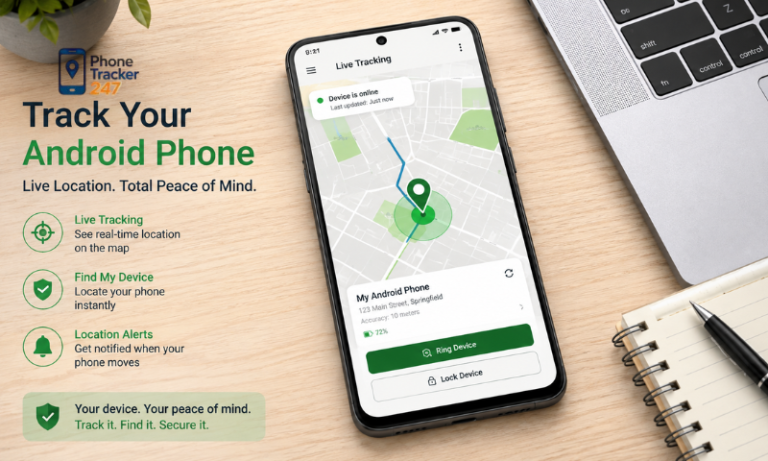
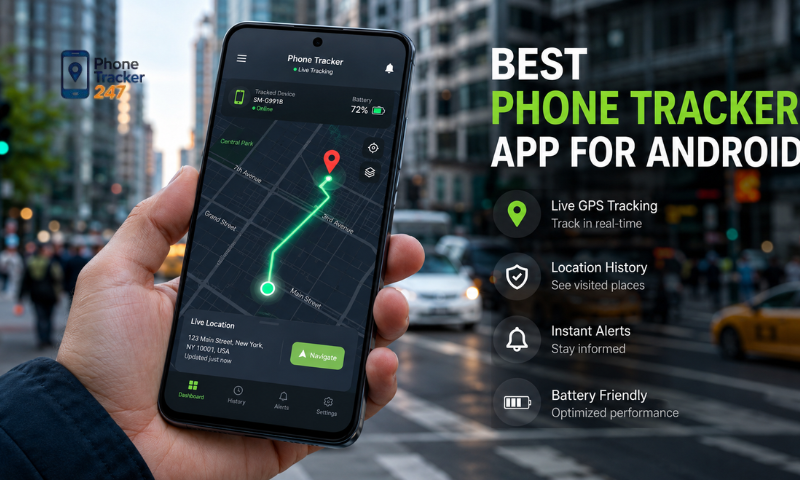
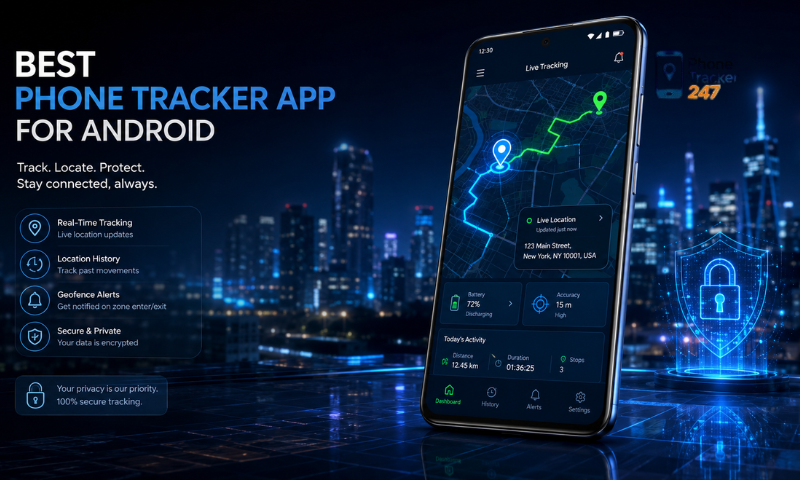
Location tracking is the core feature of most phone tracker apps. In addition to showing the current location, some platforms also allow users to review past location history.
Users should check:
- The stability of location data.
- How frequently the location is updated.
- Whether location history can be viewed.
- How long location data is stored.
- Whether users can delete history when it is no longer needed.
This feature should only be used within an appropriate scope and on devices that users are authorized to manage or where proper consent has been given.
Location Alerts and Device Status
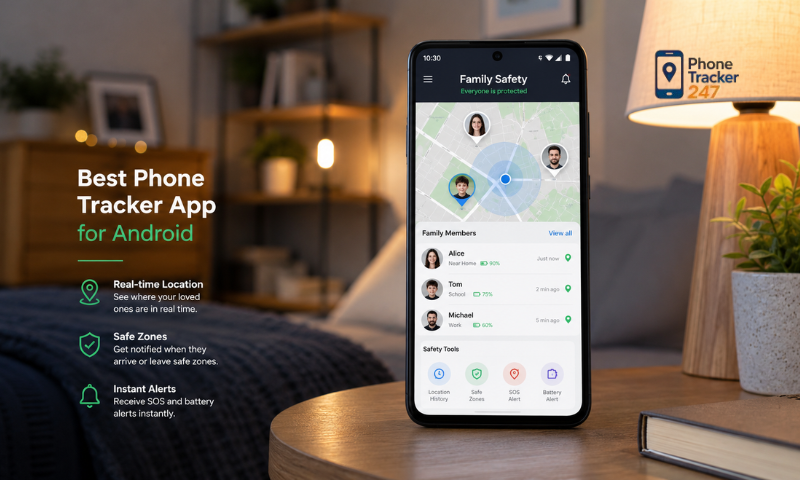
Alerts can help users stay informed without having to check the app continuously.
Available functions may include:
- Notifications when a device enters a specific area.
- Alerts when a device leaves a predefined area.
- Notifications when a device goes offline.
- Updates when certain device status changes occur.
For parents, appropriate alerts can support safety without requiring constant location monitoring.
See more: Free Phone Tracker App for Android: Safe Use Checklist
Multi-Device Management
For families or businesses, the ability to manage several phones under one account can make monitoring more convenient.
Users should check:
- How many devices can be added.
- How each device is identified.
- Whether devices can be added or removed easily.
- What access each administrator or manager has.
- How device status is displayed.
For businesses, this feature is more appropriate when used with phones owned or managed by the organization.
Account Management and Security
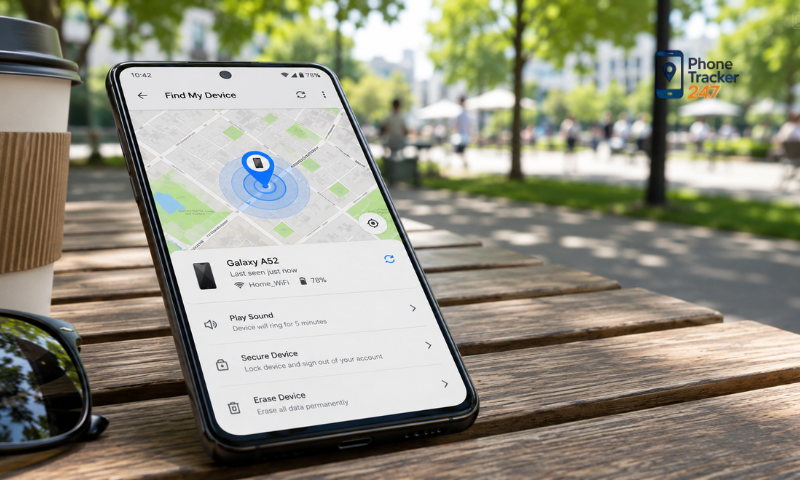
Phone tracker accounts may contain sensitive location information, so security features should be carefully reviewed.
A good app should support:
- Easy password changes.
- The ability to review logged-in devices.
- Remote sign-out from unrecognized devices.
- Two-factor authentication, if available.
- Controls over who can access the account.
These features help reduce the risk of unauthorized access to location data.
Permission Control
Users should be able to manage the permissions an app uses instead of granting full access for the entire installation period.
Apps should ideally allow users to:
- Review location permissions.
- Adjust background activity permissions.
- Revoke permissions that are no longer needed.
- Control notification permissions.
- Delete or stop data collection when necessary.
When using PhoneTracker247, users should only enable features that match their actual needs and regularly review permissions during use.
Privacy and Consent When Using a Tracking App
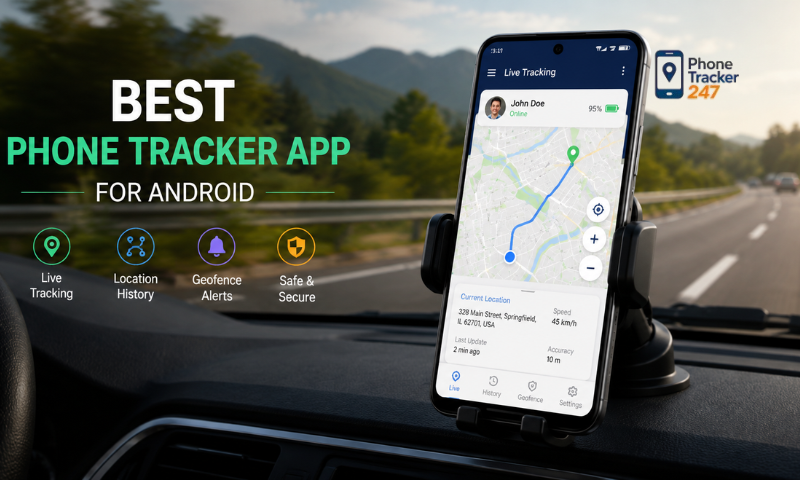
Privacy is especially important when using a phone tracking app. The fact that an app can determine a device’s location does not mean users can track any device without appropriate permission. For parents and businesses, the scope of tracking should be clearly defined from the beginning.
Important principles include:
- Track only devices you legally own or manage: Do not install tracking software on someone else’s device without proper authorization.
- Be transparent about tracking: The person using the device should understand what data is being collected and why.
- Collect only necessary data: Avoid collecting more information than is needed for safety or management purposes.
- Limit who can access the data: Location information should only be shared with parents, managers, or other responsible people who genuinely need it.
- Avoid secret monitoring: Do not use the app to secretly track another person’s location or activities without their knowledge.
- Protect location history: If movement history is stored, users should control how long it is retained and who can access it.
- Revoke access when it is no longer needed: When the tracking purpose ends, disable the feature, delete data, or remove the device from the account.
- Review the privacy policy: Users should understand where data is stored, how long it is retained, and whether it is shared with third parties.
- Follow applicable rules: Businesses should review internal policies and relevant laws before deploying device tracking.
For parents, the way tracking is used should reflect the child’s age and level of independence. Clearly explaining why tracking is being used can help children understand that the purpose is safety rather than constant surveillance.
In a business environment, tracking should generally be limited to company-managed devices and work-related purposes. Policies covering location data, tracking periods, and authorized access should be clearly communicated to employees.
With PhoneTracker247, users should prioritize transparent use, appropriate consent, and data access only for as long as it is genuinely needed. This helps balance device management needs with user privacy.
See more: Tracking App for Android Phone: Best Features to Compare
How to Use a Phone Tracker Safely on Android
Even after choosing a suitable app, the way it is installed, configured, and managed can directly affect security. Users should actively control what data the app can access throughout its use.
Recommended measures include:
- Download from an official source: Avoid unknown APK files or unfamiliar websites to reduce the risk of installing fake or malicious software.
- Review permissions before granting them: Allow only location, notifications, or other permissions directly related to the feature being used.
- Limit background access: If continuous location updates are not necessary, review and adjust background activity permissions.
- Use a strong password: Do not reuse passwords from email, social media, or other important accounts.
- Enable two-factor authentication if available: This adds another layer of protection against unauthorized login attempts.
- Review logged-in devices: Regularly check which devices can access the account and sign out from any unfamiliar ones.
- Keep the app and Android updated: Updates may include security improvements and fixes for known vulnerabilities.
- Do not share location data publicly: Only provide location information to people who genuinely need and are authorized to access it.
- Review permissions regularly: Revoke camera, microphone, contacts, file access, or other permissions that are no longer needed.
- Delete old data when appropriate: Avoid storing location history longer than necessary.
- Avoid logging in on public devices: Shared computers or phones can increase the risk of account exposure.
- Do not share verification codes: OTPs, login codes, and authentication links should only be used by the account owner.
Users should also review settings after app updates to make sure permissions still match their original needs. If tracking is no longer required, location access should be disabled or the device should be removed from the account.
When using PhoneTracker247, users should regularly review account settings, logged-in devices, and app permissions to maintain an appropriate level of control over their data.
Conclusion
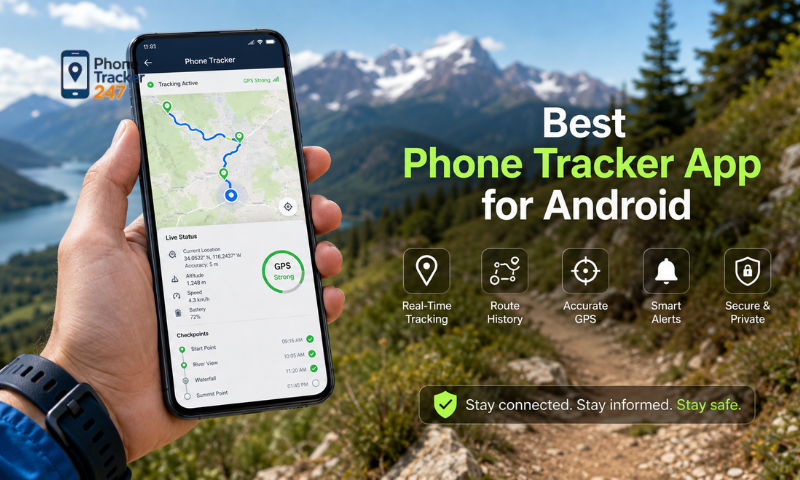
A Best Phone Tracker App for Android should balance location tracking, convenience, and privacy. Whether it is used by parents or businesses, the most important factors are choosing an app that matches real needs, carefully reviewing permissions, and defining the scope of tracking from the beginning. Parents should use tracking tools to support safety and device management. Businesses should deploy them only on devices they are authorized to manage and with clear policies for users.
If you are looking for an Android device tracking and management solution, PhoneTracker247 is an option worth considering. Before using it, review its features, permissions, and security settings carefully to determine whether it fits your needs.