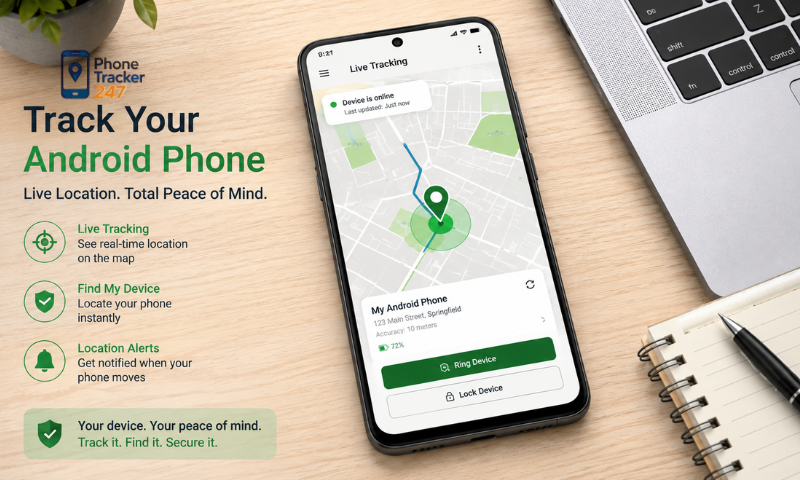
If you search for a Track My Android Phone App, you are usually trying to solve one of two problems: finding an Android phone that has been lost or checking the location of a family member for safety and coordination. Android users now have several practical options, including Google Find Hub for lost-device recovery, Google Maps and Family Link for permission-based location sharing, and dedicated family tracking tools such as PhoneTracker24/7. The right choice depends on whether you need to recover your own device, share live location temporarily, or maintain ongoing family location awareness.
Common Ways to Track an Android Phone Location
There is no single tracking method that works equally well in every situation. Someone trying to recover a lost Android phone needs a different tool from a parent who wants to check whether a child has arrived at school safely. Android users can choose from Google’s built-in services or dedicated family tracking apps depending on the purpose.
Google Find Hub for a Lost or Misplaced Android Phone
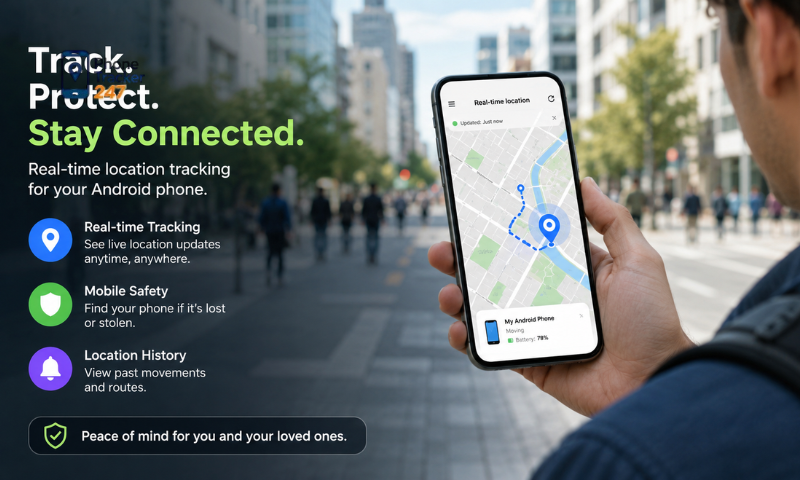
If you are searching for a Track My Android Phone App because your own device is missing, Google Find Hub is usually the first tool to check. It is designed specifically for locating and protecting Android devices linked to your Google Account.
With Google Find Hub, you can:
- View the current or recent location of a compatible Android device.
- Make the phone ring when you think it is nearby.
- Secure a missing device remotely.
- Erase the device if recovery appears unlikely.
- Locate certain offline devices through Google’s Find Hub network.
Google states that Find Hub is generally activated when a Google Account is added to an Android device. Compatible phones can also store encrypted recent locations and participate in Google’s crowdsourced finding network.
Before you lose access to the phone, it is worth checking that Location is enabled and that Allow device to be located is turned on in Find Hub settings. This makes Find Hub particularly useful for lost-device recovery rather than continuous family monitoring.
Google Maps for Voluntary Location Sharing
Google Maps is better suited to situations where two people intentionally want to share their locations. Unlike some misleading online services, it does not allow someone to enter a phone number and instantly reveal another person’s live GPS position.
The person sharing their location can control:
- Who is allowed to see the location.
- How long the sharing period lasts.
- When location sharing should stop.
On Android, the process typically starts in Google Maps by opening the profile menu, selecting Location sharing, choosing New share, setting the duration and selecting the person who should receive the location.
Depending on the sharing setup, the recipient may also see information such as recent device location, battery level and charging status. This makes Google Maps practical for couples, friends or family members coordinating pickups, trips and daily travel.
Google Family Link for Child Location
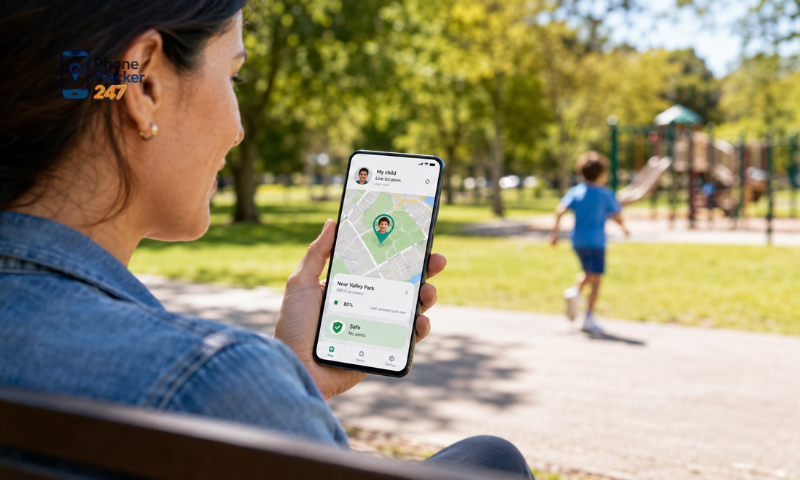
Parents managing a supported child account can use Google Family Link as another native Android option. It combines parental supervision tools with location features designed specifically for families.
After location sharing is enabled, parents can use Family Link to:
- View the location of a child’s supported Android device.
- Save important places such as home or school.
- Receive notifications when a child arrives at or leaves certain locations.
- Manage location-related settings through the parent’s Family Link account.
These features make Family Link more suitable for ongoing parent-child supervision than ordinary Google Maps sharing.
However, location accuracy still depends on factors such as GPS availability, network connection and device settings. Parents should therefore use the information as a safety aid rather than assuming every location update is perfectly precise.
PhoneTracker24/7 for Ongoing Family Location Monitoring
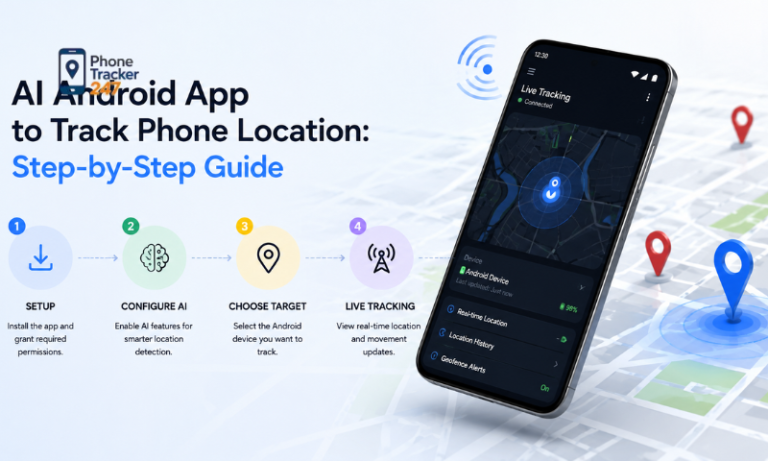
Families that want more than a basic live-location map may prefer a dedicated tracking platform such as PhoneTracker24/7. Its focus is ongoing family location awareness rather than simply recovering a lost phone.
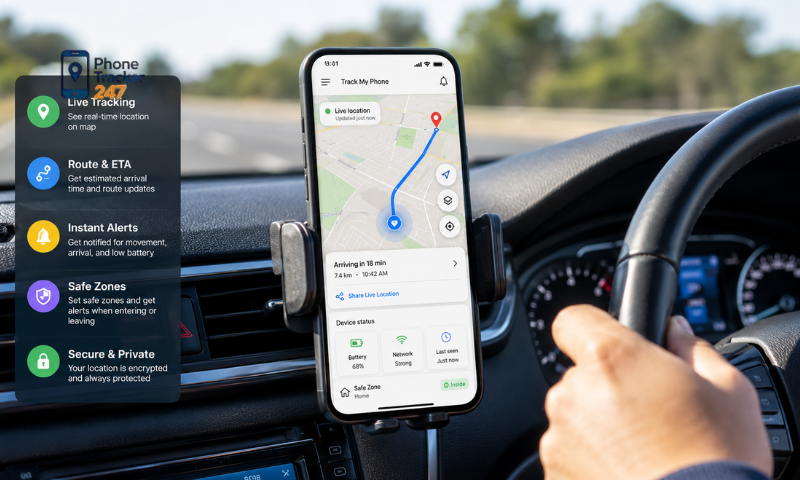
Depending on the device, permissions and selected plan, PhoneTracker24/7 provides features such as:
- Real-time GPS location tracking.
- Location history.
- Geofencing.
- Arrival and departure awareness.
- Web-based location monitoring.
- Additional parental monitoring features.
Its published pricing information currently lists unlimited live location tracking in the free tier, together with a limited amount of location history and geofencing access. Because features and plan limits can change, users should check the latest information before choosing a plan.
The main difference is therefore the use case. Google Find Hub is primarily a recovery tool, while PhoneTracker24/7 is more suitable for families that want continuous location awareness, movement history and location-based alerts from one platform.
See more: Android App to Track Phone Location: Step-by-Step Guide
How to Find a Lost or Misplaced Android Phone
Losing an Android phone does not always mean it has been stolen. It may simply be under a sofa, left at work, forgotten in a taxi or sitting somewhere with the sound turned off. A practical recovery process should therefore start with simple location checks before moving to stronger security actions.
Check the Phone Through Google Find Hub
The first step is to sign in to the Google Account linked to the missing Android device and open Google Find Hub. If the phone can still communicate with Google’s services, you may be able to see its current or recent location.
Location results can be affected by several factors, including:
- GPS signal strength.
- Nearby buildings.
- Indoor environments.
- Mobile network availability.
- Wi-Fi availability.
- Device location settings.
Google can also use encrypted recent-location data and the Find Hub network to help locate certain compatible offline devices. However, the map position should still be treated as an estimate rather than proof that the phone is at an exact physical spot.
Use the location information to narrow down where the device may be instead of relying on a single map marker as absolute evidence.
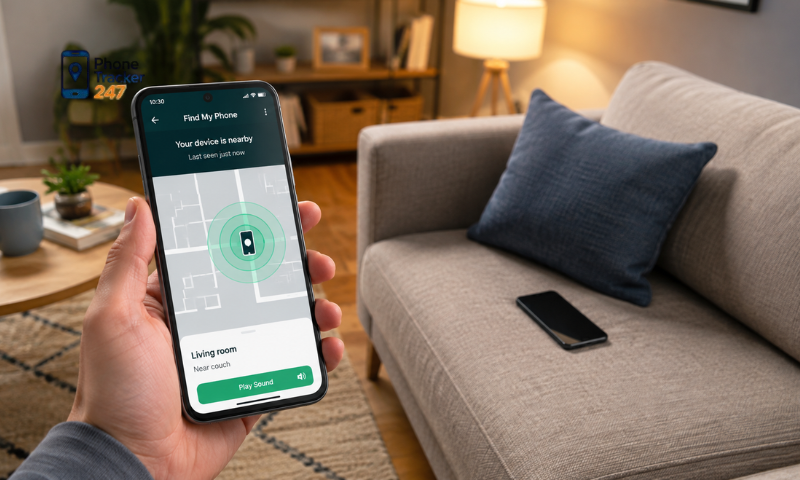
Ring the Device If It May Be Nearby
If Find Hub suggests that the phone is still at home, in the office or somewhere close, try making it ring before taking stronger action.
This option is particularly useful when the device has:
- Slipped behind furniture.
- Been left in another room.
- Fallen inside a bag.
- Been placed somewhere while set to silent or vibration mode.
In many everyday situations, ringing the phone is faster and simpler than trying to follow its GPS position.
Secure the Device If Recovery Is Uncertain
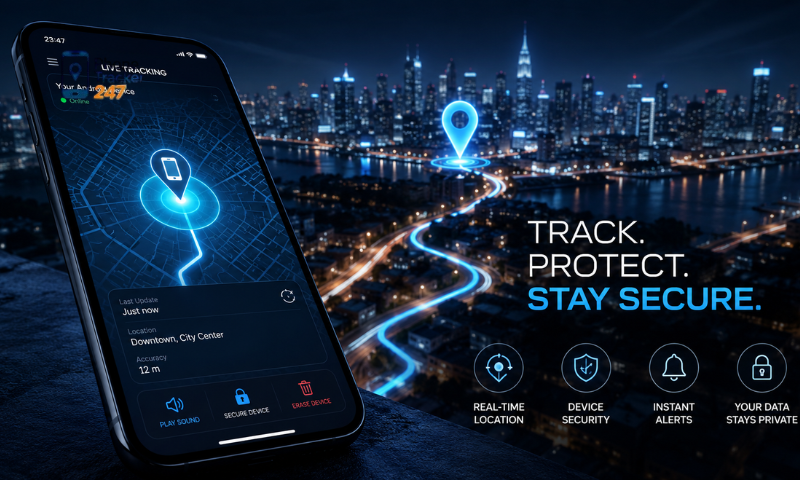
If you cannot retrieve the phone quickly, protecting the information stored on it becomes more important. Google Find Hub includes remote security options that can help reduce the risk of unauthorized access.
You should also review access to important accounts connected to the device, such as:
- Email accounts.
- Online banking.
- Social media.
- Cloud storage.
- Messaging applications.
- Password managers.
A lost smartphone may contain access to personal data, payment services and authentication codes, so the security risk can be greater than the value of the hardware itself.
If the device appears unlikely to be recovered immediately, prioritize account and data protection while continuing to monitor its location.
Use Remote Erase Only When Necessary
Remote erasure should usually be treated as a last resort. It is most appropriate when sensitive data is at risk and there is little realistic chance of recovering the device.
Before erasing the phone, consider that:
- Local data may be permanently removed.
- Some tracking capabilities may no longer be available afterward.
- Recovery may become more difficult once the device has been reset.
For this reason, remote erase should not normally be the first action taken as soon as a phone goes missing.
Use it when protecting personal information has become more important than continuing to track the device.
See more: Phone Tracking App for Android: Real-Time GPS and Reports
Prepare Before a Phone Gets Lost
The most effective lost-phone setup is one completed before the device disappears. Tracking and recovery tools work best when the correct account, location and security settings are already enabled.
Before you need them, check that:
- A Google Account is signed in on the phone.
- Location services are enabled.
- Google Find Hub is active.
- Offline finding is configured where supported.
- A PIN, pattern or password protects the device.
Families using PhoneTracker24/7 or another authorized location-tracking service should also complete setup while the phone is still available. Necessary permissions, background location settings and account connections should be tested in advance.
A tracking app cannot reliably recreate location history that was never collected. Preparing the device beforehand gives you a much better chance of finding it or protecting its data if it is ever lost.
Privacy Considerations When Tracking an Android Phone
Location data can reveal much more than a person’s current position. Continuous tracking may expose:
- Home, work or school locations.
- Daily routines and travel patterns.
- Frequently visited places.
- Typical arrival and departure times.
For this reason, a Track My Android Phone App should be assessed not only for accuracy but also for privacy and consent.
Tracking your own lost phone through Google Find Hub is different from monitoring another person’s device. For family tracking, users should consider:
- Whether the person has agreed to location sharing.
- Who owns or manages the device.
- The child’s age and safety needs.
- How long location data is stored.
- What permissions the app requires.
PhoneTracker24/7 states that its service is intended for authorized family and parental monitoring. Its privacy policy also states that HTTPS transmission and AES-256 encryption are used to protect data.
Users should also be cautious of services claiming they can reveal someone’s live GPS location using only a phone number. Reliable tracking normally requires access to your own device, voluntary location sharing, a supervised family account, or an authorized tracking app.
Choosing a transparent, permission-based solution is the best way to balance family safety with personal privacy.
Conclusion
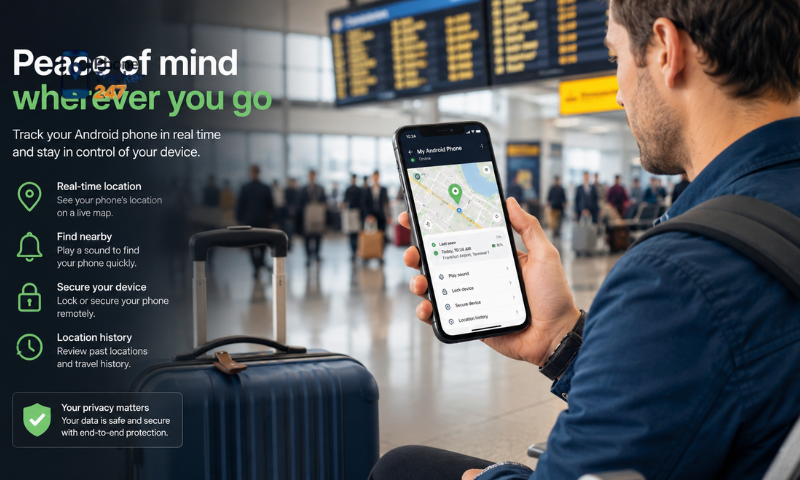
The best Track My Android Phone App depends on your purpose. Google Find Hub is suitable for recovering a lost Android device, while Google Maps and Family Link are better for voluntary sharing and family location management. For families that need real-time GPS tracking, location history and geofencing in one platform, PhoneTracker24/7 offers a dedicated family safety solution. Set up the app in advance, grant only necessary permissions and use tracking only on devices you own or are authorized to manage.
Visit PhoneTracker24/7 to explore available tracking features and choose the option that fits your family’s needs.