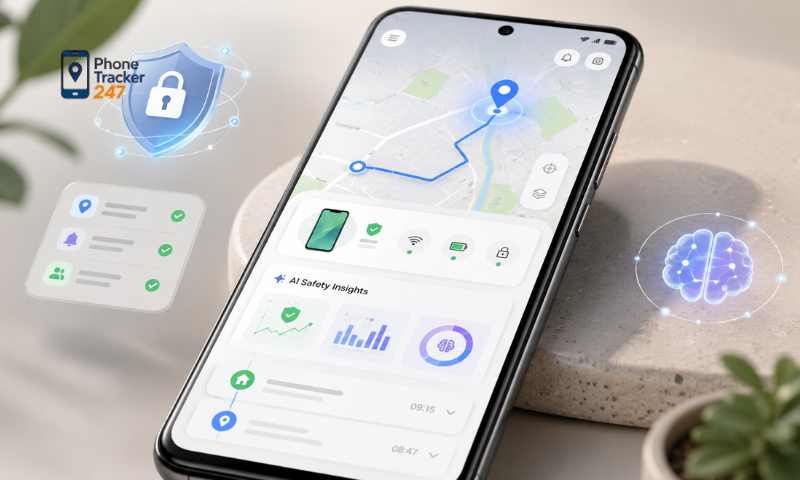
A Phone Tracking App for Android can do more than show a device’s current GPS position. Depending on the app and the permissions enabled, users may also be able to review location history, movement patterns, saved places, and activity reports. However, GPS accuracy and report quality depend on factors such as location permissions, network connectivity, battery settings, and background activity. Below, PhoneTracker247 explains how these reports work and how to use them responsibly.
Types of Location Reports Users Can Track
Location reports help users understand where a device has been over a period of time instead of checking only its current position. The exact reports available depend on the app and the features enabled.
Common report types may include:
- Current location: Shows the latest available GPS position of the device.
- Location history: Displays previously recorded locations over a selected period.
- Route history: Helps visualize how the device moved between different locations.
- Time-based reports: Organizes location data by hour, day, or other time periods.
- Arrival and departure records: Shows when the device entered or left a recorded location.
- Saved place activity: Helps users review visits to locations such as home, school, or other approved places.
- Location update status: Indicates when the device last sent a valid location update.
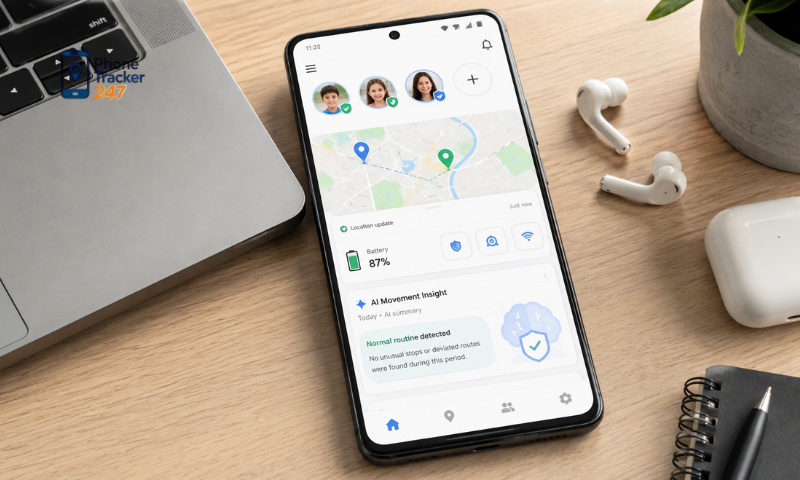
These reports are most useful when reviewed as a pattern rather than treating every individual GPS point as perfectly exact.
Factors That Affect GPS Accuracy
Android location tracking combines GPS satellites, Wi-Fi networks, mobile networks, and device sensors. Because of this, the accuracy of a Phone Tracking App for Android can vary between locations and devices.
Several factors can affect the results:
- GPS signal quality: Tall buildings, tunnels, underground parking areas, and indoor spaces can weaken satellite signals.
- Precise Location settings: Approximate location access may produce a much wider location area.
- Internet connection: A weak or unavailable mobile or Wi-Fi connection may delay the transmission of location data.
- Battery Saver mode: Android may reduce background GPS activity to save power.
- Background restrictions: The operating system may pause an app that is not used frequently.
- Device hardware: GPS performance varies between Android phone models.
- Weather and surroundings: Dense structures or terrain may affect satellite visibility.
- Update frequency: Longer intervals between updates can make movement history appear less detailed.
A slightly delayed or shifted GPS point does not always mean the tracking app is malfunctioning. Users should check several readings and the device’s settings before drawing conclusions.
See more: Phone Tracker App Android: What to Know Before Installing
How to Configure Location and Background Permissions on Android
Correct Android permissions are essential for reliable real-time GPS tracking. If location access or background activity is restricted, the app may work while open but stop updating once the screen is locked. When setting up PhoneTracker247, review these settings on the Android device.
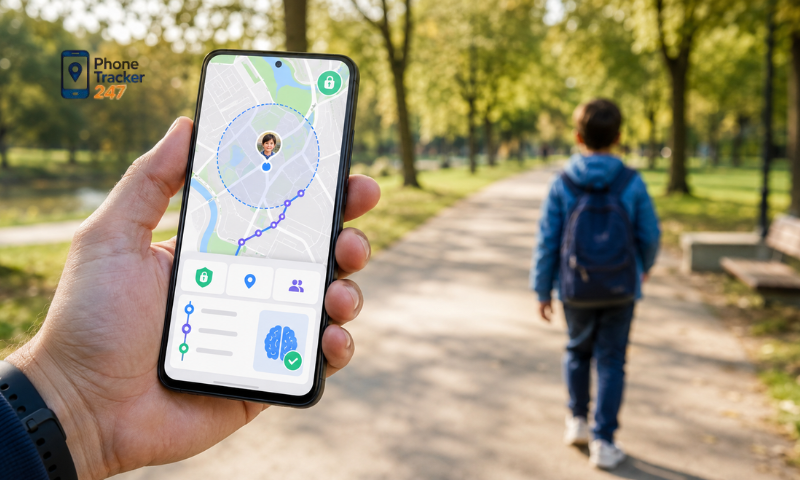
Enable Precise Location
Precise location allows the app to use the most accurate location information available from the phone.
Check that:
- Location services are turned on.
- The app has location permission.
- Precise Location is enabled where supported.
- GPS and network-based location services are available.
Without precise location permission, the reported position may cover a larger geographic area.
Allow Background Location When Needed
A tracking app may need background permission to continue updating when the user is not actively viewing the app.
Review:
- Background location permission.
- Whether Android allows the app to operate when the screen is off.
- Whether the app has been placed in a restricted background mode.
- Whether background mobile data is enabled.
Only enable background location when it is necessary for the intended and authorized tracking purpose.
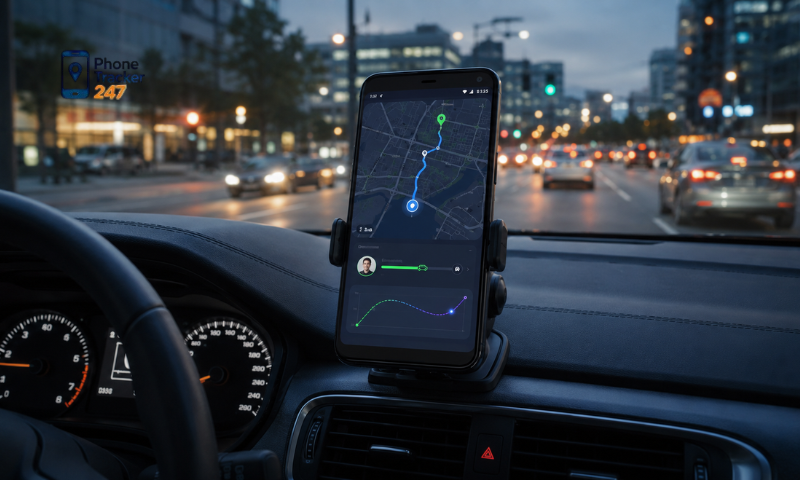
Review Battery Optimization
Android may automatically limit apps that consume power in the background. This can result in delayed GPS updates.
Users can check:
- Battery optimization settings.
- Battery Saver mode.
- App sleep or deep-sleep lists.
- Background activity restrictions.
- Manufacturer-specific power management settings.
Changing these settings may increase battery consumption, so users should balance tracking frequency with practical battery life.
Keep Network Access Available
GPS can determine a position without continuous internet access, but the tracking app generally needs a connection to send that location to another device or account.
Confirm that:
- Mobile data or Wi-Fi is available.
- Background data is permitted.
- Data Saver is not blocking the app.
- The app has not been restricted by firewall or network management settings.
Once the permissions are configured, test the device with both the screen on and off to confirm that location updates continue as expected.
How to Read Location History and Reports Effectively
Location reports are more useful when users understand what the timestamps, routes, and GPS points actually represent. A single data point should not automatically be interpreted as an exact record of where someone stood at a specific moment.
Check the Timestamp First
Always review when the location was recorded. The position shown on the map may be the most recently available update rather than the device’s position at the exact moment you open the dashboard.
Look for:
- Time of the last GPS update.
- Time zone used in the report.
- Gaps between recorded points.
- Whether the device was offline during part of the period.
A long gap between updates can create an incomplete route.
See more: Android Phone Tracker App: Setup, Permissions, and Features
Look at the Route as a Pattern
Instead of focusing on one GPS point, compare several points across the same period.
This can help identify:
- General travel routes.
- Frequently visited locations.
- Approximate arrival and departure periods.
- Periods when the device remained in one area.
- Gaps caused by poor signal or background restrictions.
Patterns usually provide more useful context than isolated location records.
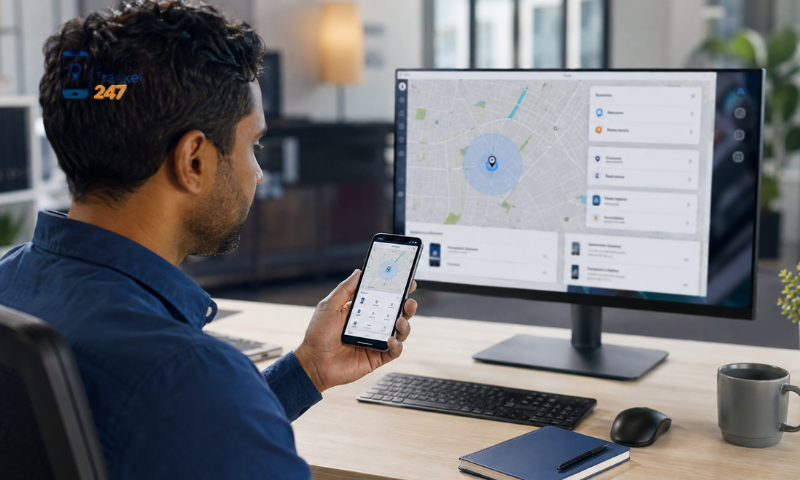
Consider GPS Accuracy Before Drawing Conclusions
A location dot may shift when the phone is indoors, near tall buildings, or receiving a weak signal.
Before interpreting an unusual location:
- Check nearby GPS points.
- Review the reported time.
- Look for network interruptions.
- Consider whether the device was indoors.
- Check whether battery restrictions were active.
Location reports should be treated as technical information with a margin of uncertainty, not as infallible evidence.
Use Reports for a Clear Purpose
Tracking reports are most useful when they support a legitimate need, such as:
- Helping parents understand a child’s travel routine.
- Checking whether a family-owned device reached an expected destination.
- Locating a lost or misplaced device.
- Reviewing travel history on a device you own or manage.
- Supporting agreed family safety arrangements.
Avoid repeatedly checking reports without a practical reason. Clear boundaries make location sharing more useful and less intrusive.
Use PhoneTracker247 for Responsible Location Tracking
A Phone Tracking App for Android can provide useful real-time GPS information and location reports, but the quality of those reports depends on correct permissions, network availability, battery settings, and GPS conditions. Users should review timestamps and movement patterns instead of assuming every recorded point is perfectly precise. PhoneTracker247 is intended to support lawful and transparent uses such as family safety, parental supervision, and locating devices that the user owns, manages, or has permission to monitor. Location tracking should not be used to secretly monitor another adult or access their movements without authorization.
Users can explore PhoneTracker247 to learn more about Android location tracking, review available features, and configure GPS permissions according to their needs. A properly configured setup can improve reporting reliability while maintaining appropriate privacy and consent.
FAQs
1. What is a phone tracking app for Android?
A phone tracking app lets you monitor an Android device’s location and activity.
2. Is the Android phone tracking app free?
Yes. It offers a free version with optional premium features.
3. Can I track a phone in real time?
Yes. Live GPS tracking is supported.
4. Does it show location history?
Yes. You can review previous locations and routes.
5. Does it support geofencing?
Yes. Get alerts when a device enters or leaves a defined area.
6. Can I track multiple Android devices?
Yes. One account can manage multiple devices.
7. Does it require internet access?
Yes. GPS and an internet connection are required for tracking.
8. Is the app compatible with all Android phones?
It works with most modern Android devices.
9. Is it legal to track someone’s phone?
Only if you own the device or have the user’s explicit consent.
10. Who should use an Android phone tracking app?
It’s ideal for parents, businesses, and users managing their own devices.