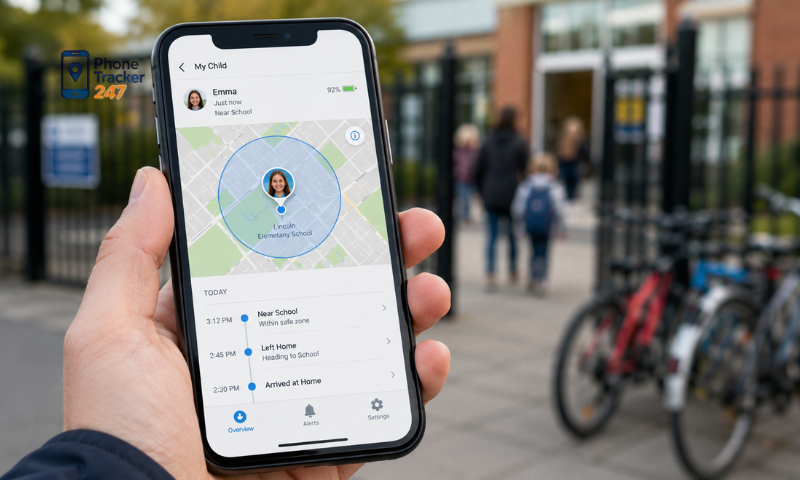
In an era when children begin using smartphones at an increasingly early age, monitoring their location and ensuring their safety have become major concerns for many parents. A Parental Phone Tracking App helps parents track a device’s location, review movement history, and receive important alerts when necessary. In this article, PhoneTracker247 explains how the app works, the benefits it provides, and key considerations for using it effectively while respecting children’s privacy.
When Should Parents Use a Parental Phone Tracking App?
As children become more independent and use smartphones more frequently, parents may use a Parental Phone Tracking App as an additional safety tool. The app should be introduced with clear communication and used to support protection and trust rather than constant control.
- When children start using smartphones independently: A tracking app can help parents confirm that their child has arrived safely at school, an extracurricular activity, or another planned destination.
- When parents want to improve family safety: Families with busy schedules can use location-sharing features to check a child’s whereabouts when necessary, especially when direct supervision is not possible.
- When children explore unfamiliar environments: Tracking may be helpful during school trips, camps, independent travel, or visits to new places, allowing parents to respond more quickly if an unexpected situation occurs.
- When children regularly travel alone: Parents may use geofencing or arrival alerts when children commute to school, use public transportation, or move between scheduled activities.
- When families need better communication: A tracking app can support trust when parents clearly explain its purpose, discuss privacy boundaries, and agree on when location information will be checked.
- When additional support is needed in emergencies: Access to recent location information may help families react faster if a child becomes lost, misses an agreed arrival time, or needs assistance.
A parental tracking app is most effective when it is used transparently, proportionately, and with the child’s knowledge. Open discussions about safety, privacy, and responsible smartphone use can help families benefit from the technology without damaging trust.
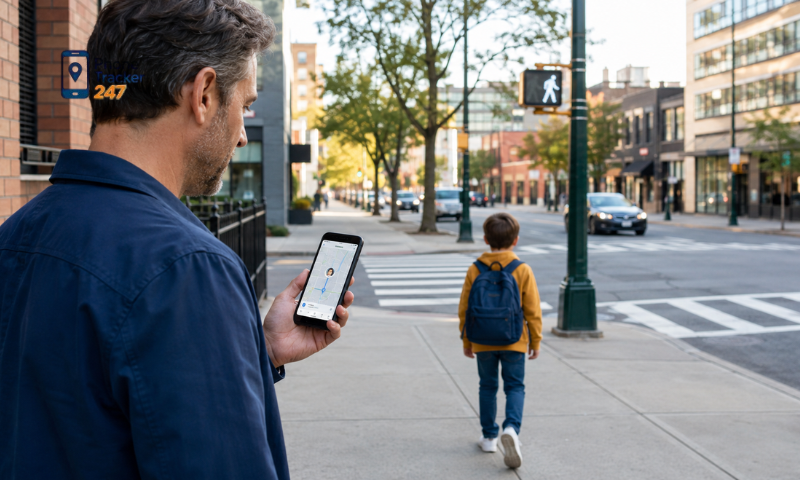
Key Features of a Parental Phone Tracking App
A reliable Parental Phone Tracking App should provide practical tools that help parents monitor location, respond to unexpected situations, and stay connected with family members. The most common features include:
Real-Time Location Tracking
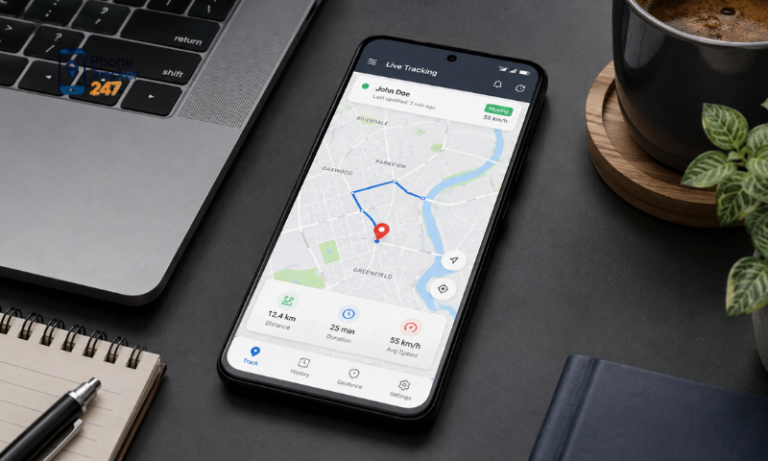
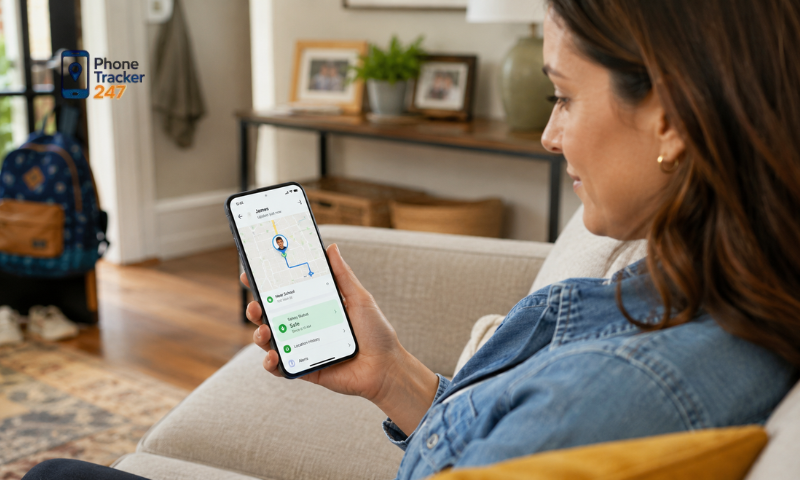
Real-time GPS tracking allows parents to check the current location of a child’s device when needed. This feature may include:
- Live location updates.
- Map-based device tracking.
- Estimated movement direction.
- Current location status.
- Quick access during emergencies.
This function is particularly useful when children are commuting, attending activities, or visiting different locations.
Location History Tracking
Location history allows parents to review previously visited places and travel routes. Common functions include:
- Viewing past locations.
- Checking movement timelines.
- Reviewing regular travel patterns.
- Identifying unexpected routes.
- Comparing arrival and departure times.
This feature helps families understand travel habits and notice unusual movements that may require attention.
Geofencing Alerts
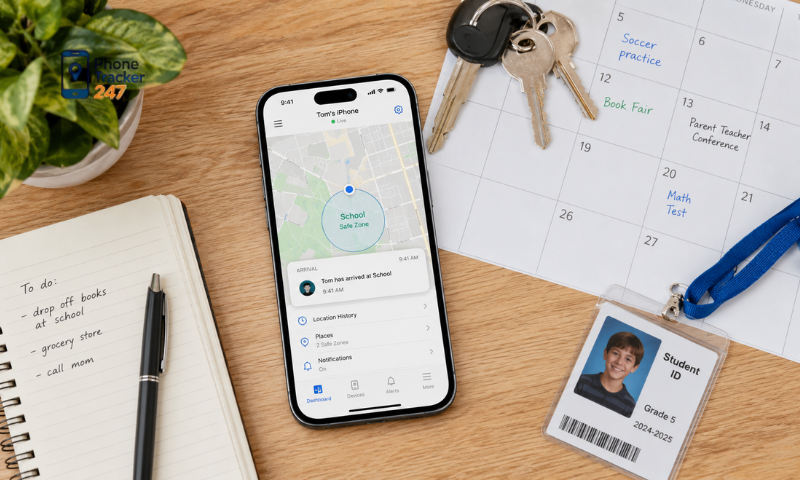
Geofencing enables parents to create virtual boundaries around familiar locations. These areas may include:
- Home.
- School.
- Extracurricular activity locations.
- A relative’s home.
- Other frequently visited places.
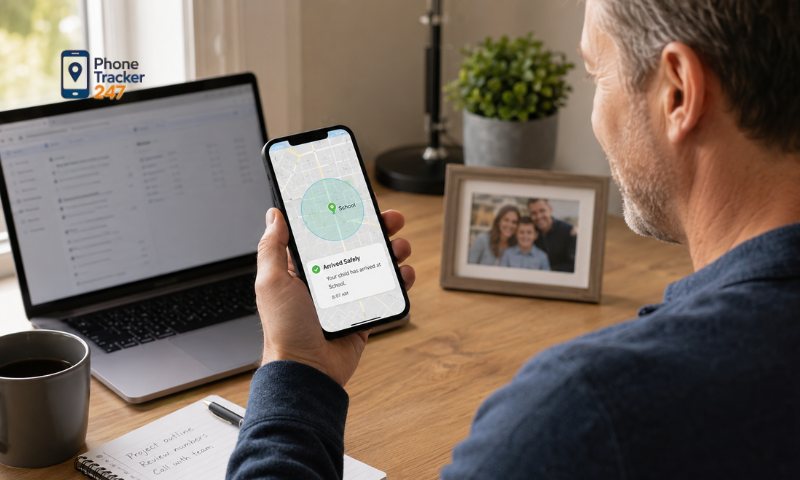
When a child enters or leaves a designated area, the app can send an automatic notification, helping parents stay informed without checking the map continuously.
See more: Phone Location History App: How to Review Routes Safely
Safety Notifications
Safety alerts provide timely updates about important changes related to location or device status. Depending on the application, notifications may include:
- Arrival and departure alerts.
- Unusual location changes.
- Low battery warnings.
- Loss of location signal.
- Emergency or assistance notifications.
These alerts allow parents to respond quickly while reducing the need for constant monitoring.
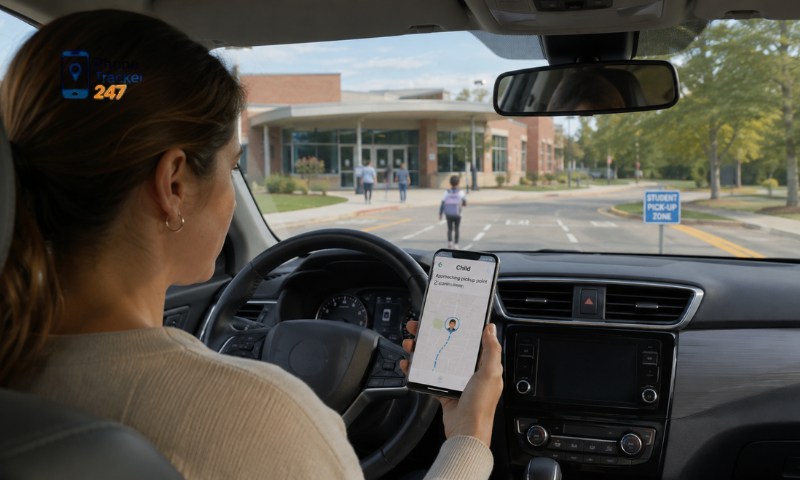
Family Location Sharing
Family-sharing tools allow multiple family members to connect through the same account. This feature may support:
- Location sharing between family members.
- Multiple connected devices.
- Shared safety alerts.
- Family group management.
- Easier coordination of daily schedules.
When used transparently and with clear privacy boundaries, family location sharing can improve communication, coordination, and safety for everyone.
How to Use a Parental Phone Tracking App Safely and Effectively
A Parental Phone Tracking App can support child safety, but it should be used transparently and responsibly. Parents need to balance protection with privacy so the technology strengthens trust rather than creating unnecessary pressure.
Explain the Purpose of Using the App
Before installing the application, parents should clearly discuss why it is needed. The conversation may cover:
- The app’s role in supporting safety.
- Situations in which location may be checked.
- The types of alerts parents will receive.
- How long the app may be used.
- What children can do if they feel uncomfortable.
Clear communication helps children understand that the app is intended for protection, not constant control.

Respect Children’s Privacy
Tracking should be limited to situations where there is a genuine safety need. Parents should:
- Avoid checking location continuously.
- Not use the app to monitor every activity.
- Agree on reasonable privacy boundaries.
- Consider the child’s age and maturity.
- Review consent and expectations regularly.
Respecting privacy allows children to develop independence while still receiving appropriate support.
Choose Appropriate Tracking Settings
Not every available feature needs to be activated. Parents should select settings based on:
- The child’s age.
- Daily travel routines.
- Level of independence.
- Family safety concerns.
- Emergency communication needs.
For many families, location sharing, arrival alerts, geofencing, and emergency notifications may provide sufficient protection.
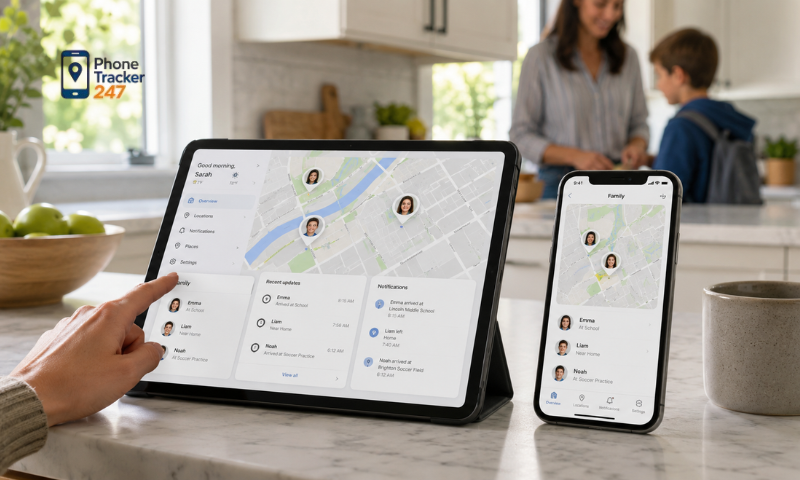
See more: Geofencing Phone Tracker App: How Location Alerts Work
Regularly Review App Settings
Family routines and technology can change over time, so parents should review the application periodically. Important checks include:
- Updating the app and operating system.
- Reviewing connected devices.
- Changing passwords when necessary.
- Checking location permissions.
- Removing features that are no longer needed.
Regular reviews help protect personal data and ensure that the app continues to meet the family’s needs.
Combine Technology with Communication
A tracking app should support family communication rather than replace it. Parents should continue to:
- Ask children about their plans and activities.
- Agree on expected arrival times.
- Teach responsible smartphone use.
- Discuss online and offline safety.
- Encourage children to contact a trusted adult when necessary.
When combined with honest communication and clear boundaries, a parental phone tracking app can improve safety while preserving trust and independence.
Criteria for Choosing a Reliable Parental Phone Tracking App
With many parental tracking applications available, parents should carefully compare security, accuracy, usability, and compatibility before choosing a suitable solution. Important criteria include:
- Security and data protection: Choose an app with strong security measures to protect location information and personal data. Parents should also review the privacy policy to understand how data is collected, stored, and used.
- Accurate location tracking: A reliable app should provide stable and timely location updates while minimizing inaccurate or delayed information.
- Easy-to-use interface: The application should have a clear, simple layout that allows parents to access essential features without complicated setup or navigation.
- Useful safety features: Practical functions may include real-time location tracking, movement history, geofencing alerts, location sharing, and emergency notifications.
- Device compatibility: Before installation, parents should confirm that the app supports the smartphones, operating systems, and software versions used by family members.
- Transparent pricing and support: A trustworthy provider should clearly explain subscription fees, available features, cancellation terms, and customer support options.
Considering these factors helps parents select a parental phone tracking app that is secure, practical, and appropriate for their family’s needs.
Conclusion
A Parental Phone Tracking App can be a valuable tool for parents who want to improve child safety in today’s digital environment. With features such as real-time location tracking, location history, and safety alerts, these applications help families stay connected and respond quickly when needed. However, effective use requires balance between protection and privacy. Parents should choose a reliable application, communicate openly with their children, and use tracking features responsibly.
If you are looking for a suitable Parental Phone Tracking App, explore trusted solutions that provide secure features, accurate tracking, and a user-friendly experience to support a safer digital lifestyle for your family.
For daily updates, subscribe to PhoneTracker’s blog!
We may also be found on Facebook!
FAQs
1. What is a parental phone tracking app?
An app that helps parents track a child’s phone location.
2. When should parents use it?
Use it when children travel alone or need safety support.
3. What is real-time location tracking?
It shows the child’s current phone location on a map.
4. Why is location history useful?
It helps parents review routes and visited places.
5. What are geofencing alerts?
Alerts sent when a child enters or leaves safe zones.
6. What safety alerts matter most?
Arrival, departure, low battery, and emergency alerts.
7. Should parents explain the app first?
Yes, clear communication helps protect trust and privacy.
8. Should parents track constantly?
No, tracking should be limited to real safety needs.
9. What makes a tracking app reliable?
Accuracy, security, compatibility, support, and easy setup.
10. Is parental phone tracking safe?
Yes, when used transparently, legally, and responsibly.