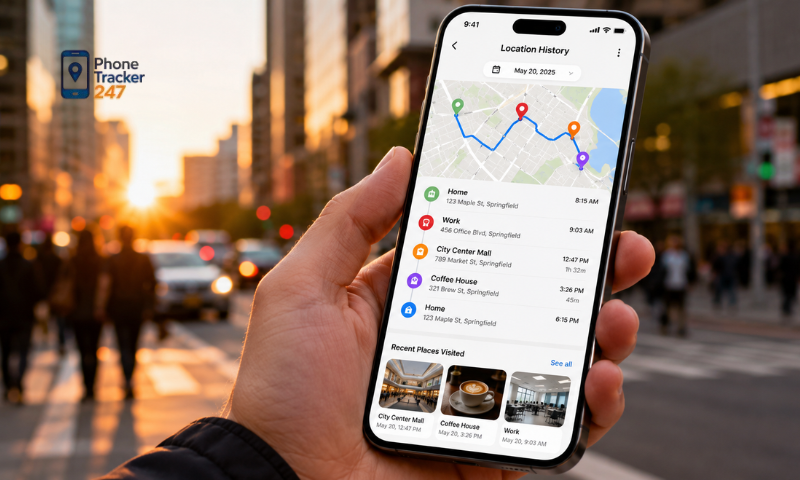
Reviewing location history can help users better understand the routes taken and places visited over a specific period. A Phone Location History App provides a convenient way to review past journeys, but privacy and data security should always remain a priority. Join PhoneTracker247 to learn how to view travel routes safely in the article below.
How Does a Phone Location History App Record Routes?
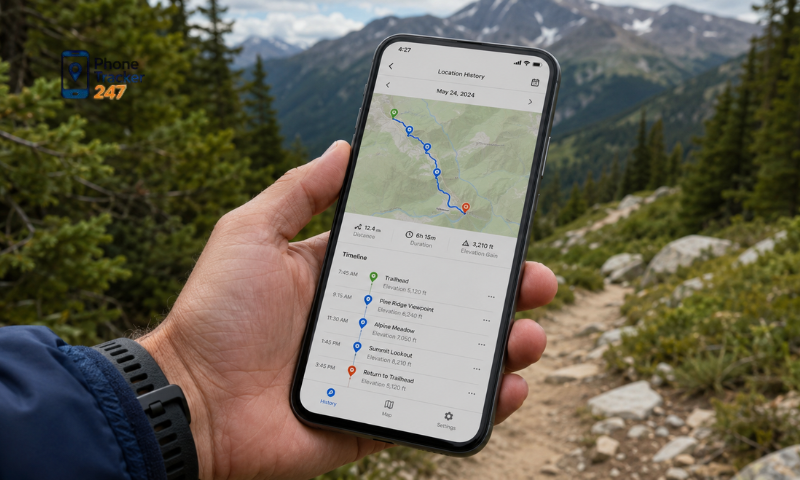
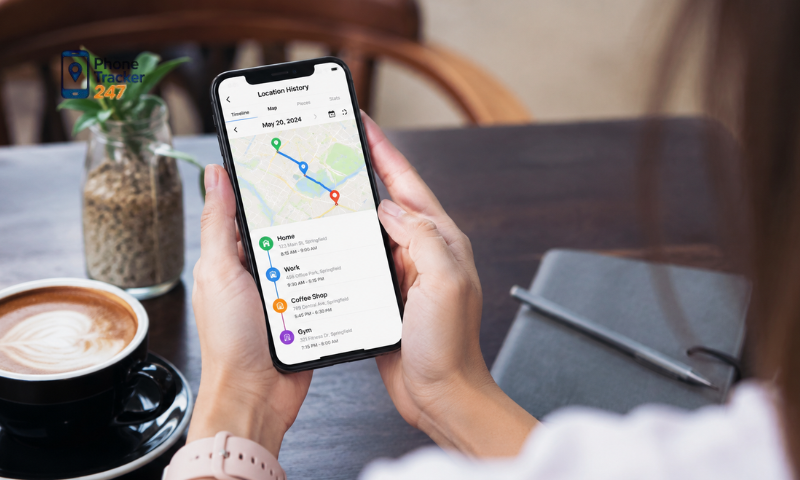
A Phone Location History App collects location data over time and organizes it into a route or timeline. Depending on the app, device settings, and user permissions, the history may show places visited, movement paths, and estimated travel times.
GPS Tracking
GPS is one of the main technologies used to determine a phone’s geographic position.
It helps the app:
- Receive signals from satellites.
- Estimate the device’s current coordinates.
- Record movement between locations.
- Build a route on a digital map.
- Improve outdoor tracking accuracy.
GPS usually works best in open areas, while tall buildings, tunnels, and indoor spaces may reduce signal quality.
Wi-Fi Positioning
Wi-Fi positioning helps estimate location by detecting nearby wireless networks.
This method can:
- Support tracking in urban areas.
- Improve indoor location estimates.
- Identify locations with weak GPS signals.
- Provide additional reference points.
- Help reduce gaps in route history.
Wi-Fi data is often combined with GPS to create a more complete picture of the device’s movement.
Mobile Network Location
Mobile networks can estimate location based on nearby cellular towers.
They may help the app:
- Determine an approximate location.
- Continue tracking when GPS is limited.
- Support location updates during movement.
- Fill in missing route points.
- Improve coverage in some areas.
This method is generally less precise than GPS, but it can still provide useful location information.
Bluetooth Signals
Bluetooth may improve location awareness in supported environments where compatible beacons or nearby devices are available.
It can help:
- Detect proximity to specific points.
- Improve indoor positioning.
- Identify entry into supported areas.
- Add context to location records.
- Support more detailed route tracking.
Bluetooth positioning depends on the presence of compatible equipment and may not be available everywhere.
Device Sensors
Motion sensors can help the app understand whether the phone is moving or stationary.
These sensors may:
- Detect changes in movement.
- Support activity recognition.
- Help estimate travel patterns.
- Reduce unnecessary location updates.
- Improve route continuity.
Sensor data usually works together with GPS, Wi-Fi, and mobile network information.
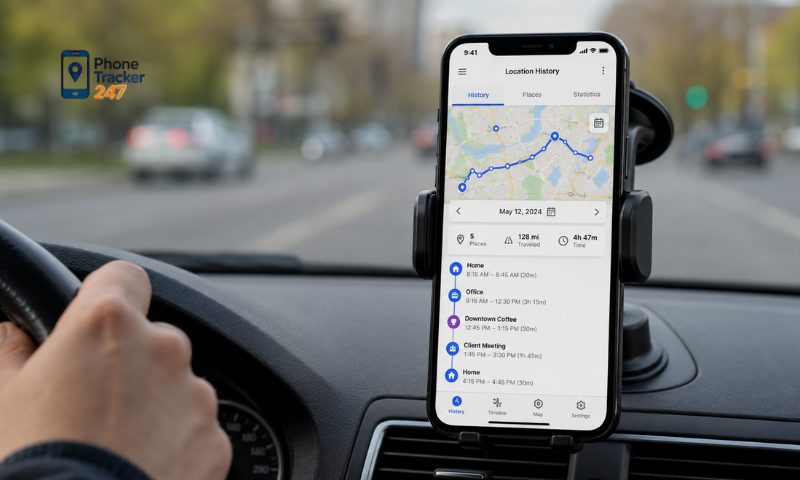
Once location permission is granted, the app may record location points at set intervals and connect them to create a visual route. Accuracy can vary depending on signal strength, background permissions, battery-saving settings, internet connectivity, and the surrounding environment.
See more: Geofencing Phone Tracker App: How Location Alerts Work
How to Review Route History Safely
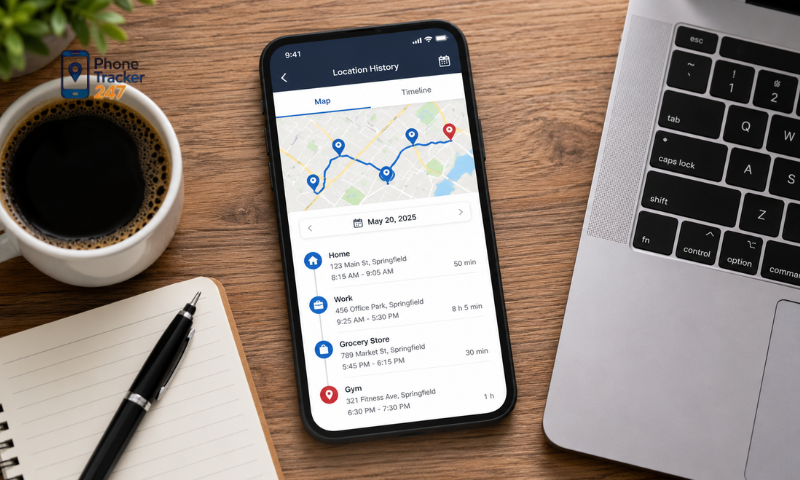
Reviewing previous routes can help users remember visited places, check personal journeys, or look back on travel activities. Because location history may reveal sensitive information, it should always be accessed and interpreted carefully.
Use a Trusted Device and Account
Route history should only be reviewed on a secure personal device and through the correct account.
Users should:
- Open the Phone Location History App on a trusted device.
- Confirm that they are signed in to the correct account.
- Avoid accessing location history on unfamiliar devices.
- Sign out after using a shared computer or phone.
- Protect the account with a strong password.
Using the correct device and account helps reduce the risk of unauthorized access to private location data.
Connect Through a Secure Network
A secure internet connection is important when accessing stored routes or synchronized location history.
Users should:
- Prefer a trusted home or mobile network.
- Avoid unsecured public Wi-Fi.
- Check that the app connection is protected.
- Update the app and operating system regularly.
- Close the app after finishing the review.
A secure connection helps protect location information while it is being accessed or synchronized.
Check the Correct Date and Time Range
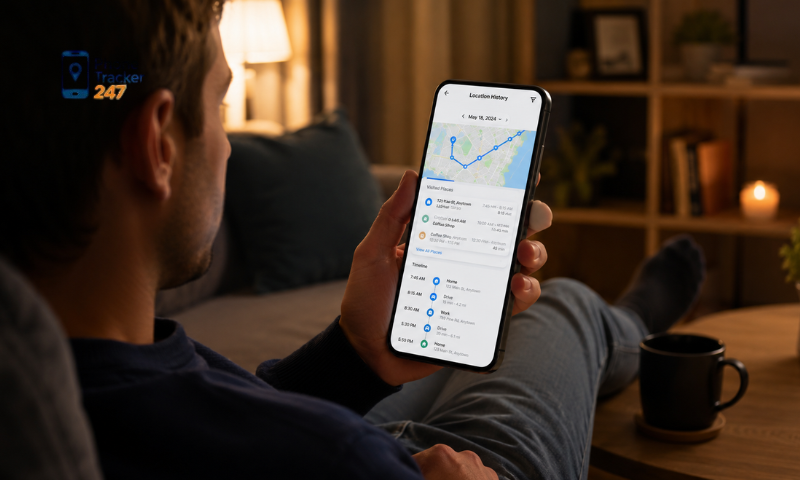
Before reviewing a route, users should confirm the selected period to avoid confusion.
It is helpful to:
- Select the correct date.
- Check the start and end times.
- Review individual stops carefully.
- Compare the timeline with personal activities.
- Look for missing or delayed location updates.
Checking the time range ensures that users are reviewing the intended journey rather than unrelated location records.
Protect Private Locations When Sharing
Screenshots and exported routes may reveal home addresses, workplaces, or frequently visited places.
Before sharing, users should:
- Hide private addresses.
- Remove unnecessary map details.
- Avoid posting route images publicly.
- Share only with trusted people.
- Review exported files before sending them.
Limiting shared information helps protect personal routines and sensitive locations.
Access Only Authorized Location Data
Location history should only be reviewed when the user owns the account or has clear permission to access it.
Users should:
- Review only their own location records.
- Obtain consent before viewing another person’s data.
- Avoid secretly monitoring someone.
- Respect account and device privacy settings.
- Stop access when permission is withdrawn.
Responsible use protects privacy and helps prevent location tracking from being misused.
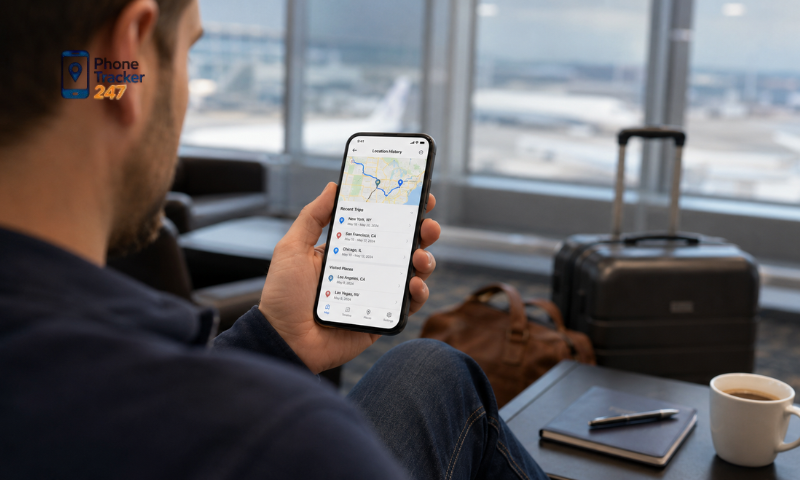
Interpret Route History Carefully
Location records may not always represent an exact path because GPS drift, weak signals, or delayed updates can affect accuracy.
Users should remember that:
- A device may appear on a nearby street.
- Indoor locations may be less precise.
- Tunnels and tall buildings can interrupt signals.
- Some points may be missing.
- Updates may appear later than the actual movement.
For this reason, route history should be treated as a useful reference rather than unquestionable proof of a person’s exact movements.
How to Protect Data When Using a Phone Location History App
Location history may reveal daily routines, home addresses, workplaces, and frequently visited places. For this reason, users should apply basic security measures to reduce privacy risks and keep sensitive route data under control.
Review Location Permissions
Location access should only be granted when it is necessary for the app to function properly.
Users should:
- Check which apps can access location data.
- Change permission to “While Using the App” when continuous tracking is unnecessary.
- Disable location access for unused applications.
- Review background location settings.
- Recheck permissions after app updates.
Limiting unnecessary access helps reduce the amount of location data collected in the background.
Use a Strong and Unique Password
A secure password helps protect location history from unauthorized access.
A strong password should:
- Be different from passwords used on other services.
- Include a mix of letters, numbers, and symbols.
- Avoid names, birthdays, or common phrases.
- Be stored in a trusted password manager.
- Be changed if suspicious activity is detected.
Using a unique password reduces the risk of account compromise when another service experiences a data breach.
Enable Two-Factor Authentication
Two-factor authentication adds an extra verification step when signing in.
When available, users should:
- Enable two-factor authentication in account settings.
- Use an authenticator app or another secure verification method.
- Keep backup recovery codes in a safe place.
- Review trusted devices regularly.
- Remove devices that are no longer used.
This additional layer of security makes it more difficult for unauthorized users to access stored routes.
See more: Location Sharing Apps for Family: Pros, Cons, and Privacy
Limit Route Sharing
Route history should only be shared with trusted people and for a clear purpose.
Before sharing, users should:
- Check whether the route reveals a home or work address.
- Remove unnecessary personal details.
- Avoid posting route screenshots publicly.
- Review exported files before sending them.
- Stop sharing access when it is no longer needed.
Careful sharing helps prevent private routines and frequently visited locations from being exposed.
Keep the App and Phone Updated
Software updates often contain security patches and improvements that protect against known vulnerabilities.
Users should:
- Update the phone’s operating system regularly.
- Install the latest version of the location app.
- Enable automatic updates where appropriate.
- Avoid downloading apps from untrusted sources.
- Remove applications that are no longer supported.
Keeping software current helps maintain stronger protection for account and location data.
Review Stored Location History Regularly
Old routes may remain stored long after they are useful.
Users can:
- Check how long the app keeps location records.
- Delete routes that are no longer needed.
- Enable automatic deletion when available.
- Review synced data across connected devices.
- Download important records before removing them.
Regularly managing stored history reduces the amount of sensitive data available if an account is compromised.
Choose a Transparent Location App
A reliable Phone Location History App should clearly explain how it collects, stores, and manages user data.
Before using an app, review:
- Its privacy policy.
- The types of location data collected.
- How long information is retained.
- Whether data is shared with third parties.
- Available options for deleting or exporting data.
- Account security and consent settings.
Choosing a transparent app gives users greater control over their location history and helps support safer long-term use.

Conclusion
A Phone Location History App can make it easier to review previous routes, visited locations, and personal travel patterns. However, location history is sensitive data, so users should review routes only on trusted devices, protect their accounts, and carefully manage sharing permissions. The safest approach is to use location history transparently and only for devices or people you are authorized to track. Regularly reviewing permissions, deleting unnecessary history, and choosing an app with clear privacy controls can help you benefit from route history while reducing security and privacy risks.
Looking for a safer way to review your location routes? Choose a trusted Phone Location History App with transparent privacy settings, secure account protection, and easy-to-manage location history controls.
Frequently Asked Questions (FAQs)
1. What is a phone location history app?
An app that records and displays your past locations.
2. How does location history work?
It uses GPS, Wi-Fi, and mobile networks to log your trips.
3. Can I view past locations?
Yes. You can review previous routes and visited places.
4. How accurate is location history?
Accuracy depends on GPS signal, Wi-Fi, and network coverage.
5. Does it work offline?
No. Most features require GPS and internet access.
6. Can I export location history?
Many apps allow you to export or download your data.
7. Is my location history private?
Yes. It should only be accessible to authorized users.
8. Can I delete location history?
Yes. Most apps let you delete stored location records.
9. Is location history useful?
Yes. It helps review trips, recover routes, and find lost devices.
10. Who should use a location history app?
Families, travelers, and businesses that need location records.