The use of phone tracking applications is becoming increasingly common to support device management, protect data, and ensure personal information security. However, before installing and using such apps, users need to prepare several important factors to make the setup process smooth and effective. In the article below, PhoneTracker247 provides a Phone Tracker App Download Checklist to help you understand what to prepare before installing a phone tracking application.
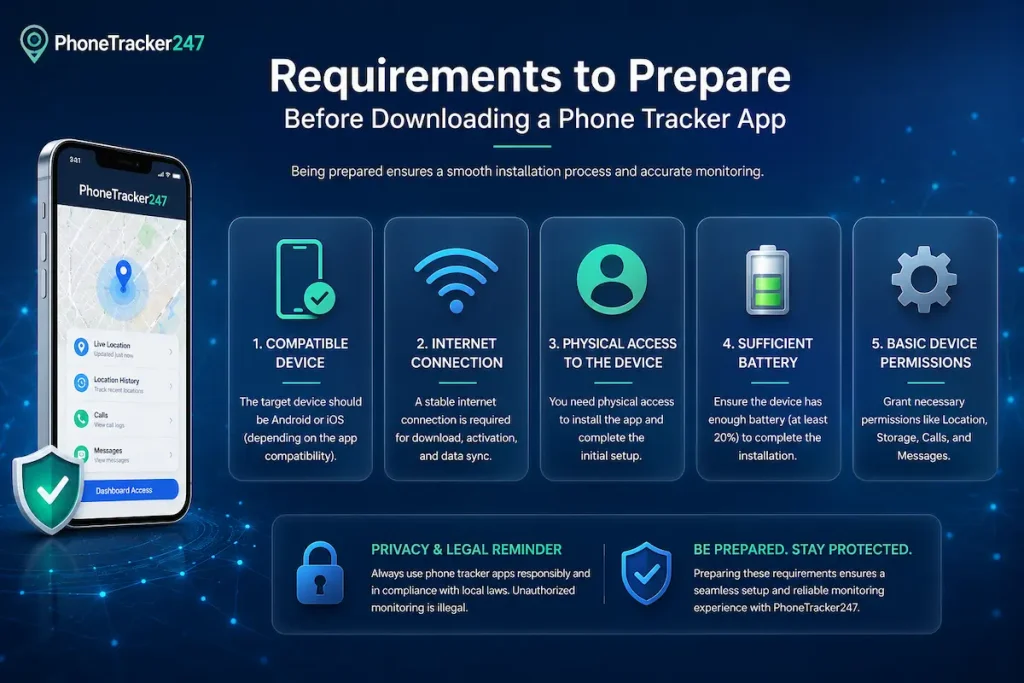
Requirements to Prepare Before Downloading a Phone Tracker App
Before downloading a phone tracker app, users should make sure their device meets the basic technical requirements. Proper preparation helps prevent installation errors, improve compatibility, and ensure the app runs smoothly after setup.
- Compatible device: Check whether the app supports Android, iOS, or both before downloading.
- Stable internet connection: A reliable connection is needed for installation, account setup, and data synchronization.
- Sufficient storage space: Make sure the device has enough free space to install and run the app properly.
- Updated operating system: Keeping the OS updated helps improve compatibility and app performance.
- Required permissions enabled: Allow necessary permissions such as location, notifications, and background activity when needed.
- Active account access: Some apps may require an email, app account, or device login to complete setup.
Preparing these requirements in advance helps make the installation process smoother and reduces the risk of setup or performance issues.
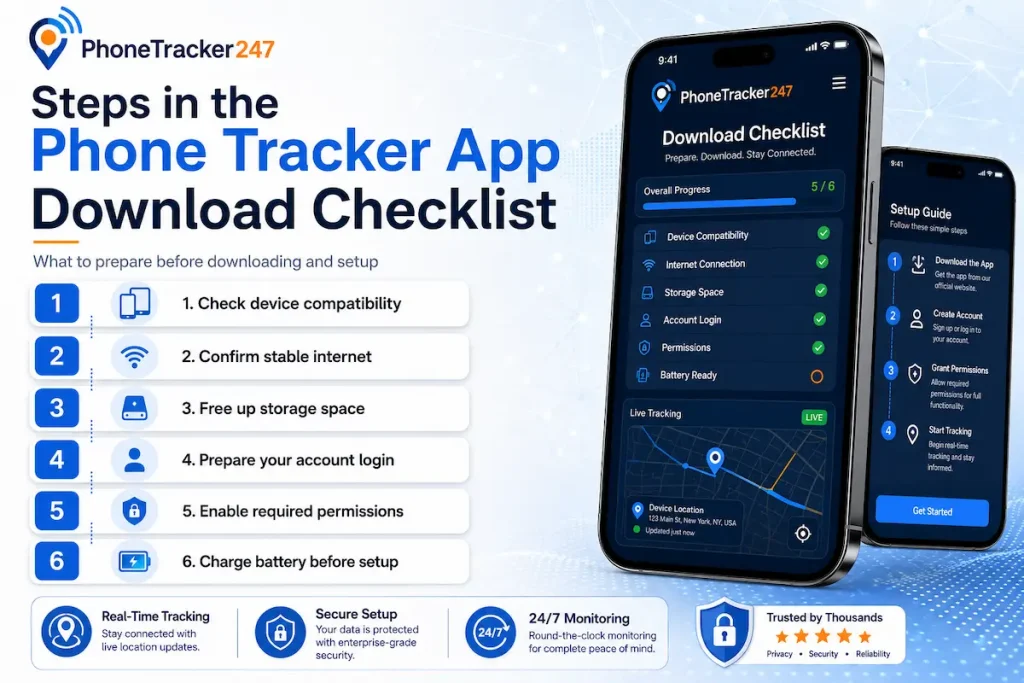
Steps in the Phone Tracker App Download Checklist
A Phone Tracker App Download Checklist helps users prepare, install, and set up the app correctly. Following each step carefully can reduce setup errors, improve tracking accuracy, and ensure the app works as intended.
Step 1: Identify Your Tracking Needs
Before downloading any app, users should define why they need a phone tracker. This helps choose the right features and avoid installing unnecessary tools.
- Family monitoring: Useful for location sharing and safety checks.
- Device security: Helps locate a lost or misplaced phone.
- Business use: Supports basic device management for work-related needs.
Clear tracking goals make it easier to select the most suitable app.
Step 2: Choose a Reliable App
Selecting a trustworthy app is important for both performance and data safety. Users should prioritize apps from official platforms.
- Use official app stores: Download from Google Play Store or App Store.
- Check app reviews: Review ratings, user feedback, and update history.
- Verify the developer: Choose apps from reputable and transparent providers.
A reliable app reduces security risks and improves long-term usability.
See more: PhoneTracker247 App Review: Feature Overview and Use Cases
Step 3: Check Required Permissions
Phone tracker apps usually need certain permissions to function properly. Users should review these permissions before installation.
- Location access: Required for real-time or periodic location tracking.
- Background activity: Allows the app to work when not actively open.
- Notifications: Helps send alerts, updates, or activity reports.
Granting only necessary permissions helps balance functionality and privacy.
Step 4: Download and Install the App
After choosing the right app, users can proceed with downloading and installation. This step should be completed on a compatible device.
- Check compatibility: Make sure the app supports the device and operating system.
- Ensure stable internet: Avoid interrupted downloads or setup errors.
- Install from trusted sources: Do not use unofficial or modified versions.
Installing the app correctly helps prevent technical issues during setup.
Step 5: Complete Setup and Synchronization
Once installed, the app needs to be configured and linked to the user’s account or dashboard. This step ensures tracking data can be viewed properly.
- Create or log in to an account: Use the required email or account credentials.
- Enable synchronization: Connect the device to the app dashboard.
- Adjust settings: Configure tracking frequency, alerts, and reports.
Proper setup helps the app collect and display tracking data accurately.
Step 6: Test Tracking Features
After setup, users should test the app to confirm that its features work correctly. This helps detect issues early.
- Check location accuracy: Confirm that the location data updates properly.
- Review reports: Make sure activity or tracking reports are displayed correctly.
- Test alerts: Verify that notifications work as expected.
Testing the app after installation ensures smoother use and more reliable tracking results.
See more: Phone Tracker GPS Tracking App: Real-Time Location Explained
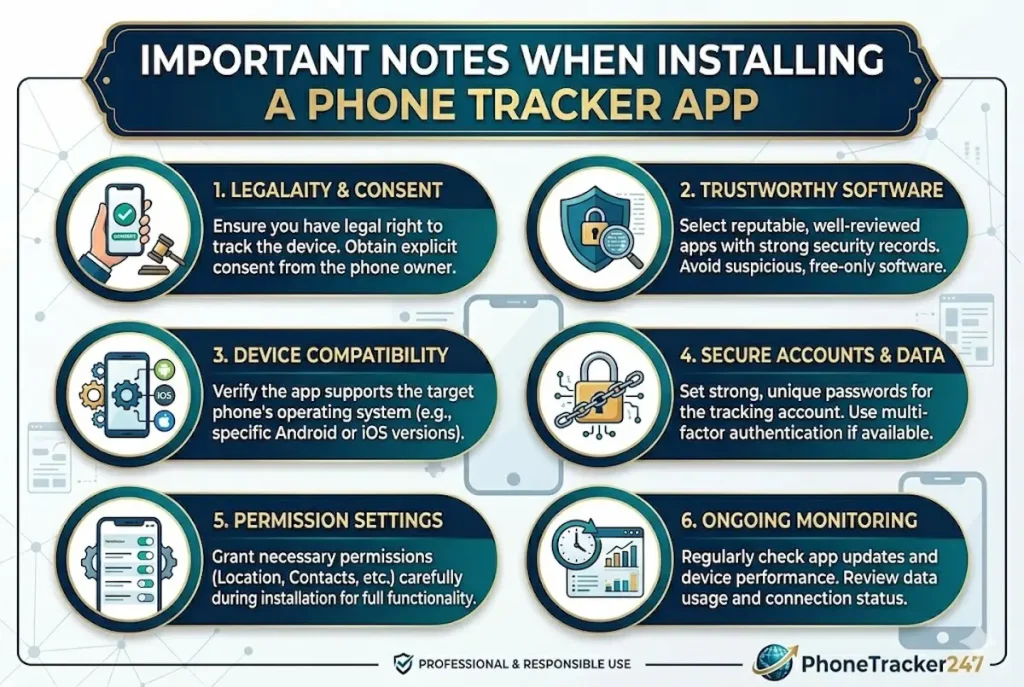
Important Notes When Installing a Phone Tracker App
When installing a phone tracker app, users should pay close attention to security, privacy, and legal compliance. Proper preparation helps reduce data risks and ensures the app works safely and effectively.
- Download from official sources: Use trusted platforms such as Google Play Store or App Store to avoid unsafe apps.
- Avoid unofficial versions: Do not install modified or unknown tracking apps, as they may contain malware or security risks.
- Review privacy policies: Check how the app collects, stores, and uses personal data before granting access.
- Follow local laws: Make sure tracking or monitoring activities comply with applicable legal requirements.
- Limit unnecessary permissions: Only allow permissions that are required for the app’s core functions.
- Check app reputation: Review ratings, user feedback, and developer information before installation.
Following these precautions helps protect personal data, reduce security risks, and ensure safer use of a phone tracker app.
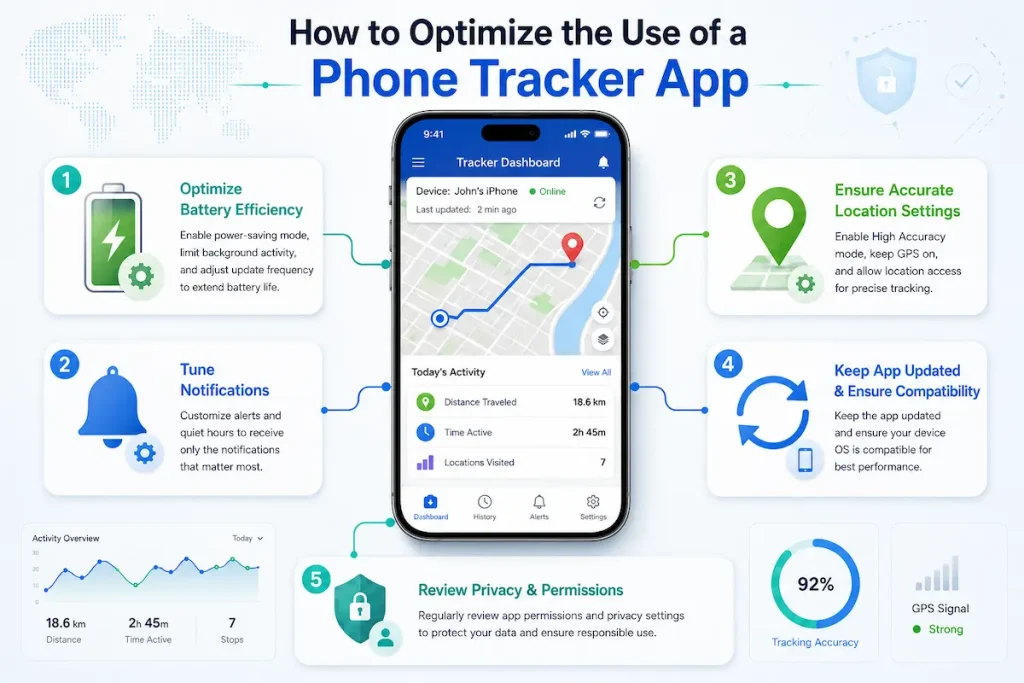
How to Optimize the Use of a Phone Tracker App
To get better performance from a phone tracker app, users should set it up correctly, keep it updated, and manage permissions carefully. Proper optimization helps improve tracking accuracy while maintaining device performance and privacy.
- Configure the app based on your purpose: Set up tracking features according to your needs, such as device management, location monitoring, or data protection.
- Update the app regularly: Use the latest version to access improved features, bug fixes, and better security.
- Manage app permissions carefully: Allow only necessary permissions to balance functionality and privacy.
- Monitor battery usage: Check background activity and adjust settings to avoid excessive battery drain.
- Review tracking reports often: Regularly check reports to ensure the data is accurate and up to date.
Using a phone tracker app properly helps improve reliability, reduce errors, and deliver more consistent tracking results.
Conclusion
A Phone Tracker App can be a powerful tool for device management, safety, and monitoring when used correctly. However, proper preparation, careful installation, and responsible usage are essential to ensure security and effectiveness.
If you are looking for guidance on choosing and setting up the right tracking solution, make sure to follow a complete Phone Tracker App Download Checklist to avoid mistakes and maximize performance from the start.
For daily updates, subscribe to PhoneTracker’s blog!
We may also be found on Facebook!
FAQs
1. What is a phone tracker app download checklist?
It is a list of things to prepare before installing a phone tracker app.
2. Why do I need a checklist before setup?
It helps avoid setup errors, missing permissions, and connection problems.
3. What should I prepare first?
Prepare the target device, internet access, login details, and required permissions.
4. Do I need physical access to the phone?
Yes, setup usually requires access to the device you own or are authorized to manage.
5. What permissions may be required?
Location, notifications, background activity, accessibility, camera, and phone permissions may be required.
6. Is internet required for setup?
Yes, a stable internet connection helps download, install, and sync tracking data.
7. Should I check device compatibility?
Yes, check the device model, Android version, storage, and battery settings first.
8. Is consent required before installation?
Yes, use the app only on owned devices or with clear consent and authorization.
9. How can I protect account security?
Use a strong password, verified email, and private dashboard access.
10. Is PhoneTracker247 easy to set up?
Yes, PhoneTracker247 is designed for guided setup, permissions, tracking tools, and dashboard access.