Identify The Best Monitoring Features for Teens Aged 13–17 to balance autonomy with safety. Expert guide on Device monitoring, Cyber risk prevention, and Digital well-being.
Introduction: The Shift from Control to Collaboration
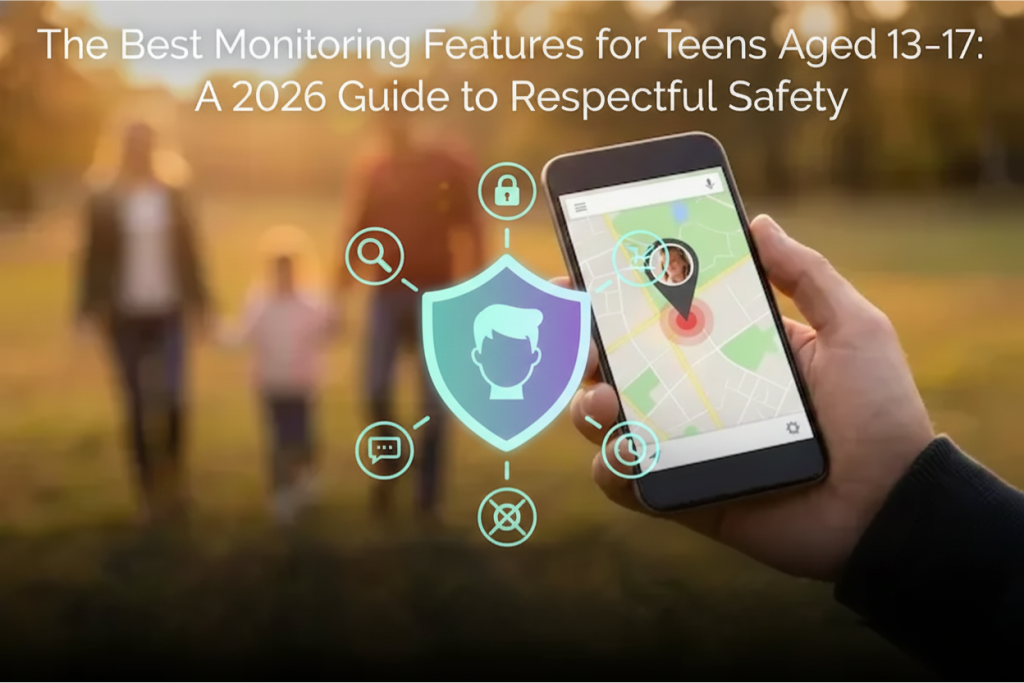
Parenting a teenager is a fundamentally different challenge than raising a young child. As children enter adolescence, the “walled garden” approach of strictly blocking apps and locking devices becomes less effective and often counterproductive. Teens require autonomy to develop, yet they face sophisticated digital threats ranging from predatory grooming to algorithmic radicalization. Therefore, identifying The Best Monitoring Features for Teens Aged 13–17 is about finding tools that offer safety without suffocation.
In 2026, the goal is no longer to prevent access to the internet, but to mentor them through it. The software solutions that worked for a 7-year-old—simple time limits and “safe search”—are insufficient for a 16-year-old driving a car and navigating complex social dynamics. Parents need sophisticated online safety tools that provide insight rather than mere restriction. This guide analyzes The Best Monitoring Features for Teens Aged 13–17, helping guardians select device monitoring capabilities that respect a teen’s growing independence while providing a critical safety net against serious harm.
Defining The Best Monitoring Features for Teens Aged 13–17
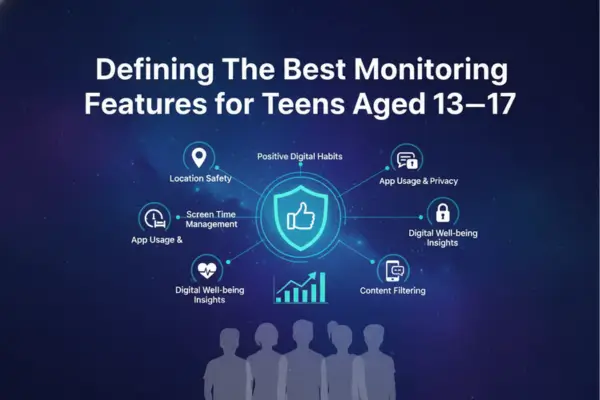
Defining The Best Monitoring Features for Teens Aged 13–17
To understand what constitutes The Best Monitoring Features for Teens Aged 13–17, one must first acknowledge the developmental shift occurring during these years. Teens are tech-savvy; they can bypass basic blocks with VPNs or proxy sites. Furthermore, they need to use the internet for school, socialization, and eventually, employment.
Consequently, The Best Monitoring Features for Teens Aged 13–17 are those that operate on the principle of “Trust but Verify.” Instead of blocking Instagram entirely, the best features allow access but monitor for high-risk behavior within the app. This nuance is critical for maintaining digital well-being and ensuring that the monitoring strengthens the parent-child bond rather than eroding it through excessive control.
Table 1: Best Monitoring Features by Age (13–17)
| Age | Primary goal | Best features to prioritize | Why it matters | Keep it privacy-first by… |
|---|---|---|---|---|
| 13–14 | Prevent exposure + grooming risk | Content filtering, keyword/risk alerts, app install alerts | Younger teens need stronger guardrails | Use alerts + coaching, avoid reading every chat |
| 15 | Build habits + reduce risky patterns | Screen time schedules, downtime, focus modes, web safety | Mid-teens test boundaries more | Review trends (time spent), not message content |
| 16 | Safety + independence (often driving) | Location check-ins/geofences, driving reports, emergency/SOS | More movement + higher real-world risk | Use arrive/leave alerts, not 24/7 map watching |
| 17 | Transition to adult autonomy | Minimal monitoring: safety alerts, optional location sharing, consent-based check-ins | Prepare for self-management | Shift to “ask first” reviews + teen-led transparency |
One of The Best Monitoring Features for Teens Aged 13–17
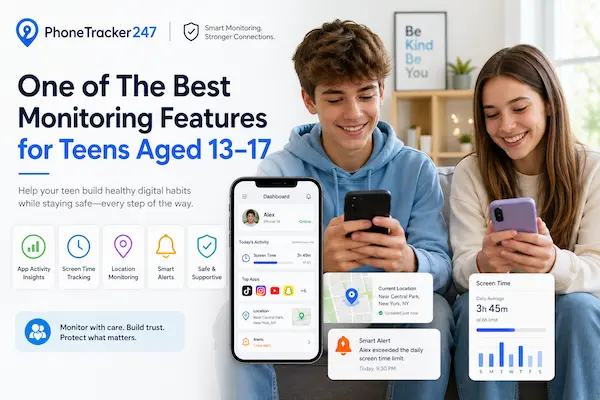
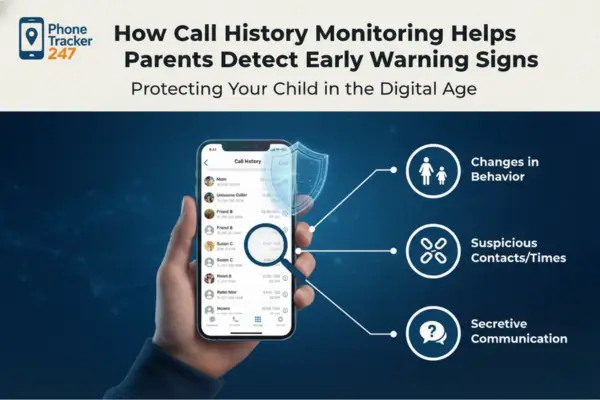
The sheer volume of communication a teenager generates is overwhelming. Reading every text message is not only invasive but practically impossible. This is why AI-driven content alerting is widely considered one of The Best Monitoring Features for Teens Aged 13–17. Instead of providing a full transcript of every “lol” and meme, these systems scan for specific high-risk categories: drugs, self-harm, violence, and sexual predation.
Detecting Risks Without Reading Every Text
This feature respects a teenager’s “privacy zone” regarding innocent chatter with friends while ensuring parents are notified instantly of cyber risk prevention triggers. For example, if a teen types phrases related to suicide or receives a message containing aggressive bullying language, the parent gets an alert. This targeted approach filters out the noise, allowing parents to focus their energy on genuine crises.
Cyber Risk Prevention via Keyword Flagging
Advanced parental monitoring apps allow for custom keyword lists. If a parent is concerned about a specific issue—such as vaping or a particular toxic friend—they can add those terms to the watch list. This customization makes content alerting one of The Best Monitoring Features for Teens Aged 13–17 because it adapts to the specific vulnerabilities of the individual child.
Why Geofencing is Among The Best Monitoring Features for Teens Aged 13–17
Location Tracking Accuracy for Active Teens
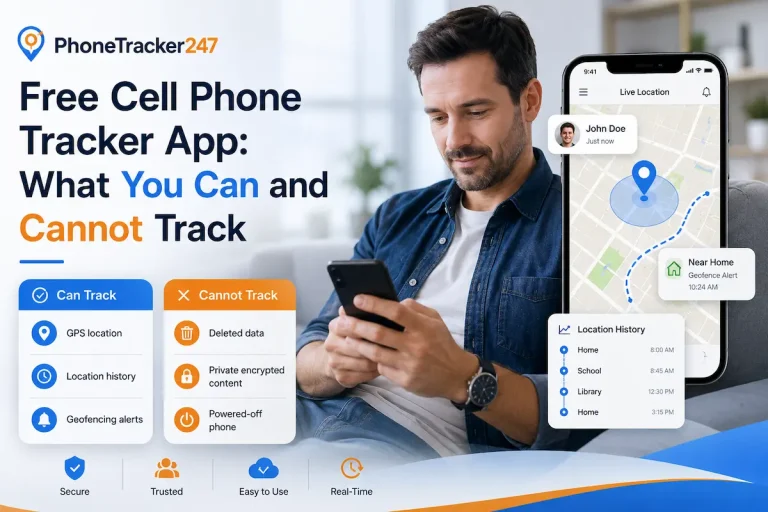
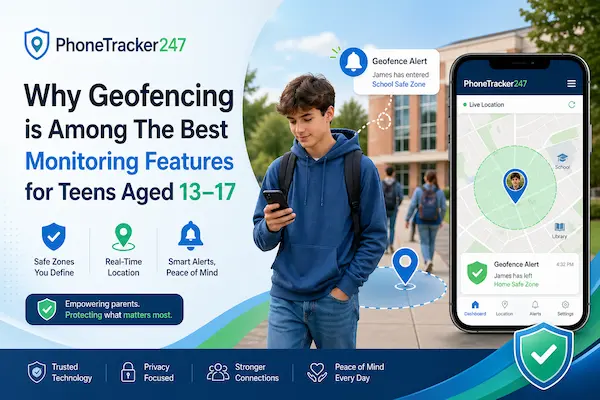
Geofencing allows parents to set virtual boundaries around key locations: Home, School, Work, or a partner’s house. The system remains passive until a boundary is crossed, at which point it sends a notification (e.g., “Child has left School”). This validates that the teen is where they are supposed to be without requiring constant check-in texts.
Check-Ins vs. Constant Surveillance
This feature supports autonomy. It allows the teen to move freely within agreed-upon zones. It shifts the dynamic from “Where are you?” to “I know you arrived safely.” For parents of teens who are prone to wandering or skipping school, this automated oversight is essential for mobile security practices and physical safety.
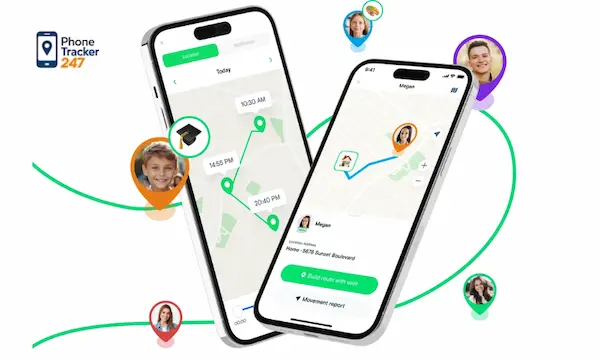
If you’re new to it, here’s how a family locator app works.
One of The Best Monitoring Features for Teens Aged 13–17 for New Drivers
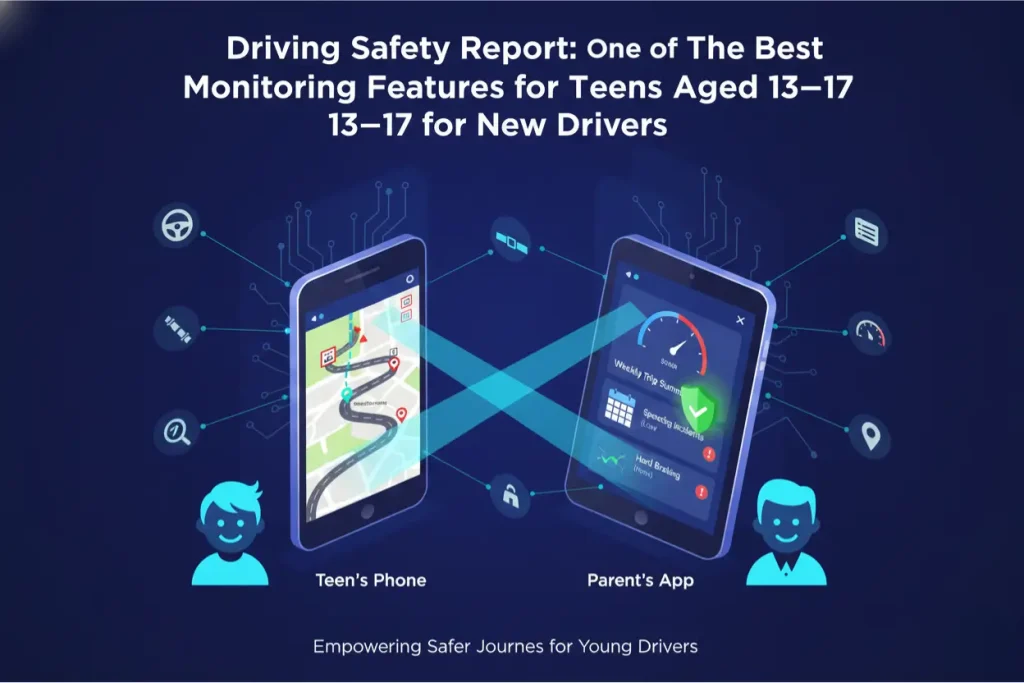
For the older end of this demographic (16-17), the smartphone is a passenger in a vehicle. Consequently, driving safety reporting is undeniably one of The Best Monitoring Features for Teens Aged 13–17. Motor vehicle accidents remain a leading cause of death for teenagers. Apps that monitor driving behavior provide life-saving data that goes beyond digital content.
Speed Logging and Crash Detection
Top-tier monitoring solutions utilize the phone’s gyroscope and GPS to detect high speeds, hard braking, and rapid acceleration. Some even offer crash detection that automatically notifies parents and emergency services if a high-impact event occurs. This feature transforms the device monitoring tool into a physical safety device.
Mobile Security Practices on the Road
Reviewing driving reports with a teen—showing them exactly where they were speeding—turns the data into a coaching tool. It encourages responsible behavior behind the wheel. When compiling a list of The Best Monitoring Features for Teens Aged 13–17, driving analytics is a non-negotiable for any family with a novice driver.
Table 2: Feature → Best Setting → What to Avoid
| Feature | Best default setting | Use when | Avoid (trust-breakers) |
|---|---|---|---|
| Location sharing / Geofences | “Arrive/leave” alerts only | After-school, events, late nights | Live-tracking all day without a reason |
| Keyword / Risk alerts | High-risk topics only (self-harm, drugs, threats) | Early warning signs | Setting hundreds of keywords or spying on normal teen talk |
| Screen time controls | Schedules + app limits for late night | Sleep, school focus | Punitive lockouts without explanation |
| Web/content filtering | Age-appropriate categories | Safer browsing | Blocking everything (leads to secret accounts/phones) |
| Social app insights | App installs + time spent | New risky apps, excessive use | Demanding passwords or reading DMs as default |
| Driving monitoring | Safety events (speed, harsh braking) | New drivers | Using it to shame or micromanage every trip |
| Emergency/SOS | Always enabled | “Call me now” moments | Using SOS logs to interrogate minor issues |
Social Media Insight: Monitoring Encrypted Spaces
Teens flock to where parents are not. In 2026, this means encrypted apps like Snapchat, Discord, and Telegram. Standard monitoring often fails here. Therefore, Keystroke tracking (Keylogging) and Screen Recording are consistently ranked as The Best Monitoring Features for Teens Aged 13–17 for social media safety.
Keystroke Tracking vs. App Blocking
Rather than blocking Discord (which might be their primary social hub), a keylogger captures what is typed before it is encrypted or deleted. This allows parents to see if a conversation turns towards grooming or illegal activities without banning the platform entirely.
Addressing Sextortion and Bullying
Sextortion is a major threat to this age group. Predators rely on disappearing messages. Features that capture screenshots at intervals or log deleted messages are vital. They provide the evidence needed to intervene in sextortion cases, making them critical components of The Best Monitoring Features for Teens Aged 13–17 for cyber risk prevention.
Ethical Implementation: Privacy Policy and Consent
Using these powerful tools requires an ethical framework. The Best Monitoring Features for Teens Aged 13–17 are most effective when used with transparency.
Compliance with Regulations and Trust
Parents should explain why these features are active. “I am using the driving monitor because I want you to be safe on the road, not to control you.” Ensuring the app complies with data privacy laws (Compliance with regulations) is also vital to protect the teen’s data from third parties.
Frequently Asked Questions (FAQs)
1) Should I tell my 16-year-old I’m monitoring them?
Yes—be transparent. It works best as a shared safety agreement, not secret tracking.
2) What’s the most important feature for a 13-year-old?
Content filtering + risk/keyword alerts to reduce exposure to harmful content and grooming risks.
3) Does geofencing drain the battery?
Slightly, but most apps use optimized location updates to limit battery use.
4) Can these features prevent cyberbullying?
Not fully, but they help you spot warning signs early and respond faster.
5) Is driving monitoring legal?
Generally yes for a minor child on a device/vehicle you own or manage—use it responsibly and openly.
6) What’s the best balance between privacy and safety for teens?
Use alerts for high-risk behavior, avoid reading everything, and review only when there’s a real concern.
7) Will my teen be able to disable the monitoring app?
Some may try. Use admin permissions, strong device passcodes, and set a rule that disabling it breaks the agreement.
8) How do I introduce monitoring without starting a fight?
Explain the “why” (safety), set clear boundaries (what you won’t monitor), and agree on check-in rules together.
Conclusion: Empowering Independence Safely
Navigating the teenage years requires a delicate balance of holding on and letting go. By identifying and utilizing The Best Monitoring Features for Teens Aged 13–17—specifically intelligent content alerts, geofencing, driving reports, and advanced social media insight—parents can provide the necessary scaffolding for their children to become responsible digital citizens.
These tools allow teens the freedom to explore, socialize, and move through the world, while ensuring that parents remain the ultimate safety net. By prioritizing cyber risk prevention and maintaining open dialogue about digital well-being, families can survive the turbulent teenage years with their trust and safety intact.
Before enabling any teen monitoring, review these parental monitoring laws
For daily updates, subscribe to PhoneTracker’s blog!
We may also be found on Facebook!