Knowing where your son is used to feel like enough. Today, that is only the first rung on the ladder. Most parents also want to understand screen time, app habits, and daily device patterns before small issues become bigger problems. That shift changes the question from can I track my son’s phone to how can I do it clearly, responsibly, and without checking five different menus every day. With PhoneTracker247, we approach this as a family safety and digital awareness challenge, not a guessing game or a secret surveillance routine.
What You Can Track on Your Son’s Phone
Before choosing any tool, it helps to define what tracking actually includes. In our view, useful phone tracking combines location, device activity, and trend data in one manageable workflow.
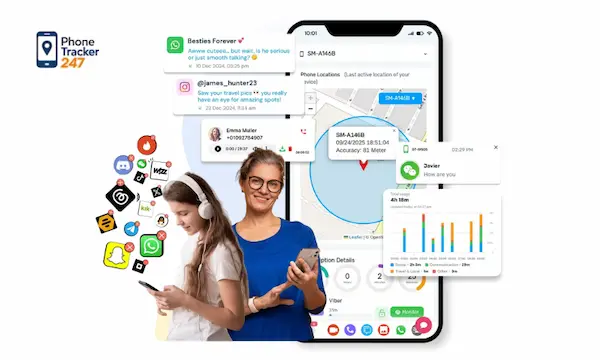
Phone location and movement history
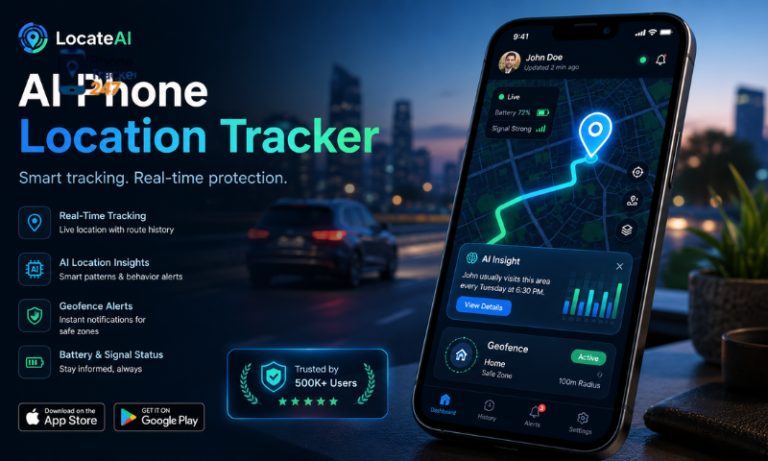
Location tracking matters because it reduces panic and guesswork. Real-time location helps you check where your son is right now, while location history helps you understand routes, stops, and routine changes over time. Some families also use area-based alerts to know when a child enters or leaves expected places. PhoneTracker247 is built around real-time location tracking, location history, and geofencing as part of a broader monitoring dashboard.
- Real-time location: Best for quick safety confirmation during school, travel, or family pickups.
- Location history: Best for reviewing patterns instead of relying on memory or assumptions.
- Geofencing alerts: Best for creating automatic awareness around key places and boundaries.
Screen time, pickups, and daily device habits
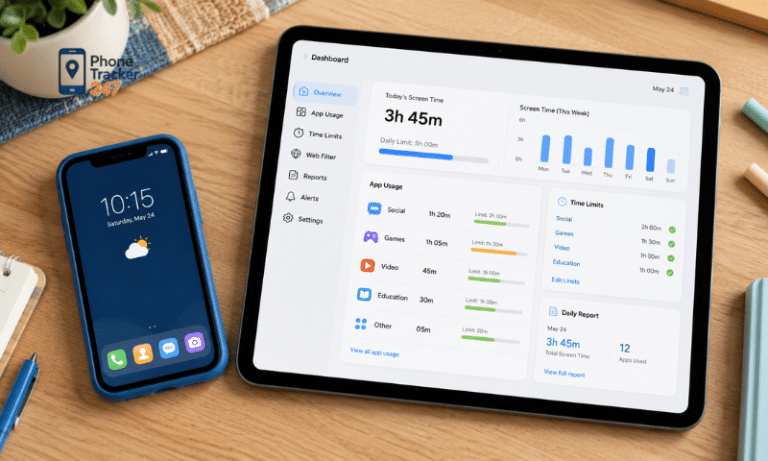
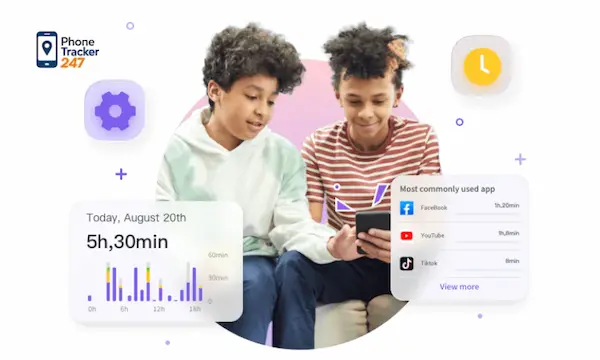
Screen time tells you how long the device was active, but that is only the first layer. Frequent pickups, repeated unlocks, and constant notifications can reveal attention problems even when total screen time looks normal. A child who unlocks the phone fifty times during homework may need support just as much as a child who spends four straight hours in entertainment apps. Looking at daily habits helps you act on patterns instead of isolated moments.
Apps, browsing behavior, and usage patterns
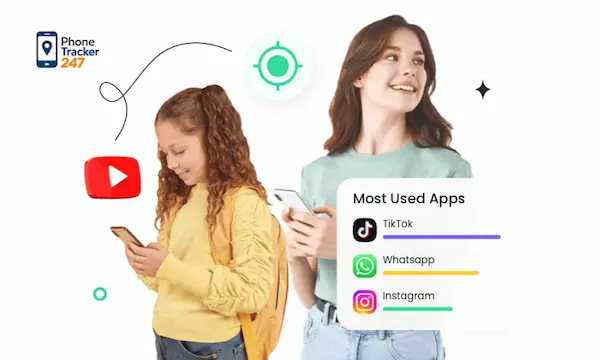
Apps matter because they shape attention, mood, and exposure. Browsing history matters because it often shows what your son is curious about, struggling with, or spending time on when nobody is watching. PhoneTracker247 is designed as an all-in-one monitoring platform that can combine app activity, browsing history, installed apps, location data, and other device signals inside one dashboard rather than treating tracking as GPS alone.
- Installed apps: Show which platforms deserve a closer look or a family discussion.
- Usage duration: Shows what gets the most attention across the day or week.
- Browsing patterns: Show how habits evolve, especially at night or after school.
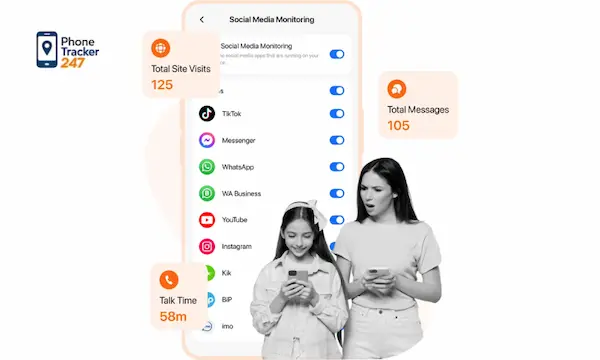
How to Check Screen Time and App Usage on Different Devices
Built-in device tools are a good starting point. They let you check usage manually before you decide whether you need a more centralized system.
How to check activity on iPhone and iPad
On iPhone and iPad, go to Settings, open Screen Time, then tap See All Activity. From there, you can review daily or weekly breakdowns by app and category. You can also look at pickups, notifications, and broader trends if cross-device sharing is enabled. This setup helps parents understand whether time is going to school tools, entertainment apps, or repeated short sessions that disrupt focus.
- Open Settings and Screen Time: This is where Apple organizes device activity data.
- Tap See All Activity: You will see app categories, time totals, and trend breakdowns.
- Review pickups and notifications: These often reveal distraction faster than total screen time alone.
See more: How to Track Kids App Usage Without Guessing What They Do Online
How to check activity on Android
On Android, open Settings, then go to Digital Wellbeing & parental controls. Tap the chart or Show your data to review today’s app usage. You can tap any app for deeper details such as unlocks and notifications, then switch days to compare history. This gives parents a practical way to monitor app usage on Android and see whether daily habits are improving or drifting in the wrong direction.
- Open Digital Wellbeing: This is the built-in place for activity and usage reports.
- Tap the chart or Show your data: You will see time spent, opens, and related signals.
- Switch between days: Trends matter more than single-day spikes when you assess habits.
How to review activity on Mac and Windows laptops
For Mac, click the Apple menu, open System Settings, then go to Screen Time and App & Website Activity. For Windows laptops, open Settings, then System, then Power & battery, and check Battery usage for approximate screen-on time. You can also use Task Manager and the App history tab to review CPU and network activity over thirty days, though it is not exact screen time.
- Mac reports are more direct: They summarize app and category activity clearly.
- Windows gives approximate behavior clues: Battery usage and app history still help identify heavy-use apps.
- Laptop reviews matter: Many children split time between phones, tablets, and computers.
The Limits of Built-In Phone Tracking Tools
Manual checks work, but they become fragmented quickly. Parents often end up checking each device separately, then trying to piece together meaning from scattered numbers.
You often need to check each device separately
If your son uses an iPhone at school, an iPad at home, and a laptop for homework, built-in reports live in different places. That means parents spend more time opening menus than understanding behavior. The problem is not access to data. The problem is that the data remains divided across devices, dashboards, and operating systems. That makes family monitoring slower and less consistent.
Built-in reports do not always show the full picture
Native tools can show time totals and some app breakdowns, but they often stop there. Parents still need context, location awareness, and a broader view of activity patterns. PhoneTracker247 is positioned as a centralized device monitoring platform with layered modules for location, calls, SMS, browsing history, app activity, and other supported features, which makes it more useful when you want one place to review trends.
Parents need context, not just raw numbers
Three hours on a phone does not always mean the same thing. One day it may reflect school research, group chats about assignments, and navigation after practice. Another day it may signal avoidance, poor sleep, or endless short-form content. Good monitoring helps you interpret patterns, not just collect numbers. That is where a dashboard view becomes more valuable than isolated device reports.
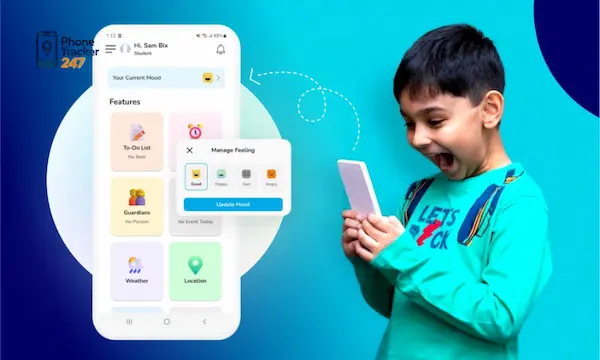
How We Track a Son’s Phone More Efficiently With PhoneTracker247
When parents want a clearer process, we recommend moving from scattered checks to centralized monitoring. That is where our PhoneTracker247 workflow becomes more practical for everyday family use.
See location, app activity, and device data from one dashboard
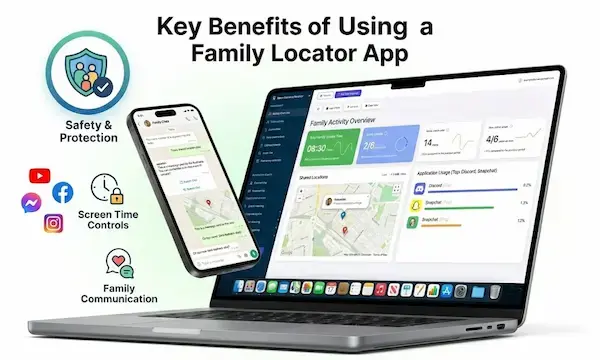
PhoneTracker247 is designed around a simple operating flow: create an account, connect the device, grant required permissions, and review data from a centralized dashboard. That dashboard can bring together location signals, browsing activity, app usage, and other supported device data in one place. Instead of opening several menus across operating systems, we can review the important signals from one management view.
- Centralized dashboard: Reduces manual checking across separate devices and settings menus.
- Layered tracking view: Combines location, app activity, and behavior signals in one workflow.
- Cleaner oversight: Helps parents focus on patterns that matter instead of raw fragments.
Turn scattered data into a clearer daily routine
A useful dashboard does more than store information. It helps us see a daily rhythm. We can notice when screen time rises, which apps dominate afternoons, whether browsing shifts late at night, and whether movement patterns change during the week. That broader perspective lets parents coach earlier and more calmly. PhoneTracker247 is positioned as an all-in-one monitoring platform rather than a simple GPS tracker, which is exactly why this wider view matters.
Stay focused on lawful, transparent family monitoring
We should be direct here. Responsible monitoring must stay legal, transparent, and tied to family safety goals. PhoneTracker247 itself emphasizes lawful use, consent, privacy, and use on devices you own or are authorized to manage. That framing matters because strong parental monitoring should protect trust rather than undermine it. Families get better results when expectations are explained clearly and the purpose stays centered on safety, routines, and healthier device use.

See more: Can You Trace Mobile Number Location on Google Maps? What Actually Works
Best Practices Before You Start Tracking Your Son’s Phone
A better system still needs a better parenting approach. The most effective setup starts with communication, clear goals, and a routine for reviewing data calmly.
- Start with an open conversation: Explain that tracking supports safety, school focus, and healthier digital habits.
- Define what matters most: Choose whether location, screen time, apps, or browsing patterns matter most right now.
- Review trends, not every minute: Daily or weekly reviews often work better than reacting to every small shift.
- Keep the process age-appropriate: Younger children need more guidance, while older teens need more discussion and trust.
- Use data to coach, not accuse: The strongest results come from understanding patterns and solving problems together.
Signs the Data May Be Telling You Something Important
Tracking is only useful when it helps you notice change early. The goal is not to panic over every spike but to spot patterns worth discussing.
- Late-night screen time suddenly jumps: This may point to sleep disruption, stress, or hidden app use.
- Pickups increase during school or homework hours: This may signal distraction, anxiety, or difficulty focusing.
- New apps appear and dominate quickly: This may deserve a conversation about content, peers, or privacy.
- Browsing patterns shift fast: This can reveal curiosity, risk exposure, or emotional changes that need support.
- Location or routine changes feel unusual: This may require a direct check-in and clearer boundaries.

Conclusion: Track Your Son’s Phone With More Clarity and Less Guesswork
If you are asking how do I track my sons phone, the strongest answer is not just find a map and refresh it all day. A better answer is to combine location, screen time, app usage, and daily activity patterns so you can understand what is changing and why. Built-in device tools are useful first steps, but they often stay fragmented. With PhoneTracker247, we can move toward one dashboard, one clearer workflow, and one smarter way to support family safety and healthier digital habits.
Start tracking your son’s phone with more clarity, less manual checking, and a stronger view of daily digital habits with PhoneTracker247.
For daily updates, subscribe to PhoneTracker’s blog!
We may also be found on Facebook!
FAQs – How Do I Track My Son’s Phone?
1. How do I track my son’s phone?
Use a parental control app with location tracking.
2. Can I track my child’s phone legally?
Yes, if you are the parent or legal guardian.
3. What is the best way to track a child’s phone?
Use GPS tracking with clear family safety rules.
4. Can I see my son’s live location?
Yes, many parental apps offer live GPS tracking.
5. Can I get location alerts?
Yes, geofencing alerts notify you when he enters or leaves places.
6. Can I track screen time too?
Yes, many tools also show screen time and app usage.
7. Should I tell my child about tracking?
Yes, transparent monitoring builds trust.
8. Can I track an iPhone?
Yes, using iPhone safety settings or parental apps.
9. Can I track an Android phone?
Yes, Android supports location and parental control tools.
10. What should parents set first?
Start with location sharing, screen time, and safety alerts.