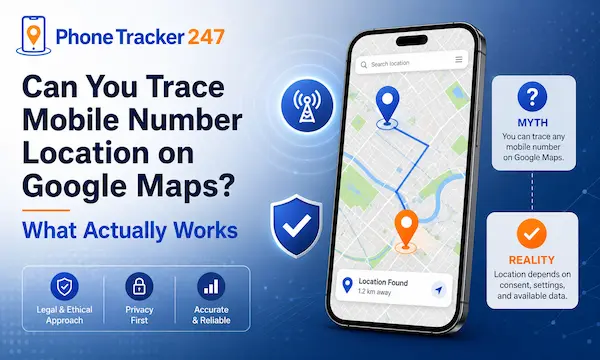
Many people search for a quick way to trace mobile number location on Google Maps because the idea feels simple. You have a phone number, Google has maps, so the location should appear in seconds. That is the expectation. The reality is different. Google Maps is not a public phone-number tracking tool, and a number alone does not unlock someone’s live GPS location.
What actually works is a mix of permission-based location sharing, device recovery tools, and consent-based phone tracking apps. In this guide, you will see what Google Maps can do, what it cannot do, and which options make sense in real situations. Let’s find out more in this article with PhoneTracker247.
Can You Trace Mobile Number Location on Google Maps Directly
This is the first question most users want answered. The clear answer is no. You cannot type a mobile number into Google Maps and reveal a person’s real-time location. Google’s own help materials describe location sharing as a permission-based feature, not a phone-number lookup system.
What people usually mean by tracing a number
When people search this keyword, they are often trying to solve one of several real problems. The wording sounds technical, but the intent is usually practical and emotional.
- Find a family member quickly: Many users want to check whether a child, partner, or parent has arrived safely.
- Locate a lost phone: Some are trying to recover their own device after misplacing it at work, home, or while traveling.
- Track a company device: Businesses may want better visibility over phones assigned to drivers, sales teams, or field staff.
In all three cases, the goal is understandable. The misunderstanding is believing that a phone number by itself gives direct access to map-based location data.
Why Google Maps does not work that way
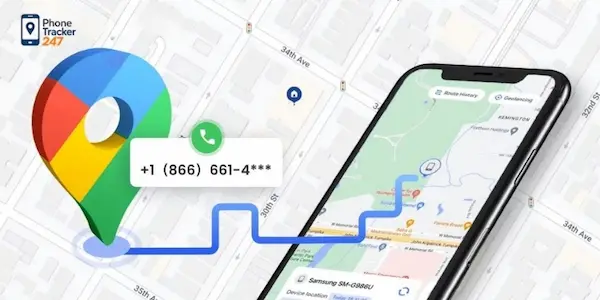
Google Maps can display shared locations, but only when the device owner enables the feature and chooses who can view it. Google states that location sharing is tied to account and device settings, and people choose who can find their location and for how long. That means access depends on permission, not just possession of a number.
The direct answer users need
Here is the simple version that most articles bury too late:
- You cannot directly trace mobile number location on Google Maps by entering the number alone
- You can view location only through approved sharing, account-linked tools, or lawful tracking software
- Consent and account access matter as much as the technology itself
See more: Guide on how to check does phone tracker app work
How Google Maps Location Sharing Actually Works
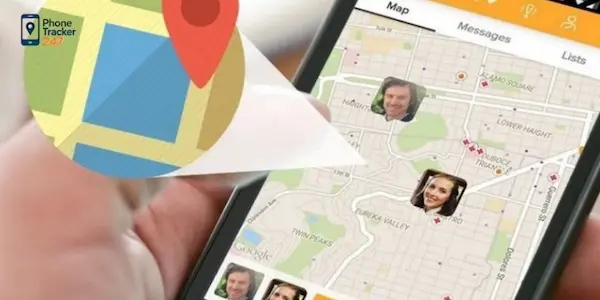
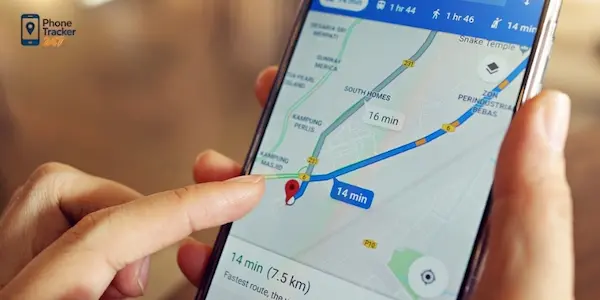
Google Maps is useful for live location visibility, but only within a controlled sharing setup. It helps when two people agree to share location, not when one person wants to secretly look up another by number. Google’s official support page explains that users choose who can find their location and how long they share it. It also notes that shared viewers may see the device’s recent location, battery status, and arrival or departure notifications if enabled.
When Google Maps can show a live location
Google Maps can show someone’s location when the basic conditions are already in place.
- The device owner enables location sharing: Without activation on the device, there is no live location to view in Maps.
- The person selects you as an approved viewer: Access is granted by choice, not by public search.
- The relevant Google account and settings remain active: Google notes that location sharing is device-specific and account-specific, so settings may need adjustment on each signed-in device.
How location sharing is set up
The setup is straightforward, but it still requires participation from the device owner.
- Open Google Maps and go to Location Sharing: This is where the sharing process begins.
- Choose a contact or send a share link: Google allows users to decide exactly who can see their location.
- Set the time period or ongoing share option: The owner controls how long the location remains visible.
Limits of Google Maps for tracking
Google Maps is convenient, but it is not a full tracking platform.
- No anonymous phone-number lookup: It is not designed to expose location data from a random mobile number.
- No guaranteed continuous oversight: Sharing can be paused, removed, or disabled by the device owner.
- No deeper device monitoring: If you need movement history, geofencing, or oversight of a business device fleet, Maps alone is often too basic.
Table 1: Can You Trace a Mobile Number Location on Google Maps?
| Feature | Description | Works with Phone Number Only? | Permission Required |
|---|---|---|---|
| Google Maps Location Sharing | Shares real-time GPS location between users | No | Yes |
| Google Find My Device | Locates lost Android phones linked to a Google account | No | Yes |
| Apple Find My | Tracks Apple devices connected to iCloud | No | Yes |
| Phone Number Lookup Services | Identifies carrier, region, or spam risk | Sometimes | No |
| PhoneTracker247 | Tracks authorized devices with GPS monitoring tools | No | Yes |
| Emergency Location Services | Used by authorities and emergency services | No | Legal authorization required |
What Actually Works Instead
Once users understand that Google Maps cannot trace a number directly, the next step is choosing the right lawful method. The best option depends on whether you are locating your own phone, checking a family member’s shared location, or managing a device with consent.
Option 1: Use Google Maps with consent-based sharing
This is the simplest solution for families and trusted contacts. It works best when both people agree in advance to share location for safety, coordination, or convenience.
- Best for everyday family safety: Parents, partners, and close relatives can stay informed without using invasive methods.
- Easy to access inside Google Maps: There is no need for a separate map interface.
- Useful for arrivals and departures: Google also supports location sharing notifications for specific places.
Option 2: Use a built-in device finder
If the goal is to find your own lost Android phone, Google’s device-finding tools are a better fit than Maps. Google states that you can find, secure, or erase a lost Android device remotely, and that location services plus device settings must be enabled for this to work properly.
- Best for lost or stolen personal devices: This method is designed for account-linked recovery, not for tracking someone else.
- Can help you secure the device: It is not only about the map location; it also supports protection actions.
- Works within Google’s own ecosystem: That makes it more reliable than random third-party websites promising instant number tracking.
Option 3: Use a dedicated phone tracking app
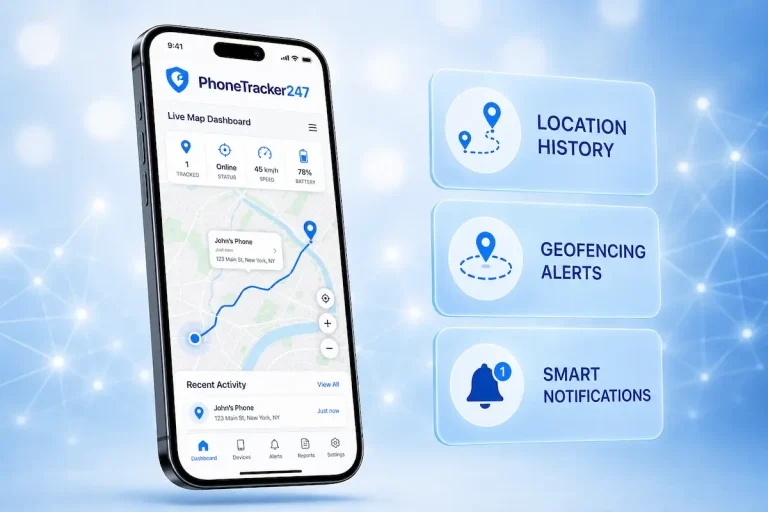
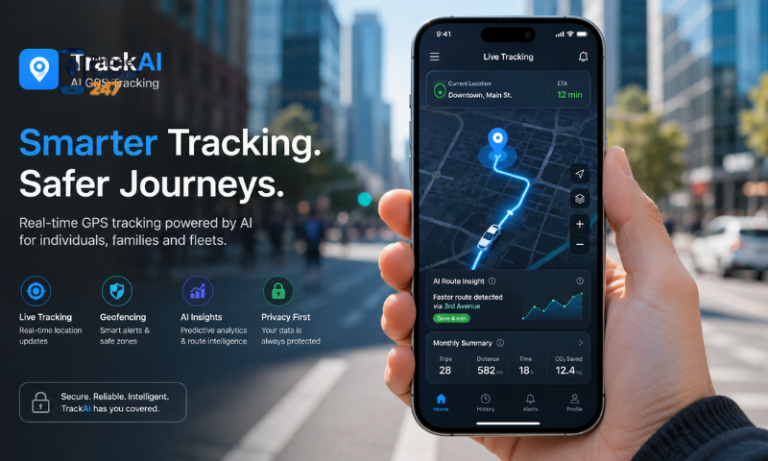
When the need goes beyond a simple map pin, a dedicated solution is usually more practical. PhoneTracker247 positions itself as a privacy-first, consent-based monitoring platform built for family safety, business oversight, and device security rather than covert spying. It also offers real-time GPS tracking, movement history, and geofencing as part of a broader monitoring system.
- Better for ongoing visibility: You are not relying on someone to keep re-sharing location manually.
- Useful for parental monitoring and company phones: The platform can support safety goals or operational oversight when used lawfully.
- More complete than basic map sharing: The value is in combining location with alerts and device-level context.
Table 2: Best Methods to Trace Mobile Number Location on Google Maps Safely
| Tracking Method | Accuracy Level | Real-Time Tracking | Best Use Case | Main Limitation |
|---|---|---|---|---|
| Google Maps Live Location Sharing | High | Yes | Family and friends | Requires user approval |
| Google Find My Device | High | Yes | Lost Android devices | Needs Google account access |
| Apple Find My iPhone | High | Yes | Lost Apple devices | Apple ecosystem only |
| Family Tracking Apps | High | Yes | Child and family safety | Setup required on both devices |
| Reverse Phone Lookup Tools | Low | No | Unknown caller identification | Cannot provide live GPS location |
| Carrier-Based Location Services | Medium | Limited | Enterprise and emergency use | Restricted availability |
| PhoneTracker247 GPS Monitoring | High | Yes | Authorized monitoring and safety tracking | Requires device authorization |
Why Users Choose Phone Tracking Tools Over Google Maps Alone
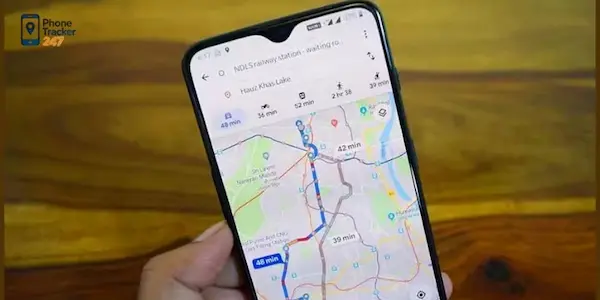
Google Maps is excellent for navigation and simple location sharing. It becomes less effective when the requirement is consistent monitoring, historical visibility, or managed-device oversight. This is the gap where dedicated phone tracking tools become more relevant.
Real-time GPS tracking and location history
A map pin is helpful, but it often answers only one question: where is the device right now. In many real cases, users also want to know where the phone has been, whether a route changed unexpectedly, or whether a child or employee moved outside an expected area. PhoneTracker247 includes real-time GPS tracking and location history as part of its core offer, which makes it more suitable for repeated monitoring scenarios.
Geofencing for safety alerts
Geofencing matters because it turns passive location data into active notification. Instead of opening a map every hour, the user can define important zones such as home, school, office, or a warehouse route and receive alerts when the device enters or leaves those zones. According to the provided product overview, geofencing is one of PhoneTracker247’s core features.
A better fit for privacy-first monitoring
This point matters for trust. PhoneTracker247 explicitly presents itself as a lawful, transparent, consent-based platform and highlights privacy, encryption, and compliance rather than covert surveillance. That positioning is important because many people searching this keyword are tempted by questionable “track any number” tools that often overpromise and underdeliver.
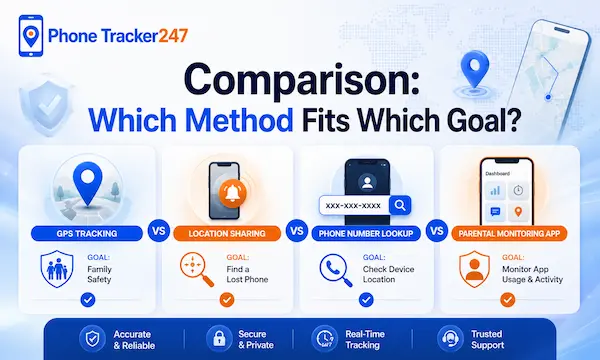
Comparison: Which Method Fits Which Goal?
| Goal | Best method | Why it fits |
| Check a family member’s location with permission | Google Maps Location Sharing | Easy, familiar, and built around approved sharing |
| Find your own lost Android phone | Google device finder | Designed for recovery, security, and account-linked control |
| Monitor a child’s device over time | Dedicated tracking app | Better for history, alerts, and consistent visibility |
| Manage business-owned phones | Dedicated tracking app | Better for oversight, routes, and operational accountability |
| Trace a random phone number anonymously | None | This is not a legitimate Google Maps feature and should be avoided |
Common Myths About Tracing a Mobile Number on Google Maps
This topic attracts a lot of confusion because the keyword itself suggests a shortcut that does not really exist. Clearing up the common myths helps readers avoid unsafe tools and unrealistic expectations.
- Google Maps can track any number instantly
Google’s support information points to sharing and account-based tools, not open number tracing. - A free website can reveal anyone’s live location from a number
These claims usually ignore permission, account access, and legal boundaries. - Tracking by number is always legal if your intention is good
The product overview for PhoneTracker247 itself stresses lawful use and consent, which is the right framing for any location-monitoring tool.
Conclusion: What Actually Works
So, can you trace mobile number location on Google Maps? Not directly. Google Maps does not let you enter a phone number and reveal someone’s live location. What works is permission-based location sharing, built-in recovery tools for your own device, or a consent-based phone tracking app when you need more reliable monitoring. For users who want better visibility, movement history, and geofencing in a privacy-first framework, PhoneTracker247 is the stronger fit than Google Maps alone.
Need a safer and more practical way to monitor a phone’s location with consent? Explore PhoneTracker247 and choose a tracking approach built for clarity, safety, and responsible use.
For daily updates, subscribe to PhoneTracker’s blog!
We may also be found on Facebook!
FAQs – Trace Mobile Number Location on Google Maps
1. Can I trace a mobile number on Google Maps?
No, Google Maps cannot track a number directly.
2. Can Google Maps show live location?
Yes, only with permission-based location sharing.
3. Can I track someone by phone number only?
No, a number alone is not enough.
4. Is phone number tracking on Google Maps real?
No, most instant number trackers are misleading.
5. What works instead of number tracking?
Use Google Maps sharing, Find My Device, or approved tracking apps.
6. Can I find my lost Android phone?
Yes, use Google Find My Device.
7. Can parents track a child’s phone?
Yes, with consent-based family tracking tools.
8. Can PhoneTracker247 help with location tracking?
Yes, it supports GPS tracking, history, and geofencing.
9. Is anonymous phone tracking legal?
No, avoid tracking without consent or legal authority.
10. What is the safest first step?
Use permission-based sharing or account-linked recovery tools.