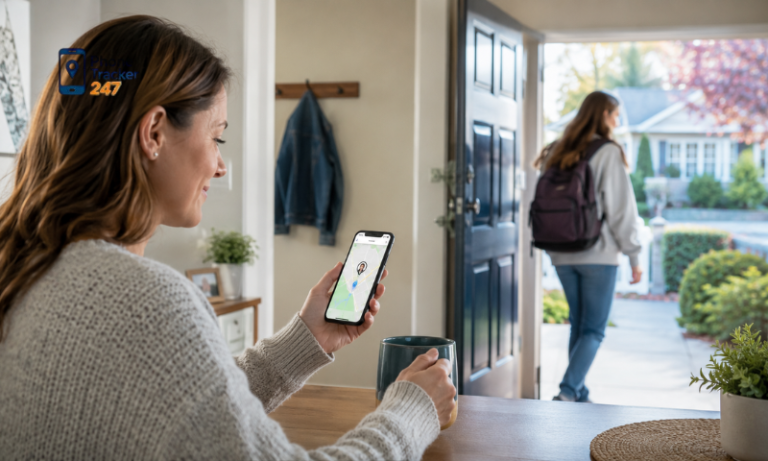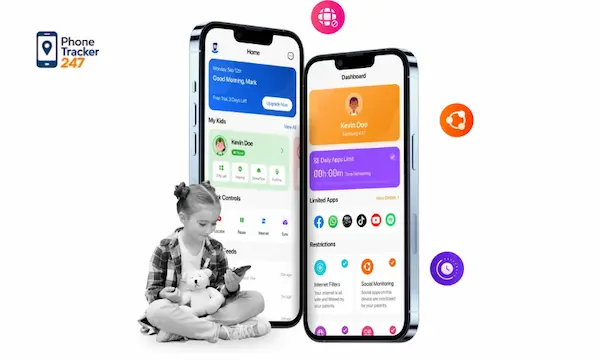
Choosing the best parental control app for Android can feel like trying to lock every door in a house while your child keeps opening new windows. Apps, browsers, messages, social platforms, and location sharing all create different risks, and basic screen time tools often leave gaps. That is why parents need more than a timer. We need a practical system that helps us see what is happening, set healthy limits, and respond early when something looks wrong. With PhoneTracker247, we approach Android parental control as a balance of safety, visibility, and everyday usability rather than fear or over-monitoring.
What makes the best parental control app for Android
The best parental control app for Android is not the one with the longest feature list. It is the one that gives parents meaningful visibility, reliable controls, and an interface simple enough to use consistently.
Before choosing any solution, we should evaluate it against the functions that matter most in real family life.
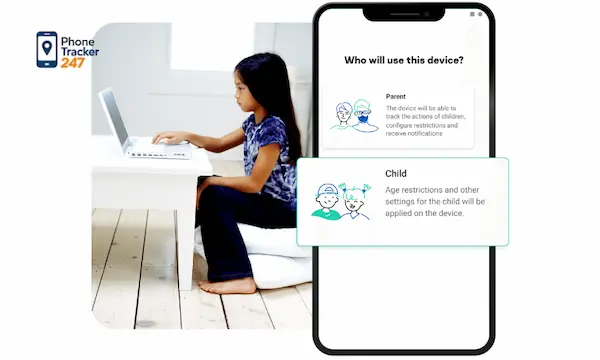
Core features parents should prioritize
The strongest Android parental control platforms usually combine monitoring, alerts, and management in one place. That matters because scattered tools create blind spots.
Here are the core capabilities worth prioritizing:
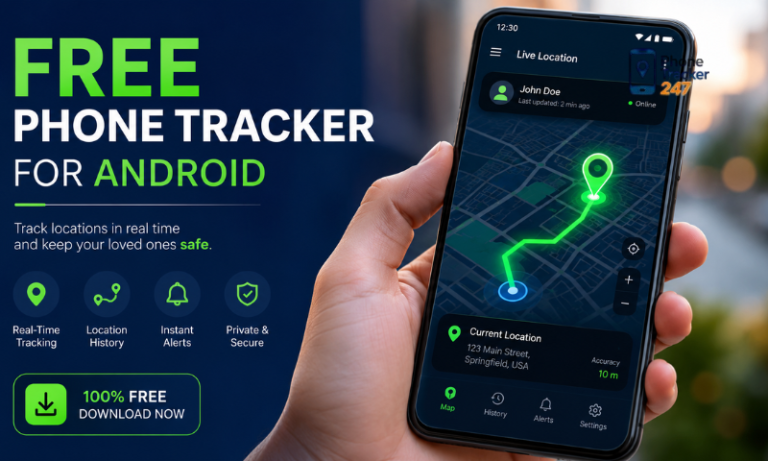
- Real-time location tracking with location history
- Geofencing alerts for school, home, or other trusted areas
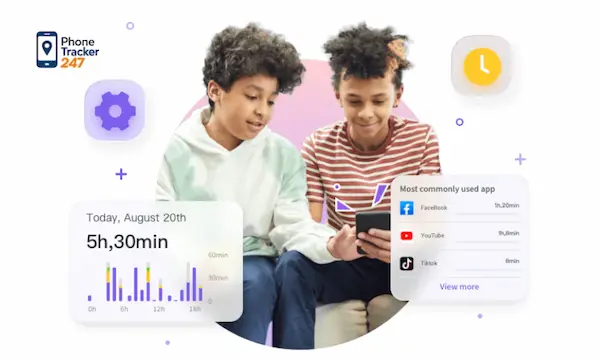
- App usage monitoring to see what is actually taking your child’s attention
- Browsing history access for identifying risky or inappropriate sites
- Call and SMS visibility when safety concerns require closer review
- Dashboard-based control so parents do not have to manage everything from the child’s device
When these features are integrated, parents spend less time switching tools and more time making informed decisions.
Ease of setup matters more than most parents expect
Even a powerful parental control app becomes useless if setup is frustrating. Android households are busy, and most parents do not want a technical project. We need something we can install, connect, and start using without confusion.
PhoneTracker247 is built around a simple workflow that includes account creation, device setup, permissions, pairing, and dashboard monitoring. It is positioned as an all-in-one monitoring platform with a centralized dashboard rather than just a single tracking feature.
A good app should support guidance, not control for control’s sake
The goal of parental control is not to watch everything obsessively. The goal is to create safer digital habits. The best apps help parents start better conversations because they replace guesswork with context.
That is especially important with older children. Instead of arguing over assumptions, we can talk about real patterns, such as late-night app use, excessive social media time, or frequent visits to distracting websites. Good parental control creates clarity, and clarity usually leads to better parenting decisions.

See more: Sound My Phone: 7 Quick Ways to Find a Lost Device Fast
Why we believe PhoneTracker247 is one of the best parental control apps for Android
At PhoneTracker247, we do not view parental control as a single feature. We built our platform to give families a more complete picture of device activity, location, and digital behavior through one centralized system. The platform is positioned around safety, consent, privacy, and ease of use rather than covert surveillance.
We combine location, activity, and communication monitoring
Many parental control tools focus heavily on one area, such as GPS or app blocking. We take a broader approach because family safety usually depends on several signals working together.
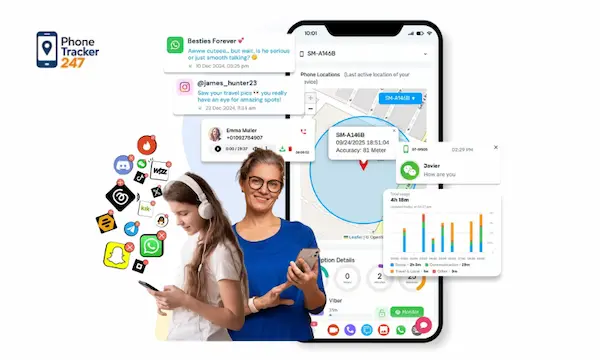
With PhoneTracker247, parents can monitor:
- Real-time location
- Location history
- Geofencing activity
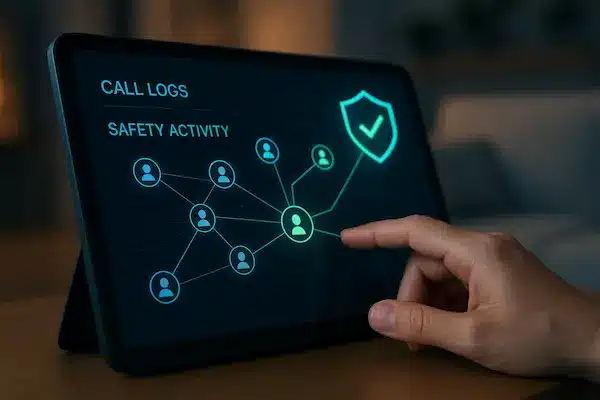
- Call history
- SMS activity
- Browsing history
- Installed apps
- App usage patterns
Our platform also supports broader monitoring modules and advanced features on supported devices and where legally allowed, including microphone access, screenshots, and other extended monitoring tools. We separate core features from advanced support because device compatibility and legal conditions can vary.
We use a centralized dashboard that keeps things manageable
One of the biggest reasons parents stop using parental control software is dashboard fatigue. If the interface feels cluttered or the data is hard to interpret, people stop checking it.
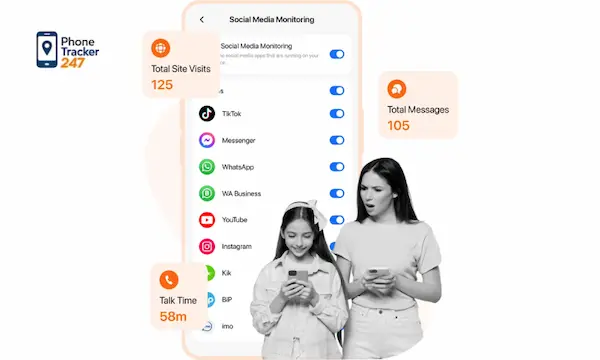
PhoneTracker247 is designed as a dashboard-led platform. That means the data captured from the Android device is organized in one place, helping parents review location, usage, and behavior signals without bouncing between disconnected tools. This centralized management model is one of the key ways our product is differentiated.
We focus on lawful, family-centered monitoring
This point matters. We do not position PhoneTracker247 as a spy tool. Our product language emphasizes lawful use, consent, privacy, and responsible device management. It is intended for devices users own or are authorized to manage, with a strong focus on family safety and transparent oversight.
That makes a real difference in how parents use the platform. The healthiest parental control strategy is not secrecy. It is a family structure where expectations, device rules, and monitoring boundaries are communicated clearly.
How to choose the right parental control setup for your family
Not every household needs the same level of oversight. The best setup depends on your child’s age, maturity, routines, and online behavior. A younger child may need stronger location and browsing supervision, while a teenager may benefit more from app visibility and trust-based check-ins.
Match the tool to your actual parenting goal
Some parents are mostly trying to reduce distractions. Others want to protect against unsafe contacts, adult content, or location-related worries. When the goal is unclear, families often choose the wrong app.
Use this framework:
| Parenting goal | Most important features |
| Know where your child is | Real-time GPS, location history, geofencing |
| Reduce app overuse | App usage reports, installed app visibility, app blocking |
| Improve online safety | Browsing history, alerts, communication visibility |
| Build accountability | Central dashboard, routine review, family discussions |
This makes selection easier because it moves the decision away from marketing claims and toward practical needs.
Think about consistency, not just features
A feature only matters if you will actually use it every week. Parents should ask whether the dashboard is readable, whether alerts are useful, and whether the setup fits daily life.
The best parental control app for Android should reduce mental load. It should help us check what matters quickly, spot changes fast, and act with confidence. In that sense, simplicity is not a bonus feature. It is part of performance.
Plan for growth as your child gets older
A parental control setup should evolve. What works for an eight-year-old may feel excessive or incomplete for a fourteen-year-old. That is why scalable tools matter.
PhoneTracker247 offers multiple plan tiers, including a Free tier with limited device support and core monitoring, plus Essential and Premium options that expand location history, geofencing, browsing, message and call visibility, app controls, and additional monitoring features.
A tiered structure gives families room to start small and expand only when they need deeper oversight.
See more: Looking for a Smartphone Near Me After Losing Your Device? Here’s What to Do First
Common mistakes parents make when using parental control apps
Even the best parental control app for Android will underperform if families use it the wrong way. Most problems come from strategy, not software.
Relying on blocking without conversation
Blocking can help, but it does not replace digital parenting. Children still need context, boundaries, and clear explanations. Without those conversations, controls often turn into power struggles.
We recommend using monitoring insights to support calm discussions. When a child understands why limits exist, compliance improves and trust is easier to maintain.
Monitoring everything but reviewing nothing
Some parents install a tool and assume it is enough. But parental control works best when parents review patterns regularly. A dashboard is valuable only if we use it to notice changes.
Set a habit of checking:
- Location patterns for unusual movement
- App usage spikes that may affect school, sleep, or mood
- Browsing behavior that suggests curiosity turning into risk
- Communication activity if a safety concern appears
The goal is not constant surveillance. It is regular awareness.
Choosing based on hype instead of fit
A lot of apps are labeled as the best parental control app for Android, but that phrase means little without context. The right choice depends on whether the tool matches family routines, device needs, and the level of visibility a parent actually wants.
We believe families should choose a platform that combines practical monitoring with a straightforward dashboard and a responsible privacy position. That combination is more valuable than flashy claims.
Final thoughts on the best parental control app for Android
The best parental control app for Android is the one that helps us parent with better information, steadier boundaries, and less guesswork. For most families, that means choosing a platform that goes beyond basic screen time and brings together location, app activity, browsing behavior, and communication oversight in one manageable place.
With PhoneTracker247, we built that experience around clarity, centralized monitoring, and lawful family use. We give parents tools to understand what is happening on an Android device without turning parenting into panic or constant conflict. If you want a smarter way to guide digital habits and protect your child with real visibility, PhoneTracker247 is a strong place to start.
For daily updates, subscribe to PhoneTracker’s blog!
We may also be found on Facebook!
FAQs – The Best Parental Control App for Android
1. What is the best parental control app for Android?
PhoneTracker247 is a strong choice for broader Android monitoring.
2. Is Google Family Link enough?
It helps, but many families need deeper visibility.
3. Can parents track Android location?
Yes, real-time GPS and location history help.
4. Can parents set geofencing alerts?
Yes, geofencing alerts can track trusted places.
5. Can parents monitor app usage?
Yes, good apps show installed apps and usage patterns.
6. Can parental apps check browsing history?
Yes, browsing visibility helps spot risky websites.
7. Can parents see calls and SMS?
Yes, some tools support call and SMS visibility.
8. Why is a dashboard important?
It keeps location, apps, and activity in one place.
9. Is responsible monitoring important?
Yes, use parental controls legally and transparently.
10. What should parents set first?
Start with location, app usage, and web safety.