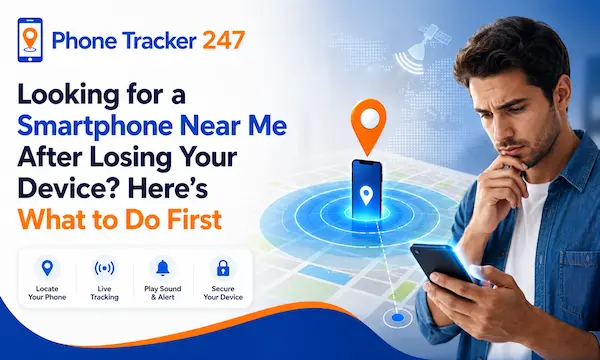
Losing your phone can feel like losing a front door key, a wallet, and a personal assistant at the same time. That is why many people immediately search for a smartphone near me and focus on finding a replacement fast. But speed alone does not solve the real problem. A lost device can expose accounts, personal data, location history, and work access. The smarter move is to handle the situation in the right order. First, protect your digital life. Then, buy a replacement nearby. After that, set up the new phone with stronger security from day one. Let’s find out more in this article with PhoneTracker247.
Contents
What to Do Before You Buy a Replacement Smartphone Near You
Before you visit a nearby store, take a few focused steps that protect your identity and reduce the chance of a second problem after the first loss.
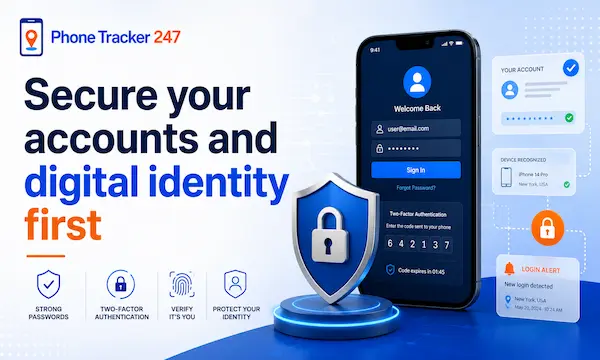
Secure your accounts and digital identity first
Your email account should be the first place to act because it is usually connected to password resets, app access, and cloud backups. Change the password for your primary email, then move to banking, social media, shopping, and work-related accounts. Review which devices are signed in and remove sessions you do not recognize. This first wave of action gives you back control even before you own another phone.
Start with the highest-risk areas:
- Primary email: Change the password and review recovery settings because email often controls access to your other accounts.
- Financial tools: Update banking, wallet, and payment apps to reduce the risk of unauthorized access.
- Authentication paths: Check backup codes, recovery email addresses, and two-factor options so you do not get locked out during recovery.
See more: Free Secret Phone Tracker: Safe Guide to Tracking Phones for Free in 2026
Try to locate or protect the missing device
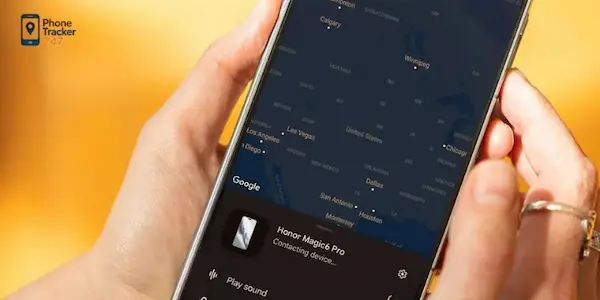
Before replacing the phone, use any built-in location or protection tools linked to your device account. If you can still see the phone’s last location, that information may help you decide whether recovery is realistic. If recovery looks unlikely, the next best step is remote protection. Lock the device, display a contact message if supported, and review the latest recorded activity associated with it.
Keep the response simple and systematic:
- Check location status: Look for the latest visible position and note the time it was last active.
- Lock the device: Use remote lock features where available to reduce access risk.
- Preserve evidence: Save screenshots or notes of location and device activity in case you need them later.
Contact key providers and document the incident
Once the immediate digital risk is under control, contact the providers connected to the device. Your mobile carrier may help suspend service, move your number, or reduce the chance of misuse. It is also smart to record the phone model, serial information, and purchase details if you have them. A short written timeline helps you stay organized while stress is high and decisions need to be fast.
Your checklist here should include:
- Carrier support: Ask about temporary suspension, SIM replacement, or number transfer options.
- Device details: Keep the model name, IMEI, and ownership documents in one place if available.
- Basic timeline: Write down when you noticed the loss, where you were, and what steps you already completed.
How to Choose the Right Smartphone Near Me When You Need One Fast
Buying under pressure does not mean buying blindly. A short list of practical criteria can help you replace your device quickly without creating more frustration later.
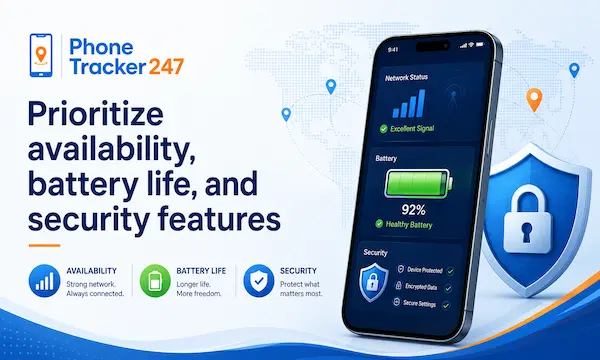
Prioritize availability, battery life, and security features
When people search smartphone near me, the best device is often not the most expensive model in the store. It is the one that helps restore your normal routine fast and safely. A dependable battery, updated operating system support, strong screen lock options, and clean setup tools are often more valuable than premium extras during a stressful replacement purchase.
Focus on what affects recovery and daily use most:
- Fast availability: A phone you can buy today is usually more useful than a more advanced option that requires waiting.
- Reliable battery: You may spend hours restoring accounts, contacting people, and traveling between places, so battery stability matters.
- Security basics: Choose a device with strong lock options, account backup support, and current software protection.
Compare local options without overcomplicating the decision
This is not the ideal time for endless specification comparisons. Set a workable budget, identify your essential apps, and choose a phone that supports them well. Ask about warranty terms, return policies, and whether the store can help with activation. A simple buying framework keeps you from overspending or leaving with a phone that makes recovery harder instead of easier.
Use a practical shortlist:
- Budget range: Decide what you can spend before looking at promotions that may distract you from core needs.
- Essential compatibility: Make sure your key apps, login methods, and account systems will work smoothly on the new phone.
- Store support: Prefer nearby sellers that can assist with setup, transfer, or troubleshooting on the spot.
Choose a phone that is easy to secure and manage
A replacement phone should help you regain control, not just resume scrolling. Look for a device that makes it easy to turn on location services, recovery options, secure login, and backup settings. The goal is not only to replace what was lost, but to come back stronger with a cleaner and more controlled setup than before.
The best replacement device usually offers:
- Simple recovery setup: Easy account sign-in, backup restore, and device recovery tools save time during a stressful day.
- Clear privacy controls: Permission management helps you decide what apps can access location, files, camera, and contacts.
- Longer-term manageability: A phone that stays updated and easy to monitor is a safer long-term choice.
Essential Security Setup for Your New Smartphone
Once you have a replacement device, the next hour matters more than most people think. A secure setup on day one can prevent repeat problems.
Start with the basics that protect access
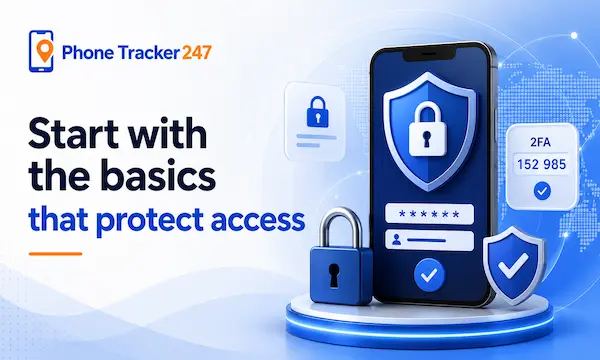
Before downloading everything, secure the phone itself. Create a strong passcode, turn on biometric access if you trust it, and confirm account recovery paths. Then review app permissions carefully instead of approving every request automatically. This cleaner setup often gives users better control than they had on the lost phone, especially if the previous device had years of clutter and weak security habits.
The strongest day-one actions are:
- Access control: Use a secure passcode and enable biometric login for fast but protected access.
- Recovery setup: Confirm backup email, phone number, and account recovery methods early.
- Permission review: Approve only the app permissions you truly need during the first restore stage.
Turn on location and device protection features
Built-in recovery features are worth enabling immediately because they improve your chances if something goes wrong again. For users who want stronger oversight, PhoneTracker247 positions itself as a privacy-first, consent-based platform focused on lawful monitoring, location awareness, and device safety rather than covert spying. It supports use cases for families, businesses, and personal device protection, with features such as GPS tracking, movement history, and activity visibility.
A responsible protection setup should include:
- Location tools: Turn on device location and recovery features so the phone can be found more easily if misplaced again.
- Transparent monitoring: Use tracking only in lawful, consent-based scenarios, especially for family or company-owned devices.
- Protection habits: Treat tracking as one layer in a broader security routine, not as the only defense.
Conclusion
Searching for a smartphone near me after losing your device is a normal first reaction, but it should not be your only move. The smarter path is to protect your accounts, assess whether the missing phone can still be secured, and then choose a nearby replacement that is easy to manage and protect. Once the new phone is in your hands, set it up with stronger recovery, privacy, and location controls from the start. PhoneTracker247’s safety-focused, consent-based approach fits that next step well for users who want more visibility without crossing ethical or legal lines.
Protect your next phone the smart way with PhoneTracker247. Start with stronger security, better visibility, and lawful tracking from day one.
For daily updates, subscribe to PhoneTracker’s blog!
We may also be found on Facebook!
FAQs – Smartphone Near Me
1. What should I do before buying a smartphone near me?
Secure your accounts and try to protect the lost phone first.
2. Should I change passwords after losing my phone?
Yes, start with email, banking, and important accounts.
3. Can I locate my lost phone first?
Yes, use built-in location or device recovery tools.
4. Should I lock my lost phone remotely?
Yes, remote lock helps reduce data access risk.
5. Should I contact my mobile carrier?
Yes, ask about SIM suspension or number transfer.
6. What should I check before buying a replacement phone?
Check availability, battery life, security, and compatibility.
7. Is the cheapest nearby phone always best?
No, choose a phone that is secure and easy to restore.
8. What should I set up on a new phone first?
Set a strong passcode, recovery options, and app permissions.
9. Should I enable location tools on the new phone?
Yes, they help recover the phone if lost again.
10. Can PhoneTracker247 help protect a phone?
Yes, it supports lawful, consent-based location and activity visibility.