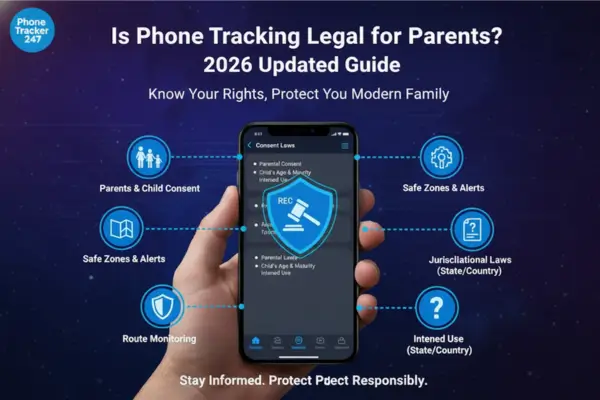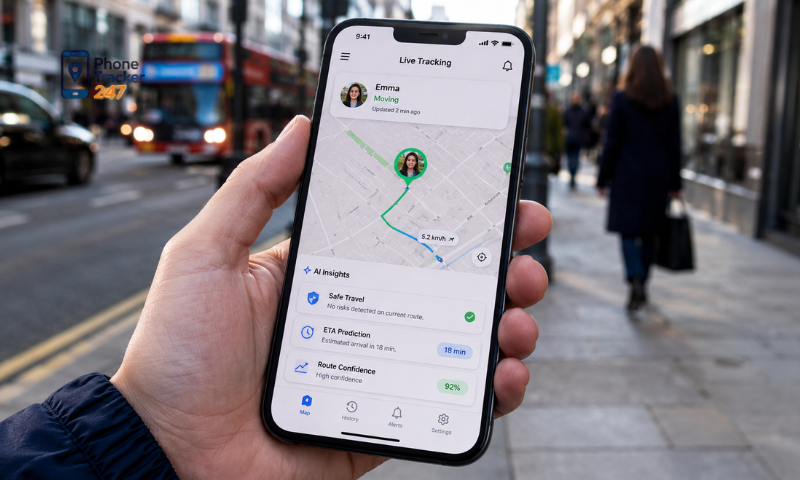
Phone Tracker Apps Free are becoming increasingly popular because they allow users to track locations at no cost. However, not every free app is safe or reliable. Some may pose privacy and data security risks or come with limited features. In this article, Phonetrack247 explores the potential risks of using Phone Tracker Apps Free and explains how to choose a safe solution that suits your needs.
Contents
Are Phone Tracker Apps Free Really Safe?
Phone Tracker Apps Free have become increasingly popular because they allow users to monitor a device’s location without paying for a subscription. They can be useful for locating a lost phone, tracking your own device, or staying connected with family members. However, free tracking apps may also involve privacy, security, and performance risks that users should carefully consider.
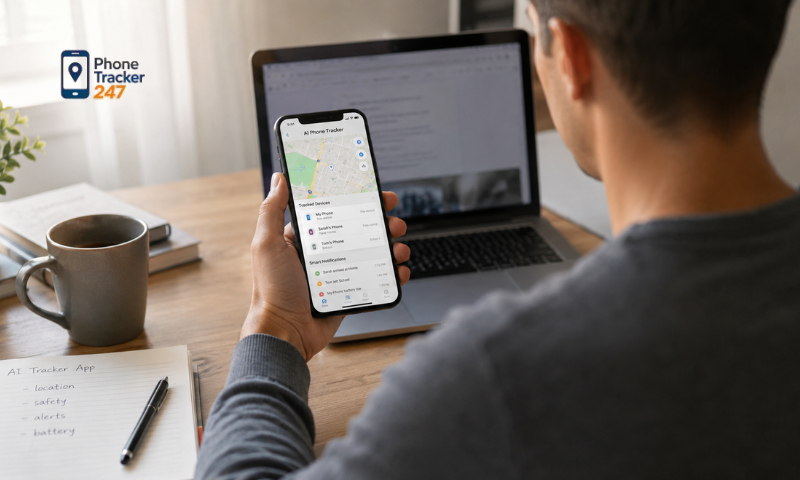
Some of the most common risks include:
- Data privacy concerns: Some apps collect sensitive information such as location history, contacts, device identifiers, and usage data. This information may be shared with advertisers, analytics providers, or other third parties.
- Excessive app permissions: Certain apps request access to the camera, microphone, messages, contacts, or storage even when these permissions are not necessary for location tracking.
- Intrusive advertisements: Many free apps rely on advertising for revenue, which may result in frequent pop-ups, redirects, or disruptive ads.
- Limited features: Free versions may restrict real-time tracking, location history, geofencing, device support, or other useful functions unless users upgrade to a paid plan.
- Malware and security vulnerabilities: Unofficial or poorly maintained apps may contain malicious software, outdated code, or security flaws that could put personal data and devices at risk.
- Hidden in-app costs: Some apps are advertised as free but require payment to unlock essential tracking features or continue using the service after a trial period.
Not all Phone Tracker Apps Free are unsafe. Reputable developers may offer secure free versions with limited functionality, transparent privacy policies, and appropriate permission requirements. Before installing an app, check its developer, user reviews, requested permissions, security practices, and data collection policy.
How to Choose Safe Phone Tracker Apps Free
Choosing secure Phone Tracker Apps Free requires more than selecting the highest-rated option in an app store. A careful review of the app’s source, developer, permissions, privacy practices, and update history can help protect your personal data and reduce security risks.
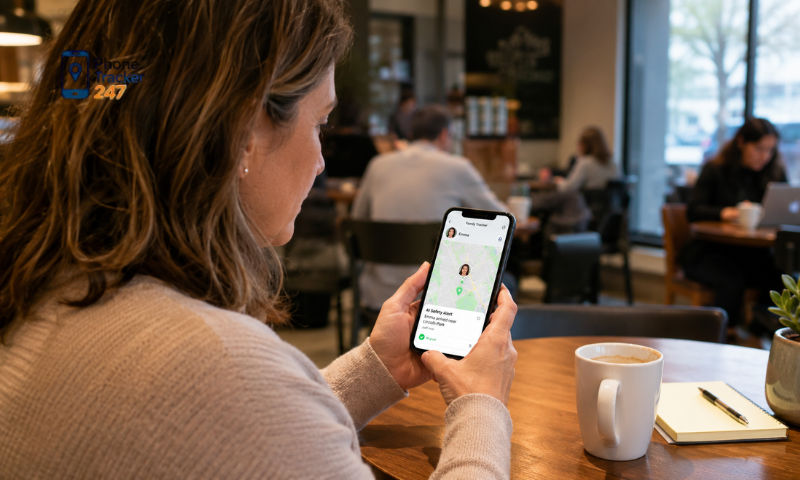
Download from Official App Stores
The first step is to install the app only from trusted and verified platforms. Official app stores apply security checks and remove applications that violate their policies.
Before downloading, make sure to:
- Use Google Play for Android devices.
- Use the Apple App Store for iPhones and iPads.
- Avoid downloading APK files from unknown websites.
- Check whether the app has been verified by the store.
- Review any security warnings shown before installation.
Downloading from an official source does not guarantee complete safety, but it significantly reduces the risk of installing malicious or modified software.
Research the Developer
The developer’s reputation can provide important clues about the app’s reliability and security standards. Established companies are generally more likely to maintain their products and respond to security issues.
When evaluating the developer, check:
- The company name and official website.
- Other apps published by the same developer.
- The developer’s history and reputation.
- Available customer support channels.
- Whether the company provides clear contact information.
- How frequently the developer responds to user complaints.
A transparent and experienced developer is usually a safer choice than an unknown publisher with little or no public information.
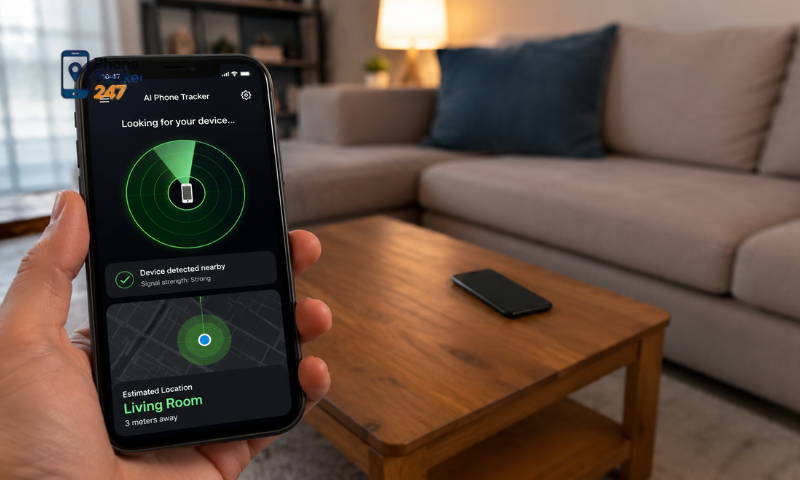
See more: Good Phone Tracking Apps: 12 Features That Matter
Read User Reviews Carefully
User reviews can reveal problems that may not appear in the app description. However, the overall rating alone may not provide a complete or accurate picture.
Pay attention to reviews that mention:
- Unexpected data collection.
- Excessive battery consumption.
- Inaccurate location tracking.
- Frequent crashes or technical errors.
- Hidden charges or misleading free features.
- Intrusive advertisements.
- Difficulty canceling subscriptions or deleting an account.
Focus on detailed and recent reviews, especially when multiple users report the same issue.
Review the Privacy Policy
A reliable app should clearly explain how it handles personal information. The privacy policy should be easy to find, understand, and access before installation.
Review whether the policy explains:
- What personal data the app collects.
- Why the data is required.
- How location information is stored.
- Whether data is shared with third parties.
- How long user data is retained.
- Whether users can request data deletion.
- What security measures are used to protect information.
Avoid apps with vague, incomplete, or missing privacy policies, as this may indicate poor transparency or risky data practices.
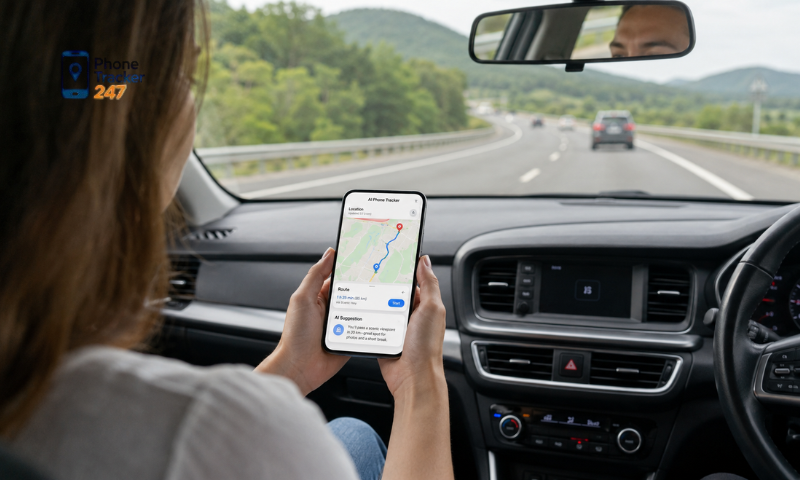
Check Requested Permissions
Phone Tracker Apps Free need certain permissions to function, especially access to location services. However, requests for unrelated permissions may indicate unnecessary data collection.
Before installation, review whether the app requests access to:
- Precise or approximate location.
- Background location tracking.
- Contacts.
- Camera.
- Microphone.
- Messages.
- Photos and device storage.
- Call logs or phone activity.
Only grant permissions that are directly related to the app’s core features. Unnecessary access should be treated as a warning sign.
Look for Regular Updates
Apps that receive frequent updates are generally more secure and reliable. Regular maintenance shows that the developer is actively fixing bugs, improving performance, and responding to new security threats.
Check the app listing for:
- The date of the latest update.
- The frequency of previous updates.
- Security patches and bug fixes.
- Compatibility with recent operating system versions.
- Clear release notes explaining recent changes.
An app that has not been updated for a long time may contain unresolved vulnerabilities or compatibility issues. Choosing an actively maintained app can provide better protection and a more stable tracking experience.

See more: Best Free Phone Tracker App: Selection Criteria and Safety Tips
When Should You Choose a Paid Version Instead of a Free One?
Although phone tracker apps free may be sufficient for basic or occasional location tracking, they often come with limitations in accuracy, functionality, privacy, and customer support. A paid version may be more suitable when you need reliable tracking for daily use or require advanced safety and management features.
Consider choosing a paid version if you need:
- More accurate real-time tracking: Premium apps usually provide faster location updates and greater accuracy, which can be important for family safety or professional use.
- Detailed location history: Paid plans may offer extended location records, route history, timestamps, and activity reports.
- Geofencing alerts: You can receive notifications when a family member, employee, or monitored device enters or leaves a designated area.
- Multi-device and cross-platform support: Premium services often allow you to manage several Android and iOS devices through one account.
- Priority customer support: Paid users may receive faster assistance with setup, technical issues, billing, or account security.
- Regular updates and improved reliability: Subscription revenue allows developers to maintain the app, fix vulnerabilities, and release new features more consistently.
- An ad-free experience: Premium versions generally remove intrusive advertisements, providing a cleaner and more convenient user experience.
- Stronger privacy protections: Reputable paid services are more likely to rely on subscription fees rather than advertising or extensive user-data collection.
Paid tracking solutions are particularly useful for businesses, parents managing family safety, and users who depend on location tracking every day. However, upgrading is not always necessary. Compare the premium features with your actual requirements, as a trustworthy free version may still provide enough functionality for occasional personal use.

Conclusion
Phone tracker apps free can be useful, but they should never be chosen based on price alone. Security, privacy, developer reputation, and transparency are far more important than whether an app is free or paid.
By downloading apps from trusted sources, reviewing permissions, and understanding how your data is handled, you can significantly reduce potential risks while enjoying the convenience of location tracking. If you require advanced features, stronger security, or greater reliability, upgrading to a premium version may be the smarter long-term investment.
For daily updates, subscribe to PhoneTracker’s blog!
We may also be found on Facebook!
FAQs
1. Are free phone tracker apps safe?
Some are safe, but privacy and security must be checked.
2. What risks do free tracker apps have?
They may collect data, show ads, or limit key features.
3. Should I check app permissions?
Yes, only allow permissions needed for location tracking.
4. Where should I download tracker apps?
Download only from Google Play or the Apple App Store.
5. Why check the developer?
A trusted developer is more likely to protect user data.
6. Are user reviews important?
Yes, reviews can reveal bugs, ads, or hidden charges.
7. Why read the privacy policy?
It explains what data is collected, stored, and shared.
8. Do free apps have limited features?
Yes, free versions often limit history, alerts, or devices.
9. When should I choose paid?
Choose paid for better accuracy, support, and privacy.
10. Can free apps track location well?
Yes, but reliability depends on the app and device settings.