Nowadays, phone tracking apps are increasingly used for device management, data protection, and safety monitoring for children or employees. However, not every app delivers the same level of performance. To choose good phone tracking apps, users should consider the essential features that determine tracking accuracy, data security, and overall user experience. In the article below, Phonetrack247 will help you understand the 12 most important features to look for when selecting a suitable phone tracking application.
Contents
12 Important Features of a Good Phone Tracking App
A reliable phone tracking app is not defined by only one or two functions. It should combine accurate location technology, strong security measures, practical monitoring tools, and an easy-to-use interface. Below are 12 essential features to consider when evaluating good phone tracking apps.
Real-Time GPS Tracking
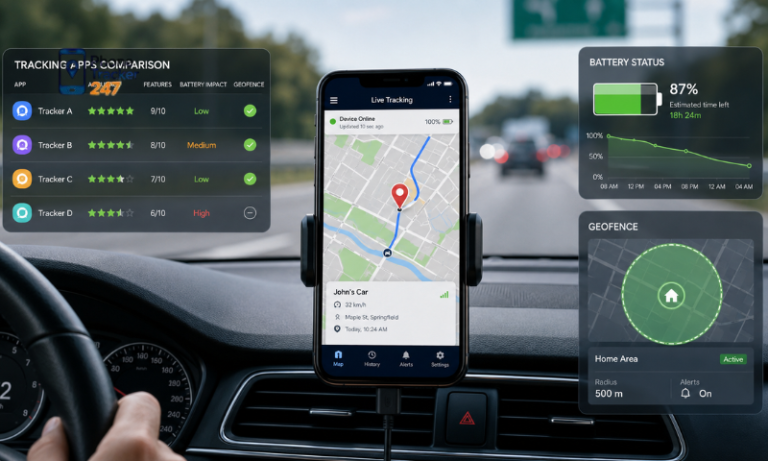
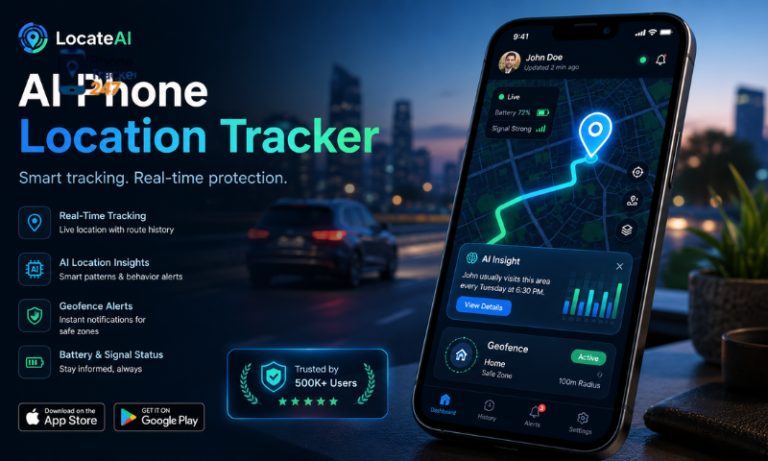
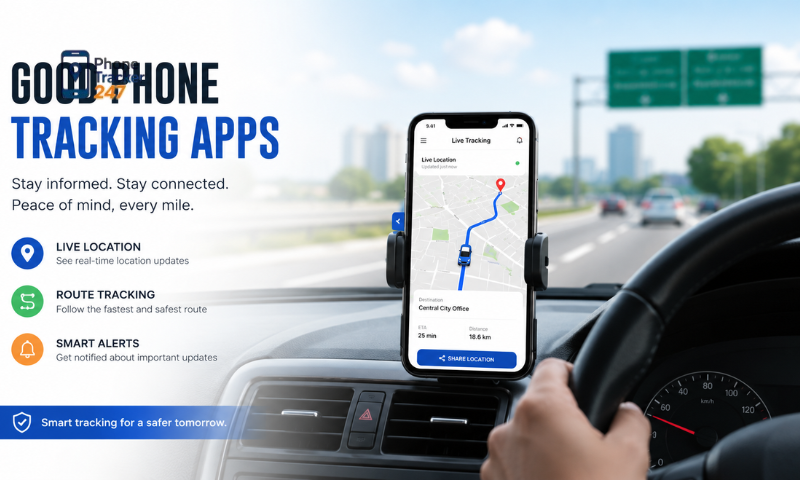
Real-time GPS tracking allows users to view the current or most recently updated location of a connected device. The accuracy of this feature may depend on GPS availability, internet connectivity, and device settings.
- Displays the device’s live location on a digital map.
- Provides frequent location updates.
- Helps locate lost or misplaced devices.
- Supports family safety and authorized device management.
Reliable real-time tracking is one of the most important indicators of an effective phone tracking app.
Location History
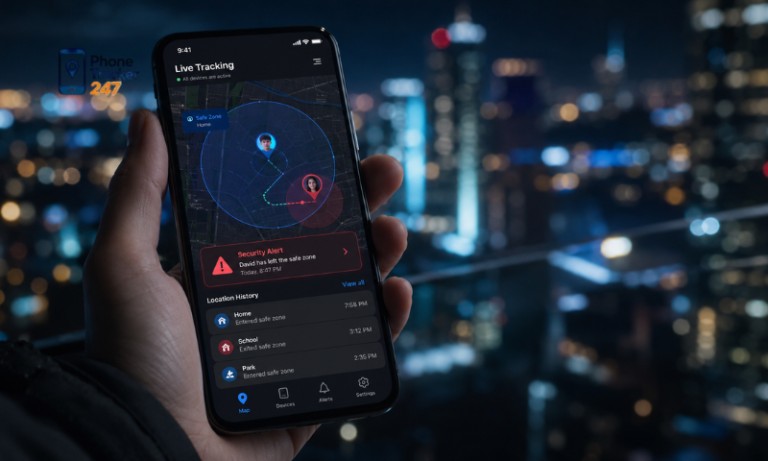
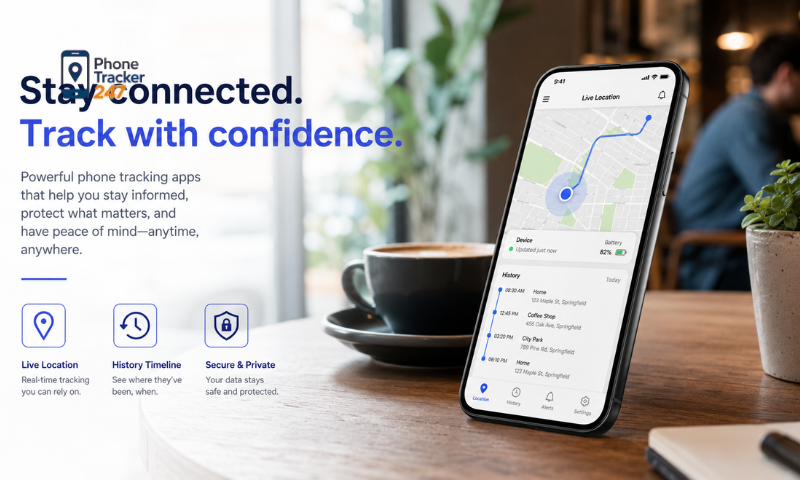
Location history records previous movements, routes, and visited places over a selected period. It helps users understand where the device has been without monitoring it continuously.
- Shows previously recorded locations.
- Displays travel routes and movement patterns.
- Includes timestamps for visited places.
- May allow filtering by date or time range.
This feature is useful for reviewing travel activity, but stored records should be managed carefully to protect privacy.
Geofencing Alerts
Geofencing enables users to create virtual boundaries around specific places, such as a home, school, office, or designated work area. The app can send alerts when the device crosses these boundaries.
- Notifies users when a device enters a selected area.
- Sends alerts when the device leaves a predefined zone.
- Helps monitor arrivals and departures.
- Reduces the need for constant manual tracking.
Geofencing provides timely updates while allowing users to monitor important locations more efficiently.
Battery Status Monitoring
Battery monitoring shows the remaining power level of the tracked device. This information can help users understand why location updates have slowed down or stopped.
- Displays the current battery percentage.
- Warns users when battery power is low.
- Helps anticipate temporary tracking interruptions.
- May indicate whether the device is charging.
This feature is especially helpful when tracking a lost phone or checking the status of a family member’s device.
App Usage Tracking
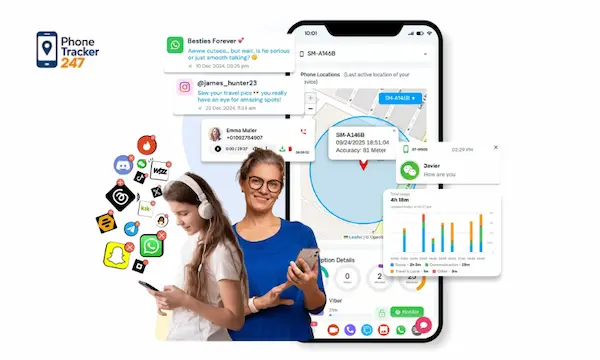
App usage tracking provides information about which applications are opened and how much time is spent using them. This feature is commonly associated with parental controls or managed business devices.
- Shows frequently used applications.
- Records the amount of time spent on each app.
- Helps identify excessive or unusual usage.
- May support screen-time management.
App monitoring should only be used with proper authorization and in compliance with applicable privacy laws.
See more: Phone Tracker App Free vs Paid: Which One Should You Choose?
Cross-Platform Compatibility
Cross-platform compatibility allows the tracking service to operate across different mobile operating systems. This is important for families or organizations that use both Android and iOS devices.
- Supports Android and iOS devices.
- Allows monitoring through a mobile app or web dashboard.
- Simplifies management of devices from different manufacturers.
- Reduces compatibility problems when users change phones.
Broad compatibility makes a tracking app more flexible and convenient for long-term use.
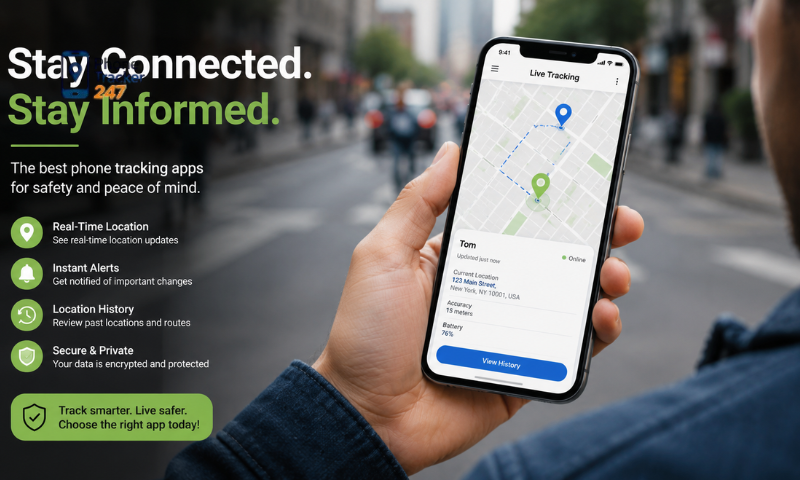
Background Operation
A well-designed tracking app should be able to operate in the background without significantly disrupting normal device use. However, it should remain transparent and visible to authorized users.
- Continues updating location when the app is not open.
- Minimizes battery and mobile-data consumption.
- Avoids slowing down the device.
- Maintains stable tracking during regular use.
Background operation improves tracking continuity, but it should never be used for secret or unauthorized surveillance.
Remote Device Control
Some phone tracking applications include remote tools that help users locate or protect a connected device. Available controls depend on the operating system and permissions granted.
- Triggers a sound to locate a nearby phone.
- Locks the device remotely.
- Displays a recovery message on the screen.
- May support remote data deletion in serious cases.
Remote actions should be used carefully because certain commands, particularly data deletion, may be irreversible.
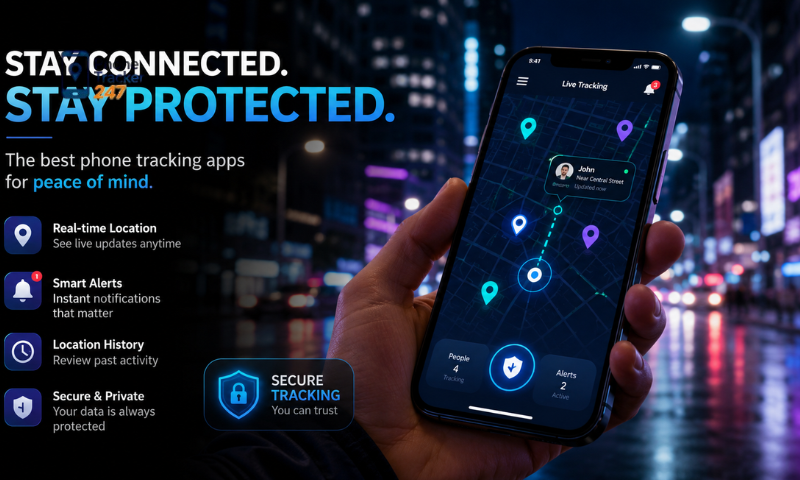
Data Encryption
Data encryption protects sensitive location records, account details, and device information while they are transmitted or stored. Strong encryption reduces the risk of unauthorized access.
- Encrypts data during transmission.
- Protects stored location information.
- Helps secure account credentials.
- Reduces exposure during a security breach.
Encryption is a fundamental requirement for any application that processes personal location data.
Custom Alerts
Custom alerts allow users to choose which events should trigger notifications. Personalized settings can reduce unnecessary messages and make important updates easier to notice.
- Creates alerts for specific locations or movements.
- Sends low-battery notifications.
- Provides offline or connectivity warnings.
- Allows users to adjust notification frequency.
Flexible alert settings help users receive relevant information without being overwhelmed by excessive notifications.
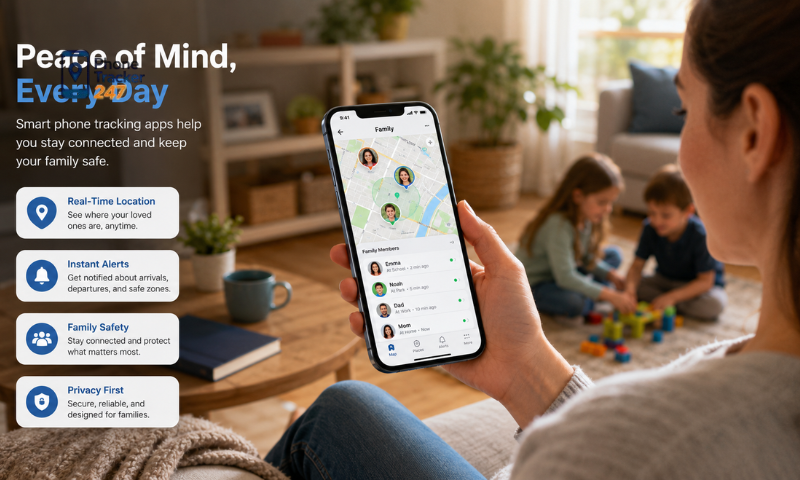
Cloud Backup Support
Cloud backup stores tracking records and account information on protected online servers. It can help users recover important data after replacing or resetting a device.
- Preserves selected location records.
- Synchronizes data across authorized devices.
- Supports account and settings recovery.
- Reduces the risk of losing information stored only on the phone.
Users should review the provider’s data-storage, retention, and deletion policies before enabling cloud backup.
See more: Best Mobile Phone Tracker App for Real-Time Location
Regular Updates and Customer Support
Regular software updates help maintain security, compatibility, and performance as mobile operating systems change. Reliable customer support is also important when users experience technical or account-related issues.
- Fixes known bugs and security vulnerabilities.
- Maintains compatibility with newer operating systems.
- Improves tracking accuracy and app stability.
- Provides assistance through trusted support channels.
Consistent updates and responsive support are strong signs that an app is actively maintained by a reliable developer.
Together, these 12 features determine the overall accuracy, security, usability, and reliability of a modern phone tracking application. Users should compare them according to their specific needs and always use tracking tools with informed consent and for legitimate purposes.
How to Choose a Phone Tracking App That Fits Your Needs
Choosing the right phone tracking app depends on your intended purpose, required features, and level of technical experience. Since not every user needs advanced monitoring tools, identifying your specific needs can help you avoid unnecessary features and costs.
- For parental control: Prioritize features such as real-time GPS tracking, geofencing alerts, location history, and age-appropriate app monitoring.
- For personal security: Look for emergency alerts, location sharing, remote device locking, and lost-device recovery tools.
- For business use: Choose an app that supports multi-device management, activity reports, centralized administration, and role-based access.
- For basic tracking needs: A simple app with GPS location tracking and secure location sharing may be sufficient.
- Ease of use: Select an application with a clear interface, straightforward setup process, and reliable customer support.
- Privacy and data protection: Review the app’s privacy policy, requested permissions, data-storage practices, and security measures before installation.
- Pricing and subscription terms: Compare free and paid features, renewal conditions, device limits, and cancellation policies to avoid unexpected charges.
- Developer reliability: Choose apps from trusted developers that provide regular updates, transparent data practices, and verified user reviews.
By comparing these factors with your actual tracking requirements, you can select an app that offers the right balance of functionality, security, usability, and cost.
Conclusion
A good phone tracking app is not just about tracking location—it is about combining accuracy, security, and responsible usage. The right app should provide essential features while also protecting user privacy and data integrity.
Before choosing an app, always evaluate your needs carefully and prioritize safety and reliability over unnecessary features. Explore trusted phone tracking solutions today and choose the one that best fits your personal or professional requirements.
For daily updates, subscribe to PhoneTracker’s blog!
We may also be found on Facebook!
FAQs
1. What is a phone tracking app?
A phone tracking app is a tool that helps locate a device and monitor its location in real time.
2. How does a phone tracking app work?
It usually uses GPS, Wi-Fi, and mobile network data to show the phone’s position on a map.
3. Can a phone tracking app show live location?
Yes, many apps provide real-time or near real-time location updates.
4. Does a phone tracking app save location history?
Yes, some apps can store past routes, visited places, and movement history.
5. Can phone tracking apps work on both Android and iPhone?
Yes, but available features may differ depending on the device and operating system.
6. What features should a good phone tracking app have?
A good app should include accurate GPS tracking, geofencing, location history, alerts, and a simple dashboard.
7. Is it legal to use a phone tracking app?
Yes, when used on your own device or with proper consent and legal authorization.
8. Are phone tracking apps safe to use?
Reliable apps should use encryption, secure login, and clear privacy controls to protect data.
9. Who usually uses phone tracking apps?
Parents, families, businesses, and individuals often use them for safety, security, and device management.
10. How do I choose the best phone tracking app?
Choose one that fits your needs, supports your device, offers strong privacy protection, and is easy to use.