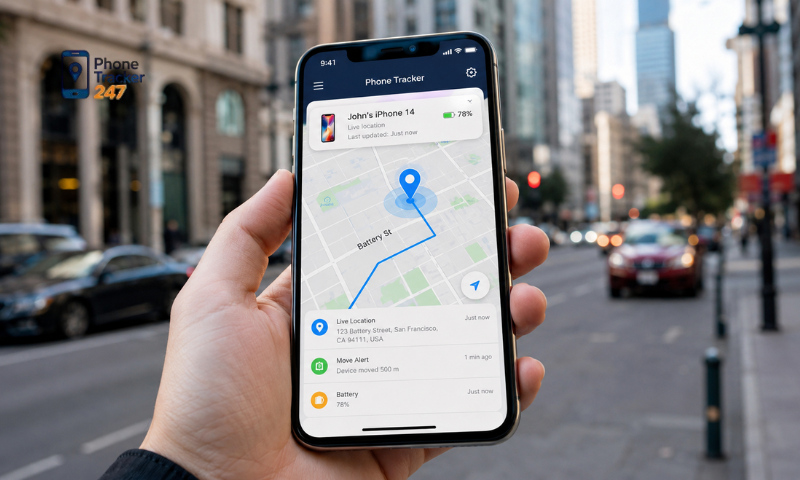
A Phone Tracker App for iPhone can help users locate a device, review location history, or share a location when appropriate. However, each app may have different limitations related to permissions, accuracy, background activity, and iOS settings. In this article, PhoneTracker247 explains the most common features, important limitations, and practical setup tips for using a location tracking app on iPhone safely and effectively.
Contents
Common Features of a Phone Tracker App for iPhone
The actual feature set varies from one app to another, but a typical Phone Tracker App for iPhone focuses on displaying, updating, and sharing location information so users can manage devices or stay connected with people who have agreed to share their location.
Common features may include:
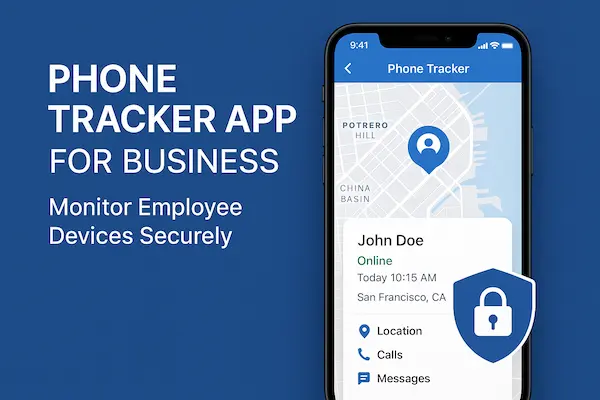
- View current location: Shows the device location on a map when the required permissions are enabled.
- Location sharing: Allows users to voluntarily share their location with family members, friends, or selected contacts.
- Location updates: Refreshes location data depending on app activity, network connectivity, and iPhone permission settings.
- Save important places: Some apps allow users to mark home, work, school, or other frequently visited locations.
- View location history: Certain apps may store previously visited locations for a limited period, depending on available features and granted permissions.
- Set safe zones: Some apps support geofencing and can notify users when a device enters or leaves a defined area.
- Navigate to a shared location: Location data may be combined with mapping services to provide directions.
- Manage multiple devices or members: Useful for families or small groups that want to manage several devices from one interface.
- Location change alerts: Some apps can send notifications when relevant location changes are detected.
- Privacy controls: Users may be able to enable, disable, or limit location sharing based on their preferences.
When using PhoneTracker247, users should review the feature list available in the current version because supported functions may vary by app update, iOS version, region, and granted permissions.
Limits and Privacy Considerations
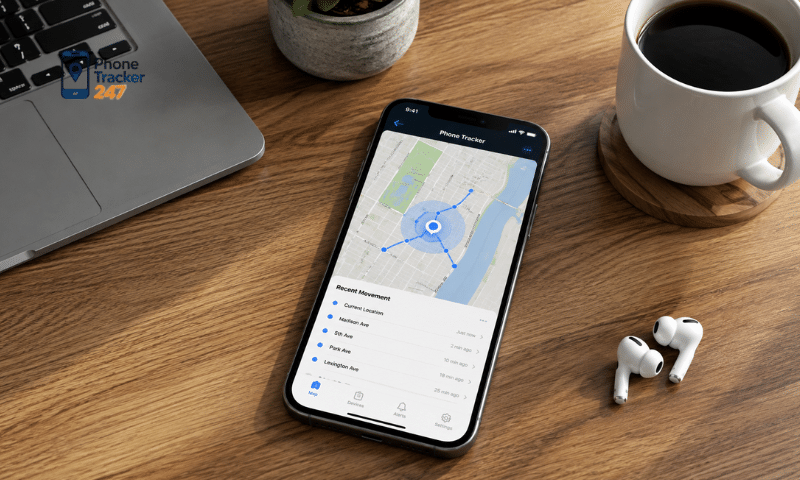
Location tracking apps on iPhone are subject to several iOS restrictions designed to protect personal data. As a result, location updates depend not only on the app itself but also on access permissions, network connectivity, and privacy settings on the device.
Important limitations include:
- Location permission is required: If the user selects Never, the app cannot access Location Services data.
- Different permission levels are available: iOS may offer options such as Ask Next Time Or When I Share, While Using the App, and additional access levels depending on the app.
- Background tracking may be restricted: Location updates while the app is closed depend on granted permissions and how the app is designed.
- Precise Location can be disabled: If turned off, the app may only receive an approximate area rather than an exact position.
- GPS may not always be accurate: Basements, enclosed buildings, dense urban environments, and weak signals can reduce positioning accuracy.
- Network connectivity matters: Location synchronization may be delayed when the iPhone loses Wi-Fi or mobile data.
- Low Power Mode may affect activity: Some background processes can be limited when the device prioritizes battery savings.
- Tracking should require consent: Location is sensitive personal data, so tracking should only involve your own device or someone who has willingly agreed to share their location.
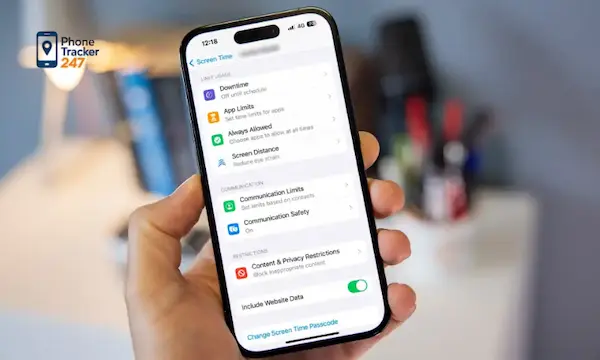
Users can review or change app permissions at any time under Settings > Privacy & Security > Location Services. With PhoneTracker247, it is best to grant only the permissions needed for the features you actually use.
See more: iOS Phone Tracker App: What Works on iPhone and iPad
How to Install and Set Up a Phone Tracker App on iPhone
After installing PhoneTracker247, users should configure permissions based on their actual needs instead of enabling every available permission by default. This approach can help the app work properly while maintaining better control over privacy.
Install the App and Sign In
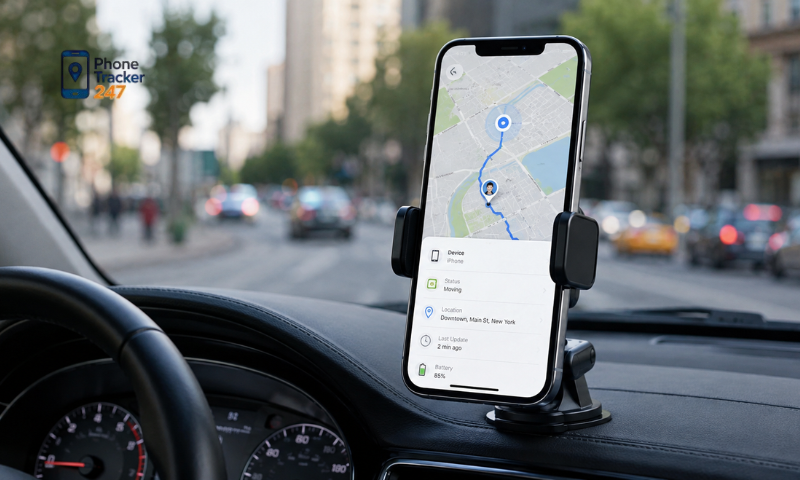
The first step is to install the app from its official distribution source and complete account setup if required.
Users should:
- Download PhoneTracker247 from its official source.
- Open the app after installation.
- Register or sign in to an account.
- Review account information before continuing.
Once this is complete, users can move on to configuring location access on the iPhone.
Configure Location Permissions
PhoneTracker247 needs the appropriate level of location access to display or update device location information.
Basic steps include:
- Read the permission request carefully when it appears.
- Select the permission level that matches your needs.
- Go to Settings > Privacy & Security > Location Services.
- Find PhoneTracker247 in the app list.
- Review the location permission currently granted.
Users should avoid granting more access than necessary if the app is only used occasionally.
Enable Precise Location When Needed
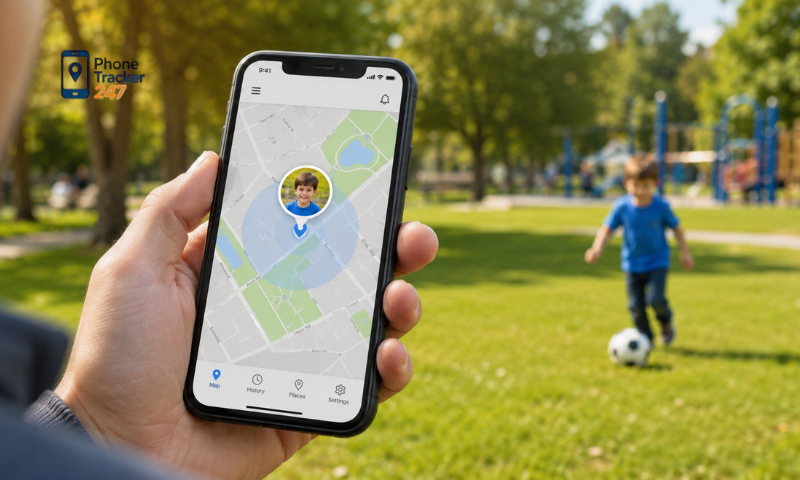
iPhone allows users to decide whether an app receives an exact location or only an approximate area.
You may want to enable Precise Location when you need to:
- Track a more specific location.
- Identify a device more accurately on the map.
- Use features based on specific places or geographic zones.
If high accuracy is not necessary, Precise Location can be turned off to reduce the amount of detailed location data shared with the app.
Set Up Location Sharing
Once location permissions are configured, users can decide which accounts or members are allowed to view their location.
It is important to:
- Add only people you recognize.
- Verify the correct account before sharing.
- Avoid giving access to unknown users.
- Remove members when location sharing is no longer needed.
- Review the device or member list regularly.
Managing the sharing list carefully helps reduce the risk of unwanted access to personal location information.
See more: Screen Time Tracker Android: App Usage and Digital Balance
Test the App Before Regular Use
After setup is complete, users should test a location update to confirm that PhoneTracker247 is working as expected.
Check whether:
- The location appears on the map.
- Updates are delivered normally.
- Wi-Fi or mobile data is working.
- Location Services permissions are enabled.
- The reported location is reasonably accurate.
- Sharing works with the selected account.
If the location does not appear, check Location Services, PhoneTracker247 permissions, internet connectivity, and iPhone location settings before changing other configurations.
Tips for Using a Location Tracking App on iPhone Safely and Effectively
A Phone Tracker App for iPhone is most useful when users can benefit from location features while still maintaining control over personal data. A few practical habits can help improve both safety and usability.
Important tips include:
- Grant only necessary permissions: Do not enable background location access unless the feature you use requires it.
- Review permissions regularly: Check iPhone settings from time to time to see which apps can access your location.
- Protect your account: Do not share your PhoneTracker247 account and use a strong, unique password.
- Track only with consent: Use the app for your own device or with people who have voluntarily agreed to share their location.
- Review group devices: Remove devices or members that no longer need to be included.
- Stop sharing when it is no longer needed: Avoid continuous location sharing after the original purpose has ended.
- Monitor app permissions: Use iPhone privacy tools to review how apps access location and other sensitive data.
- Keep the app and iOS updated: Updates often include improvements to security, privacy, and compatibility.
With PhoneTracker247, transparency, consent, and user control should remain the priority. This approach helps users benefit from location tracking features while reducing the risk of unnecessary data exposure or unwanted sharing.
Conclusion
A Phone Tracker App for iPhone can make device location and location sharing more convenient, but its performance depends on Location Services permissions, device connectivity, and iOS privacy restrictions. Users should understand each permission before enabling tracking and share location only when appropriate.
PhoneTracker247 is designed to support convenient and transparent device location management with user permission. If you are looking for an iPhone location tracking solution, you can consider PhoneTracker247 while configuring location access carefully to maintain a balance between useful features and personal privacy.