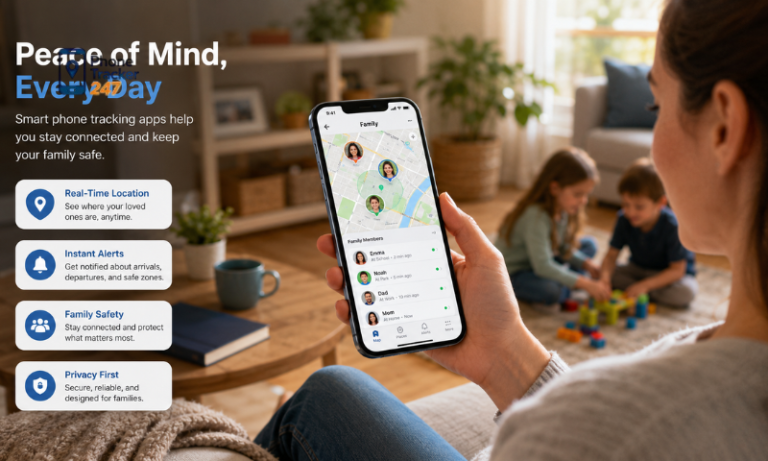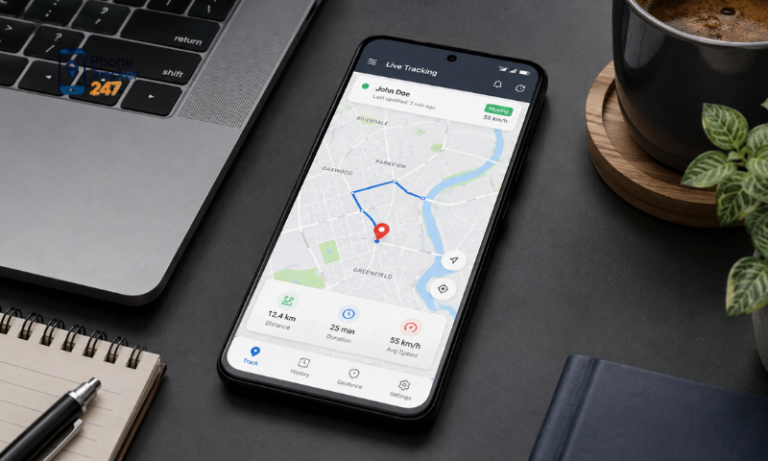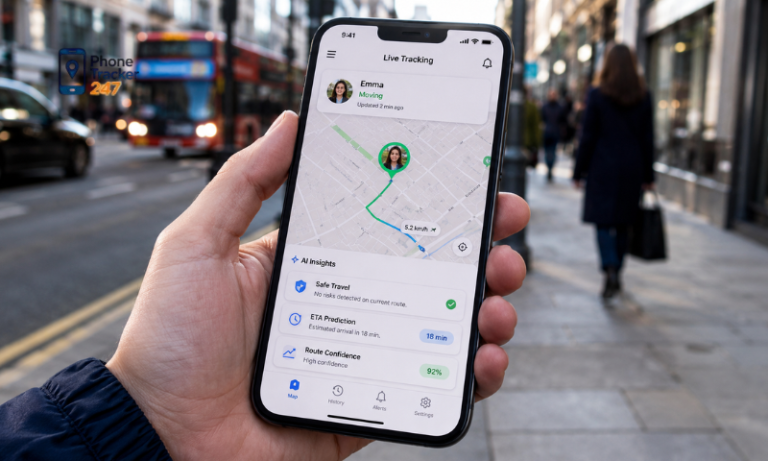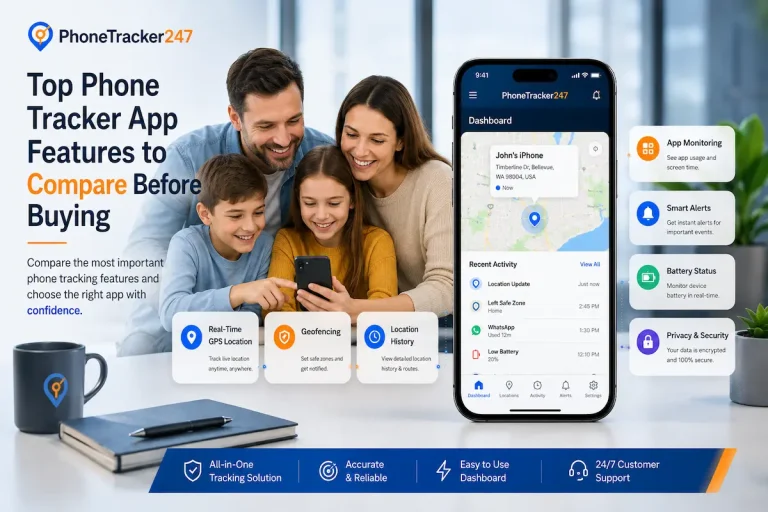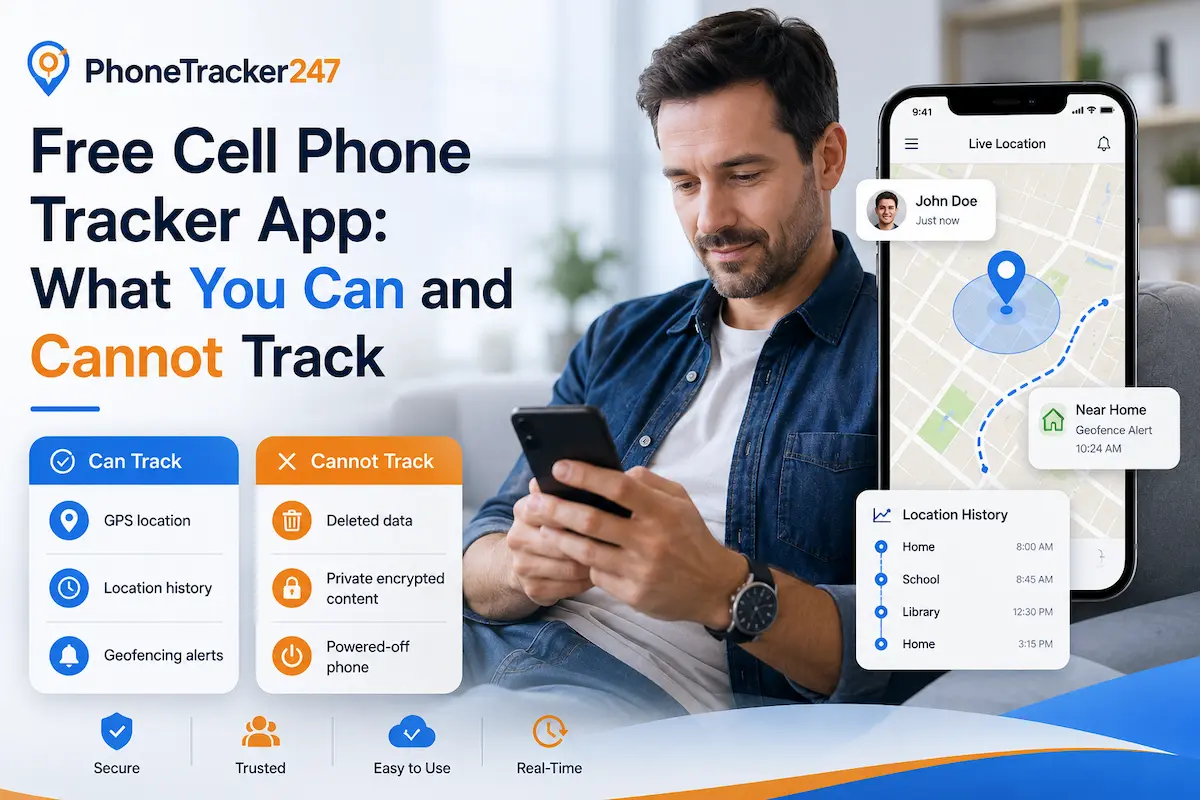
Free cell phone tracker apps are becoming increasingly popular because they are convenient and require no payment. However, these apps usually provide only basic features and may be limited in tracking accuracy and advanced monitoring capabilities. In the article below, Phonetrack247 will explain what you can and cannot track with a free cell phone tracker app, helping you choose a solution that better suits your needs.
What You Can Track with a Free App
A free cell phone tracker app like Phonetrack247 can provide several basic monitoring functions for occasional use. However, the available data may be limited, delayed, or updated less frequently than with a paid version.
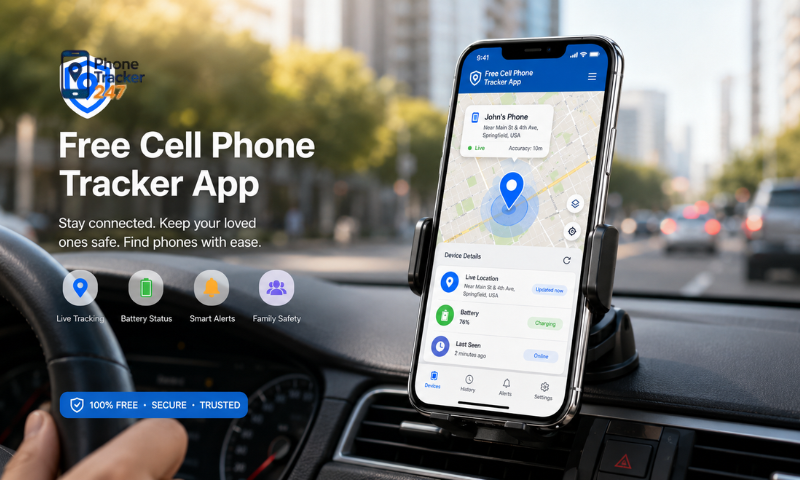
Device Location
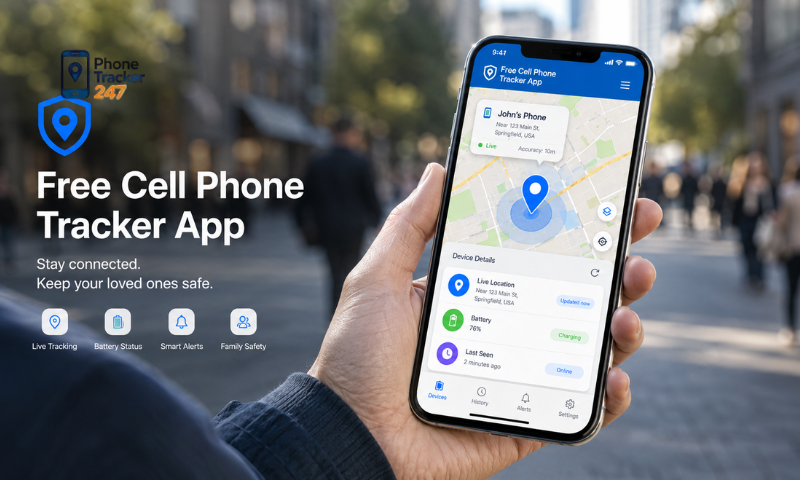
Free apps generally allow users to check the current or most recently recorded location of a device. Common capabilities include:
- Viewing the device’s approximate location on a map.
- Checking the last known location when the device is offline.
- Receiving basic updates when the device changes position.
- Locating a lost or misplaced phone.
Location updates may be delayed, and accuracy can depend on GPS, internet connectivity, and device settings.
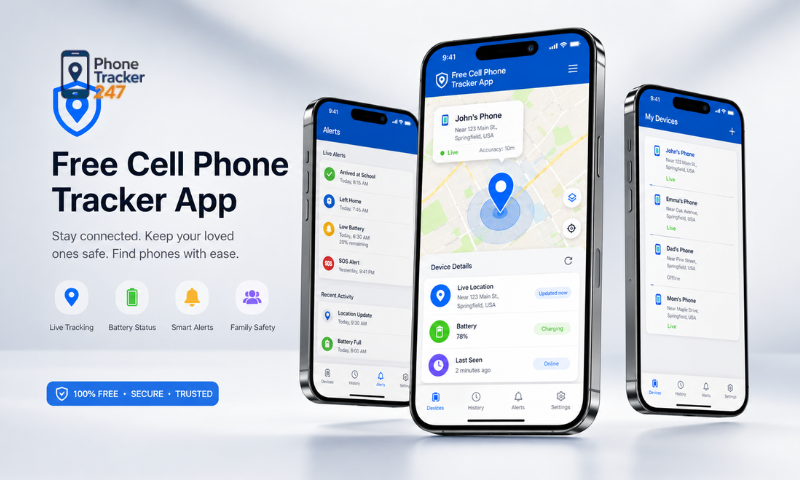
Limited Location History
Some free tracking apps provide access to a short record of previously visited locations. Users may be able to:
- Review a limited number of recent locations.
- Check basic movement between different areas.
- View the approximate time of recorded location updates.
- Confirm whether a device has recently changed position.
The available history is often shorter and less detailed than the records provided by premium plans.
Basic Notifications
A free version may send simple notifications related to device movement or tracking status. These can include:
- Alerts when a new location is detected.
- Notifications when the device connects to the internet.
- Basic updates about changes in tracking status.
- Warnings when location services are disabled.
Advanced alerts, such as geofencing notifications or unusual movement detection, may not be available.
See more: Best Cell Phone Tracker App: Top Features Parents Should Look For
Device Status Information
Some apps also display basic technical information about the tracked device. Depending on the app and operating system, this may include:
- Current battery level.
- Internet or network connection status.
- GPS availability.
- Last synchronization time.
- Basic device activity or online status.
This information can be useful for simple monitoring, although it may not update continuously.
Overall, a free app is suitable for occasional location checks and basic device status monitoring. For detailed history, real-time updates, geofencing, and continuous tracking, a paid version may provide a more complete solution.
Comparison Between Free and Paid Tracking Capabilities
The main differences between the free and paid versions of Phonetrack247 involve tracking accuracy, update speed, available features, and overall reliability. The table below highlights the key distinctions.
| Comparison Criteria | Free Version | Paid Version |
| Location tracking | Basic location tracking | Real-time and highly accurate tracking |
| Update frequency | Delayed or less frequent updates | Faster and more frequent updates |
| Location history | Limited or unavailable | Detailed movement and location history |
| Geofencing | Usually not available | Allows users to create virtual safety zones |
| Smart alerts | Limited or unavailable | Instant alerts for unusual activity or zone changes |
| Reliability | Suitable for occasional checks | Better suited for continuous monitoring |
| User experience | May include restrictions or limited features | More stable and complete tracking experience |
| Best for | Basic or occasional use | Family safety, business devices, and long-term monitoring |
Overall, the free version is suitable for simple location checks, while the paid version provides more accurate, continuous, and reliable monitoring with advanced safety features.
Should You Use a Free Cell Phone Tracker App?
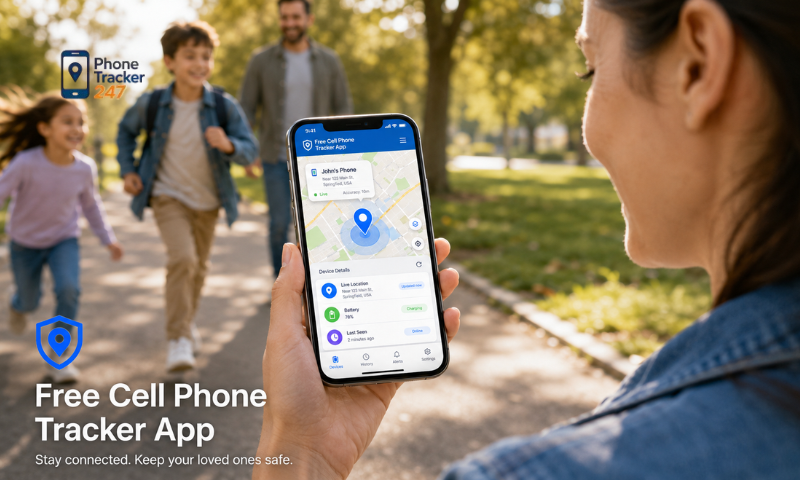
Whether you should use a free cell phone tracker app like Phonetrack247 depends on your tracking purpose, required accuracy, and frequency of use. A free version can be practical for simple needs but may not be reliable enough for continuous monitoring.
- Choose the free version if you only need occasional location checks or basic device tracking.
- Consider your accuracy requirements: Free apps may provide delayed or less frequent location updates.
- Review available features: Tools such as geofencing, detailed location history, and instant alerts may be limited.
- Check privacy and security: Make sure the app protects personal and location data appropriately.
- Upgrade for important monitoring: A paid version may be more suitable for tracking children, company devices, or valuable equipment.
- Compare cost and actual needs: Avoid paying for advanced features that you are unlikely to use.
A free cell phone tracker app is suitable for basic and occasional checks, while a paid version generally offers more accurate, stable, and comprehensive tracking.
See more: Top Phone Tracker App Features to Compare Before Buying
Important Notes When Using Phone Tracking Apps
When using a phone tracking app such as Phonetrack247, users should consider legality, privacy, tracking accuracy, and account security. Responsible use not only protects personal information but also helps the app operate more effectively.
- Use the app legally and with consent: Only track devices you own or have clear permission to monitor.
- Review app permissions carefully: Check whether the app requests access to location, contacts, storage, microphone, or other sensitive data.
- Avoid relying entirely on free tracking: Free versions may provide delayed updates, limited history, or lower location accuracy.
- Keep the app updated: Regular updates can improve performance, fix security issues, and maintain compatibility with the device.
- Protect your account: Use a strong password and enable two-factor authentication when available.
- Check device compatibility: Make sure the app supports the operating system and version installed on the target device.
- Monitor battery and data usage: Continuous location tracking may increase battery consumption and mobile data use.
- Review the privacy policy: Understand how location data is collected, stored, shared, and deleted.
- Test the app before depending on it: Confirm that tracking, alerts, and location updates work properly in real conditions.
Following these precautions allows users to take advantage of Phonetrack247 more safely, responsibly, and effectively while reducing privacy and performance risks.
Conclusion
Free phone tracking apps like Phonetrack247 can support basic monitoring needs such as occasional location checks and simple device management. However, they often come with limitations in tracking accuracy, update frequency, data security, and advanced features. These apps may be suitable for casual use, but they are not always ideal for long-term monitoring, parental safety, or important tracking tasks. Before choosing a version, carefully consider your purpose, privacy requirements, and expected features.
By evaluating your actual needs, you can use Phonetrack247 more effectively and choose a solution that offers the right balance of convenience, security, and reliability.
For daily updates, subscribe to PhoneTracker’s blog!
We may also be found on Facebook!
FAQs
1. What is a free cell phone tracker app?
A free app that helps track a phone’s basic location.
2. What can a free tracker app show?
It can show current or last known phone location.
3. Can free apps track location history?
Yes, but the history is often limited.
4. Do free tracker apps update in real time?
Some do, but updates may be delayed.
5. Can free apps send alerts?
Yes, but alerts are usually basic.
6. Can a free app find a lost phone?
Yes, it can help locate a lost device.
7. Are free tracker apps accurate?
Accuracy depends on GPS, internet, and device settings.
8. What can free apps not track well?
They may not track geofencing or detailed history.
9. Is a free tracker app enough?
It is enough for simple and occasional tracking.
10. Should tracking require consent?
Yes, tracking should be legal and consent-based.