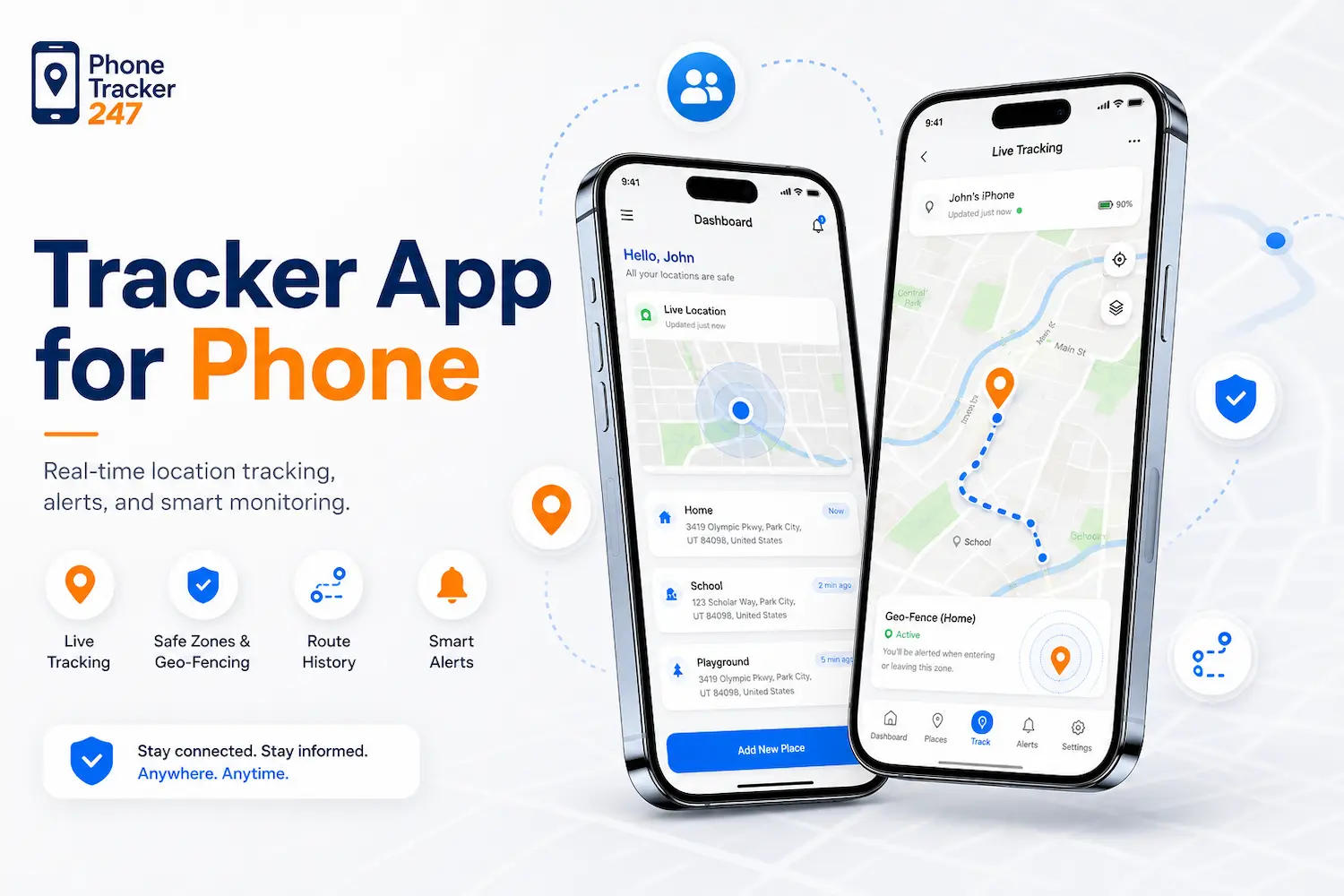
In today’s digital age, phone tracking applications have become important tools for enhancing safety, managing devices, and monitoring activities in real time. However, not all apps offer the same level of features, making it difficult to choose the right one. Understanding the core features of a Tracker App for Phone is essential for users who want reliable performance, accurate tracking, and strong security. This article by PhoneTracker247 will help you explore the most important features every user should consider before installing a phone tracking app.
Core Features of a Tracker App for Phone
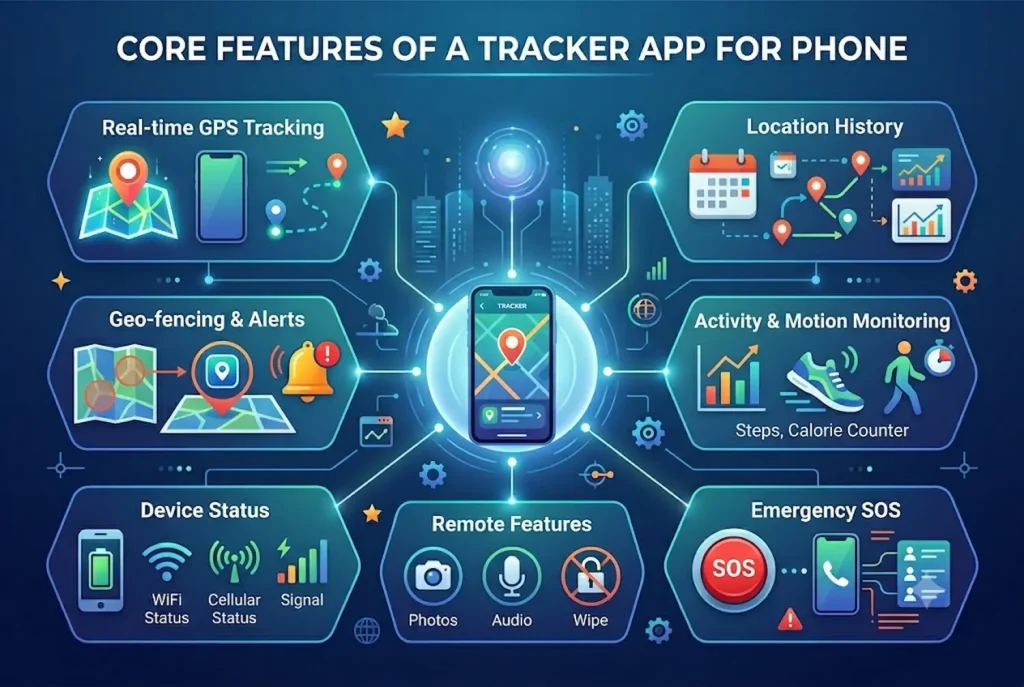
A Tracker App for Phone is not just a simple location tool—it is a multi-layered system designed to provide visibility, control, and security over device usage. Its effectiveness depends heavily on how advanced and well-integrated its core features are. Each feature serves a specific purpose, and together they form a complete monitoring ecosystem for personal, parental, or business use.
Real-time GPS Tracking
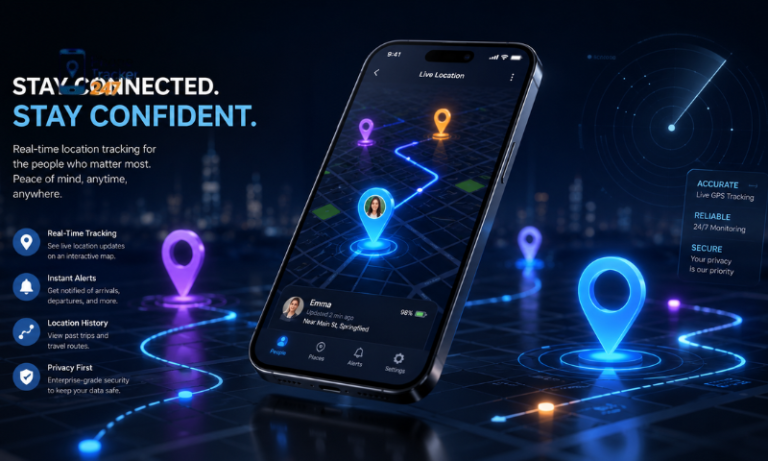
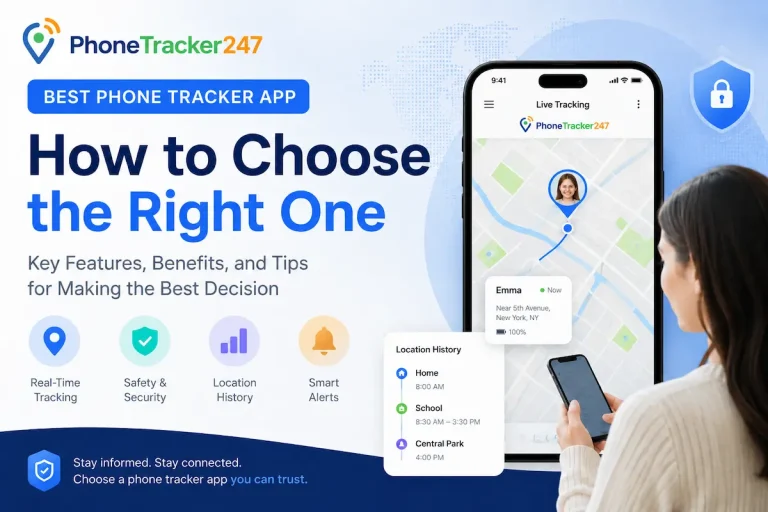
Real-time GPS tracking is the foundation of any tracking application. It continuously updates the device’s location, allowing users to see movements as they happen rather than relying on delayed data.
This feature becomes particularly valuable in situations such as:
- Monitoring children’s safety during travel or outdoor activities
- Tracking employees working in the field or on-site
- Locating a lost or stolen device quickly
The accuracy of this feature depends on signal strength, network connectivity, and the app’s ability to integrate multiple positioning technologies such as GPS, Wi-Fi, and cellular data.
Location History
Location history goes beyond real-time tracking by storing movement data over time. Instead of seeing only where the device is now, users can analyze where it has been.
This provides deeper insights such as:
- Daily travel routines and behavioral patterns
- Verification of visited locations and routes taken
- Identification of unusual or suspicious movement trends
For businesses, this feature can support performance tracking and accountability. For families, it helps ensure consistency and safety in daily routines.
Geofencing Alerts
Geofencing introduces a proactive layer of control by allowing users to define virtual boundaries on a map. When the device enters or exits these zones, the system automatically triggers alerts.
Its real value lies in automation:
- Parents can set “safe zones” like home, school, or playground
- Businesses can define operational areas for staff compliance
- Caregivers can monitor vulnerable individuals without constant manual checks
This reduces the need for continuous monitoring while still maintaining awareness of critical movements.
See more: Phone Tracker Apps: What to Check Before You Install
App Usage Monitoring
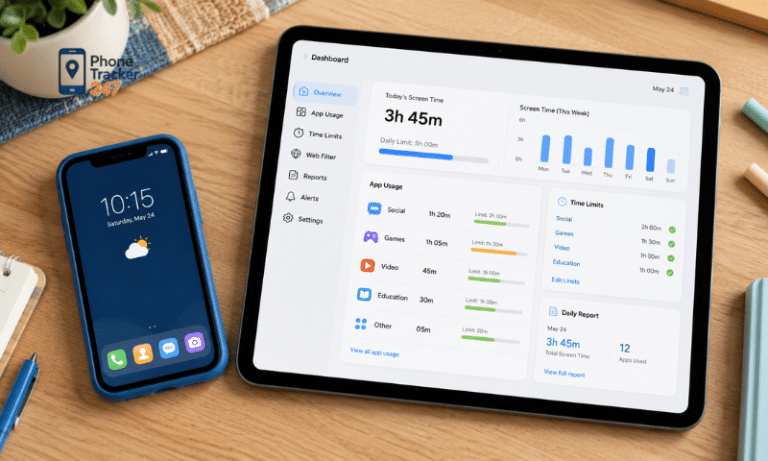
App usage monitoring shifts the focus from location tracking to digital behavior analysis. It tracks how the device is used on a day-to-day basis.
This includes:
- Time spent on specific applications
- Frequency of app usage
- Identification of distracting or non-productive apps
For parents, this helps manage screen time and digital habits. For employers, it supports productivity tracking and ensures devices are used appropriately during work hours.
Remote Control Features
Remote control capabilities transform a tracker app into an active security tool rather than a passive monitoring system. These features allow users to take immediate action when needed.
Common functions include:
- Locking the device remotely in case of loss or theft
- Triggering alarms to locate a nearby device
- Restricting or blocking specific applications
These tools provide an emergency response layer, ensuring that users can protect data and devices even when physical access is not possible.
Overall, these core features work together to create a comprehensive tracking system that balances monitoring, safety, and control depending on the user’s needs.
Security and Privacy Considerations
While phone tracking apps offer many useful benefits such as safety monitoring and device management, they also raise significant concerns regarding privacy and data security. Users need to carefully understand how their personal data is collected, stored, and processed before using any tracking solution.
- Data Protection Policies: A trustworthy tracker app should have a clear and transparent privacy policy that explains how user data is handled. Strong encryption, secure servers, and strict data protection measures are essential to prevent unauthorized access or data leaks.
- User Consent and Legal Usage: Tracking a device should always be done with full consent from the device owner. Using tracking applications without permission may violate privacy laws in many countries and could lead to serious legal consequences. Responsible usage is a key requirement for ethical monitoring.
- Risk of Misuse: Phone tracking tools can be misused if placed in the wrong hands, leading to privacy invasion or unauthorized surveillance. For this reason, users must ensure the app is used strictly for legitimate purposes such as parental control, device security, or employee monitoring with proper authorization.
Overall, maintaining privacy and using tracking apps ethically is just as important as the features they offer.
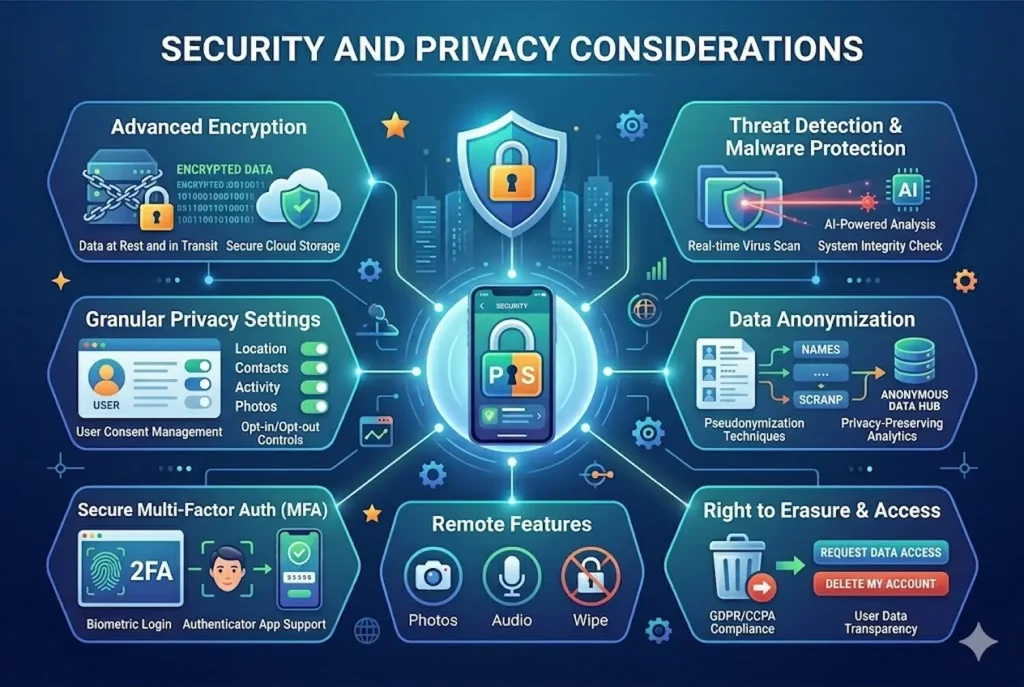
Table 2: Tracker App for Phone Features and Benefits
| Feature | What It Does | Why It Matters |
|---|---|---|
| Real-Time GPS Tracking | Shows the current location of the connected phone. | Helps parents, families, and teams stay informed quickly. |
| Location History | Displays past routes and visited places. | Useful for reviewing movement patterns and safety checks. |
| Geofencing Alerts | Sends alerts when a device enters or leaves a set area. | Helps monitor school, home, workplace, or safe zones. |
| Call Log Monitoring | Shows incoming, outgoing, and missed call records. | Helps understand communication activity on the device. |
| SMS Monitoring | Provides visibility into text message activity. | Useful for parental control and safety awareness. |
| App Activity Tracking | Shows which apps are used and how often. | Helps manage screen time and detect risky app behavior. |
| Remote Dashboard | Lets users view tracking data from a secure online panel. | Makes device monitoring easier from anywhere. |
| Privacy Controls | Uses consent, access control, and secure data handling. | Reduces legal, privacy, and data security risks. |
See more: How an App Can Track a Phone Safely and Accurately
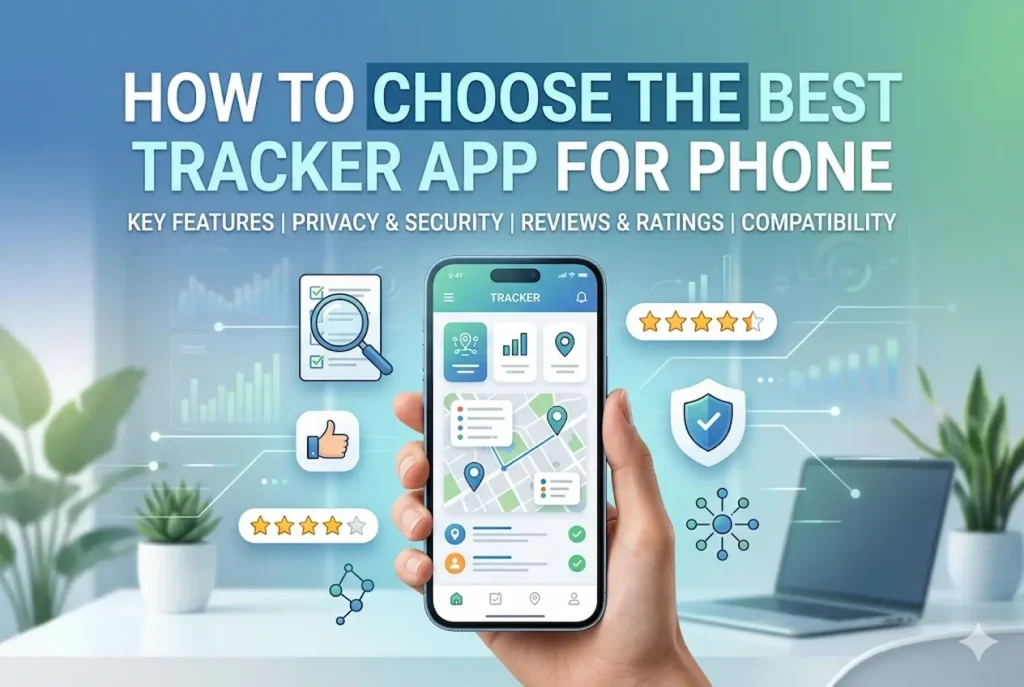
How to Choose the Best Tracker App for Phone
Choosing the right tracker app requires a careful balance between functionality, security, and ease of use. Since different apps offer different levels of performance and features, users should evaluate several key factors before making a final decision.
- Feature Set: Compare core features such as real-time GPS tracking, geofencing alerts, location history, and app usage monitoring. The more aligned these features are with your actual needs, the more effective the app will be in daily use.
- Compatibility: Ensure the app works smoothly on your device’s operating system, whether Android, iOS, or both. Cross-platform support is especially important for users who manage multiple devices.
- Pricing: Review available subscription plans carefully. While some apps offer free basic versions, premium plans usually provide advanced tracking, better accuracy, and more detailed reports. It’s important to choose a plan that fits your budget without paying for unnecessary features.
- Reliability and Reviews: User ratings, feedback, and expert reviews can help you assess the app’s real-world performance. Pay attention to accuracy, stability, and the quality of customer support before deciding.
A well-chosen tracker app should provide a balance of strong functionality, reliable performance, and reasonable cost.
Conclusion
A Tracker App for Phone can be a powerful tool for improving safety, monitoring usage, and managing devices effectively. However, choosing the right app requires careful consideration of features, privacy, and pricing.
If you are looking for a reliable solution, take time to compare different apps and select one that balances functionality with security. The right choice will help you stay informed, protected, and in control of your digital environment.
For daily updates, subscribe to PhoneTracker’s blog!
We may also be found on Facebook!
FAQs
1. What is a tracker app for phone?
It tracks a phone’s location and activity.
2. How does it work?
It uses GPS, network data, and app permissions.
3. Is phone tracking legal?
Yes, with ownership or clear consent.
4. Can it track live location?
Yes, many apps support real-time GPS tracking.
5. What features matter most?
GPS, location history, geofencing, alerts, and activity logs.
6. Can parents use it?
Yes, for child safety and supervision.
7. Can it find a lost phone?
Yes, if tracking was enabled before loss.
8. Does it work on Android and iPhone?
Yes, but features may vary.
9. Is it safe?
Yes, if the app protects data and privacy.
10. What is the best tracker app?
One that is accurate, secure, easy to use, and consent-based.