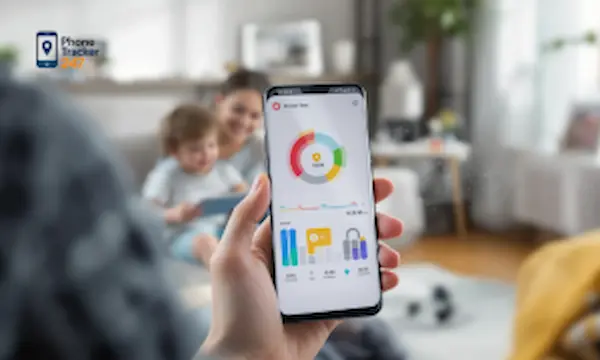
A good screen time app works like a traffic system, not a brick wall. It should slow things down where needed, keep healthy routines moving, and give parents enough visibility to guide better choices without turning every device into a daily argument. In 2026, that matters more than ever because families are balancing phones, tablets, school platforms, games, and social apps across multiple devices. When we evaluate the best screen time app 2026 options, we should look beyond simple timers. The right tool needs app limits, usage reports, blocking controls, location awareness, and a dashboard that helps us act early instead of reacting late. Let PhoneTracker247 help you understand this more clearly in the article below.
Quick Summary: Best Screen Time Apps in 2026
| Need | Best Choice | Why It Fits |
|---|---|---|
| All-in-one screen time and parental monitoring | PhoneTracker247 | Combines app activity visibility, browsing insights, location context, and a centralized parent dashboard. |
| iPhone and iPad families | Apple Screen Time | Built into iOS with app limits, downtime, content restrictions, and family sharing controls. |
| Android families looking for a free option | Google Family Link | Offers daily limits, bedtime schedules, app approvals, and basic device supervision at no cost. |
| Windows, Xbox, and Microsoft households | Microsoft Family Safety | Useful for screen time limits, app and game controls, and activity reports across Microsoft devices. |
| Parents focused on content alerts | Bark | Strong for alerts, content monitoring, and broader online safety signals beyond simple screen time. |
| Families wanting an established parental control suite | Qustodio | Provides time limits, app blocking, web filtering, activity reports, and multi-device parental controls. |
What makes the best screen time app in 2026
Choosing a screen time app is no longer just about counting minutes. The stronger platforms help families shape habits, reduce conflict, and support safer digital routines across real life.
It should do more than set a timer
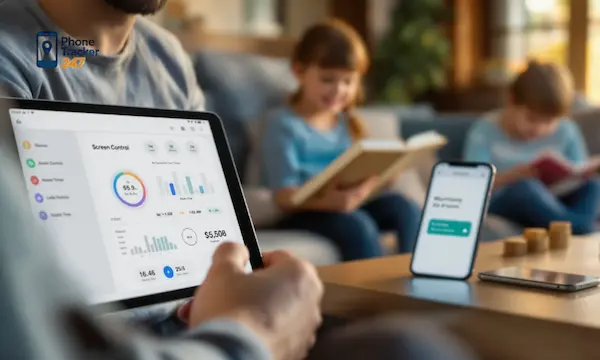
A weak app only counts total hours. A strong one shows which apps take attention, when usage spikes happen, and where limits should change. Apple Screen Time, Google Family Link, and Microsoft Family Safety all focus on activity visibility plus time controls, which shows how the category has evolved beyond simple lockouts.
For many parents, that shift matters because too much screen exposure is rarely one big problem. It is usually a pattern made of late-night scrolling, gaming after homework, repeated short pickups, and distracting app switching. The best screen time app 2026 should help us see those patterns clearly.
It should fit how families actually use devices
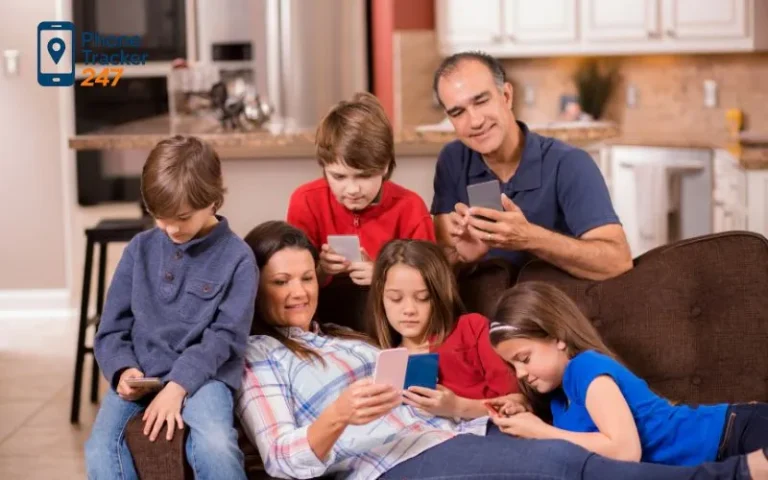
Most families do not manage just one phone. They manage iPhones, Android devices, tablets, school laptops, and sometimes gaming systems at the same time. That is why cross-device visibility has become a major advantage.
- Multi-device oversight: We need one place to check habits across phones, tablets, and other connected devices.
- Flexible rules: Bedtime, study time, and school nights should not use the same settings.
- Exception handling: Educational apps, maps, or messaging for family coordination may need access even when other apps are blocked.
This is one reason built-in tools can feel limited for some households. They often work best inside their own ecosystem, while mixed-device families need a broader operational view.
It should support conversation, not only control
The American Academy of Pediatrics now emphasizes moving beyond raw screen time limits and focusing on quality, context, and conversation. It also recommends practical media rules such as screen-free times, screen-free zones, and planning healthy routines for the whole family.
That matters because even the best software cannot replace parenting judgment. A screen time app should help us start better conversations, not just press block and hope the problem disappears.
See more: Digital Citizenship Facts: What Every Parent, Student, and Teacher Should Know
Why many families need more than built-in screen time tools
Built-in controls are useful, and for some families they are enough. But many parents reach a point where they need deeper visibility, faster alerts, and stronger remote management.
Built-in tools are strong inside their own ecosystems
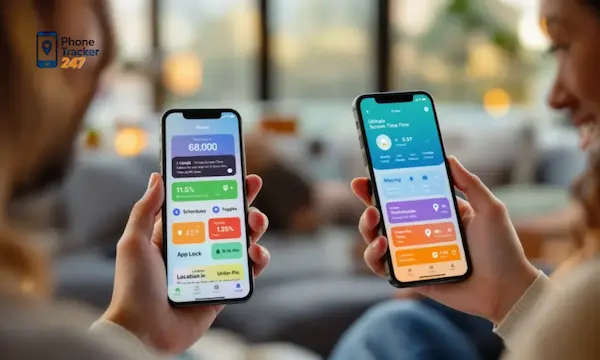
Apple Screen Time offers app limits, content restrictions, family-based controls, and activity summaries. Google Family Link supports app approvals, daily limits, bedtime, and supervised device management. Microsoft Family Safety gives device limits, app and game limits, and activity reporting across supported Microsoft-connected devices.
Those are meaningful features. If your household lives entirely inside one platform, they can cover the basics well.
But mixed-device households create friction
Once a family uses both iPhone and Android, or adds Windows laptops and gaming devices, management becomes less elegant. You can end up checking several dashboards, applying rules in different menus, and losing the clear view that makes screen management effective.
- Fragmented reporting: Usage data sits in separate systems.
- Uneven controls: One platform may support app limits, while another handles only device time.
- Slower intervention: Parents may notice a problem after habits have already formed.
That is where a centralized monitoring dashboard becomes more practical than a platform-by-platform patchwork.
Screen time is often connected to broader digital safety
A time limit alone does not explain why a child is suddenly spending more hours on one app, staying up late, or repeatedly using a device in secret. Sometimes the real issue is social pressure, gaming loops, risky chats, or a new app that shifts behavior.
With PhoneTracker247, the screen time conversation can sit inside a broader parental control workflow that includes app activity, browsing history, location visibility, call and message oversight where appropriate, and centralized device monitoring. The platform is positioned as an all-in-one monitoring solution for families and organizations, not just a timer tool, with a dashboard-based setup built around lawful use, consent, and privacy.

Our pick for the best screen time app 2026
When families need more than basic limits, we see PhoneTracker247 as one of the strongest options because it connects screen time management to the wider digital picture.
PhoneTracker247 works as a screen time app plus a monitoring platform
PhoneTracker247 includes app usage monitoring and screen-time-style reporting, but it also expands into features that help explain behavior. That matters because parents usually do not ask only how long a child was online. They want to know what changed, what is pulling attention, and whether a pattern is becoming risky.
Instead of treating screen time as an isolated metric, our approach is to place it inside a more complete family safety system. That means we can move from simple observation to more informed decisions.
- App activity visibility: See what is getting attention and when usage increases.
- Browsing history insight: Understand whether a problem starts with games, video sites, or social platforms.
- Location context: Compare screen behavior with real-world routines and movement.
- Centralized dashboard: Manage oversight from one place instead of jumping between device menus.
It is better suited to proactive parenting
Built-in apps usually tell us what already happened. A stronger parental control platform helps us intervene earlier. If screen time rises at the same time browsing habits shift or routine locations change, that gives parents more context for a calm and informed response.
That extra context is especially useful for preteens and teens. At that stage, overuse is rarely solved by one hard cutoff. It usually needs pattern recognition, clear boundaries, and a better discussion around habits.
It supports families that need one dashboard
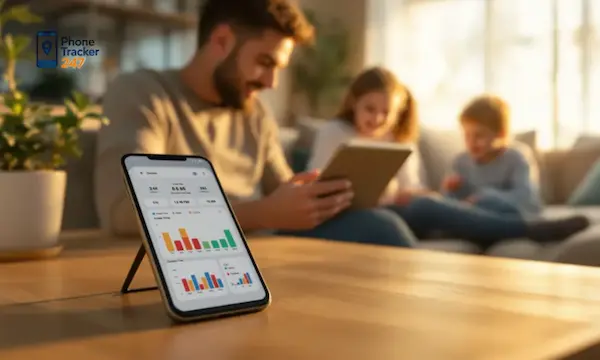
PhoneTracker247 is described as a centralized device monitoring platform with layers for data capture, dashboard management, and feature modules such as GPS, calls, SMS, browsing activity, app activity, and audio-related tools where supported and legally allowed. For families that want a single control center, that structure is a practical advantage.
See more: Kids App Qustodio: How to Install and Set It Up on Your Child’s Device
Best screen time app 2026 comparison table
This comparison helps separate basic timers from more complete family management tools.
| App | Best for | Key screen time features | Broader parental controls | Pricing snapshot |
| PhoneTracker247 | Families wanting one dashboard and deeper visibility | App usage monitoring, activity reporting, centralized oversight | Location tracking, browsing history, SMS/call logs, geofencing, more advanced modules where supported | Free tier available; Essential about $29.99/30 days; Premium about $39.99/30 days |
| Apple Screen Time | iPhone and iPad households | App limits, downtime, summaries, content restrictions | Good family controls inside Apple ecosystem | Built into Apple devices |
| Google Family Link | Android families | Daily limits, bedtime, app limits, remote supervision | App approvals, device lock, location on supported devices | Free |
| Microsoft Family Safety | Windows and Xbox households | Device limits, app/game limits, activity summaries | Family activity management across Microsoft ecosystem | Core tools available through Microsoft Family Safety ecosystem |
| Bark | Families wanting screen time plus broader alerts | Screen time management, app blocking, website blocking | Location, content monitoring, dashboard controls | Bark Jr $5/month or $49/year; Bark Premium $14/month or $99/year |
How to choose the right screen time app for your family
The best screen time app 2026 is not always the one with the most features. It is the one that fits your device mix, your parenting style, and your level of concern.
- Choose built-in tools if your family uses one ecosystem and you mainly need app limits, downtime, and simple summaries.
- Choose a broader parental control platform if you need deeper context, location visibility, stronger oversight, or centralized management.
- Choose flexibility over rigidity if your child’s schedule changes often between school, activities, and weekends.
- Choose visibility with boundaries if your goal is habit-building, not constant confrontation.
The AAP’s recent guidance reinforces this practical view. Families should not rely on time limits alone. Stronger outcomes come from combining rules, routines, conversation, and the right level of oversight for the child’s age and needs.

Final verdict on the best screen time app 2026
If all you need is a basic timer, built-in options from Apple, Google, or Microsoft may be enough. But if you want the best screen time app 2026 for real-world family management, we believe the stronger choice is a platform that connects screen time with the full digital environment.
That is where PhoneTracker247 stands out in our view. It gives us more than minutes and lockouts. It gives us app activity insight, broader device visibility, and a centralized dashboard that helps families respond earlier and manage digital routines with more confidence. It is not just about reducing screen time. It is about understanding behavior, setting healthier boundaries, and keeping parental control practical across everyday life.
For daily updates, subscribe to PhoneTracker’s blog!
We may also be found on Facebook!
FAQs – The Best Screen Time App 2026
1. What is the best screen time app in 2026?
PhoneTracker247 is a strong choice for deeper family monitoring.
2. What should a screen time app do?
It should track usage, set limits, and show activity reports.
3. Are built-in screen time tools enough?
They are useful, but often limited for mixed-device families.
4. Can screen time apps block apps?
Yes, many apps can block or limit selected apps.
5. Can parents track app usage?
Yes, good screen time apps show app activity.
6. Is PhoneTracker247 only a timer app?
No, it also offers broader device monitoring features.
7. Can screen time apps reduce phone addiction?
They can help build healthier digital habits.
8. Which families need a screen time app?
Families needing limits, reports, and better device visibility.
9. Should parents use screen time reports?
Yes, reports help spot unhealthy usage patterns.
10. What is the best first step?
Start with app limits, bedtime rules, and weekly reviews.