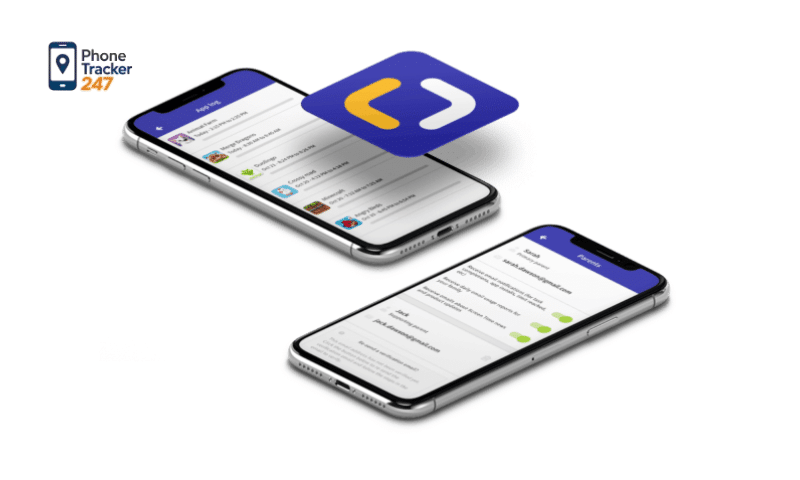
In the context where children are accessing the internet and smart devices at an increasingly early age, controlling content and screen time has become a major concern for many parents. Parental control apps have emerged as effective solutions, helping parents monitor, manage, and protect children from potential risks in the digital environment. In the article below, PhoneTracker247 introduces the top parental control apps that help parents effectively manage their children’s devices, while also analyzing the key features to consider before making a choice.
What Is a Parental Control App?
A parental control app is an application designed to help parents manage, monitor, and guide their children’s use of electronic devices such as smartphones, tablets, and laptops. Through intelligent control systems, parents can track screen time, manage app access, filter inappropriate content, and ensure children access the internet in a safer environment.
Today, as children are exposed to technology and social media at a very early age, parental control apps play an important role as digital parenting tools. They allow parents to accompany and guide their children rather than applying rigid control. By setting reasonable usage limits, these apps help children develop healthy device habits and maintain a balance between learning, entertainment, and rest.
In addition to reducing the risks of exposure to harmful content, online scams, or screen addiction, parental control apps also help parents better understand their children’s technology usage behavior. This insight enables parents to provide appropriate guidance tailored to each stage of a child’s development.
Key Features of a Parental Control App
A high-quality parental control app does much more than simply restricting screen time. It acts as a comprehensive digital management and protection system, empowering parents to create a safer and healthier online environment for their children. By combining monitoring, control, and educational features, these applications help parents guide children’s technology use in a balanced and responsible way.
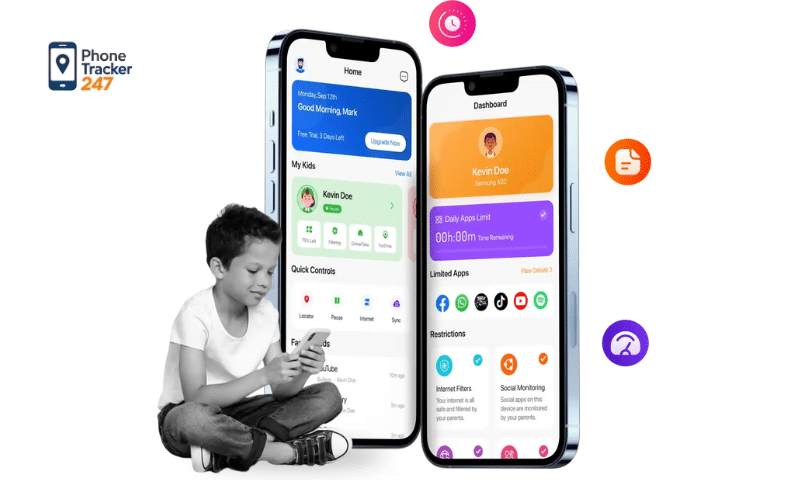
Key features commonly found in modern parental control apps include:
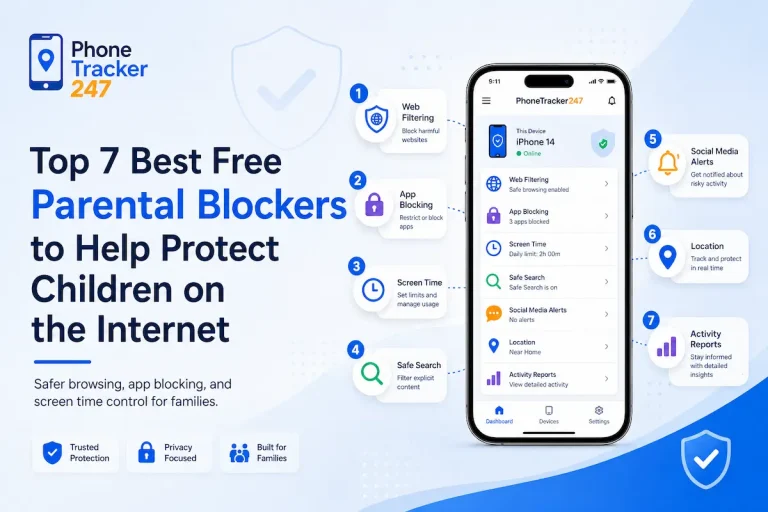
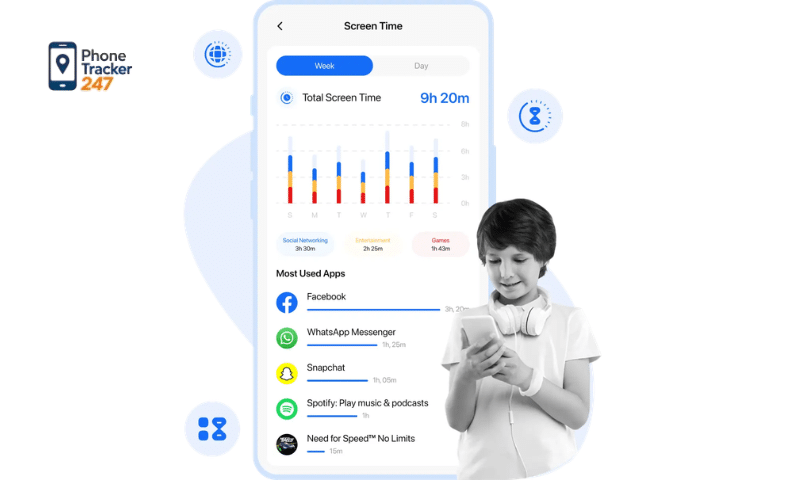
- Screen time management: Allow parents to set daily or weekly limits on device usage, schedule screen-free periods (such as bedtime or study hours), and prevent excessive screen exposure.
- Blocking inappropriate content: Automatically filter websites, videos, and applications that contain harmful, violent, or age-inappropriate material, helping children avoid unsafe online content.
- Online activity monitoring: Provide insights into which apps, websites, or platforms children frequently use, enabling parents to better understand their digital habits and interests.
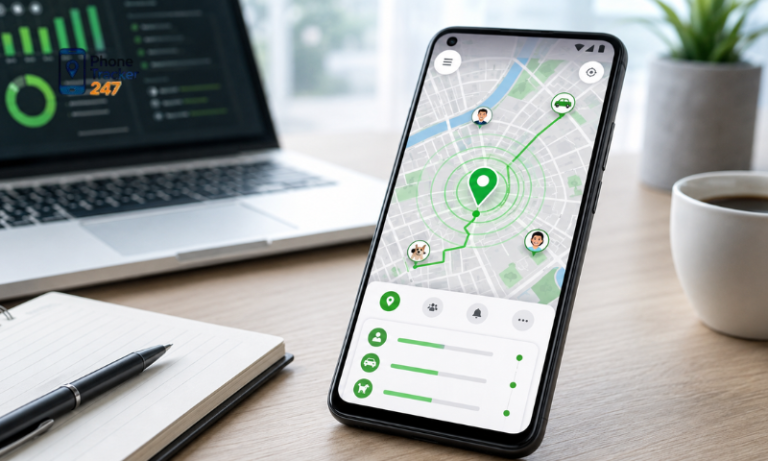
- Device location tracking: Some apps offer real-time GPS tracking, allowing parents to check their child’s location and ensure safety when they are outside the home.
- App management: Give parents full control over app downloads and usage by approving, blocking, or setting time limits for specific applications.
- Detailed usage reports: Generate daily or weekly reports showing screen time, app usage, and browsing activity, helping parents evaluate behavior trends and adjust rules when necessary.
Thanks to the integration of these features, parental control apps become flexible, secure, and educational tools. When used correctly, they not only protect children from digital risks but also support parents in nurturing healthy, mindful, and long-term technology habits for the entire family.
Table: Key Features of a Parental Control App
This table highlights the most important features parents should look for when choosing a parental control app for safer and healthier device use.
| Feature | What It Does | Why It Matters for Parents |
|---|---|---|
| Screen Time Management | Lets parents set daily or weekly usage limits, create device-free schedules, and control when devices can be used. | Helps children avoid excessive screen exposure and build healthier digital habits. |
| Content Filtering | Blocks or filters websites, apps, videos, and online content that may be violent, harmful, or age-inappropriate. | Reduces the risk of children being exposed to unsafe or unsuitable material online. |
| Online Activity Monitoring | Shows which apps, websites, and platforms children use most often. | Gives parents better visibility into digital habits and helps them guide children more effectively. |
| Real-Time Location Tracking | Uses GPS tools to show a child’s current location and, in some cases, location history. | Adds an extra layer of safety when children are outside the home or traveling independently. |
| App Management | Allows parents to approve, block, or limit access to specific apps. | Helps families control downloads, reduce distractions, and manage age-appropriate app use. |
| Detailed Usage Reports | Provides daily or weekly summaries of screen time, browsing activity, and app usage. | Makes it easier for parents to spot patterns, adjust rules, and support balanced device use. |
See more: Online Safety Rules by Age: A Parent’s Complete Guide (2026)
Top Parental Control Apps That Help Parents Effectively Manage Their Children’s Devices
Today, parental control apps are increasingly designed with intuitive interfaces and comprehensive management features, allowing parents to monitor, guide, and protect their children’s device usage with minimal technical effort. These applications not only help control screen time but also support parents in building safe and healthy digital habits for children. Below are some of the most popular and highly rated parental control apps, along with additional insights to help parents make informed decisions.
PhoneTracker247
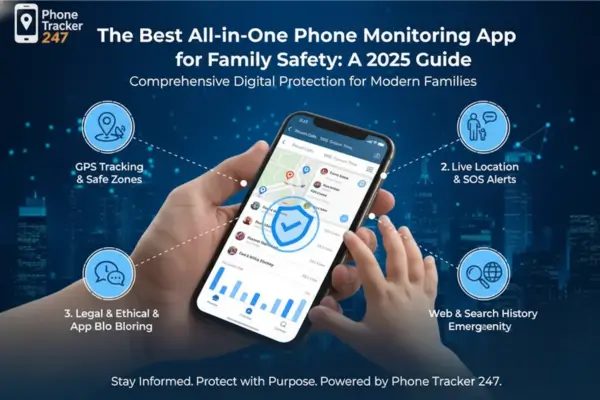
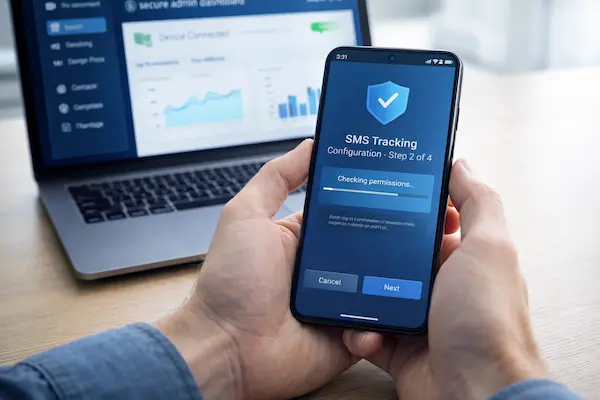
PhoneTracker247 is a strong parental control option for families that want more than basic screen time limits. The platform combines real-time GPS tracking, geofencing alerts, browsing history and app activity tracking, screen-time reports, and call and message monitoring in one centralized dashboard. It is designed for parents, families, and businesses, making it a practical choice for households that want broader visibility into device use while still keeping setup and daily management simple.
Google Family Link
Google Family Link is a free parental control app primarily designed for Android devices. It allows parents to set screen time limits, approve or block app downloads, track device activity, and remotely lock a child’s device when necessary. Thanks to its simple setup and seamless integration with Google services, this app is especially suitable for families who are new to parental control solutions and want a basic yet reliable management tool.
Qustodio
Qustodio is a powerful multi-platform solution that supports Android, iOS, Windows, macOS, and other devices. The app stands out for its advanced website filtering, detailed activity monitoring, and comprehensive daily or weekly reports. These features make Qustodio an excellent choice for parents who want deeper insights into their children’s online behavior and more precise control over digital activities.
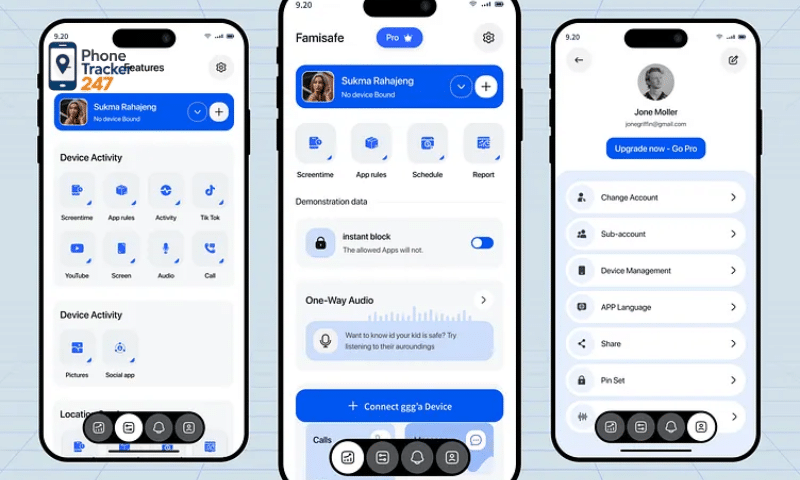
Norton Family
Developed by a well-established cybersecurity brand, Norton Family focuses strongly on online safety and responsible internet use. The app helps parents monitor web searches, track browsing history, and receive alerts about potentially unsafe behavior. It is particularly suitable for families who prioritize protecting children from harmful content and online threats while encouraging safer browsing habits.
Kaspersky Safe Kids
Kaspersky Safe Kids combines digital control with real-world safety features. In addition to filtering inappropriate content and managing app usage, it offers real-time GPS location tracking, helping parents ensure their children’s safety when they are outside. This makes it a strong option for parents looking for an all-in-one solution that covers both online and offline protection.
Screen Time
With its clean and user-friendly interface, Screen Time is ideal for parents who prefer a straightforward and easy-to-use app. It focuses mainly on limiting screen time, setting schedules, and creating flexible usage rules. By simplifying device management, Screen Time encourages children to develop healthier and more balanced technology habits without overwhelming parents with complex settings.
Each parental control app is designed to address different family needs, age groups, and operating systems. Before making a choice, parents should clearly define their priorities—whether it is screen time control, content filtering, location tracking, or behavior monitoring. Selecting the right app will help create a safer, more supportive digital environment tailored to the unique needs of each family.
Comparison Table: Top Parental Control Apps for Families
| App | Best For | Key Strengths | Possible Limitations |
|---|---|---|---|
| PhoneTracker247 | Parents who want broader visibility across device activity and family safety | Real-time GPS tracking, geofencing, app activity insights, browsing history visibility, call and message monitoring, and centralized reporting tools | Best fit for families who want deeper monitoring, so parents should set clear expectations and use it transparently within their household rules |
| Google Family Link | Families already using Android and Google services | Easy setup, screen time limits, app approvals, app blocking, School Time and Downtime scheduling, location visibility for signed-in active devices | Best for Google-centered families; feature depth is more focused on ecosystem controls than advanced cross-platform monitoring |
| Qustodio | Parents who want a polished all-round parental control platform | Website filtering, app blocking, time limits, detailed reports, alerts, family location tools, and call/SMS tracking on supported plans | Broader feature sets may require a paid plan for full value |
| Norton Family | Parents focused on web supervision and online search visibility | Web supervision, search supervision, app monitoring, time supervision, activity reports, and location history tools | Norton notes that not all features are available on all devices and platforms |
| Kaspersky Safe Kids | Families that want balanced online and offline safety tools | Web and YouTube filtering, screen time management, GPS tracking, location alerts, app monitoring, and healthy digital habit support | Feature availability and experience can vary by platform |
| Screen Time | Parents who want simple screen-time control with family-friendly scheduling | Daily limits, app blocking, web/app reports, chore-based rewards, scheduling, location tracking, and support for Android, iOS, and Amazon Fire | Better suited to families prioritizing time management and routine-building than highly detailed monitoring |
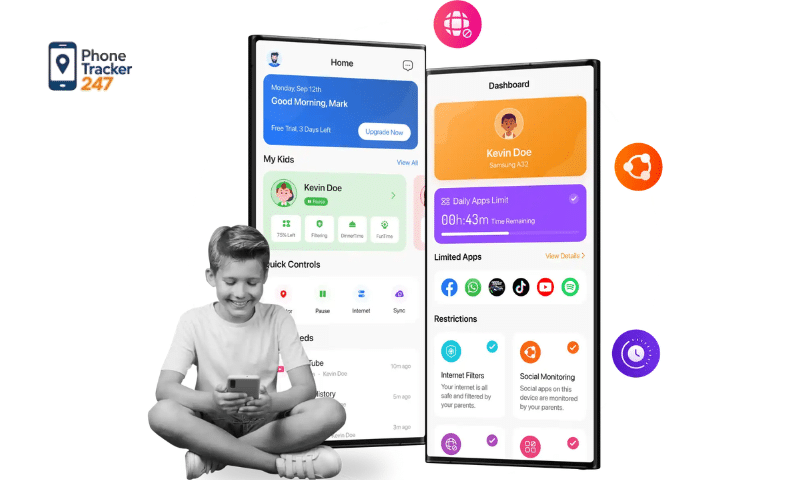
Criteria for Choosing the Right Parental Control App for Your Family
To manage children’s digital device usage effectively while still ensuring comfort, trust, and flexibility, parents should carefully evaluate several important criteria before selecting a suitable parental control app. The right choice will not only simplify device management but also support children’s healthy development in the digital age.
Key factors parents should prioritize include:
- Device compatibility: The app should support Android, iOS, or multiple platforms to make it easy to manage several devices within the family.
- Ease of installation and use: Parents do not need to be tech-savvy to set up, monitor, and adjust settings quickly and conveniently.
- Age-appropriate features: Younger children require stricter control over content and screen time, while older children need more flexible and respectful supervision.
- Strong data security and privacy protection: The app must ensure that personal information and family usage data are kept safe and secure.
- Reasonable cost: It is advisable to choose apps that offer free versions or trial periods so parents can test the features before upgrading to a paid plan.
- Flexible customization: Parents should be able to set screen time limits, block content, and adjust usage rules according to their family’s daily routines and habits.
Choosing the right parental control app goes beyond technical management—it plays an important role in helping children develop healthy, safe, and responsible technology habits. When combined with open communication and parental guidance, the right app can become a valuable tool in creating a balanced and positive digital environment for the entire family.
See more: How to Detect Spyware on Phone: The 2026 Safety Guide
Important Considerations When Using Parental Control Apps for Children
Installing a parental control app should be viewed as a supportive starting point rather than a complete solution. For these tools to be effective in the long term, parents need to use them thoughtfully and combine technology with proper guidance, communication, and education.
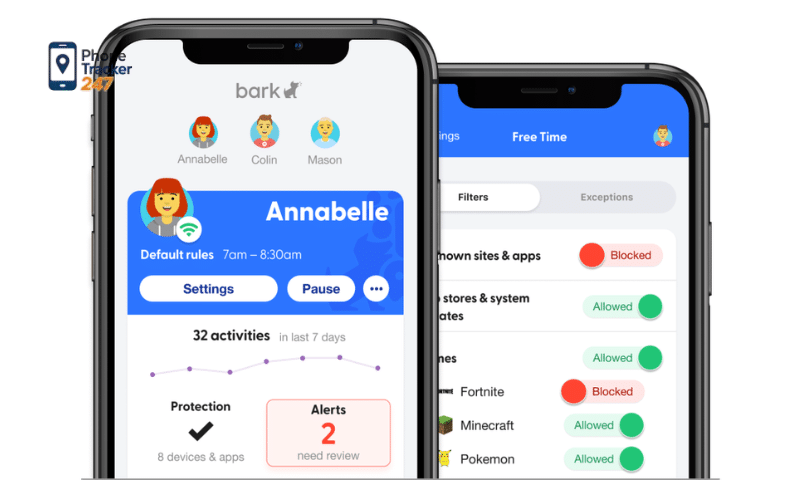
Some important considerations parents should keep in mind include:
- Communicate openly with children about the purpose of the app: Help them understand that the app is meant to protect their safety online, not to invade privacy or impose excessive control.
- Avoid over-monitoring: Supervision should be kept at a reasonable level to build trust and encourage children to develop self-discipline when using digital devices.
- Combine with internet safety education: Teach children how to recognize harmful content, online scams, and how to protect their personal information.
- Set age-appropriate screen time limits: Balance learning, entertainment, and physical activities to reduce the risk of screen dependence.
- Regularly update management settings: Children’s device usage needs change as they grow, so parents should periodically adjust rules and settings accordingly.
Technology serves only as a supportive tool, while parental involvement, guidance, and positive communication are the key factors in helping children use digital devices safely and healthily.
Conclusion
In the digital age, using a parental control app is an effective solution that helps parents protect children from online risks while fostering healthy and responsible smart device usage habits.
If you are looking for a safe and reliable way to manage your children’s devices, start with PhoneTracker247 by choosing an app that fits your family’s needs and setting it up today to create a safer digital environment for your children.
FAQs – Top Parental Control Apps
1. What is a parental control app?
A parental control app helps parents manage screen time, filter content, monitor activity, and support safer device use for children.
2. What features should a parental control app have?
The most useful features include screen time limits, content filtering, app blocking, activity reports, and location tracking.
3. Are parental control apps legal?
They are generally legal when used by parents to supervise their children’s devices in line with local laws.
4. Do parental control apps work on both Android and iPhone?
Many do, but features can vary depending on the device, operating system, and app permissions.
5. Can parental control apps block inappropriate content?
Yes. Most parental control apps can filter websites, apps, and online content based on age or category.
6. Can I track my child’s location with a parental control app?
Some apps offer real-time GPS tracking and location history to help parents monitor their child’s whereabouts.
7. Can parental control apps limit screen time?
Yes. They can set daily limits, downtime schedules, and app-specific restrictions.
8. Can children bypass parental control apps?
Some tech-savvy children may try, so parents should choose a reliable app and review settings regularly.