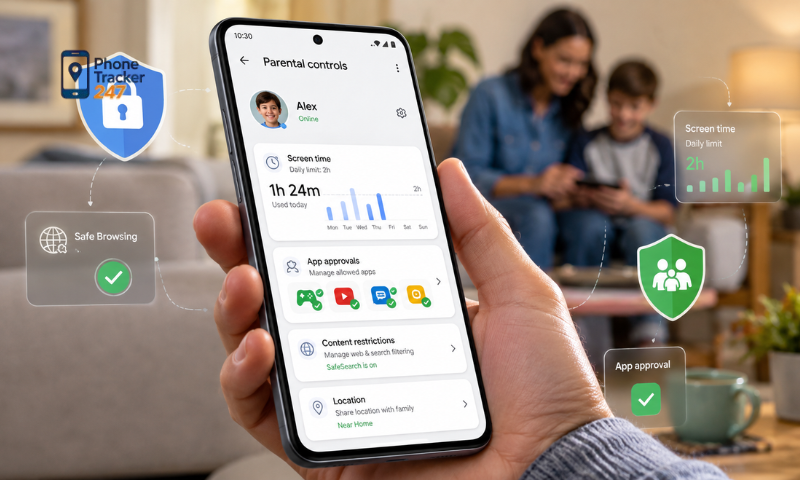
Parental control apps on Android are increasingly integrating tracking features to help parents manage devices and better understand their children’s activities. Beyond screen time limits and app access controls, an Android Parental Control App can also connect with tracking functions such as location monitoring, location history, and geofence alerts. So how does this system work, and what role does tracking play in parental control? Let’s explore it with PhoneTracker247 in the article below.
Contents
How Does Tracking Work in a Parental Control App?
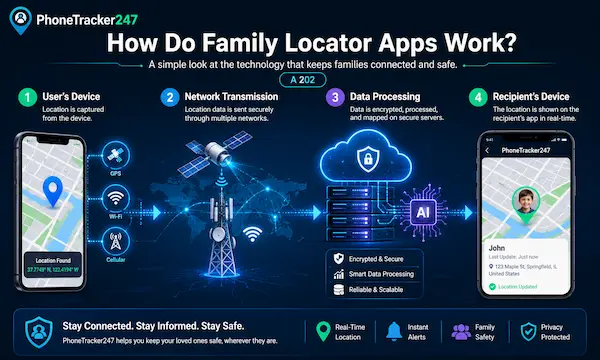
Tracking in a parental control app is the process of collecting, syncing, and displaying location data from an Android device. This allows parents to see the device’s most recent location, review its movement history, or receive alerts when the device enters or leaves a specific area. Platforms such as PhoneTracker247 can integrate tracking directly into the parental control system, allowing users to monitor and manage location data from a single interface.
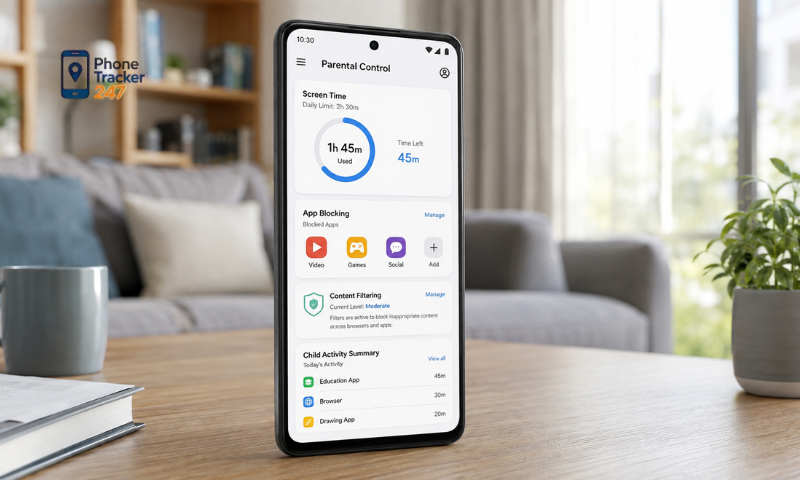
Real-Time Location Tracking
When an Android device has Location Services enabled, location permission granted, and an active Internet connection, the app can receive the device’s coordinates and sync them with the management system. Parents can then view the device’s latest location on a map.
The frequency of location updates usually depends on:
- GPS signal quality.
- Wi-Fi or mobile data connection.
- The app’s location permission.
- Background activity permission.
- Battery Saver or Battery Optimization settings.
- The location update settings used by the app.
Therefore, “real-time” does not necessarily mean that the location changes every second. In many cases, apps update location data at intervals to balance tracking performance with battery consumption.
Location History and Travel Routes
In addition to the current location, some parental control apps can store previously recorded location points. When multiple data points are combined, the system may display location history or an approximate travel route.
This information can help parents check:
- Which areas the device has visited.
- When the device arrived at a location.
- When the device left that location.
- The route traveled during a certain period.
- Locations that are frequently recorded.
The level of detail in the location history depends on how frequently the app receives location data. If the GPS signal is weak, the Internet connection is lost, or the app is restricted from running in the background, some parts of the route may not be recorded completely.
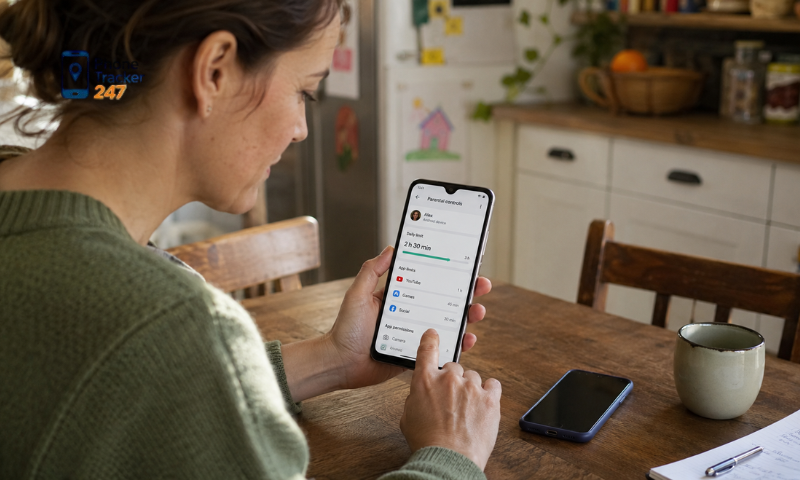
Geofencing and Area Alerts
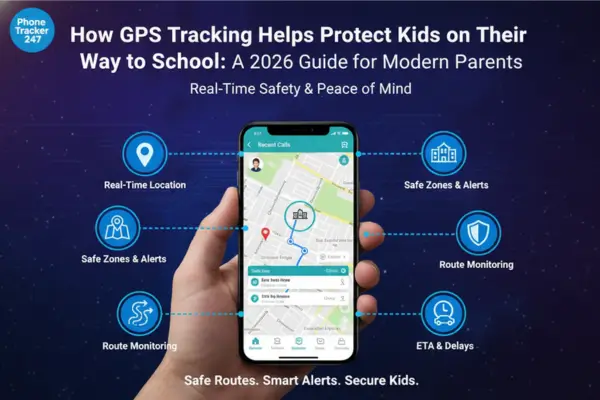
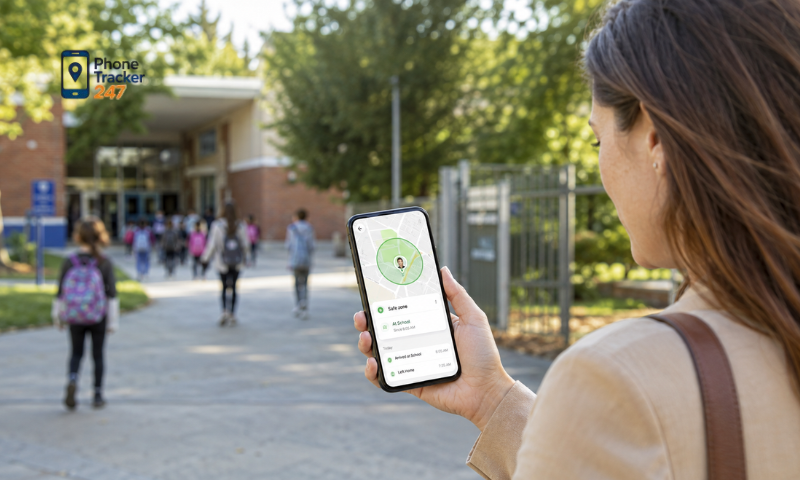
Geofencing allows users to create a virtual geographic boundary around a specific location. This could be a home, school, tutoring center, or another place that is regularly visited.
Parents can use geofencing to:
- Set up safe zones.
- Track when the device enters a specific area.
- Detect when the device leaves an area.
- Manage multiple important locations.
- Receive alerts instead of constantly checking the map.
With PhoneTracker247, tracking data can be combined with predefined areas to make location monitoring more convenient. However, geofence alerts still depend on location accuracy and how often the Android device updates its position.
See more: Android Location Tracking App: Accuracy, Battery and Privacy
How Does an Android Parental Control App Connect With GPS and Location Services?
An Android Parental Control App does not directly connect to or control GPS satellites. Instead, the app receives location data through Android’s Location Services. This system can combine multiple signal sources to determine the device’s location depending on the surrounding environment.
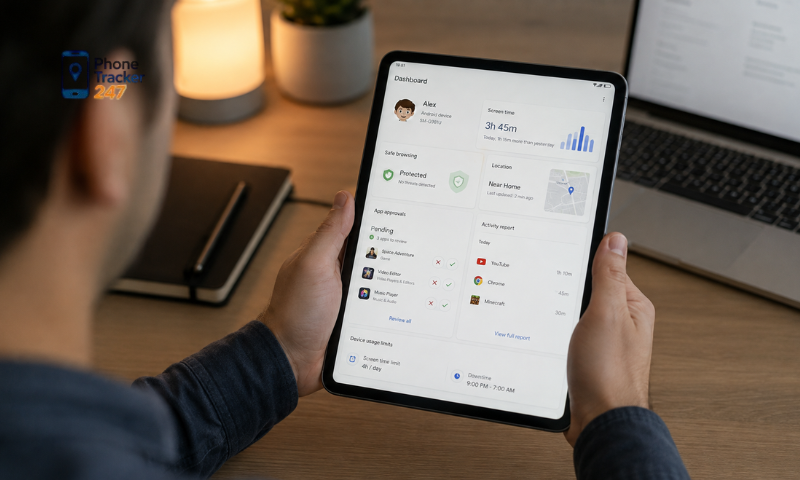
GPS
GPS is one of the main data sources Android uses to determine device coordinates. When the phone is outdoors with a relatively clear view of the sky, GPS usually provides more accurate location data.
GPS positioning may be affected when the device is:
- Inside buildings.
- In basements or enclosed areas.
- In areas surrounded by high-rise buildings.
- In locations where satellite signals are blocked.
- In environments with many physical obstacles.
For this reason, Android usually does not rely on GPS alone. It can combine other data sources to improve location accuracy.
Wi-Fi
Wi-Fi can also help Android determine location, especially in areas where GPS signals are unstable. The system may use information from nearby Wi-Fi access points to estimate the device’s position.
Wi-Fi can support positioning when:
- The device is indoors.
- There are many Wi-Fi access points nearby.
- GPS is obstructed by buildings or other barriers.
- The user is connected to a fixed Wi-Fi network.
- The system needs additional data to improve accuracy.
Even when Wi-Fi is not the primary positioning source, nearby access point data can still help Android refine the location result.
Mobile Network
Android can also use information from cellular towers to estimate location. This method is usually less accurate than GPS, but it has the advantage of broader coverage.
Mobile network data can support tracking when:
- GPS is temporarily unavailable.
- The device is moving.
- The phone is indoors.
- There is no stable Wi-Fi connection.
- The system needs to quickly estimate an approximate location.
Because accuracy depends on the density of cellular towers, locations estimated through mobile networks may have a larger margin of error than GPS-based positioning.
Fused Location Provider
The Fused Location Provider is a mechanism that allows Android to combine location data from multiple sources instead of relying on a single positioning method. It can use GPS, Wi-Fi, Bluetooth, and mobile network signals to determine the most appropriate location data.
This approach offers several benefits:
- Improved location accuracy.
- Continued positioning when GPS signals are weak.
- Better battery efficiency.
- Flexible switching between different signal sources.
- More stable location data for apps.
Parental control apps such as PhoneTracker247 can receive the location data provided by Android and then sync it over the Internet so that it can be displayed in the parent’s management account.
The process can be simplified as follows:
Android Device → Location Services → PhoneTracker247 → Internet → Management System → Parent’s Map
As a result, tracking stability does not depend on GPS alone. It is also affected by location permissions, network connectivity, background activity, and the status of Location Services on the device. If one of these elements is interrupted, location updates may be delayed or temporarily unavailable.
See more: Android Phone Tracking App: Common Setup Mistakes
What Android Permissions Are Needed for Tracking to Work?
For tracking to work reliably on Android, the app needs certain permissions and system settings to be enabled. The exact names may vary depending on the Android version and device manufacturer, but they usually include the following:
- Location Access: Allows the app to determine the device’s location through GPS and Android Location Services. If access is limited to “only while using the app,” tracking may be restricted when the screen is off or the app is running in the background.
- Precise Location: Android may allow users to choose between approximate and precise location. For functions such as geofencing, route history, or map-based tracking, precise location generally provides better results.
- Background Activity: Users may need to review settings such as Battery Optimization, Background Activity, Battery Saver, or Auto-start. If the app is placed into sleep mode by the system, location data may not update as frequently.
- Internet Connection: GPS can still determine coordinates without Internet access, but the app usually needs Wi-Fi or mobile data to sync the device’s location with the management system.
- Notification Permission: This allows parents to receive important alerts, such as when a device enters or leaves a safe zone, when tracking status changes, or when location data has not been updated.
Granting the appropriate permissions helps PhoneTracker247 receive and sync location data more consistently. If an important permission is disabled or Android restricts background activity, the displayed location may be delayed, incomplete, or fail to reflect the device’s current status.
Privacy and Security When Using a Parental Control App
Tracking directly involves location data and movement history, so users should pay close attention to privacy and security when setting up a parental control app. Using the app for the right purpose and carefully managing permissions can help reduce the risk of exposing personal information.
- Use the app transparently and legally: Parental control tools should be used within an appropriate family management context. They should not be used to secretly track an adult without the necessary consent.
- Protect the management account: Use a strong password, avoid reusing passwords from other services, enable two-factor authentication if available, and avoid signing in on public devices.
- Grant only necessary permissions: Review the app’s permissions in Android Settings and allow only those that are genuinely required for tracking or parental control functions.
- Review the data policy: Users should understand what data the app collects, how long it is stored, whether it is encrypted, and whether they can request deletion of their data or account.
- Limit sharing of login credentials: Do not share the management account with unrelated individuals, especially when the account can access location or movement history.
- Review security settings regularly: After Android or app updates, users should check permissions again to make sure there have been no unexpected changes.
With PhoneTracker247, users should combine tracking features with appropriate security settings and use them within a clearly defined purpose. This helps parental control tools support family management while still respecting privacy and data security.
Conclusion
Tracking is an important feature that allows an Android Parental Control App to extend device management beyond screen activity and into real-world location monitoring. By using GPS, Wi-Fi, mobile networks, and Android Location Services, an app can provide current location data, movement history, and geofence alerts. However, tracking performance depends on location permissions, Internet connectivity, background activity settings, and the device’s battery optimization policies. Because location data is sensitive, parents should also use these tools transparently, legally, and responsibly.
If you are looking for a solution that combines parental control and location tracking on Android, PhoneTracker247 is an option worth exploring for managing device location from a centralized interface. Before setting it up, review the available features, required permissions, and privacy policy carefully to ensure the solution fits your family’s needs.