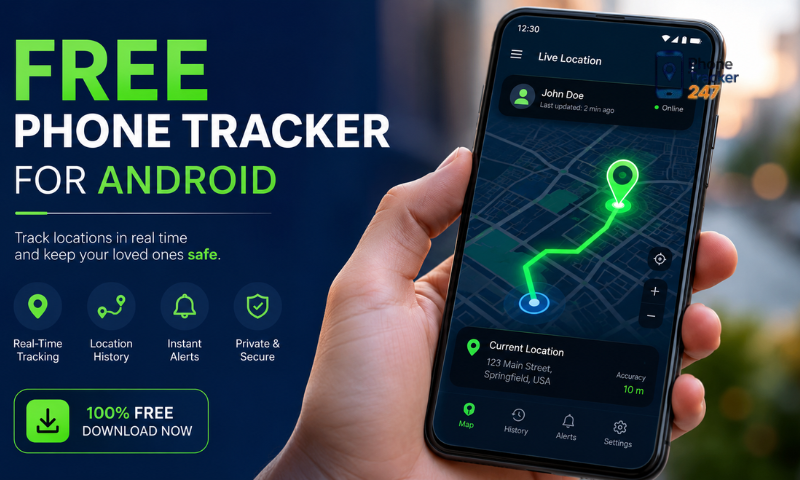
Free phone tracker apps for Android can be useful in certain situations, such as locating a lost device, managing a personal device, or supporting monitoring within an appropriate and permitted scope. However, using these tools requires particular attention to privacy, permissions, and transparency. In the article below, PhoneTracker247 provides a safe-use checklist to help you understand what to review before installing and using a free phone tracker app on Android.
Contents
Safe Use Checklist for a Free Phone Tracker App for Android
Before using a Free Phone Tracker App for Android, users should carefully check the download source, required permissions, and how the app handles data. Tracking should only be performed on your own device or when the device owner has clearly given consent.
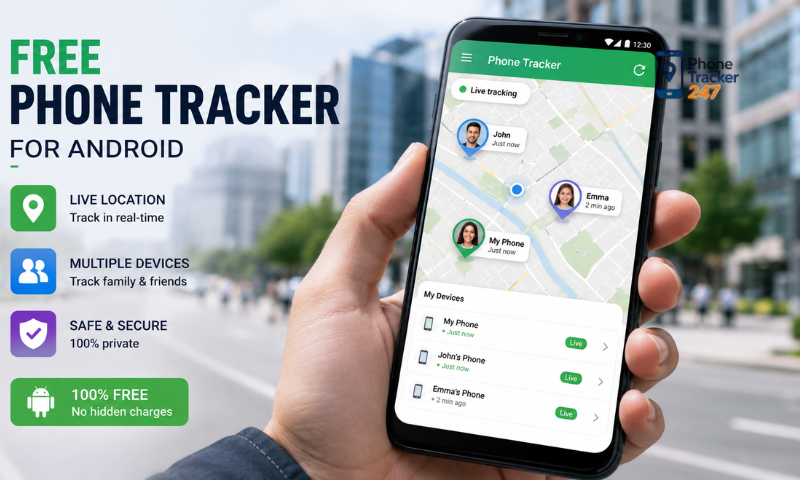
Check the Download Source and Developer
A trusted download source helps reduce the risk of installing a fake or malicious application.
Users should:
- Download the app from an official source.
- Verify the developer’s name.
- Review the app description and user feedback.
- Avoid installing APK files from unknown sources.
When using PhoneTracker247, users should also verify that they are downloading the app from the correct and legitimate source before installation.
Read the Privacy Policy Carefully
Tracking apps may process location data and other device-related information. For this reason, the privacy policy is an important section to review before using the service.
Check:
- What types of data the app collects.
- How long the data is stored.
- Whether information is shared with third parties.
- Whether users can delete their data when necessary.
Understanding how information is processed gives users more control over their personal data.
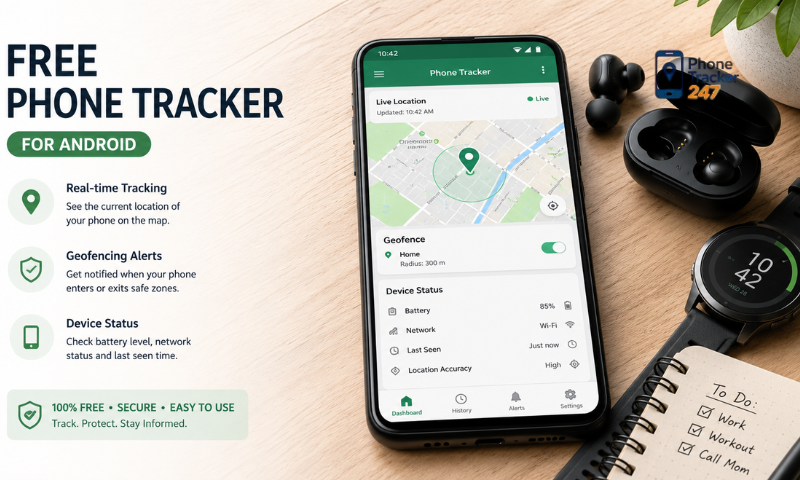
Grant Only the Permissions That Are Truly Necessary
Users should not automatically approve every permission request during installation without understanding why it is needed.
Some good practices include:
- Grant location access only when a feature requires it.
- Restrict camera or microphone access if unnecessary.
- Review file and contact permissions.
- Revoke permissions that are no longer needed.
Following the principle of minimum necessary access helps reduce the amount of data an app can reach.
Protect Your Tracking Account
A tracking account may contain sensitive location information, so it should be protected in the same way as other important personal accounts.
Users should:
- Use a strong and unique password.
- Enable two-factor authentication if supported.
- Avoid sharing the account with unrelated people.
- Regularly review devices and login history.
If unusual activity is detected, change the password and sign out of any unrecognized devices.
See more: Tracking App for Android Phone: Best Features to Compare
Use the App for the Right Purpose and With Consent
Tracking apps should not be used to secretly monitor another person’s location or activities.
When using PhoneTracker247, users should:
- Track only devices they are legally authorized to manage.
- Inform the person being tracked when appropriate.
- Use the collected data only for the agreed purpose.
- Uninstall the app or stop tracking when it is no longer needed.
Transparent and consent-based use helps reduce privacy risks and unnecessary legal concerns.
Permissions to Check Before Installing
Phone tracking apps often require certain permissions to provide features related to location, device status, or notifications. However, users should not grant permissions automatically and should review each request before accepting it.
Important permissions to check include:
- Location: Allows the app to determine the device’s current location. This is often a core permission for location-tracking applications.
- Background location: Allows the app to continue updating location even when it is not actively open. This may be necessary for certain features, but it also increases access to location data.
- Notifications: Used to send alerts, device status updates, or account-related information.
- Contacts: Should only be granted if the app has a legitimate feature that requires contacts or location sharing with known people.
- Photos and files: Users should confirm why the app needs access, such as uploading images, storing data, or supporting a specific feature.
- Microphone: Should not be granted unless the application has a legitimate audio- or call-related function.
- Camera: Grant only when a feature genuinely requires it, such as scanning a code or verifying a device.
- Device administrator access: This is a sensitive permission because it may allow an app to perform deeper actions on an Android device.
- Accessibility access: Some apps may request Accessibility permissions. Users should be particularly cautious because this permission can allow an app to read or interact with content displayed on the screen.
- Background activity and battery usage: Check whether the app requires continuous background operation, as this can affect both battery life and mobile data usage.
Before tapping “Allow,” users should ask whether the permission is genuinely related to the feature they intend to use. If a tracking app only needs location data but also requests access to the camera, microphone, contacts, and files without a clear explanation, this should be treated as a warning sign.
With PhoneTracker247, users should also follow the minimum necessary permissions principle, regularly review granted permissions in Android settings, and revoke access that is no longer needed. This helps limit unnecessary data collection and improves privacy control.
Signs of an Unsafe Tracking App
Not every free phone tracking app is trustworthy. Some applications may collect more data than necessary, request sensitive permissions, or deliberately hide how they operate.
Common warning signs include:
- Unclear developer information: There is little or no information about the company, website, or support channels.
- No privacy policy: Users cannot determine what data is collected or how it is used.
- Excessive permission requests: The app asks for camera, microphone, contacts, or file access even though these permissions are unrelated to its main function.
- Requests to disable security features: For example, asking users to turn off Play Protect or other Android security protections.
- Encourages hidden installation: This is a major warning sign, especially when another person’s device is involved.
- Requests personal account passwords: Users should not provide Google, email, or other account passwords unless there is a clear and legitimate reason.
- Unusual ads or redirects: The app repeatedly opens unfamiliar websites, asks users to install additional software, or requests information outside the main platform.
- Unusual overheating or battery drain: This may indicate that the app is running continuously in the background or consuming excessive resources.
- Unexpected mobile data usage: A sharp increase in background data use after installation should be investigated.
- No clear account deletion option: Users may have difficulty controlling or removing the data they have provided.
- Payment requests through unclear channels: Avoid transfers or payments outside trusted payment systems.
If one or more of these warning signs appear, users should stop the installation, verify the app’s source, and revoke any permissions already granted if necessary. With PhoneTracker247, the same safety principle applies: prioritize transparency about permissions, data handling, and intended use before enabling any tracking feature.
See more: Track My Android Phone App: Lost Device and Family Safety Options
How to Protect Your Privacy When Using a Tracking App
Protecting privacy while using a tracking app depends not only on the platform itself but also on how users manage their accounts, permissions, and location data. A few simple settings can significantly reduce the risk of information exposure.
Recommended measures include:
- Track only with legal authority or consent: Do not use an app to secretly monitor another person’s device.
- Limit location sharing: Share location information only with people who genuinely need access.
- Use a strong and unique password: Avoid reusing passwords from email, social media, or banking accounts.
- Enable two-factor authentication: If supported, this adds an extra layer of protection against unauthorized login attempts.
- Review logged-in devices: Sign out immediately from unfamiliar or unused devices.
- Revoke unnecessary permissions: Regularly review location, camera, microphone, contact, and file access.
- Delete old data: If the platform allows it, remove outdated location history or data that no longer needs to be stored.
- Keep Android and the app updated: Updates often include important security patches.
- Limit logins on public Wi-Fi: If public Wi-Fi must be used, avoid handling sensitive information whenever possible.
- Do not share verification codes: OTPs and login codes should only be used by the account owner.
For PhoneTracker247, users should treat location data as sensitive information and keep access enabled only for as long as it is genuinely needed. Regularly reviewing security settings can help reduce the risk of account or data misuse.
Conclusion
A Free Phone Tracker App for Android can be useful for locating a lost device, managing a personal device, or supporting tracking situations where proper consent has been given. However, safety and privacy should remain a priority throughout the entire process. Before installing an app, carefully review its permissions, data policy, and download source. Tracking tools should never be used to secretly monitor another person’s location or activities.
If you are exploring an Android device tracking solution, PhoneTracker247 can be considered for transparent, consent-based, and lawful use. Always review the available security and privacy features before getting started.