When choosing a tracking app for Android phone, users should not focus only on whether the app can display a location on a map. A good tracking app should also be evaluated based on location accuracy, update speed, location history, geofencing alerts, battery consumption, and personal data protection. In this article, PhoneTracker247 will help you compare the most important features before choosing an Android tracking app for finding a lost device, managing a personal device, or sharing location with family members with their consent.
Contents
Important Features to Compare When Choosing an Android Tracking App
Not every Android tracking app delivers the same experience. Two apps may both offer real-time location, but their actual performance can vary depending on location permissions, update frequency, background restrictions, network quality, and battery settings. Instead of comparing apps only by the number of advertised features, users should focus on how those features work in real-world conditions.
Real-Time Location Tracking
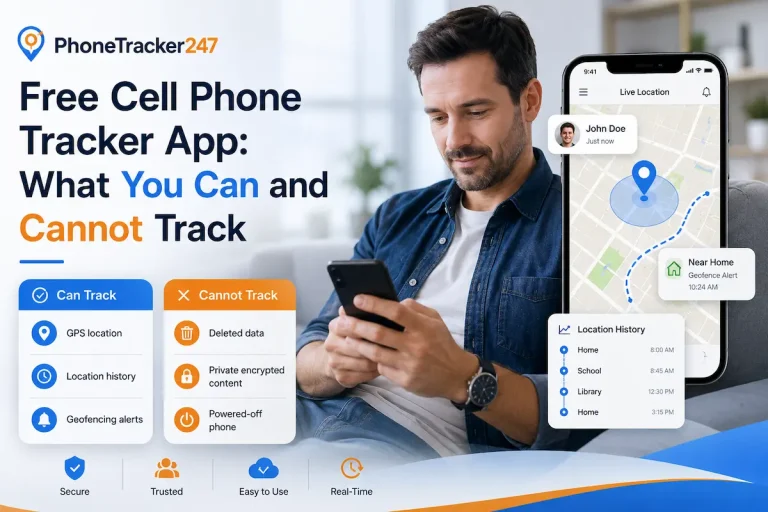
Real-time location tracking allows an authorized user to view the current or recently reported position of an Android device on a map. However, “real-time” does not always mean that the location refreshes every second, especially when Android limits background activity to save battery.
When comparing apps, check:
- How often the location is updated.
- Whether the last update time is displayed.
- Whether the location can be refreshed manually.
- Whether tracking continues when the screen is locked.
- What happens when Wi-Fi or mobile data is unavailable.
A good tracking app should clearly distinguish between a current location and a last known location. This is especially important when using solutions such as PhoneTracker247, because users need to know not only where the device appears on the map, but also when that location was last updated.
Location Accuracy
Location accuracy can vary considerably depending on device settings and the surrounding environment. Android users may also choose between precise and approximate location permissions, which directly affects how detailed the displayed position can be.
Several factors can influence accuracy:
- GPS generally performs better outdoors.
- Tall buildings may interfere with satellite signals.
- Indoor positioning may rely more heavily on Wi-Fi and network data.
- Poor internet connectivity may delay location transmission.
- Approximate location permissions provide a broader location area.
Instead of expecting an exact position in every situation, choose an app that clearly communicates the expected level of accuracy. Information such as Accuracy: 20 meters is far more useful than a map pin without any context.
Location History and Route Information
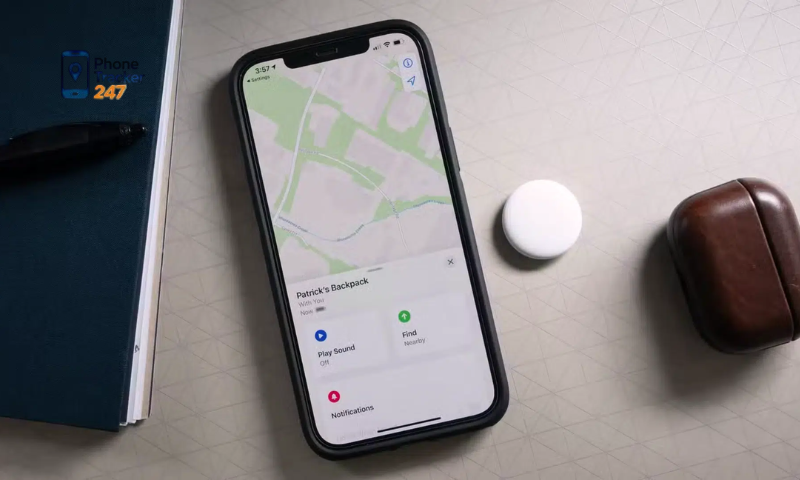
Real-time tracking shows where a device is now, while location history helps users understand where it has previously been. This can be useful for reviewing routes, checking arrival times, or identifying frequently visited locations.
When comparing location-history features, consider:
- How long location records are stored.
- Whether history is organized by date.
- Whether routes are displayed visually on a map.
- Whether arrival and departure times are available.
- Whether users can delete previous records.
- How stored location data is protected.
A longer history is not always better. For many users, a clear seven-day or thirty-day timeline is more practical than months of raw location points.
Geofencing and Location Alerts
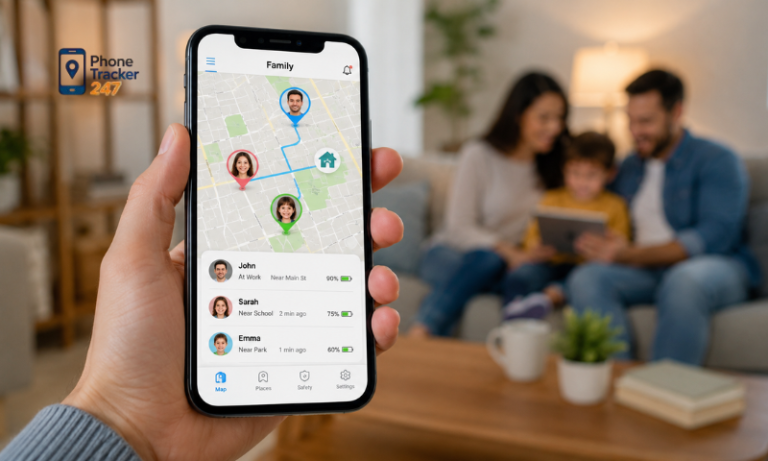
Geofencing allows users to create a virtual boundary around a specific location. The app can then generate an alert when an authorized device enters or leaves that area.
Common geofence locations include:
- Home.
- School.
- Workplace.
- Office.
- Frequently visited places.
When comparing this feature, check:
- Minimum geofence radius.
- Entry notifications.
- Exit notifications.
- Alert delay.
- Number of zones that can be created.
- Whether individual alerts can be turned on or off.
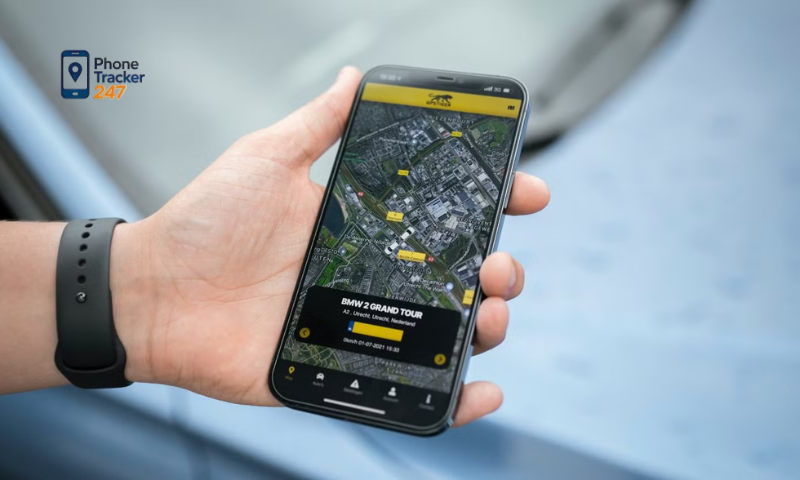
Geofencing can be especially useful for family location sharing because users do not need to continuously open the app and check the map. A good app should also avoid sending repeated notifications when a device moves near the boundary of a zone.
See more: Track My Android Phone App: Lost Device and Family Safety Options
Background Location Tracking
Background tracking determines whether location updates continue after the user leaves the tracking app or locks the phone. This is particularly important on Android because the operating system applies specific restrictions to background location access.
Before relying on an app, test whether tracking continues after:
- Locking the phone.
- Closing or leaving the app.
- Waiting 10–20 minutes.
- Moving to another location.
- Checking the location from another authorized device.
When testing PhoneTracker247 or another Android tracking app, this simple real-world test can reveal more about reliability than a product feature list alone.
Battery Usage
Location tracking consumes power because the phone may use GPS, mobile networks, background processes, and periodic synchronization. At the same time, reducing location updates too much can make tracking less useful.
When testing battery performance, pay attention to:
- Battery consumption during a normal day.
- Whether GPS stays active unnecessarily.
- How frequently the app updates in the background.
- Whether tracking remains useful in battery-saving mode.
- Whether battery usage increases significantly after installation.
Android users can usually review this information under: Settings → Battery → Battery usage
The goal is not simply to find the app that consumes the least battery. A better tracking app should maintain a reasonable balance between update frequency and battery life.
Lost Phone Functions
Tracking apps can also help users locate a misplaced or lost Android phone. In addition to showing the device on a map, some services provide additional recovery and security features.
Useful lost-phone functions may include:
- Last known location.
- Device online or offline status.
- Battery level.
- Ring or play-sound option.
- Lost-device notifications.
- Remote locking or security features.
Google’s built-in Find Hub can also be used alongside third-party tracking tools. Rather than replacing one another, the services may provide different functions for locating or securing a device.
Privacy and Account Security
Location information is sensitive personal data, so privacy should be considered just as carefully as tracking accuracy or map features. Users should understand what information an app collects and how they can control it.
Before using a tracking service, check:
- Whether account authentication is required.
- Whether secure password recovery is available.
- Whether two-factor authentication is supported.
- How location information is protected.
- How long location history is stored.
- Whether users can delete previous location records.
- Whether location sharing can be stopped at any time.
- Which Android permissions the app requests.
Apps should also explain why sensitive permissions are necessary. If PhoneTracker247 is used for family location sharing or personal device management, tracking should be transparent and all involved users should understand that location sharing is active.
Which Features Should You Prioritize for Different Use Cases?
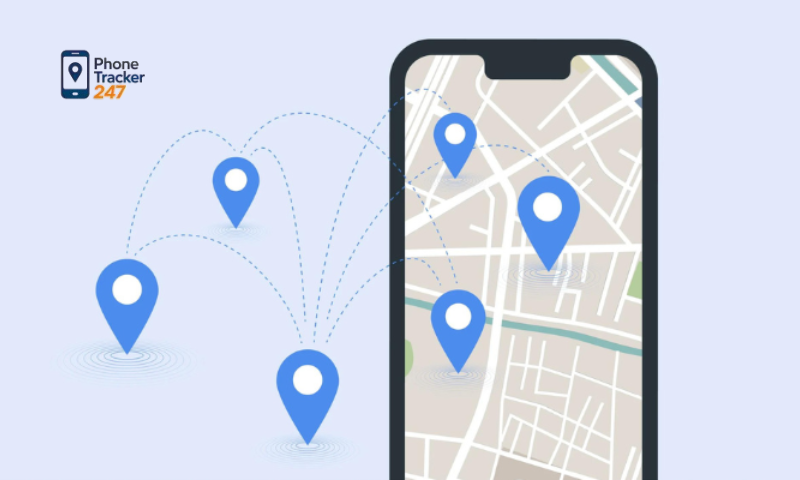
The right Android tracking features depend on how the app will be used. Finding a lost phone, sharing family locations, monitoring travel, or supporting an elderly family member each requires a different set of priorities.
For common use cases, consider:
- Lost personal phone: Current or last known location, last-update time, battery status, ring function, offline location, and remote security options.
- Family location sharing: Real-time updates, background tracking, geofencing, arrival and departure alerts, location history, and simple sharing controls.
- Teen or child safety: Geofencing, location alerts, history, battery status, and manual live location when needed. Tracking should always be transparent and discussed with the child or teenager.
- Travel: Live location sharing, last known position, history, battery information, mobile-data reliability, and clear offline status.
- Elderly family members: Simple maps, reliable background tracking, saved locations, alerts, battery information, and minimal interaction with the tracked device.
When evaluating PhoneTracker247 or another tracking app, focus on the features that match your actual needs rather than choosing the app with the longest feature list. A simple real-world test can also show whether tracking, alerts, and background updates work reliably on your Android device.
See more: Android App to Track Phone Location: Step-by-Step Guide
Other Factors to Check Before Installing a Tracking App
A feature list does not always show how well an Android tracking app will work in practice. Compatibility, permissions, battery settings, connectivity, and subscription limits can all affect the user experience.
Before installing an app, check:
- Android version compatibility: Make sure the app supports newer Android versions and provides updated setup instructions, especially for background location access.
- Permission requirements: Review whether the app needs approximate location, precise location, foreground access, or “Allow all the time” background access.
- Battery optimization: Check whether Android is restricting the app from running in the background. Battery settings may vary by phone manufacturer, so follow the app’s recommended configuration rather than disabling battery protection automatically.
- Internet connection: GPS may determine the phone’s position, but an internet connection is usually required to send that location to another device or dashboard. If Wi-Fi, mobile data, or network signal is unavailable, only the last known location may be visible.
- Subscription and feature limits: Check how many devices, geofences, history days, users, alerts, or location updates are included in each plan.
Before paying for a tracking app, compare these practical conditions alongside the advertised features. The best option is the one that works reliably on your Android device and includes the functions you actually need.
How to Compare Tracking Apps for Android Phone Effectively
The best way to compare a tracking app for Android phone is to test each app under the same real-world conditions. Instead of looking only at the interface or advertised features, compare how accurately and reliably each app performs during everyday use.
| Test | What to Check |
| Stationary test | Does the app show the correct approximate location? |
| Walking test | How quickly does the location marker update? |
| Background test | Does tracking continue when the phone is locked? |
| Geofence test | Are entry and exit alerts delivered correctly? |
| Offline test | Is the last known location clearly displayed? |
| Battery test | How much battery does the app use during a normal day? |
| History test | Is the previous route easy to review? |
| Privacy test | Can users control location sharing and stored history? |
You can also score each app from 1 to 5 to make the comparison easier:
| Feature | App A | App B | PhoneTracker247 |
| Location accuracy | 4 | 3 | Test |
| Background reliability | 3 | 5 | Test |
| Location history | 4 | 4 | Test |
| Geofence alerts | 5 | 3 | Test |
| Battery efficiency | 3 | 4 | Test |
| Ease of use | 4 | 3 | Test |
| Privacy controls | 4 | 4 | Test |
This method does not assume that one app will always perform better than another. Results can vary by Android version, phone model, permissions, battery settings, and network conditions. When comparing PhoneTracker247 with other tracking apps, focus on consistent performance on the device and in the situations you actually use.
Conclusion
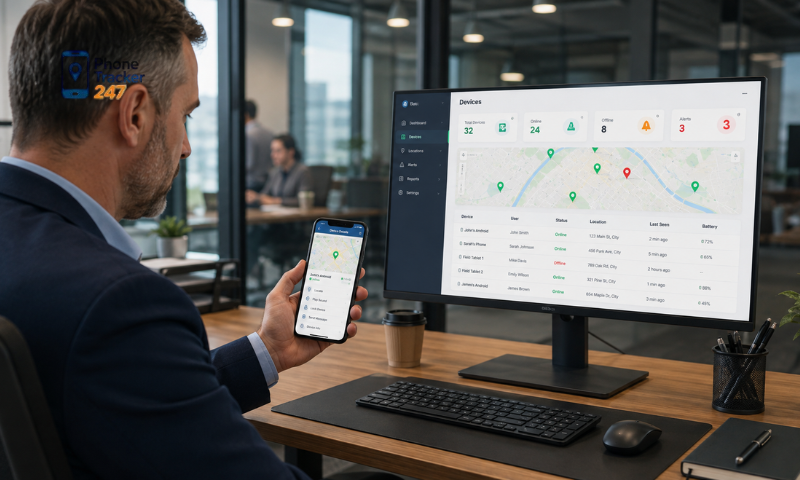
Choosing a tracking app for Android phone requires more than checking whether it supports GPS. Location accuracy, background tracking, geofencing, battery use, offline behavior, and privacy controls all affect real-world performance. Before relying on any app, test it under normal conditions and check how well it works on your specific Android device.
If you are considering PhoneTracker247, compare its location updates, alerts, history, background performance, and battery usage based on your actual needs. Review the required permissions carefully and use tracking transparently for family safety or personal device management.