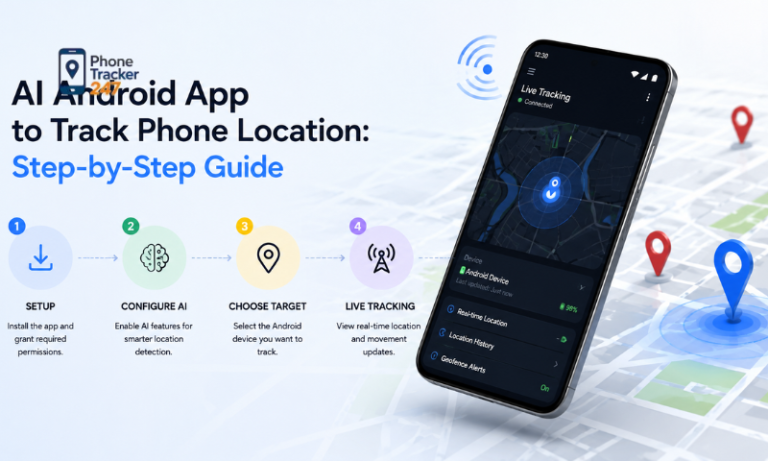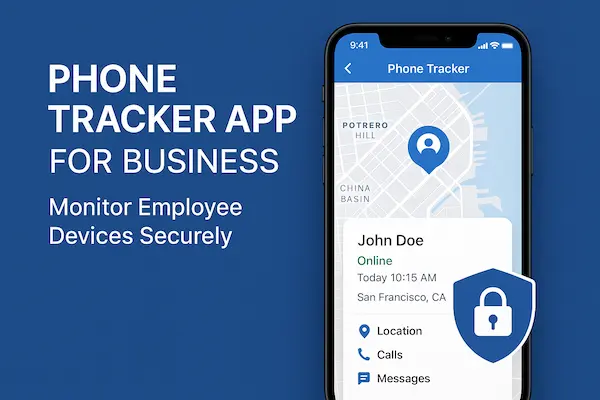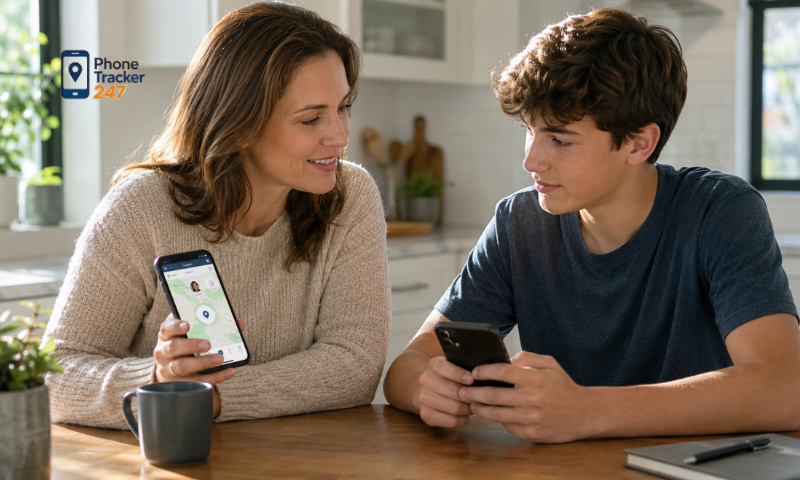
If you are wondering, “How Do I Track My Sons Phone Legally and Responsibly?”, the answer starts with using transparent tools and setting clear boundaries. Smartphones help children stay connected with family, friends, and school, but they can also make parents worry about where their children are and whether they are safe. Phone tracking can provide reassurance when a child is traveling alone, coming home late, or visiting unfamiliar places. However, parents should always consider privacy, consent, and local laws before monitoring a child’s device. With family-focused solutions such as PhoneTracker247, parents can use location tracking more responsibly while keeping safety, trust, and open communication at the center.
Is It Legal to Track Your Son’s Phone?
In many situations, parents or legal guardians may use parental-control and location-sharing features to help supervise their minor children. However, privacy, consent, and monitoring laws differ between countries and regions.
For that reason, parents should avoid assuming that being a parent automatically gives them unlimited authority to monitor every part of a child’s digital life.
The age of the child is also important. Tracking a young child for safety purposes may be viewed very differently from secretly monitoring an older teenager or an adult son.
A responsible approach generally means that parents should:
- Use the tracking feature primarily for safety.
- Tell the child that location tracking is enabled whenever appropriate.
- Use parental-control features provided by legitimate services.
- Avoid secretly accessing private conversations or accounts without a valid reason.
- Review local privacy and consent laws when necessary.
Major smartphone platforms already provide family-oriented location tools. For example, Google’s Family Link allows parents to view the location of a supervised child’s compatible Android device when location sharing is enabled.
Apple also allows family members to share their locations through Family Sharing and Find My. Family members can choose whether to share their location, helping make location monitoring more transparent.
Parents using PhoneTracker247 should follow the same principle: use phone tracking with proper authorization and for a legitimate family-safety purpose rather than secretly monitoring someone without their knowledge or permission.
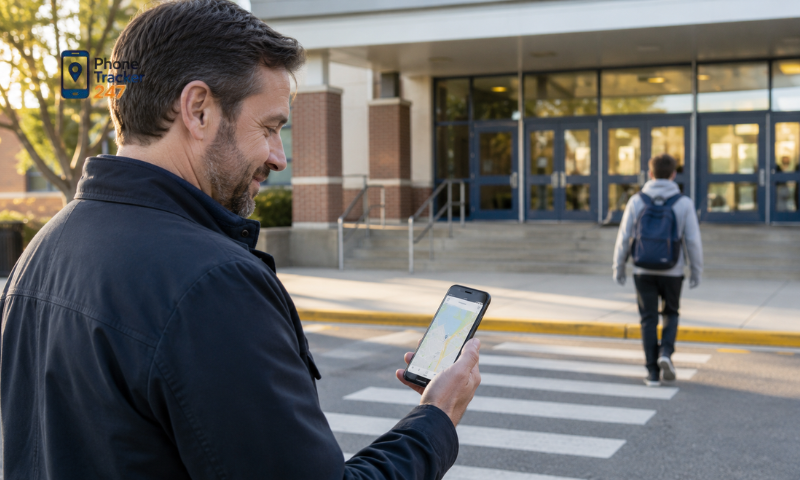
Safe and Legal Ways to Track Your Son’s Phone
There are several safe and legitimate ways to track your son’s phone without relying on hidden surveillance. The best method depends on his age, the type of device he uses, and the level of supervision your family considers appropriate. In most cases, parents should prioritize transparent tools that are designed for family safety and location sharing.
Use Built-In Family Location Features
Both Android and iPhone include family-focused tools that allow parents to manage location sharing in a more transparent way. These options are often a good starting point because they are built directly into the operating system and provide clear privacy controls.
Parents can consider:
- Google Family Link: Allows parents to view the location of a supervised Android device when location sharing is enabled.
- Apple Family Sharing: Helps family members share their locations across compatible Apple devices.
- Find My: Allows iPhone users to locate shared devices and receive certain location-based notifications.
- Location alerts: Some family tools can notify parents when a child arrives at or leaves a selected place.
Built-in features are especially useful for families that want a simple way to monitor location without installing additional software.
See more: Child GPS Tracker: Safety Features Parents Should Know
Use a Trusted Family Tracking App
Parents who need more dedicated location-management features may consider a family tracking application such as PhoneTracker247. A responsible tracking app should clearly explain what information it collects and should only be used on devices that parents are legally authorized to monitor.
Location tracking can be particularly useful when your son:
- Travels to school alone.
- Uses public transportation.
- Participates in activities away from home.
- Goes on a school trip.
- Returns home later than expected.
- Travels to an unfamiliar location.
- Gets separated from the family during a trip or crowded event.
With PhoneTracker247, the focus should remain on practical safety needs. Parents should use location information to confirm that their child has arrived safely rather than checking every movement throughout the day.
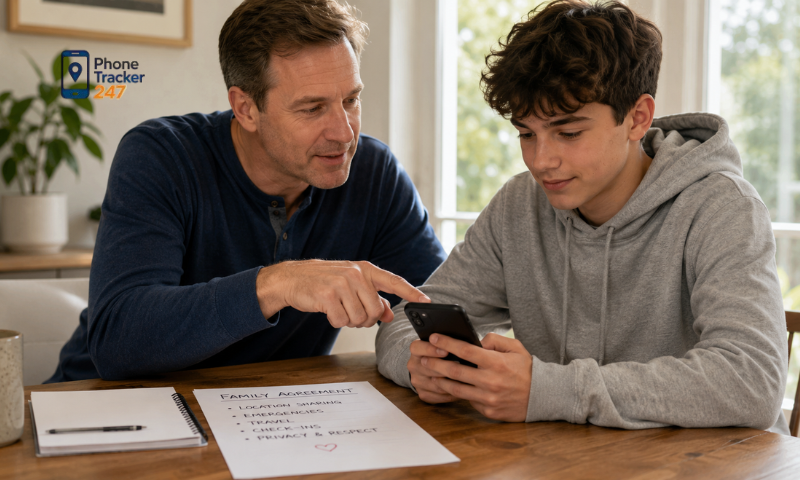
Use Voluntary Location Sharing
Voluntary location sharing can be a suitable option, especially for older children and teenagers. Instead of activating tracking without discussion, parents can ask their son to share his location during situations where additional safety is needed.
This approach may be useful when he:
- Travels alone.
- Comes home after dark.
- Attends a large event.
- Visits an unfamiliar area.
- Takes a long-distance trip.
- Cannot easily provide regular updates by phone.
Parents should also explain the reason for location sharing clearly. For example, saying, “Please keep location sharing on while you are traveling so I know you arrived safely” creates a much healthier expectation than demanding access to his location at all times.
When children understand why tracking is being used, it is more likely to feel like a family safety measure rather than unwanted surveillance.
Create Location Rules for Specific Situations
Continuous location tracking is not always necessary. A more balanced approach is to establish specific situations in which parents are allowed to check their son’s location.
Families can agree to use tracking when:
- The child is traveling alone.
- He is late returning home.
- He is attending a crowded event.
- He is visiting an unfamiliar destination.
- Parents cannot reach him by phone.
- There is a genuine safety concern or emergency.
Parents can also use arrival or departure notifications instead of repeatedly opening a tracking app. This allows them to receive important updates without constantly monitoring their child.
Using PhoneTracker247 with clearly defined family rules can help parents stay informed during important moments while still giving their children appropriate independence and privacy.
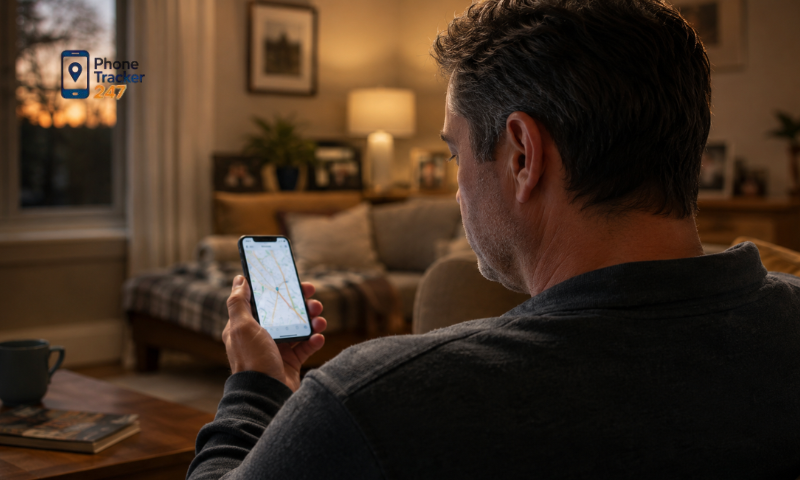
What Information Should and Shouldn’t Parents Track?
Having access to monitoring technology does not mean parents need to use every feature available. Responsible parental monitoring starts with identifying what information is genuinely necessary for safety and what should remain private.
The goal should be to collect only the information that helps protect your child, while avoiding unnecessary access to personal conversations, accounts, or content.
Information Parents May Reasonably Monitor
Some types of information are more closely connected to safety and may be reasonable to monitor, especially for younger children.
Parents may consider monitoring:
- Current location: Useful when a child is traveling alone or away from home.
- Arrival at school or home: Helps confirm that the child has reached an expected destination safely.
- Location during trips: Useful for school trips, family travel, or unfamiliar destinations.
- Device availability: Helps parents know whether the phone is turned on or reachable.
- Location-sharing status: Confirms whether an agreed family safety feature is working properly.
- Emergency location information: Can be helpful when a child cannot be contacted.
These types of monitoring have a clear and limited purpose: helping parents respond to practical safety concerns.
When using PhoneTracker247, parents should focus on location information that directly supports this purpose rather than collecting unnecessary data.
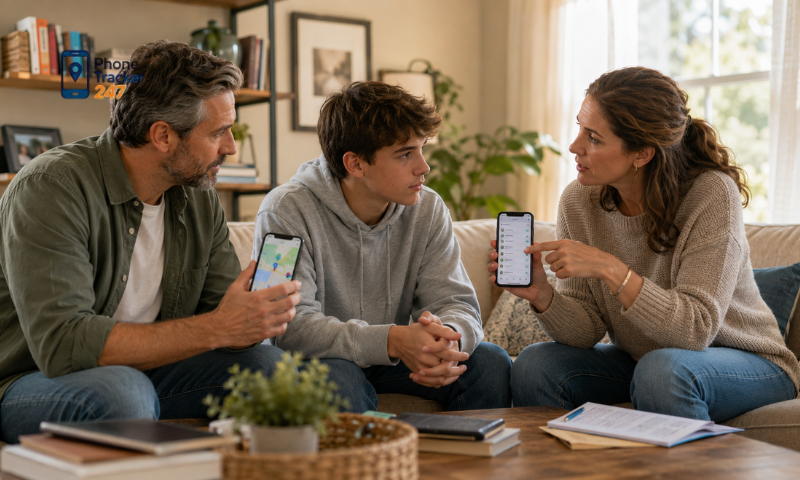
Information That Requires Greater Caution
Other types of information are much more personal and should be handled carefully. Older children and teenagers may reasonably expect greater privacy as they become more independent.
Parents should be cautious about accessing:
- Private messages and text conversations.
- Photos and videos.
- Social media chats.
- Browsing history.
- Personal notes or documents.
- Passwords and login information.
- Conversations with friends.
- Private account activity that is unrelated to safety.
Accessing this information without a clear reason can damage trust between parents and children. It may also raise privacy or legal concerns depending on the child’s age and local laws.
There may be exceptional situations where closer supervision is justified, such as a credible and immediate safety concern. Even then, parents should ask whether the monitoring is necessary, proportionate, and limited to the specific risk involved.
See more: GPS Tracker for Kids: Phone App or Wearable Device?
How to Track Your Son’s Phone While Respecting His Privacy
Privacy and parental supervision do not have to conflict. When parents are transparent about why location tracking is being used, it can help protect children while maintaining trust and appropriate personal space.
To track your son’s phone responsibly, parents should:
- Explain why location access is needed: Tell your child that tracking is intended for safety, such as confirming that he has arrived home, school, or another destination safely.
- Set clear boundaries: Agree on situations when location can be checked, such as when he is traveling alone, coming home late, cannot be reached, or is in an unfamiliar area.
- Adjust monitoring as he gets older: Younger children may need more supervision, while teenagers should gradually receive more independence and privacy.
- Do not assume location data is always accurate: A phone may be turned off, disconnected from the internet, or show an outdated location. Contact your child before assuming something is wrong.
- Review tracking settings together: Periodically discuss whether current tracking rules are still necessary and appropriate.
With tools such as PhoneTracker247, parents should focus on open communication and clearly defined safety rules. Location tracking works best when children understand when, why, and how their location is being monitored.
Conclusion
So, how do you track your son’s phone legally and responsibly? The key is transparency. Use trusted family-tracking tools, respect local privacy laws, and monitor only the information needed for safety. PhoneTracker247 can help parents stay connected with their children through responsible location tracking. Use it only on devices you are authorized to monitor, set clear family rules, and avoid unnecessary surveillance.
Stay connected with PhoneTracker247 and make safety, trust, and privacy the priority.
Frequently Asked Questions (FAQs)
1. How can I track my son’s phone?
Use a parental control app with your son’s knowledge and, where appropriate, consent.
2. Can I see my son’s live location?
Yes. GPS tracking provides real-time location updates.
3. Can I view my son’s location history?
Yes. Most parental control apps save recent location history.
4. Will I get alerts when he leaves school?
Yes. Geofencing sends notifications when he enters or exits safe zones.
5. Can I track my son’s Android phone remotely?
Yes. After setup, you can monitor the device remotely.
6. Can I find my son’s lost phone?
Yes. Live GPS tracking helps locate a lost or misplaced device.
7. Does the app require internet access?
Yes. GPS and an internet connection are needed for live tracking.
8. Is it legal to track my son’s phone?
Generally yes, if you are the parent or legal guardian and comply with local laws.
9. Does the app work 24/7?
Yes. It updates location while the phone is powered on and connected.
10. Why should parents track their son’s phone?
To improve safety, respond faster in emergencies, and gain peace of mind.