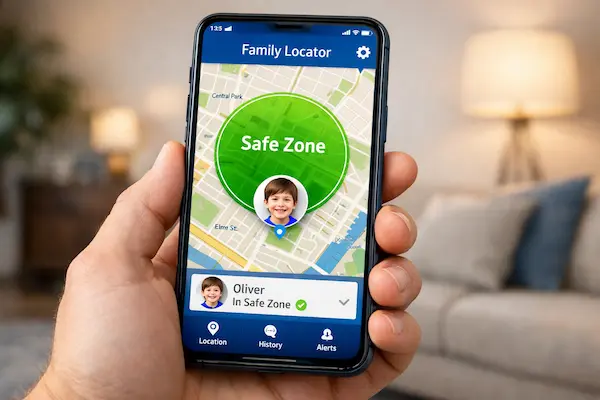
Choosing the best iOS parental control app can feel like trying to childproof a house where the walls keep moving. iPhones are powerful, polished, and deeply woven into daily life, which makes them useful for learning, communication, and safety. It also makes them harder to supervise with a single setting. The right solution is not always the one with the longest feature list.
It is the one that fits your child’s age, your parenting style, and Apple’s built-in limitations. In this guide, we compare the top options, explain what actually works on iPhone, and show how to choose a tool that protects without crossing into overcontrol. Let’s find out more in this article with PhoneTracker247.
What makes the best iOS parental control app different
Not every parental control app works the same way on iPhone. That is the first thing parents need to understand before downloading anything.
Apple already gives families a solid built-in control layer through Screen Time, Family Sharing, content restrictions, web filtering, app limits, and downtime. That means third-party tools do not replace Apple’s system completely. Instead, the best iOS parental control app usually adds visibility, alerts, filtering options, reports, or cross-platform management that go beyond native settings.
Core features that matter most on iPhone
Parents often get distracted by marketing language, but the most useful features are simpler and more practical.
- Screen time controls
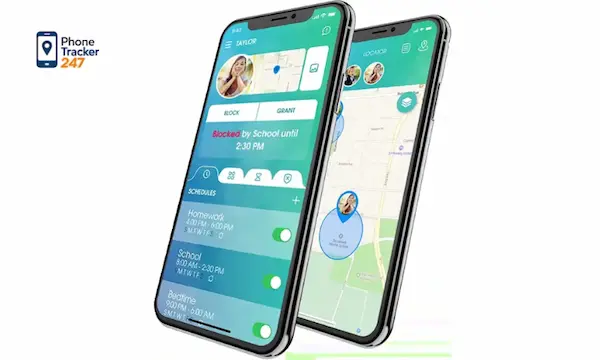
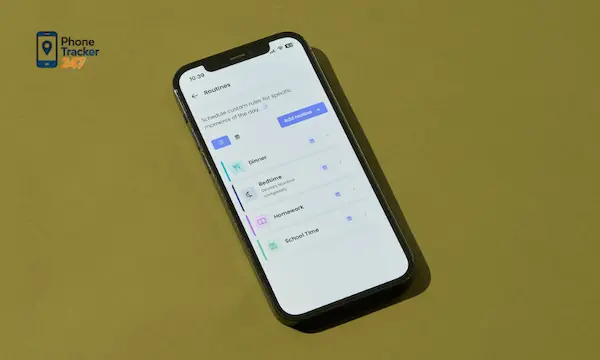
A strong app should help you set daily limits, schedules, and app-specific boundaries so the phone supports routines instead of disrupting them. Apple Screen Time and Google Family Link both emphasize this kind of digital balance. - Content and web filtering
iOS parents usually need website blocking, explicit content limits, and safer browsing controls. Apple supports web content restrictions, while tools like Qustodio and Bark position filtering as a key part of their offering. - Activity visibility and alerts
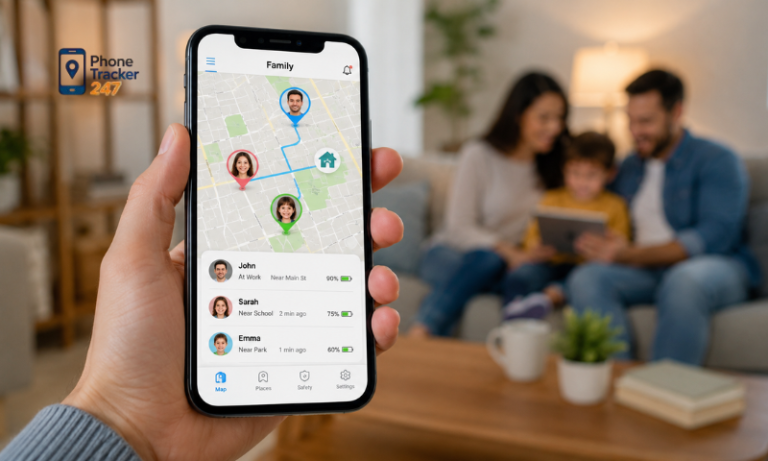
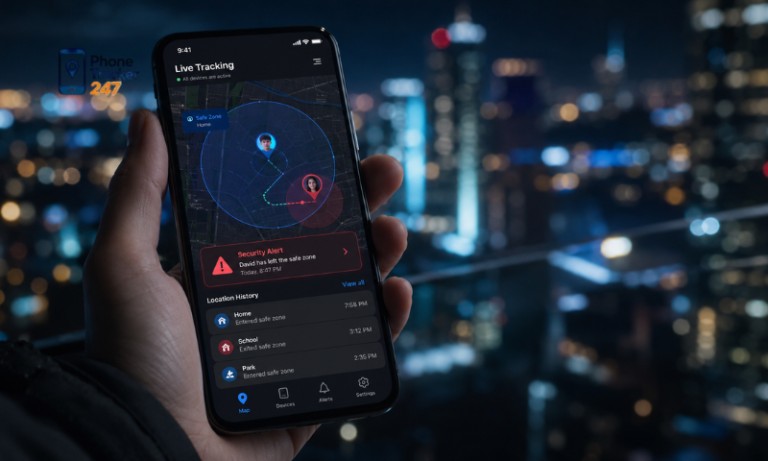
Reports, risk alerts, and location visibility become more valuable as children grow and use more apps independently. Qustodio highlights activity reports and family location, while Bark focuses heavily on alerts tied to potentially concerning content and location features.
See more: Best Free Parental Control App for Monitoring Kids’ Online Activity
Best iOS parental control app options to consider
Below are the strongest options for different family needs. The best pick depends less on hype and more on what you actually need to manage.
1. Apple Screen Time: best free built-in option
For many families, the best starting point is already on the iPhone.
Apple Screen Time lets parents manage app and website time, create downtime schedules, approve more time, and apply content and privacy restrictions for a child’s device through Family Sharing. It also supports web content filtering and restrictions for apps, media, purchases, privacy settings, and some device features. The biggest advantage is that it is native, free, and tightly integrated into iOS. The biggest tradeoff is that it is strongest for controls, not always for richer reporting or advanced alerts.
2. Qustodio: best for balanced controls and family reporting
Qustodio is a strong choice for parents who want more than Apple’s default toolkit without making setup feel excessive.
Its official product pages highlight content and app filtering, activity monitoring, time limits, location tools, reports, alerts, and family safety features. It also supports parent access through iPhone, iPad, and the web, which helps households that want centralized control across multiple devices. Qustodio tends to fit parents who want structured supervision, clearer dashboards, and a more complete family management layer than Screen Time alone.
3. Bark: best for alert-based digital safety
Some parents care less about raw time tracking and more about warning signs. That is where Bark stands out.
Bark emphasizes alerts for concerning content, app and website blocking, screen time controls, live GPS features, and check-in style family safety tools. Its messaging is built around helping families spot risks rather than merely counting minutes on a device. That can be especially useful for parents of preteens and teens, where the bigger issue is often online behavior, unsafe contact, or exposure to harmful content rather than simple overuse.
4. Google Family Link: best for mixed-device families
Google Family Link is worth considering even for iPhone-owning parents, especially when the household is not fully Apple-based.
Google says parents can run Family Link on iPhones with iOS 16 and higher, and the product focuses on daily time limits, downtime schedules, app management, and digital ground rules. This makes it particularly useful for families managing both Android and iOS environments, where consistency matters more than platform-specific depth. It is not usually the first pick for an iPhone-only home, but it can be a very practical option for blended device ecosystems.

5. PhoneTracker247: best for parents who want a privacy-first monitoring mindset
PhoneTracker247 enters the conversation from a slightly different angle, which can matter to families who want oversight without the spy-app stigma.
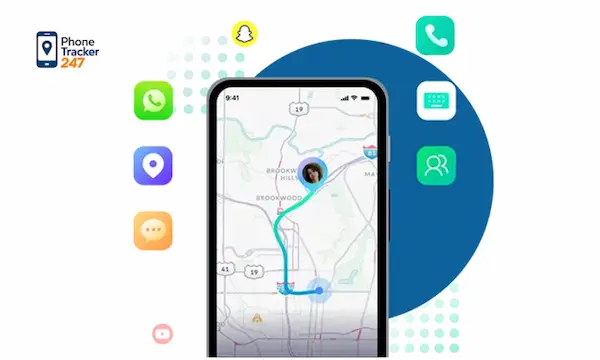
Based on the brand brief, PhoneTracker247 positions itself as a privacy-first, consent-based monitoring platform rather than covert spyware. Its broader value proposition centers on device monitoring, activity visibility, safety, and lawful, transparent use, with strengths such as location tracking, app activity awareness, communication oversight, and security-focused positioning. That framing makes it more appealing to parents who want accountability, family safety, and ethical use standards to be part of the product decision, not an afterthought.
How to choose the best iOS parental control app for your family
The right app depends on your child’s age, your goals, and the level of intervention you truly need.
For younger children: start simple and structured
If your child is in elementary school, you usually need routine more than surveillance.
- Choose controls that reduce chaos
Daily time limits, bedtime downtime, web filtering, and app approvals usually solve the biggest problems at this age. Apple Screen Time is often enough to start. - Avoid feature overload
A complex dashboard can make parents less consistent. The best setup is the one you will actually review and maintain each week. - Keep conversations visible
Younger children respond better when rules are explained clearly. The app should support your parenting, not replace it.

For tweens and teens: focus on risk signals and trust
As children grow, total lockout becomes less realistic and less effective.
- Prioritize alerts over constant restriction
At this stage, tools like Bark or Qustodio may offer more value because they help parents notice patterns, risks, or behavior changes. - Use location and check-ins carefully
Safety features are useful, but over-monitoring can damage trust. Be direct about what is being tracked and why. - Build digital responsibility
Teens need guardrails, but they also need a path toward self-management. The best app should support that transition.
For families with mixed devices: pick cross-platform consistency
A household with iPhones, Android phones, tablets, and laptops needs coordination more than brand loyalty.
- Use one dashboard when possible
Cross-platform visibility reduces confusion and keeps rules more consistent across devices. - Check parent-device compatibility
Family Link, for example, supports parent use on iPhones running iOS 16 and above. - Compare where your child actually spends time
The best solution is the one that covers the real device mix in your home, not the one with the loudest branding.
Final verdict: which is the best iOS parental control app
The best iOS parental control app is not the same for every family.
If you want a free and reliable starting point, Apple Screen Time is the obvious foundation because it is built into iPhone and already covers many core controls. If you want broader reporting and more family management depth, Qustodio is a strong upgrade.
If your priority is alerts around online risks, Bark is compelling. If your household spans multiple ecosystems, Google Family Link deserves attention. If you want a privacy-first, consent-based monitoring philosophy that aligns safety with transparency, PhoneTracker247 offers a positioning many families will find more ethical and practical.
For daily updates, subscribe to PhoneTracker’s blog!
We may also be found on Facebook!
FAQs – Best iOS Parental Control App
1. What is the best iOS parental control app?
The best app depends on your child’s age and safety needs.
2. Is Apple Screen Time enough?
It is a good free starting point for iPhone families.
3. Can iOS parental control apps block websites?
Yes, many tools support web filtering and content limits.
4. Can parents set screen time limits?
Yes, parents can set app limits, downtime, and schedules.
5. Can parents see iPhone activity reports?
Yes, some apps provide activity reports and alerts.
6. Is Bark good for iPhone safety?
Yes, Bark is useful for alert-based digital safety.
7. Is Qustodio good for iOS parental controls?
Yes, it offers balanced controls and family reporting.
8. Can Family Link work with iPhone?
Yes, parents can use Family Link on supported iPhones.
9. Is PhoneTracker247 good for iOS monitoring?
Yes, it supports privacy-first family monitoring.
10. What should parents choose first?
Start with Screen Time, web filters, and clear family rules.