In today’s rapidly evolving digital age, managing locations and receiving area-based notifications has become easier thanks to phone tracking apps with integrated geofencing features. A geofencing phone tracker app allows users to create virtual geographic boundaries and receive alerts whenever a device enters or leaves a predefined area. In the article below, PhoneTracker247 will help you understand how location alerts work, their benefits, and the key considerations when using this technology.
How Location Alerts Work in a Geofencing Phone Tracker App
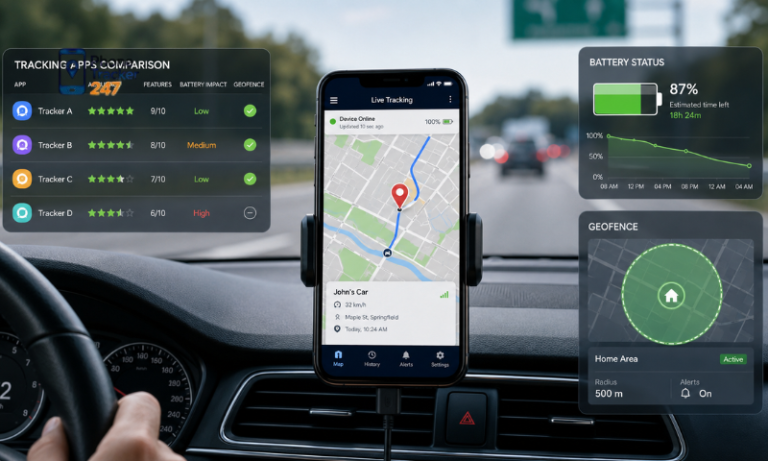
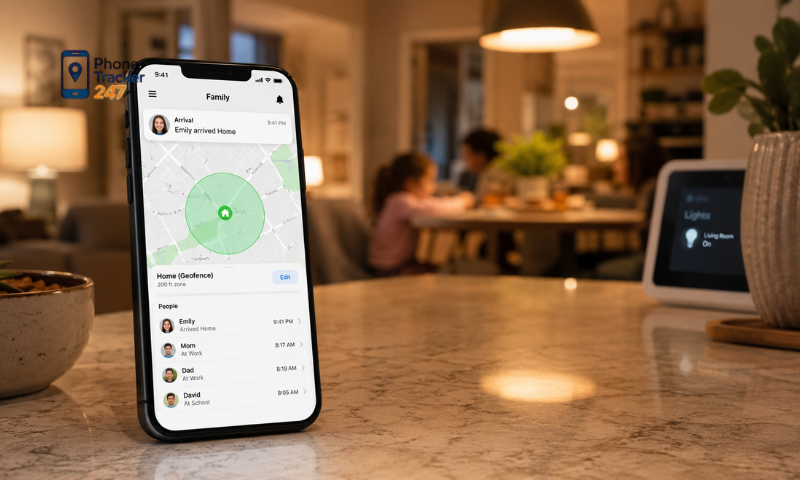
A geofencing phone tracker app uses location services and virtual boundaries to detect when a device enters or leaves a selected area. Instead of checking the device manually, users can receive automatic alerts based on predefined location events.
Technologies Used for Location Alerts
Geofencing apps combine several technologies to determine a device’s location and trigger notifications accurately. These commonly include:
- GPS tracking: Identifies the device’s real-time location.
- Wi-Fi signals: Improve positioning accuracy, especially indoors.
- Mobile networks: Support location tracking when GPS signals are weak.
- Geofencing technology: Creates virtual boundaries around selected places.
- Push notifications: Sends alerts when the device crosses a boundary.
Together, these technologies allow the app to monitor movement and provide timely location updates.
Creating a Virtual Boundary
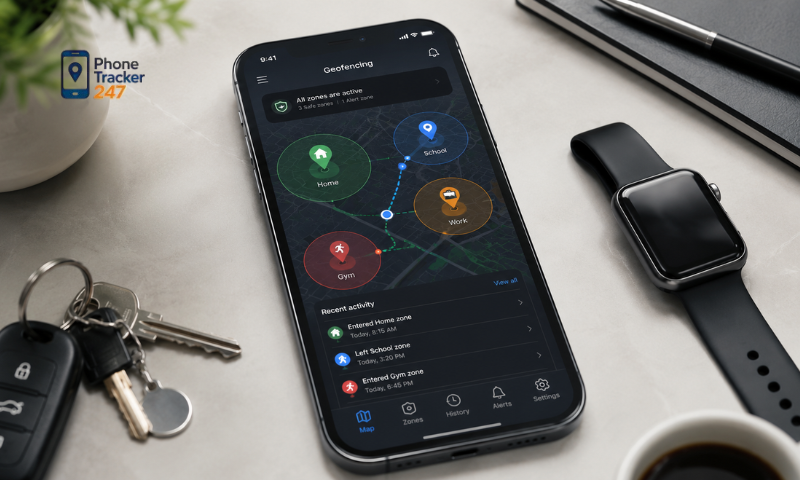
Users first select an important location and define the area they want to monitor. The setup process usually includes:
- Searching for a location on the map.
- Selecting the center point of the area.
- Adjusting the size of the virtual boundary.
- Choosing whether to receive entry or exit alerts.
- Saving the geofence in the application.
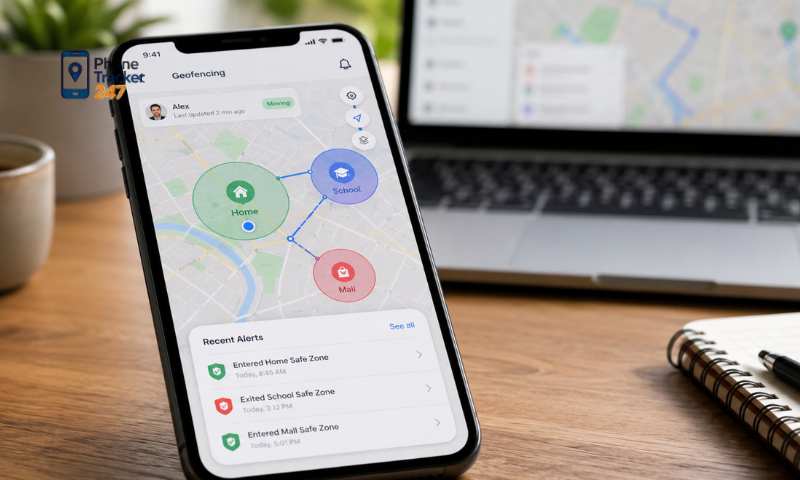
For example, a user can create virtual boundaries around a home, school, workplace, or other frequently visited location.
Monitoring the Device’s Location
After the geofence is activated, the application compares the device’s current position with the selected area. The system will:
- Monitor location data in the background.
- Check whether the device is inside or outside the boundary.
- Detect movement across the geofence.
- Record the time and location of the event.
This background monitoring reduces the need to open the app repeatedly and check the device manually.
Sending Real-Time Location Alerts
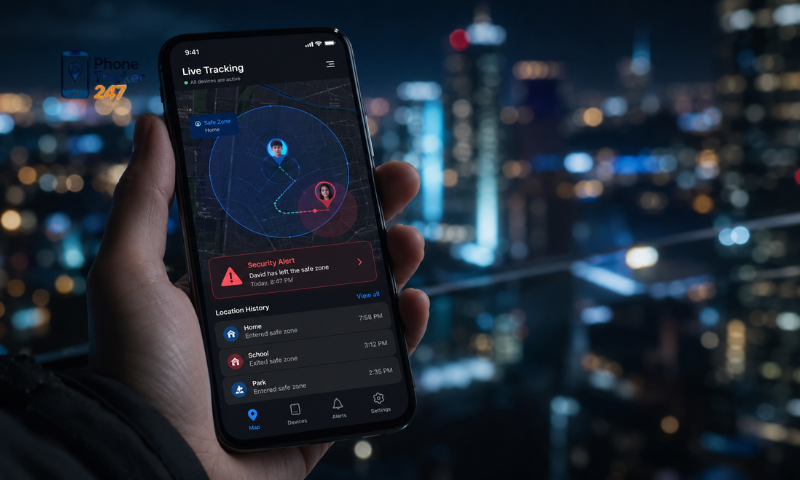
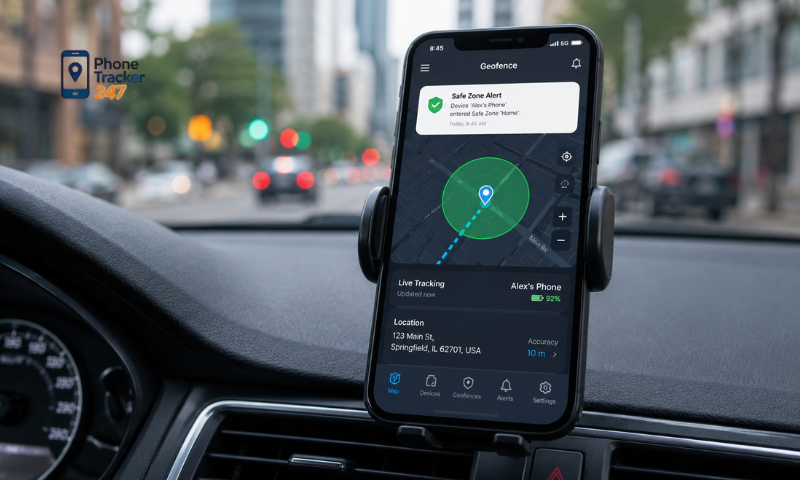
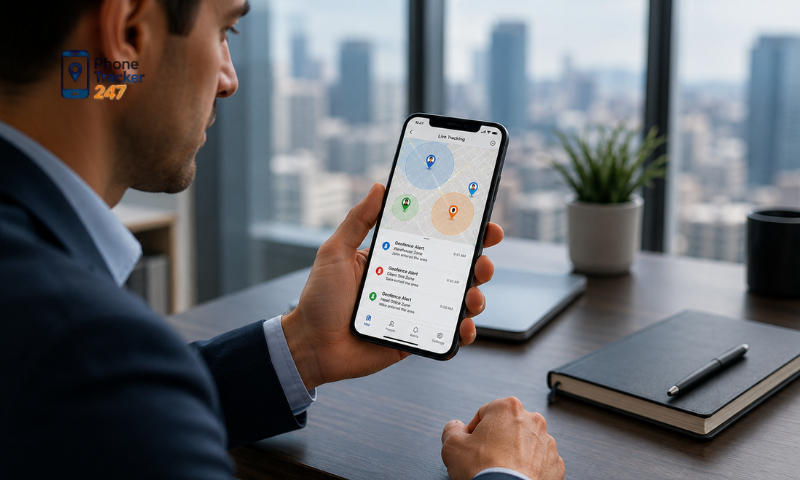
When the tracked device crosses the virtual boundary, the application automatically triggers a notification. The alert may indicate:
- The device has entered a selected area.
- The device has left the designated zone.
- The device has arrived at an important location.
- The device remains outside an approved area.
This automated process helps authorized users stay informed about important movements while making location monitoring more convenient.
See more: Location Sharing Apps for Family: Pros, Cons, and Privacy
Benefits of Using a Geofencing Phone Tracker App
A geofencing phone tracker app combines location tracking with automatic alerts, helping users manage family safety, daily routines, and personal devices without checking locations continuously.
- Improved safety and awareness: Users receive notifications when a device enters or leaves a selected location, allowing them to respond quickly when unusual movement occurs.
- Real-time location alerts: The app can automatically report when someone arrives at school, leaves home, enters a designated area, or remains outside an approved zone.
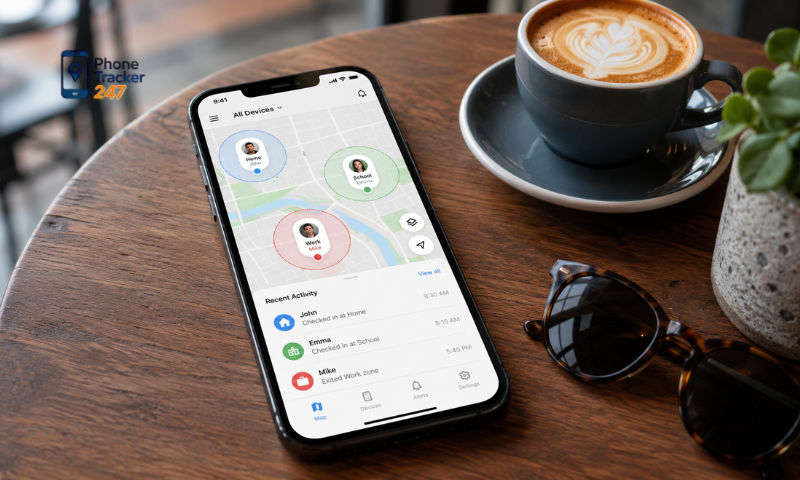
- Better family management: Parents can follow children’s arrivals, families can monitor elderly relatives with consent, and members can stay updated without repeatedly calling or messaging.
- Personal device protection: Alerts can notify users when a phone moves unexpectedly, helping them identify a misplaced or potentially stolen device sooner.
- Convenient automated monitoring: Once virtual boundaries are created, the system runs in the background and sends notifications only when predefined conditions are triggered.
- Time-saving location management: Automatic alerts reduce the need to open the app and manually check a device’s location throughout the day.
Overall, geofencing makes location monitoring more convenient and responsive while giving users greater awareness of important movements.
Real-Life Applications of Geofencing Phone Tracker Apps
Geofencing technology can support many everyday needs, from family safety and elderly care to device protection and business operations. By creating virtual boundaries, users can receive timely alerts when a device enters or leaves a selected area.
Family Safety and Child Monitoring
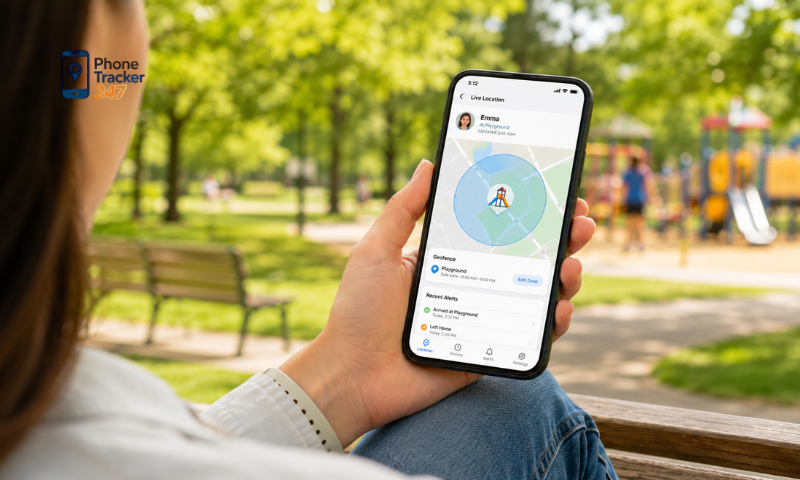
Parents can use geofencing to stay informed about their children’s movements while still encouraging independence. Common applications include:
- Receiving alerts when children arrive at school.
- Knowing when they leave home.
- Monitoring entry into restricted or unfamiliar areas.
- Checking whether they arrive at scheduled locations on time.
These features help parents respond more quickly when plans change or unusual movement is detected.
Elderly Care and Support
Geofencing can provide additional support for families caring for elderly relatives. Useful applications include:
- Receiving alerts when an elderly person leaves a familiar area.
- Monitoring locations such as home, clinics, or care facilities.
- Detecting unexpected movement or route changes.
- Responding promptly when assistance may be needed.
When used with consent, this technology can improve safety while respecting personal independence.
See more: Best Family Locator App: Features Parents Should Look For
Personal Device Protection
Users can also apply geofencing to monitor and protect their own devices. Examples include:
- Creating virtual boundaries around home or the workplace.
- Receiving alerts when a phone moves unexpectedly.
- Tracking devices left in frequently visited locations.
- Improving the chance of recovering a lost or misplaced phone.
Geofencing adds another layer of protection by notifying users of unusual device movement.
Business and Employee Management
Businesses may use location-based technology to manage company resources and field operations more effectively. Applications can include:
- Monitoring company-owned devices.
- Coordinating field teams.
- Tracking equipment or valuable assets.
- Confirming arrivals at designated work locations.
Organizations should use geofencing transparently, obtain appropriate consent, and comply with relevant privacy and employment regulations.
Important Considerations When Using a Location Tracking App with Geofencing
Although geofencing offers many practical benefits, users should consider privacy, battery consumption, location accuracy, and application security to ensure responsible and effective use.
- Respect privacy and obtain consent: Inform users when location sharing is active, obtain permission before tracking another person’s device, and choose applications with transparent privacy policies.
- Monitor battery usage: Adjust tracking intervals, activate location services only when necessary, and use an optimized app to reduce battery drain.
- Understand location accuracy: GPS signals, indoor environments, weak internet connections, and device settings may affect the precision of alerts.
- Choose a reliable application: Look for strong data protection, a user-friendly interface, dependable notifications, clear privacy practices, and accessible customer support.
- Review permissions regularly: Check which location, network, and background activity permissions the app can access and disable unnecessary ones.
A trustworthy geofencing phone tracker app should deliver useful and timely location alerts while protecting personal information and respecting user consent.
Conclusion
A Geofencing Phone Tracker App offers a convenient way to receive automatic location alerts by using virtual boundaries and real-time tracking technology. From improving family safety and monitoring devices to supporting everyday organization, geofencing provides practical solutions for modern location management. However, users should always consider privacy, consent, and security when using location tracking features. Choosing a reliable application and using it responsibly will help maximize the benefits of geofencing technology.
If you are looking for an effective solution to manage location alerts and improve device monitoring, explore a trusted Geofencing Phone Tracker App today to experience safer and smarter location management.
Frequently Asked Questions (FAQs)
1. What is a geofencing phone tracker app?
A geofencing app sends alerts when a device enters or leaves a set area.
2. How does geofencing work?
It uses GPS, Wi-Fi, and mobile networks to detect location changes.
3. Can I create multiple geofences?
Yes. Most apps support multiple custom zones.
4. Will I receive instant alerts?
Yes. Notifications are sent when a device enters or exits a geofence.
5. Is geofencing accurate?
Yes. Accuracy depends on GPS signal and network conditions.
6. Can parents use geofencing for kids?
Yes. It helps monitor school, home, and other safe locations.
7. Does geofencing drain the battery?
Modern apps optimize battery usage while tracking.
8. Is geofencing legal?
Yes, when used on your own device or with proper consent.
9. Does it work on Android?
Yes. Most geofencing apps fully support Android.
10. Why use a geofencing phone tracker?
To improve safety with real-time location alerts.