When parents first search for a family safety app, they usually picture one simple thing: a live map. Then reality expands. You may want arrival alerts, crash detection, driver reports, and a clearer sense of whether your child is safe on the road or on the way home. That is where Life360 enters the conversation. In this Life360 review, we look at what the platform is built to do, where it performs well, and where some families outgrow it. We also explain why, with PhoneTracker247, many parents look for a broader view that goes beyond location alone.
Life360 Review Quick Summary
| Question | Short Answer |
|---|---|
| What is Life360? | A family location and safety app |
| Best for | Live location and family coordination |
| Main strength | Real-time location sharing |
| Useful feature | Place alerts and location history |
| Driving support | Crash detection and driver safety tools |
| Best user | Families with teen drivers |
| Main limitation | Limited device activity monitoring |
| Tracks browsing? | Not its main focus |
| Tracks messages? | Not its main focus |
| Final verdict | Strong for location, limited for full monitoring |
What Life360 is really designed for
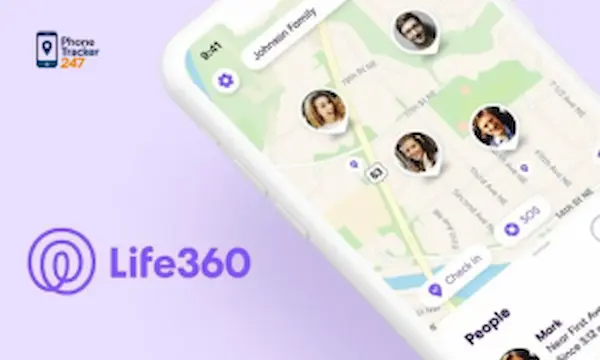
Life360 is fundamentally a family safety and location-sharing platform. Its core experience centers on live location, place alerts, location history, crash detection, SOS-style safety tools, and driving-related insights rather than deep device monitoring. The company’s current plans also position the app around family coordination, emergency support, and broader safety services, not full parental control across messages, browsing, and app behavior.
That matters because many parents search for a Life360 review expecting a complete child monitoring solution. In practice, Life360 is stronger as a family locator and safety companion than as an all-in-one oversight platform. If your main goal is knowing where someone is, when they arrived, or whether a crash may have happened, it fits that role well. If your goal is to understand digital habits, screen exposure, or device activity in greater detail, the scope is narrower.
The features most families care about in Life360
Life360’s appeal comes from a small set of highly practical features that solve everyday coordination and safety needs. These functions are easy to understand, which is one reason the app has remained popular.
Real-time location sharing
The app’s anchor feature is location sharing within a family circle. Parents can see where family members are, check movement on the map, and follow changes in near real time. For households managing school runs, pickups, commuting teens, or older children spending more time away from home, this kind of visibility is the main reason to install Life360 in the first place.
Place alerts and location history
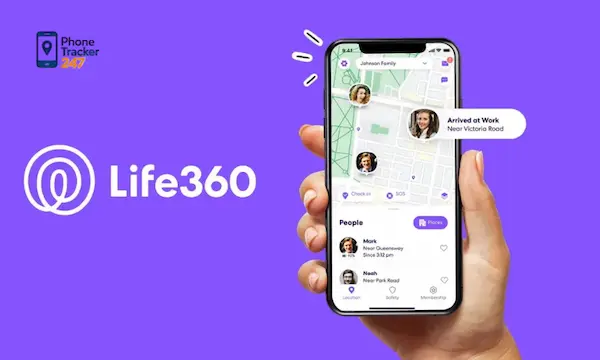
Life360 also supports place-based notifications, so families can receive alerts when someone arrives at or leaves a saved location such as home, school, or work. Official terms and support materials also describe location history as a recurring part of the membership model, though the amount of retained history varies by plan and region. For many families, that combination is enough to reduce constant check-in texts throughout the day.
See more: Top 6 Best iOS Phone Tracker Apps in 2026 You Can’t Miss
Driving safety and crash detection
Another major strength is driving safety. Life360 highlights crash detection, emergency dispatch support, and driving-related awareness as core product value. Its support content explains that crash detection relies on GPS and motion-related sensor data, while app listings and marketing materials continue to position this feature as one of the main reasons families upgrade. For parents of teen drivers, this is one of Life360’s strongest use cases.
Emergency and connected-safety tools
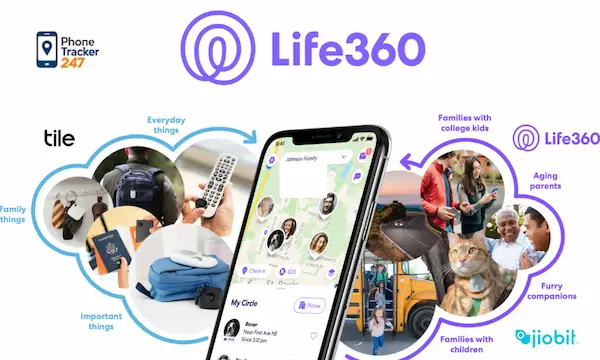
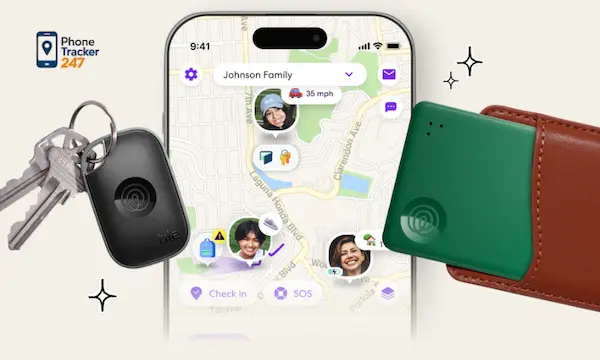
Life360’s broader safety stack now extends into emergency dispatch, roadside assistance on paid plans, and connected devices such as Tile and pet trackers in parts of its ecosystem. That makes the app feel more like a family safety hub than a basic GPS pin on a map. If your family wants one place to coordinate people, cars, and selected belongings, that ecosystem angle is part of the product’s appeal.
Where Life360 works best
A fair Life360 review should start with the situations where the app is clearly useful. It is not difficult to see why many families adopt it early.
Families who mainly want location reassurance
If your biggest concern is simple peace of mind, Life360 covers that well. You can confirm whether someone got to school, arrived at practice, or is still on the road. For parents who do not want to overcomplicate monitoring, that level of visibility can feel like the right balance between safety and independence.
Parents of teen drivers
This is arguably the strongest fit. Teen driving introduces a layer of risk that basic parental controls do not address. Crash alerts, driving-related safety tools, and location history are more immediately valuable in that scenario than deep app-by-app monitoring. Families with new drivers may get more day-to-day value from Life360 than families focused on online behavior.
Households that prefer a lighter-touch setup
Some parents do not want a tool that feels invasive. They want enough visibility to protect, but not so much access that the relationship becomes surveillance-driven. Life360 fits comfortably into that middle ground because its design is centered on sharing, alerts, and coordination rather than a broader device-monitoring dashboard.
Life360: Best Fit vs Not the Best Fit
| Family Need | Is Life360 a Good Fit? | Why |
|---|---|---|
| Live family location | Yes | This is Life360’s core feature |
| School or home arrival alerts | Yes | Place alerts are useful |
| Teen driver safety | Yes | Crash detection adds value |
| Family coordination | Yes | Helps reduce check-in texts |
| Basic peace of mind | Yes | Simple and easy to understand |
| Full parental control | No | It is not built for deep monitoring |
| App activity tracking | No | Limited compared with monitoring apps |
| Browsing history visibility | No | Not a core Life360 feature |
| Call or message monitoring | No | Not the main product focus |
| Broader phone oversight | Maybe not | Parents may need a deeper tool |
Where Life360 starts to feel limited
This is the point many families discover that location is only one piece of the puzzle. A child can be in the right place physically and still face risk online. That is where a location-first app often stops short.
- Limited digital behavior visibility
Life360’s official positioning emphasizes location safety, driving safety, and emergency response. It is not marketed as a full device monitoring platform for texts, call logs, browsing history, installed apps, or detailed app activity analysis. - Parental control depth is not the main product promise
Families looking for stronger oversight of screen habits, communication patterns, or online exposure may find that Life360 solves the where question better than the what happened on the device question. - Feature value depends heavily on use case
If your child is younger and the bigger concern is social apps, browser use, or daily device behavior, crash detection and roadside assistance may not address the real problem you are trying to solve.
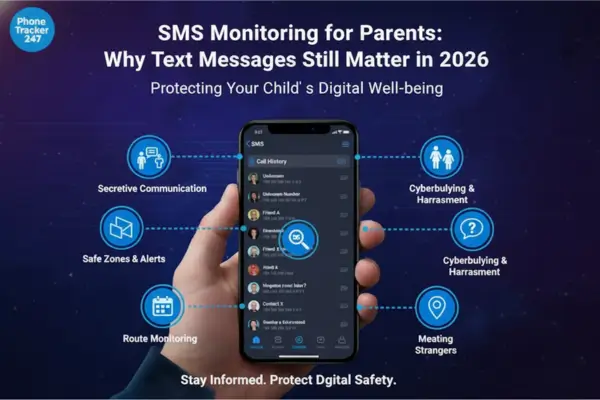
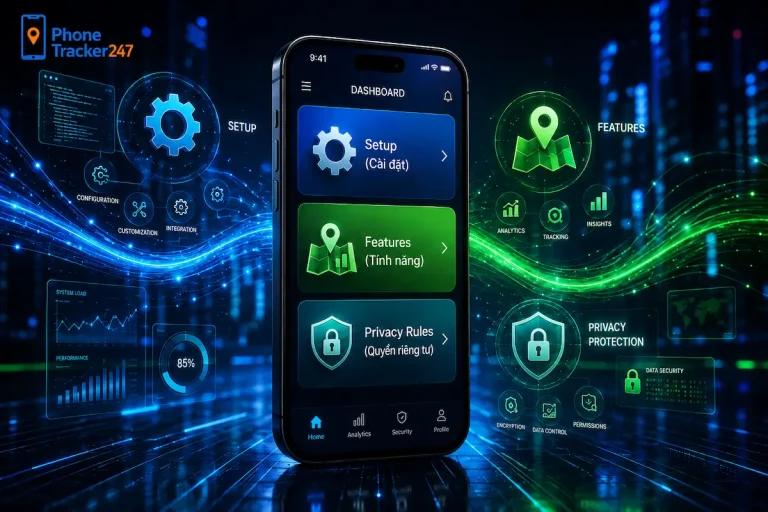
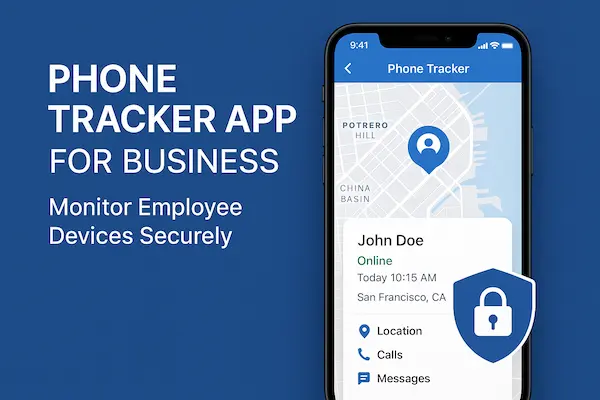
This is exactly where our perspective at PhoneTracker247 becomes different. We are not built around location sharing alone. PhoneTracker247 is positioned as a broader phone tracking and parental control platform with a centralized dashboard and layered monitoring modules, including GPS, app activity, browsing history, SMS, call history, and other supported oversight features, while still stressing lawful use, consent, privacy, and managed-device visibility.
Life360 vs PhoneTracker247: the practical difference
The easiest way to compare the two is to think in layers. Life360 helps families answer: Where is my child, did they arrive, and are they safe on the road? With PhoneTracker247, we are designed to help families go further when they also need to understand device activity in a more centralized way. Our platform is described around real-time location, communication logs, browsing visibility, app activity, and a web dashboard that pulls those signals together for ongoing oversight on devices the user owns or is authorized to manage.
Here is the clearest distinction:
| Need | Life360 | PhoneTracker247 |
| Real-time family location | Strong core feature | Supported |
| Arrival and departure alerts | Strong core feature | Supported through location monitoring approach |
| Crash and driving safety | Major strength | Not our main positioning |
| Location history | Available, plan-dependent | Supported |
| App activity visibility | Limited relative to dedicated monitoring platforms | Core monitoring category |
| Browsing and communication oversight | Not the main product focus | Core monitoring category |
| Centralized monitoring dashboard | Family safety oriented | Built as a monitoring dashboard platform |
The point is not that one app replaces the other for every family. It is that they are optimized for different priorities. If your priority is connected family safety and driving awareness, Life360 makes sense. If your priority expands into deeper device oversight, a platform like PhoneTracker247 becomes the more natural fit.
See more: What Is a Family Locator App and Who Should Use It? (2026)
Is Life360 worth it?
For the right user, yes. Life360 is worth it when your household needs a dependable family locator with practical safety features layered on top. The combination of real-time location, place alerts, crash support, and paid safety benefits gives it a clear value proposition. Its pricing structure currently includes a free plan and multiple paid tiers, which lowers the barrier to entry for families that want to start simple and upgrade later.
But worth is always relative to the problem you are trying to solve. If the core issue is teen driving, busy family logistics, or peace of mind during travel, Life360 earns its place. If the deeper problem is digital behavior, online safety patterns, or broader phone oversight, then the app may feel incomplete surprisingly fast.
Who should use Life360, and who should look for more?
Choosing well starts with matching the app to the real parenting problem, not the most visible feature in the app store listing.
- Life360 is a good fit for you if
You mainly want live location, place alerts, family coordination, and added reassurance for drivers. It is especially practical for families with teens who travel independently or drive themselves. - You may need more than Life360 if
You want broader visibility into device use, communication patterns, browsing behavior, or app activity from a centralized dashboard designed for ongoing monitoring. That is the use case where PhoneTracker247 is intentionally positioned to go further.
Final verdict on this Life360 review
Life360 is a solid family safety app with clear strengths in location sharing, place alerts, crash detection, and driver-focused reassurance. It does a good job when the main question is where someone is and whether they are safe getting from one place to another. Officially, that is still the center of the product.
From our perspective at PhoneTracker247, the limitation is not quality. It is scope. Life360 is strong at location-centered family safety, but many parents eventually need a wider lens. When you want that wider lens, with PhoneTracker247, we are built to help you monitor not only movement but also supported layers of device activity through one dashboard, with lawful use, consent, and privacy kept front and center.
For daily updates, subscribe to PhoneTracker’s blog!
We may also be found on Facebook!
FAQs – Life360 Review
1. What is Life360?
Life360 is a family location and safety app.
2. Is Life360 good for parents?
Yes, especially for location tracking.
3. What is Life360 best for?
Live location sharing and family check-ins.
4. Does Life360 track real-time location?
Yes, it shows live family location.
5. Does Life360 have place alerts?
Yes, it can alert arrivals and departures.
6. Is Life360 good for teen drivers?
Yes, it offers driving safety features.
7. Can Life360 track messages?
No, message tracking is not its focus.
8. Can Life360 track browsing history?
No, it is mainly location-based.
9. Is Life360 too invasive?
It can feel invasive without clear rules.
10. Is Life360 worth it?
Yes, for location safety, not full monitoring.