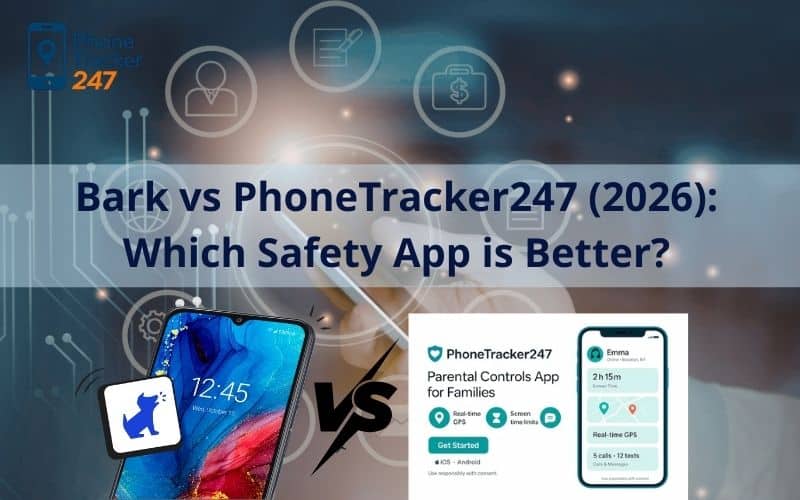
Choosing the right safety software for your family in 2026 feels a bit like picking a car; you need to know if you’re looking for a rugged off-roader for tracking or a high-tech sedan with the best sensors. As digital threats become more sophisticated with AI-generated content and new social platforms, the “Bark vs PhoneTracker247” debate has become a central point for parents trying to find that perfect balance between oversight and privacy.
In this comprehensive guide, we’ll break down how these two heavyweights stack up in the current landscape. We will look at their core technologies, pricing structures, and real-world performance to help you decide which tool belongs on your child’s device.
At a Glance: Bark vs PhoneTracker247 Key Differences
Understanding the fundamental “why” behind each app is the first step in deciding between Bark vs PhoneTracker247 for your household’s digital safety needs.
While both apps aim to keep kids safe, they approach the problem from opposite ends of the spectrum. Bark is built on a “need-to-know” philosophy, using advanced AI to scan for trouble and only alerting you when a red flag pops up. On the other hand, PhoneTracker247 is a “window-into-the-device” solution, offering a continuous stream of data, from live GPS maps to detailed activity logs, so you can see exactly what is happening at any moment.
| Feature | Bark (Premium) | PhoneTracker247 (Premium) |
| Primary Focus | AI Content Monitoring & Alerts | Live GPS Tracking & Activity Logs |
| Social Media | Scans 30+ apps (DMs, Posts, etc.) | Browser & App Usage History |
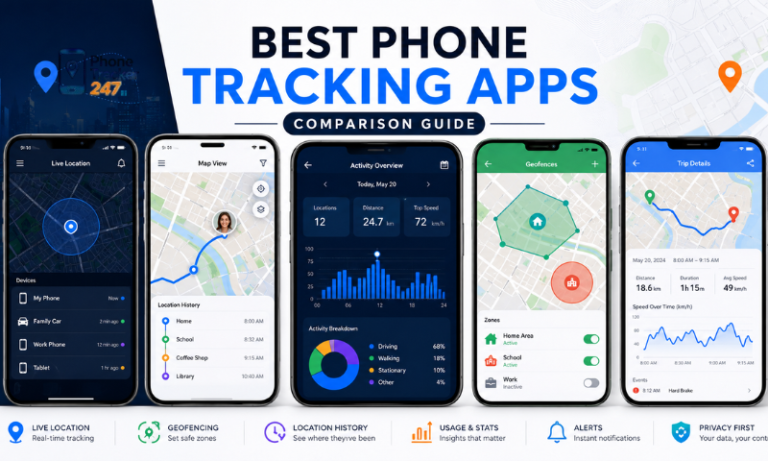
| Location | Check-ins & Geofencing Alerts | Live Map & 30-Day History |
| Privacy Style | Trust-based (Alerts only) | Visibility-based (Full logs) |
| Device Limit | Unlimited Devices | Per-Device Subscription |
| Pricing (2026) | $14/month or $99/year | $39.99/30 days |
Deep Dive into Bark: The King of Social Media Monitoring
Bark has spent years refining its machine-learning algorithms to understand the nuance of slang, emojis, and context in a way that most “keyword” trackers simply cannot match.
AI-Powered Content Alerts
- Contextual Understanding: Bark doesn’t just look for “bad words”; its AI understands the difference between a child joking about “killing it” in a video game and a genuine threat of self-harm. This nuance is critical in 2026, where digital slang evolves weekly.
- Proactive Prevention: By scanning 30+ platforms including TikTok, Snapchat, and Instagram, Bark provides a safety net that covers the “blind spots” where most cyberbullying and predatory grooming occur today.
Screen Time & Web Filtering
- Custom Schedules: You can set different rules for “School Time,” “Free Time,” and “Bedtime,” ensuring that your child isn’t scrolling through YouTube when they should be focused on their 10th-grade history assignment.
- Granular Category Blocking: Bark allows you to block entire categories of websites, such as adult content or gambling, while still allowing access to educational resources and approved entertainment.
If you want to know more detailed about Bark Phone Review, please read this article as the recommendation: Bark Phone Reviews: Features and Alternatives in 2026

Exploring PhoneTracker247: The Precision Tracking Specialist
When the conversation turns to Bark vs PhoneTracker247, the latter is often favored by parents who prioritize physical safety and granular device transparency over social media sentiment analysis.
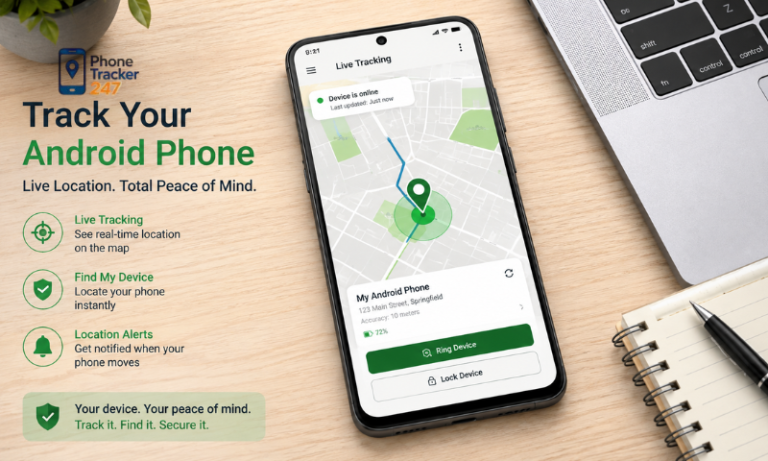
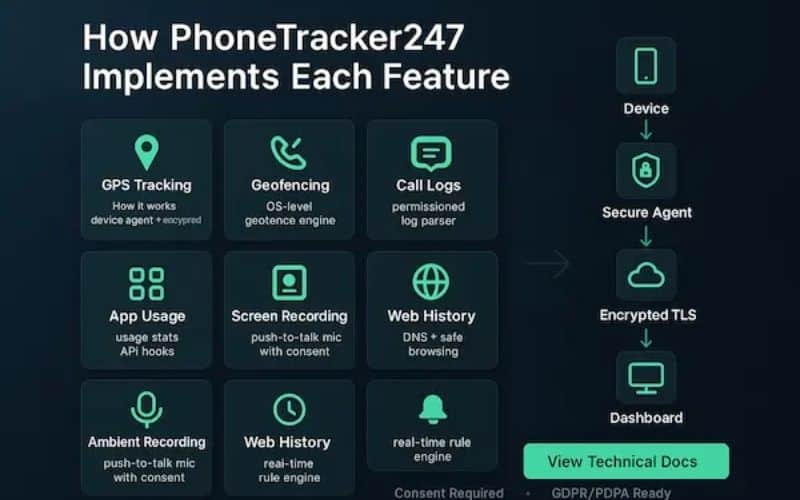
Real-Time GPS & Geofencing
- Continuous Location Stream: Unlike apps that only update when requested, PhoneTracker247 provides a “live” breadcrumb trail of where the device has been, making it a gold standard for parents of new teen drivers.
- Instant Boundary Alerts: You can set up “Safe Zones” around your home, school, or a friend’s house and receive an immediate notification the second your child enters or leaves those specified perimeters.
Device Activity Logs
- Full Transparency: This tool gives you access to call logs, SMS history, and browser activity, providing a complete picture of who your child is communicating with and what they are searching for online.
- Dashboard Accessibility: All data is funneled into a centralized, web-based dashboard that allows you to review the day’s activity at a glance without needing to hold the physical phone in your hand.
To understand best about PhoneTracker247, visit the website phonetracker247.com to get the updated information.
How to Choose the Suitable Phone Monitoring App
Selecting the right tool requires evaluating your family’s unique dynamics and the specific technical hurdles of your children’s devices.
When weighing Bark vs PhoneTracker247, start by identifying your primary goal: is it preventing digital harm or ensuring physical presence? For families with several children across different ages, look for software that offers a single subscription for multiple devices to keep costs manageable. Finally, always verify the compatibility of the app with your child’s specific operating system, as iOS and Android offer vastly different levels of access for third-party monitoring tools.
Bark vs PhoneTracker247: Head-to-Head Comparison
Comparing Bark vs PhoneTracker247 directly reveals that your choice depends largely on the age of your child and your specific parenting style.
Social Media & Messaging
- Bark’s Dominance: Bark is the undisputed winner for social media, as it integrates directly with the account APIs to see “behind the curtain” of encrypted or private messaging apps that other trackers struggle to access.
- PhoneTracker247’s Limitation: While it can show you which apps are being used and for how long, it generally lacks the deep AI scanning required to alert you to the content of those social media interactions.
Location Accuracy & Reliability
- Live Map vs. Check-Ins: PhoneTracker247 offers a superior live-tracking experience for parents who need to see a moving dot on a map in real-time.
- The Bark Approach: Bark focuses more on “Location Alerts”, notifying you when a kid arrives at practice rather than providing a constant, battery-draining stream of GPS coordinates.
Table 1. Bark vs PhoneTracker247 — Feature Comparison (2026)
Quick snapshot of what each app is built for, how it monitors, and what you typically get at the premium tier.
| Category | Bark (Premium) | PhoneTracker247 (Premium) | Best choice if you… |
|---|---|---|---|
| Primary focus | AI risk detection + parent alerts | Live GPS + “full activity visibility” logs | Want risk alerts vs want continuous transparency |
| Social/media coverage | Scans 30+ apps (texts/social/email + safety categories) | Shows browser/app usage history; generally not deep content scanning | Need “what was said” alerts (Bark) vs need “what happened on device” logs |
| Location | Check-ins + geofencing alerts | Live map + ~30-day location history | Need “arrived/left” alerts vs need real-time movement trail |
| Screen time & blocking | Schedules + web filtering/category blocking | Depends on plan; positioned more as monitoring + tracking | Want stronger rules/enforcement vs want stronger tracking visibility |
| Monitoring style | Trust-based (“alerts only”) | Visibility-based (“full logs”) | Prefer minimal-data oversight vs prefer detailed logs |
| Device model | One subscription can cover multiple kids/devices | Typically per-device subscription | You have multiple children/devices vs you monitor 1 device closely |
| Typical pricing cited (2026) | $14/mo or $99/yr (Bark Premium) | $39.99 / 30 days | Need lower cost at scale vs accept higher per-device cost for live tracking |
Real World Feedback: User Reviews and Reliability
Looking at user experiences for Bark vs PhoneTracker247 helps paint a clearer picture of how these apps perform once they leave the marketing pages and enter your daily life.
User Experience and Ease of Use
- The Setup Struggle: Many users note that Bark can be difficult to set up, especially on iOS devices where Apple’s security requires a desktop sync. However, once running, parents appreciate the “hands-off” nature of only receiving alerts when something is wrong.
- Accuracy Concerns: Reviewers for PhoneTracker247 often praise the location accuracy but warn about “subscription creep,” where monthly costs can add up if you don’t keep an eye on your plan.

Pricing & Value: Which Offers More for Your Money?
In the Bark vs PhoneTracker247 value battle, the winner often depends on how many children you have in your household.
Bark offers a flat-rate model for $14/month that covers unlimited devices and children, making it an incredible value for large families. PhoneTracker247 typically operates on a per-device subscription model, which can become quite expensive if you are trying to monitor three different teenagers with their own smartphones and tablets.
The Verdict: Which Should You Choose in 2026?
The choice between Bark vs PhoneTracker247 boils down to whether you want a “Safety Net” or a “Security Camera.”
Choose Bark if you have a teenager and you want to respect their privacy while still being alerted to major risks like cyberbullying on social media or predators. It is the better “trust-building” tool. Choose PhoneTracker247 if you have a younger child, a child who has already broken your trust, or if your primary concern is knowing exactly where they are at every second of the day.
Table 2. Which One Should You Pick? Scenario-Based Decision Matrix
Practical “if this is your situation → choose this” guide to help readers decide in under 60 seconds
| Your situation (2026) | Choose Bark when… | Choose PhoneTracker247 when… | Why this works |
|---|---|---|---|
| Teen heavily on TikTok/IG/Snap | You want AI-driven alerts for risky content, not full surveillance | You mainly want to see device activity + whereabouts | Bark is optimized for content-risk alerts across many platforms |
| Younger child / new phone | You want guardrails (time rules + filtering) and fewer details | You need live GPS + logs to verify behavior | Younger kids often need structure or verification, depending on trust level |
| You prioritize physical safety (pickup, commute) | You’re okay with check-ins/zone alerts | You want real-time map + location trail | Live tracking is the differentiator here |
| Multiple kids/devices | You want one plan to scale across the household | You only track 1–2 devices and need deeper visibility per device | Bark’s flat model can be more cost-efficient for larger families |
| You want “privacy-first” oversight | You prefer alerts-only and fewer collected details | You intentionally want detailed logs for accountability | Monitoring philosophy differs: “need-to-know” vs “see everything” |
| iPhone-heavy household | You accept iOS constraints + occasional setup complexity | You’re comfortable with iCloud-style approaches and limitations | iOS generally restricts deep monitoring for all third-party tools; expectations matter |
FAQs – Bark vs PhoneTracker247
1. What is the main difference between Bark and PhoneTracker247?
Bark focuses on alerts; PhoneTracker247 focuses on broader monitoring.
2. Is Bark good for online safety?
Yes, Bark is strong for content and risk alerts.
3. Is PhoneTracker247 good for parents?
Yes, it helps parents view location and device activity.
4. Which app is better for location tracking?
PhoneTracker247 is stronger for location-focused monitoring.
5. Which app is better for content alerts?
Bark is better for alert-based content monitoring.
6. Can both apps manage screen time?
Yes, both can support screen time control.
7. Which app gives broader visibility?
PhoneTracker247 offers broader family monitoring features.
8. Should monitoring be transparent?
Yes, legal and open monitoring builds trust.
9. Which app should parents choose?
Choose Bark for alerts; choose PhoneTracker247 for broader tracking.
10. Can families use both apps?
Yes, if they need both alerts and deeper visibility.