Trying to guide your child’s digital habits without reliable data can feel like solving a puzzle with half the pieces missing. You may notice late-night scrolling, constant app switching, or sudden changes in mood, but still not know what is driving them. That is exactly why many parents search for how to track child’s phone usage with a parental control app. At PhoneTracker247, we believe the purpose of monitoring is not to control every move. It is to help parents understand screen time, app behavior, browsing patterns, and safety risks early enough to respond with clarity, structure, and support.
What a Parental Control App Can Monitor on a Child’s Phone
A strong parental control app should do more than show location or set a daily time limit. Parents need a fuller picture of digital activity if they want to guide habits effectively.
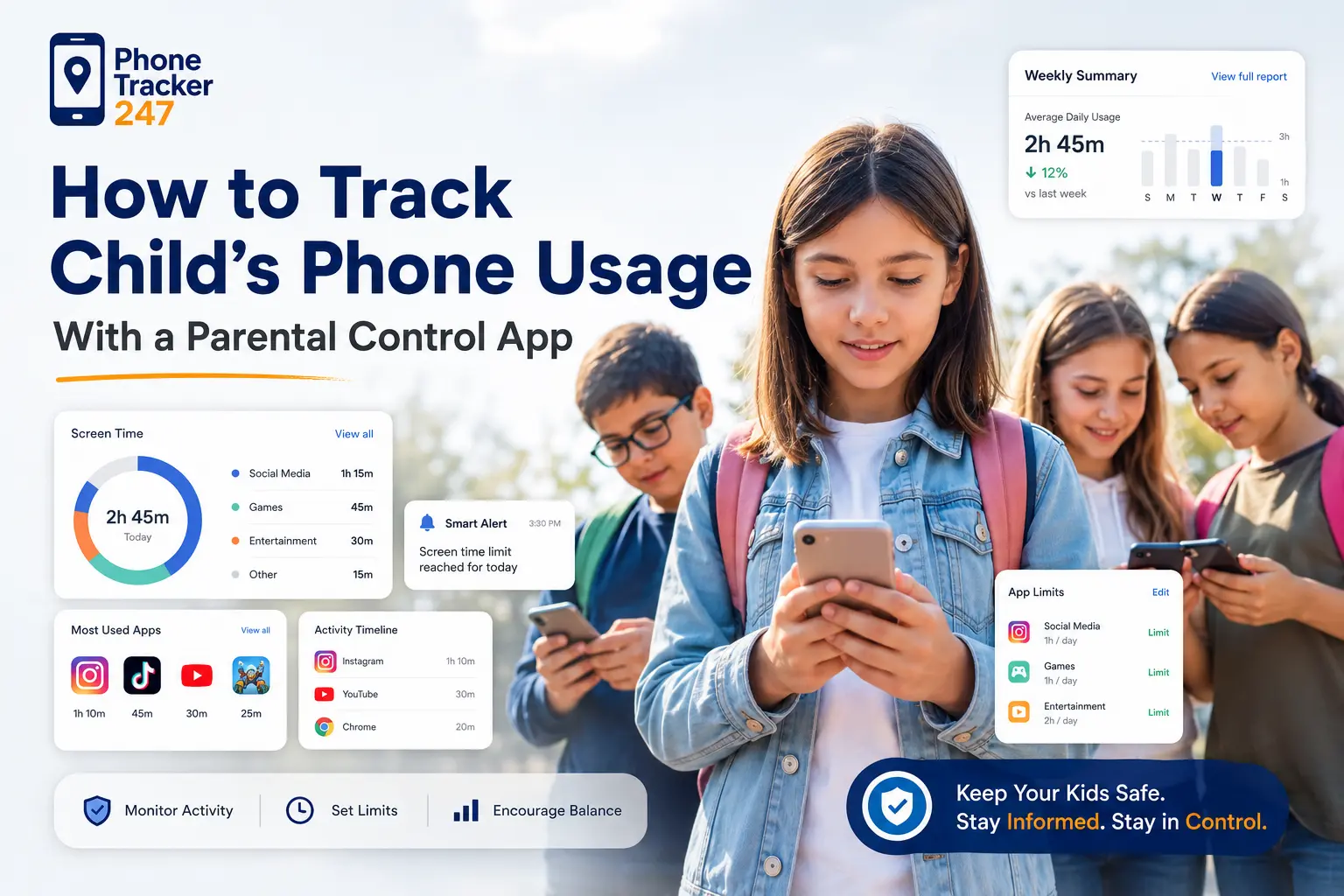
Screen time reports and app usage tracking
The first area most parents should review is screen time and app behavior. This gives a broad overview of how a device is being used and where attention is going most often.
With the right monitoring setup, parents can review:
- Total daily screen time
- The most-used apps
- Time spent inside each app
- Usage trends by day or week
This matters because it turns a general concern into something measurable. If your child spends most of the evening in short-video apps or social platforms, you can see that pattern clearly and build rules around it.
At PhoneTracker247, our platform is built to help parents monitor app activity and screen use from one centralized place instead of relying on scattered signals.

Browsing history, installed apps, and digital activity
Screen time alone does not tell the full story. A child could spend one hour reading educational content or one hour on unsafe sites, and the time total would look the same. That is why browsing and broader phone activity matter.
Parents often benefit from reviewing:
- Visited websites
- Recent search behavior
- Installed apps
- General phone usage reports
This kind of data creates context. It helps you understand what your child is exploring online, which apps are shaping behavior, and whether certain digital habits deserve a conversation.
Our monitoring approach is designed to help parents see those patterns more clearly so they can guide online behavior before problems become more serious.
Calls, messages, and location data where appropriate
In some situations, parents need a broader safety view. Younger children, children who travel independently, or families dealing with growing online risks may want access to communication and location signals as well.
Depending on the device, permissions, plan, and legal conditions, parents may monitor:
- Call history
- SMS activity
- Contact patterns
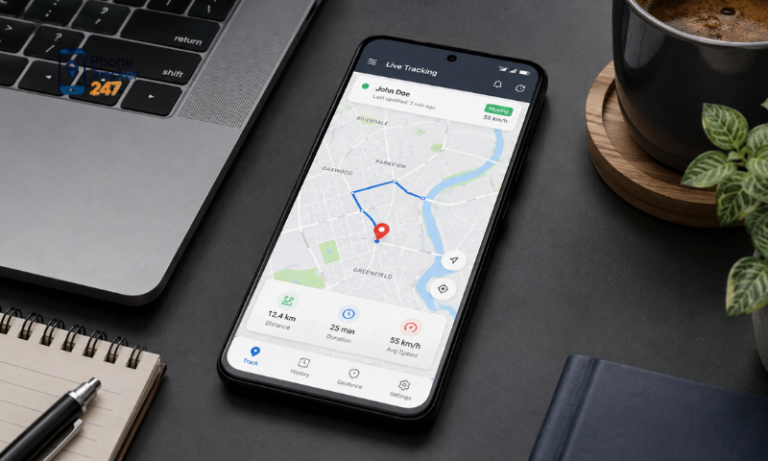
- Real-time GPS location
- Location history and geofencing alerts
At PhoneTracker247, we provide an all-in-one monitoring platform designed for family safety, not covert surveillance. That is why we emphasize lawful use, transparency, and monitoring on devices you own or are authorized to manage.
See more: SpyX Review 2026: Does This Spy App Go Too Far for Parental Controls?
How to Track Child’s Phone Usage With a Parental Control App Step by Step
Parents often think phone monitoring needs to be complex, but the most effective approach is usually simple. Start with the right tool, configure it properly, and focus on meaningful behavior patterns.
Choose a parental control app with the right monitoring features
The first step is choosing a solution that matches your actual goal. If you only want a timer, basic built-in controls may be enough. If you want a fuller view of your child’s habits, you need broader reporting.
When comparing options, look for features such as:
- App usage tracking
- Screen time monitoring
- Browsing history visibility
- Location tracking
- Geofencing support
- A centralized parent dashboard
At PhoneTracker247, we designed our platform as more than a simple GPS tracker. Our system helps parents review location, communication, browsing, and app activity together, so they can understand both digital habits and safety signals in one place.
Install the app and connect the child device properly
Even the best parental control app will produce weak results if setup is incomplete. Missing permissions or skipped steps often lead to partial reports, sync delays, or limited monitoring.
At PhoneTracker247, we keep setup straightforward. Parents can:
- Create an account
- Install the app on the managed device
- Approve the required permissions
- Connect the device to their account
- Monitor data through one centralized dashboard
A clean setup process matters because it gives you reliable reporting from the beginning. It also helps reduce confusion when you start reviewing screen time, app activity, and browsing behavior.
We also promote lawful monitoring only on devices you own or are authorized to manage. That principle is central to how we position our platform for families.

Review usage patterns and turn them into family rules
Once monitoring is active, the next step is not checking every small event. The better approach is reviewing patterns over time and using them to create simple household rules.
For example, parents may set rules such as:
- No phone use after bedtime
- App downloads need approval
- Entertainment apps are limited on school nights
- Homework comes before gaming or social media
This is where monitoring becomes useful. Data alone does not improve habits. What improves habits is using that data to create structure, consistency, and clearer expectations for your child.
Key Features to Look for in a Child Phone Activity Tracker
Not every parental control app gives parents enough insight to take action with confidence. The best tools make information practical, organized, and easy to review.
- App usage dashboard: A centralized dashboard makes it easier to understand activity quickly instead of jumping between separate tools or reports.
- Screen time and usage summaries: Daily and weekly summaries help parents spot changes early and compare habits over time.
- Browsing history visibility: Browsing data adds essential context because screen time alone cannot show what your child is actually doing online.
- Location tracking and geofencing: These features add an important safety layer, especially for children who travel between school, home, and activities.
- Multi-device monitoring: Families with more than one child often need one place to review several devices without creating extra confusion.
At PhoneTracker247, our plan structure is designed to support different family needs, from basic monitoring to broader visibility across location, app activity, browsing history, calls, and messages.

Common Mistakes Parents Make When Monitoring a Child’s Phone
A good monitoring tool can still create poor results if it is used the wrong way. The biggest mistakes usually come from the parent’s method, not the technology.
- Tracking without explaining the reason: When children do not understand why monitoring exists, they may see it only as control instead of protection and guidance.
- Watching everything instead of focusing on patterns: Parents can easily become overwhelmed if they react to every small detail instead of studying repeated behavior.
- Using monitoring only for punishment: If every report leads to discipline, children may become secretive rather than more responsible.
- Ignoring legal and privacy boundaries: Phone monitoring should stay within lawful use, family transparency, and device authorization.
- Choosing a tool with limited reporting: A weak app may provide fragments of information that make it harder to understand what is actually happening.
Why PhoneTracker247 Is a Practical Option for Parents
Parents do not just need data. They need a practical way to understand that data, respond to it, and build healthier digital habits at home.
All-in-one monitoring instead of separate tools
Using one tool for location, another for screen time, and another for browsing can quickly become messy. Parents are more likely to stay consistent when monitoring is centralized.
With PhoneTracker247, families can access a broader monitoring system that may include:
- GPS and location history
- App usage monitoring
- Browsing history
- Call and SMS visibility
- Geofencing alerts
- A centralized parent dashboard
This all-in-one model helps reduce complexity and gives parents a clearer view of how the device is being used.
Easy dashboard access for busy parents
Most parents do not have time to dig through complex settings every day. Monitoring needs to be easy to review if it is going to be useful in real life.
That is why our dashboard-based approach helps parents:
- Check key signals faster
- See trends more clearly
- Monitor several types of activity in one place
- Respond earlier when patterns change
Instead of managing disconnected tools, parents can review the information they need through one monitoring environment.

Built around family safety, transparency, and lawful use
Many monitoring tools are framed the wrong way. They focus on secrecy, which makes them a poor fit for parents who want to guide their children responsibly.
At PhoneTracker247, we take a different approach. We emphasize:
- Family safety
- Lawful monitoring
- Transparency and informed use
- Data protection and privacy
- Use on owned or authorized devices
That positioning reflects what many parents actually want: a practical parental control solution that supports guidance, not covert surveillance.
Download PhoneTracker247 here to start building safer, healthier screen habits for your child today.
FAQs – How to Track Child’s Phone Usage
1. How can I track my child’s phone usage?
Use a parental control app with activity reports.
2. What phone usage can parents track?
Screen time, app usage, browsing activity, and location.
3. Can parents see time spent on apps?
Yes, app usage reports show time by app.
4. Can parents view browsing history?
Yes, some tools show visited websites and search activity.
5. Can parents check installed apps?
Yes, many apps show installed and recently used apps.
6. Can tracking include location?
Yes, GPS, location history, and geofencing may be available.
7. Why is a dashboard useful?
It keeps screen time, apps, and safety data in one place.
8. Should parents track every detail?
No, focus on patterns, risks, and healthy habits.
9. Is child phone monitoring legal?
Yes, when used lawfully on owned or authorized devices.
10. What should parents do first?
Set up reports, review patterns, and create clear family rules.
Final Thoughts on Tracking Child Phone Usage the Smart Way
Learning how to track child’s phone usage with a parental control app is not about watching every tap. It is about creating enough visibility to understand habits, reduce risk, and guide your child with more confidence.
The smartest approach is simple. Start with the right signals, focus on patterns instead of panic, and turn what you learn into clear family rules. When parents can see screen time, app behavior, browsing activity, and location signals together, they can respond earlier and more effectively.
At PhoneTracker247, we help parents do exactly that with a centralized monitoring platform built for family safety, practical oversight, and lawful use.
For daily updates, subscribe to PhoneTracker’s blog!
We may also be found on Facebook!