In many situations, losing an iPhone while only having an Android device on hand can be quite stressful. However, with a few useful tips, you can still find my iPhone from my Android quickly and effectively. In this article, PhoneTracker247 will walk you through practical ways to locate an iPhone using an Android phone, helping you recover your device more easily, protect your data, and respond promptly in urgent situations.
Contents
Popular ways to find my iPhone from my Android today
If you do not have an Apple device available, find my iPhone from my Android phone is still entirely possible when you use the right tools. Thanks to the Apple ID account system and cloud ecosystem, users can remotely locate an iPhone with just an Android device. Below are the most common and effective methods available today:
Methods you can use:
- Use iCloud in an Android browser: This is the simplest and most widely used method. You only need to open a browser such as Chrome on your Android phone, visit the iCloud website, and sign in with your Apple ID. Then, select the “Find iPhone” feature to view the device’s location on the map, play a sound, or perform remote security actions.
- Sign in with your Apple ID to locate the device: If you previously signed in with your Apple ID on the iPhone, the system will automatically sync the data. By signing into the same account on an Android browser, you can track the device’s location in real time, as long as the iPhone is still connected to the internet.
- Use another device to help with the search: If using an Android device is not convenient, you can borrow an iPhone, iPad, or computer from someone you know. After signing in to iCloud, you can easily locate the device, play a sound, or enable Lost Mode to protect your data.
Overall, each method has its own advantages, but the most important things are that you remember your Apple ID credentials and that location services were enabled on the iPhone beforehand.
Detailed guide on how to find my iPhone from my Android
Find my iPhone from my Android device is not simply a matter of signing in and locating it. It also involves how the Apple ecosystem works, how data syncs across devices, and the security layers that come with it. Once you understand how this system works, you will be able to handle a lost device situation more quickly and effectively.
In essence, the “Find iPhone” feature works by allowing the iPhone to continuously send its location to Apple’s iCloud servers whenever it has an internet connection. That means even if you are using an Android phone, as long as you can access the correct Apple ID, you can still control the device remotely.
Step 1: Access iCloud
Open a browser on your Android phone, such as Chrome, Cốc Cốc, or Samsung Internet, then go to iCloud.com.
- This is an important first step because iCloud acts as the control center of the entire Apple ecosystem.
- On Android, the iCloud interface may appear more simplified than on an iPhone, but it still includes the essential features you need.
- You should switch to Desktop Site mode if the mobile interface limits some functions.
See more: Guide on how to check does phone tracker app work
Step 2: Sign in with your Apple ID
Enter the exact Apple ID and password that were previously used on the iPhone. If two-factor authentication (2FA) is enabled, you will also need to enter the verification code.
- Your Apple ID is essentially the key to all your Apple devices and data.
- If you do not remember your password or cannot complete 2FA verification, locating the iPhone becomes almost impossible.
- If your phone is lost and you cannot receive the verification code, you may choose “Trust browser” or use another Apple device to get the code.
Step 3: Select the “Find iPhone” feature
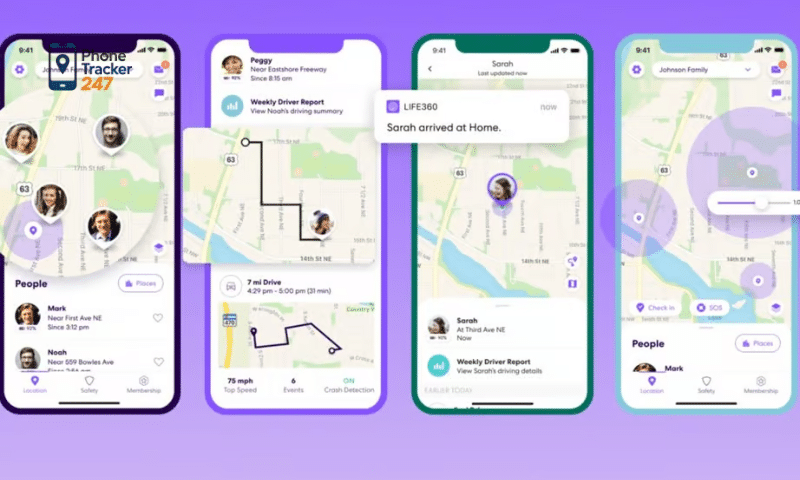
After signing in successfully, choose “Find iPhone.” The system will display a list of all devices linked to your account.
- This feature runs through Apple’s Find My service.
- If the iPhone has been turned off or has lost internet access, the system will show the last known location before it went offline.
- For newer iOS devices, Apple may also support finding the device even when offline through nearby Apple devices in the Find My network.
Step 4: Identify the device’s location
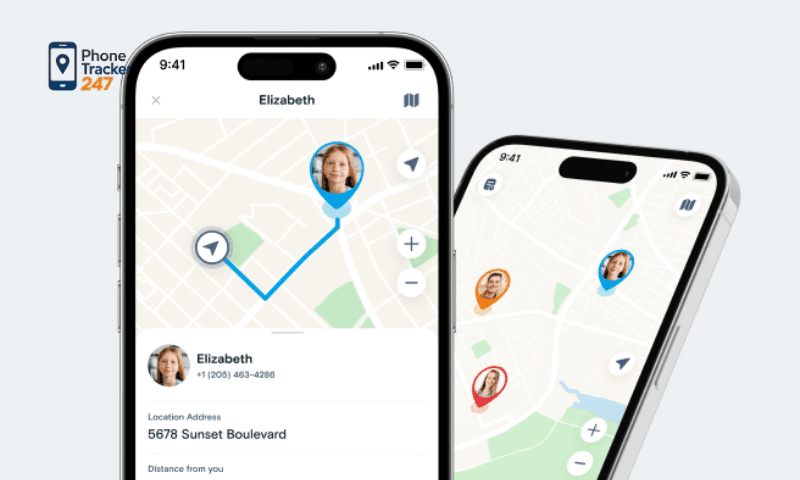
Select the correct iPhone from the list, and its location will appear on the map. You can zoom in or out to narrow down the area.
- Location accuracy depends on GPS, Wi-Fi, and mobile network signals.
- In urban areas, the location is usually very accurate, often within a few meters, while in weak-signal areas the margin of error may be larger.
- If the device is nearby, playing a sound is often the fastest way to locate it.
Step 5: Use the necessary security actions
Depending on the situation, you can use one of several remote security features:
- Play Sound: Helps you quickly identify the location if the device is nearby, even if it is on silent mode.
- Lost Mode: Remotely locks the device and displays your contact information on the screen. This is extremely important if you believe the device may have been stolen.
- Track location continuously: If the iPhone is moving, the system may keep updating its location in real time, as long as it remains connected to the internet.
- Erase iPhone remotely: This should only be used if you believe you cannot recover the device. Once erased, all data will be permanently deleted, but the Apple ID lock remains in place to prevent unauthorized use.
In most cases, it is best to activate Lost Mode before erasing the device, since this still gives you a chance to recover it. Erasing the iPhone should be considered the last resort, only when you need to protect highly important personal data.
Important things to keep in mind when finding an iPhone using an Android device
When trying to find my iPhone from my Android device, you may not always get an accurate result immediately. The ability to locate the device depends on several factors, such as prior settings, internet connectivity, and the accuracy of the location system. That is why understanding the important points below can significantly improve your chances of recovering your iPhone quickly and effectively.
- Find My iPhone must already be enabled on the device: This is the most important requirement. If this feature was not activated beforehand, you will not be able to locate or remotely control the iPhone after it is lost.
- The device needs an internet connection: The iPhone must be connected to Wi-Fi or mobile data for its location to update in real time. If the device is offline, you will only be able to see its last known location.
- You must sign in with the correct Apple ID: Your Apple ID is the only authentication method for accessing iCloud. If you enter the wrong account or password, you will not be able to use the device-tracking feature.
- Be careful with account security: Never share your Apple ID with strangers, even if they claim they can help you find the device. This helps prevent the risk of data theft or losing control of your account and device.
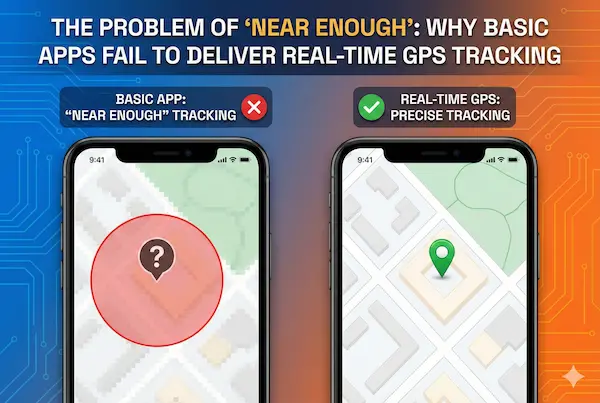
- Understand the limits of location accuracy: The location shown on the map may be slightly inaccurate depending on environmental conditions, GPS signal strength, or network quality. For that reason, you should combine the map location with features like playing a sound or checking the surrounding area in person.
- Act quickly as soon as you realize the device is missing: The sooner you take action, the higher your chances of finding the device. Log in to iCloud as quickly as possible to locate the iPhone and enable remote security features if necessary.
By keeping these important points in mind, you can take a more proactive approach during the search process and minimize the risks related to personal data and account security.
Xem thêm: Top 10 Family Location History App (2026 Detailed Guide)
Tips to protect your iPhone when it is lost or misplaced
When your iPhone is lost or misplaced, finding the device is important, but protecting your personal data is even more critical. Without timely security measures, personal information, accounts, and sensitive data may be accessed without permission. That is why you should proactively apply the tips below to reduce risks and ensure maximum protection for your device.
- Always keep Find My iPhone enabled: This is an essential tool that helps you locate the device, track its position, and perform remote actions. Having this feature turned on in advance allows you to respond quickly when something goes wrong.
- Set a strong passcode and enable biometric authentication: Using a strong passcode together with Face ID or Touch ID helps prevent unauthorized access to your phone. This is the first and one of the most important layers of protection.
- Activate Lost Mode as soon as you realize the phone is missing: When Lost Mode is enabled, the iPhone will be locked remotely and your contact information can be displayed on the screen. This not only protects your data but also increases the chance of getting the device back from someone who finds it.
- Back up your data regularly: Backing up your data to iCloud or a computer ensures that you do not lose important information such as photos, contacts, and documents, even if you are unable to recover the device.
- Erase the data remotely when necessary: If you believe you cannot recover the iPhone, you should remotely erase all data to prevent information leaks. Even after the device is erased, it will still remain locked to your Apple ID, which helps prevent unauthorized use.
- Monitor the situation and act quickly: As soon as you notice your iPhone is missing, sign in to iCloud immediately to check its location and activate the appropriate security features. The faster you respond, the better your chances of protecting both the device and your data.
By combining all of these measures, you can not only improve your chances of finding your iPhone but also keep your personal data safe in any situation.
Conclusion
Find my iPhone from my Android device is entirely possible if you know how to use the right tools. With just a few simple steps, you can quickly locate your device, protect your data, and reduce the risks associated with losing your iPhone.
If you regularly use multiple devices, it is a good idea to set up key security features in advance so you are always prepared to handle any situation.