iOS Phone Tracker Apps on iPhone and iPad often work differently from their Android counterparts because Apple tightly controls location access, background activity, and device data. As a result, not every app can track a device continuously or provide all the features it advertises. In this article, PhoneTracker247 explains which tracking features actually work on iOS, the limitations you should know about, and how to choose a suitable, secure, and privacy-conscious tracking solution.
Contents
Tracking Features That Actually Work on iPhone and iPad
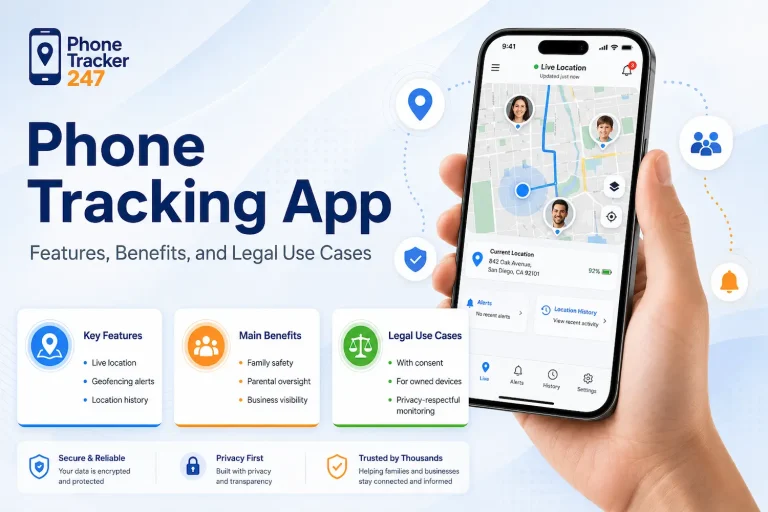
On iPhone and iPad, tracking apps can support several useful features as long as the user grants the necessary location permissions and allows the app to operate within iOS rules. However, actual update frequency still depends on device settings, network connectivity, and the privacy permissions selected by the user.
Current Location Tracking
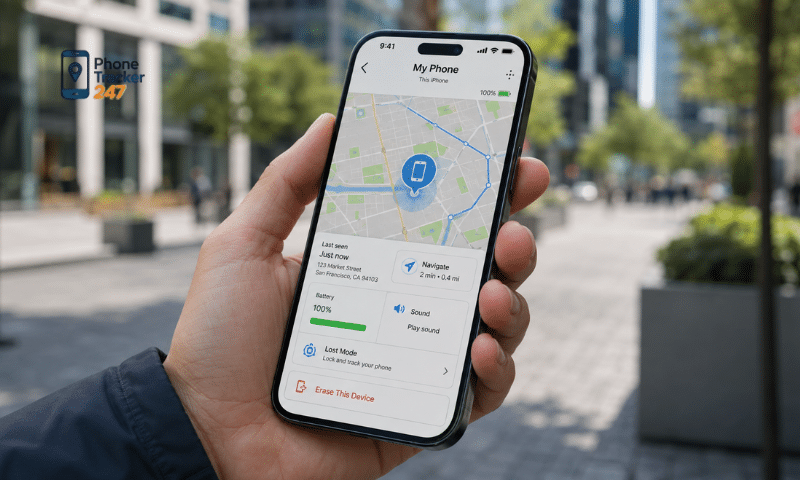
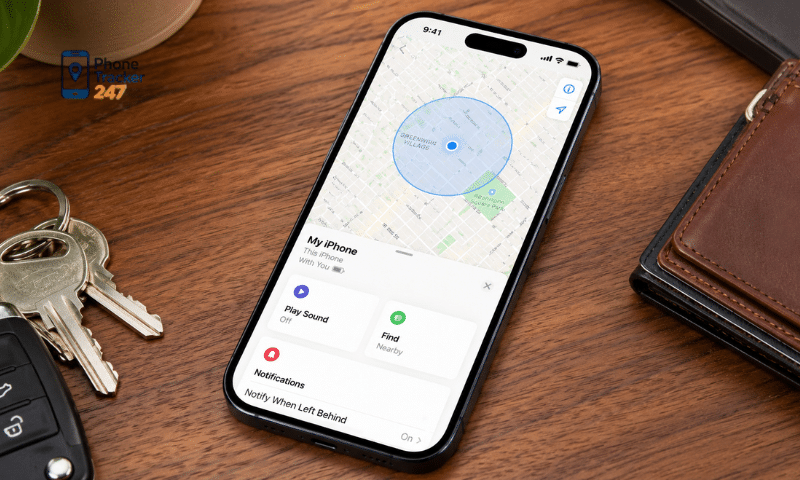
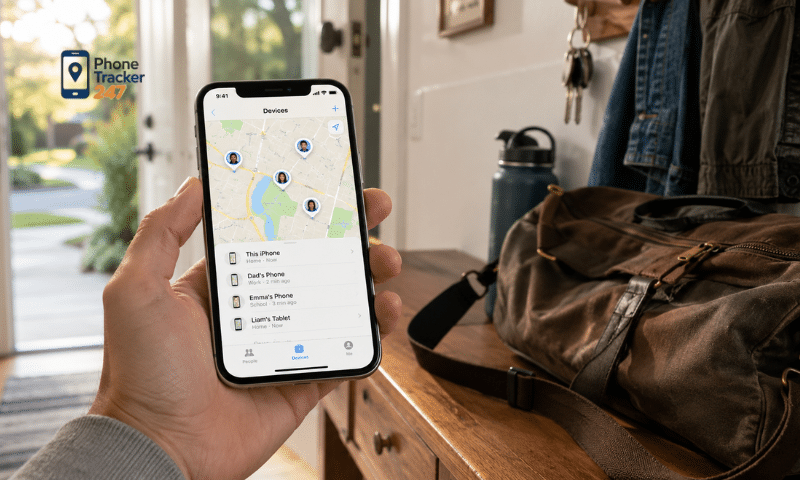
This is one of the most basic features supported by most tracking apps on iOS. When Location Services is enabled and the app has the appropriate permission, it can access the device’s location.
Typical requirements include:
- Location Services must be turned on.
- The app must have permission to access location data.
- The device should have an internet connection when data synchronization is required.
- GPS, Wi-Fi, or cellular networks may be used to help determine location.
Location accuracy may vary depending on the environment, signal quality, and device settings.
Real-Time Location Sharing
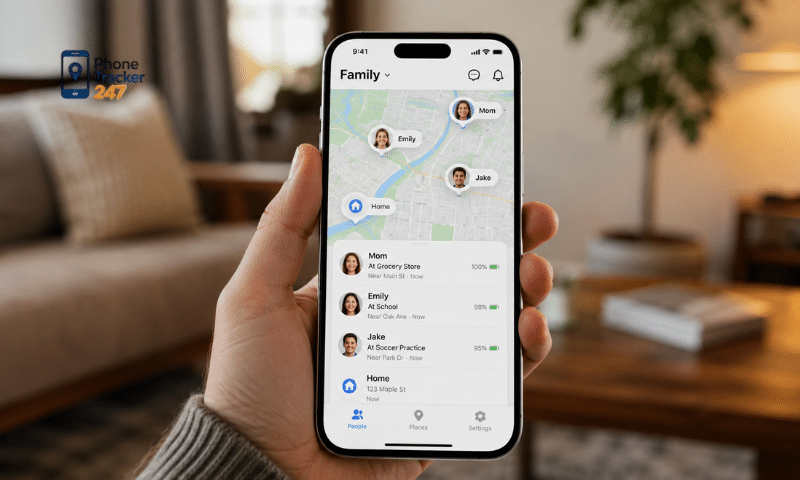
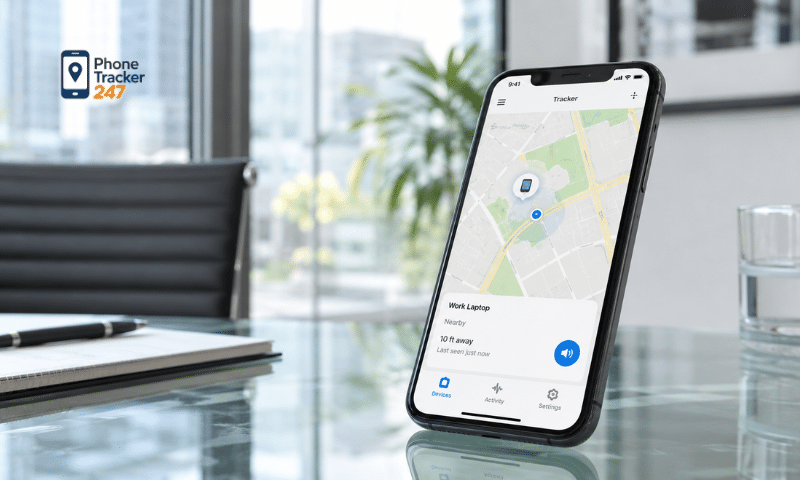
Some apps allow users to share their location with family members or other authorized people.
This feature may support:
- Viewing the latest known location of a device.
- Monitoring location changes over time.
- Sharing location with verified accounts or family members.
- Managing multiple devices within the same group.
Updates may not always occur continuously because iOS manages background activity and battery consumption carefully.
Background Location Tracking
An app may continue receiving certain location updates even when the user is not actively using it. However, the app must be designed to support background location services and must have the appropriate permission.
For more stable background tracking, the following are usually required:
- Appropriate location permission, such as “Always,” when legitimately requested by the app.
- Location permission must remain enabled.
- Internet access should be available when location data needs to be uploaded.
- The app must support background location functionality on iOS.
Because iOS tightly controls background processes, updates may not occur every second as some users expect.
Geofencing and Location Alerts
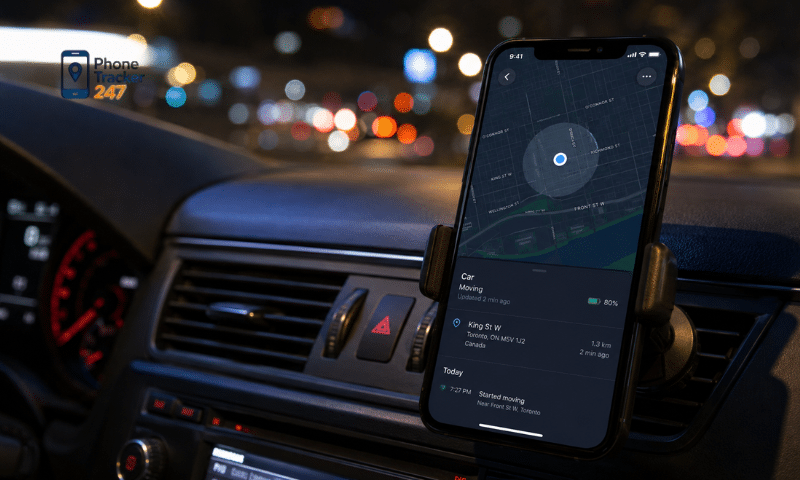
Geofencing allows an app to define a geographic area and detect when a device enters or leaves that zone.
This feature can be used to:
- Set a home area.
- Monitor a school area.
- Create a safe zone.
- Send alerts when a device enters or exits a defined location.
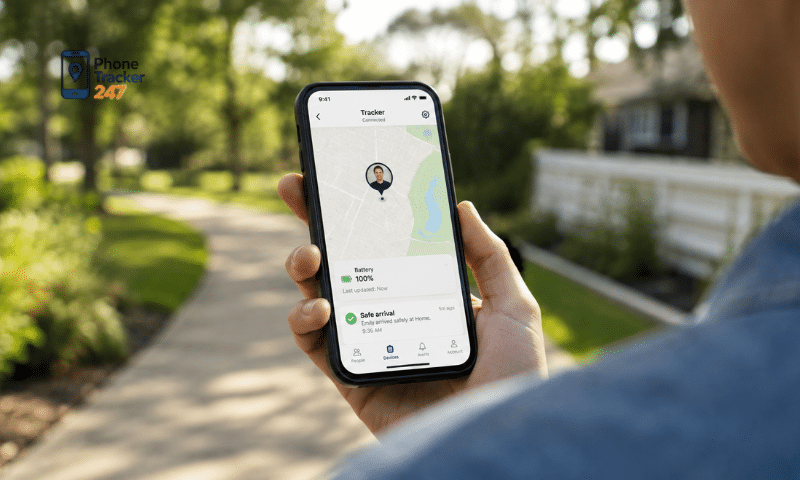
Geofencing can be especially useful for family safety apps when used transparently and with the knowledge and consent of the person being tracked.
See more: Screen Time Tracker Android: App Usage and Digital Balance
Location History
Some tracking apps can store previously recorded locations so users can review movement history.
Depending on the app, location history may include:
- Previously recorded locations.
- The time a device was detected at a location.
- Travel routes.
- Entries into or exits from geofenced areas.
The completeness of the history depends on update frequency, location permissions, network availability, and how the app stores data.
Precise Location
iOS allows users to enable or disable Precise Location for individual apps. When enabled, the app can receive more specific location information.
This can affect:
- Accuracy on the map.
- Geofence detection.
- Detail in location history.
- The ability to distinguish between nearby places.
If Precise Location is disabled, the app may still receive location data, but it will generally be less exact.
For apps such as PhoneTracker247, tracking performance on iPhone and iPad depends heavily on the permissions granted by the user and how iOS manages background activity. Correct permission settings are therefore important for the most reliable location updates possible.
Limitations of Phone Tracker Apps on iOS
iOS is designed with strong privacy protections. Because of this, an iOS Phone Tracker App cannot simply monitor every activity on a device without the user’s permission.
Some important limitations include:
- Users can revoke location permissions at any time: Changing access from “Always” to “While Using the App” or “Never” can significantly limit background updates.
- Apps may receive only approximate location: If Precise Location is disabled, the app may only receive a broader estimate of the device’s position.
- iOS may remind users about background location access: Apple can display privacy reminders showing that an app has been using location in the background.
- Background activity is restricted: Developers must use supported iOS background modes, and the operating system may limit unnecessary background processing to protect battery life and performance.
- Apps cannot freely access data from other apps: iOS apps operate in a sandboxed environment and have limited access to system and app data.
- Secret tracking is not the normal behavior of legitimate App Store apps: Standard tracking features generally require the user’s knowledge and permission.
For this reason, users should be cautious of apps claiming they can “track an entire iPhone without permissions.” On a standard iOS device, privacy controls and user consent remain central to how legitimate tracking apps work.
See more: Android Parental Control App: How It Connects With Tracking
Differences Between Tracking Apps on iOS and Android
Both iOS and Android support background location access, but the permission systems and operating system controls are different. Android also requires specific permission for background location and imposes restrictions on how apps can use that permission.
A quick comparison is shown below:
| Criteria | iOS | Android |
| Background location access | Supported, often through “Always” permission | Supported with dedicated background location permission |
| Precise location | Precise Location can be enabled or disabled | Users can choose approximate or precise location |
| Background activity | More tightly controlled by iOS | More flexible, but still subject to system restrictions |
| Permission reminders | iOS may remind users about background location use | Android provides permission controls and system notifications |
| Geofencing | Supported | Supported |
| Customization | More limited | Often more flexible depending on device manufacturer |
| App store policies | Strict privacy and permission requirements | Google Play also restricts unnecessary background location access |
Android generally provides more flexibility, while iOS places stronger emphasis on permission visibility and privacy controls. Therefore, the same app, such as PhoneTracker247, may provide a slightly different feature set or update frequency on each platform.
Permissions Required for Stable Tracking
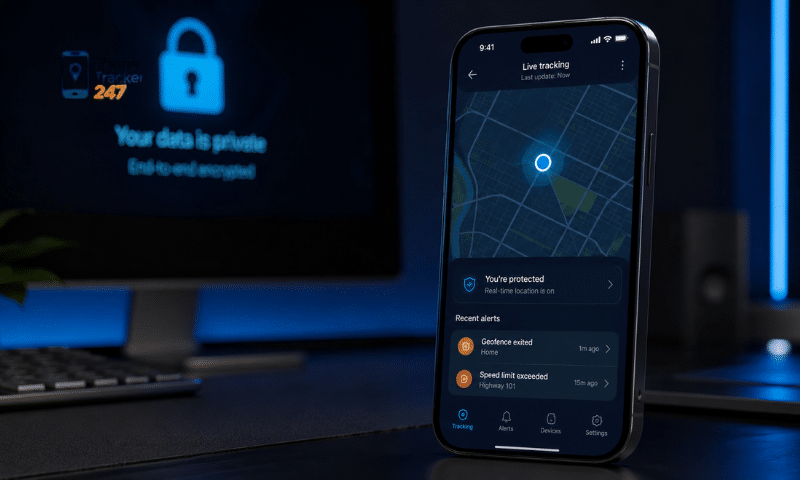
If a tracking app is not updating location properly on an iPhone or iPad, the first step should be to review the device permissions. On iOS, location permissions can be managed under Settings > Privacy & Security > Location Services.
Important settings to check include:
- Location Services: Must be enabled on the device.
- App location permission: If background updates are required, the app may need permission such as “Always.”
- Precise Location: Should be enabled when more accurate positioning is needed.
- Internet connection: Wi-Fi or cellular data must be available when location data needs to be sent to a server.
- Background functionality: The app itself must be designed to support location updates outside the foreground.
- Permission changes after setup: Disabling or reducing permissions in Settings may cause location updates to stop or become less frequent.
Therefore, if PhoneTracker247 or a similar app is not updating location consistently, checking the iOS permission settings should come before assuming that the app itself is malfunctioning.
Conclusion
An iOS Phone Tracker App can support current location tracking, location sharing, geofencing, background updates, and certain location history features on iPhone and iPad. However, these features depend directly on the permissions granted by the user and the way iOS controls background activity.
If you are looking for a location tracking solution for family use or device management with the user’s consent, you can explore PhoneTracker247 to learn more about supported features on iPhone, iPad, and Android. Before using any tracking app, review its compatibility, required permissions, privacy policy, and consent requirements to make sure it matches your intended use.