Choosing between a parental control app vs phone tracker app depends on what your family needs to manage. Parental control apps mainly help limit screen time, block unsuitable content, and guide digital habits. Phone tracker apps focus more on location, movement history, and device activity. Some platforms combine both functions, which can be useful for families concerned about online and offline safety. This guide PhoneTracker247 explains the main differences, suitable use cases, and practical factors parents should review before installing either type of app.
What Is the Difference Between a Parental Control App and a Phone Tracker App?
The main difference is purpose. A parental control app manages how a child uses a device, while a phone tracker app helps parents understand where the device is and what activities occur on it.
What Is a Parental Control App?
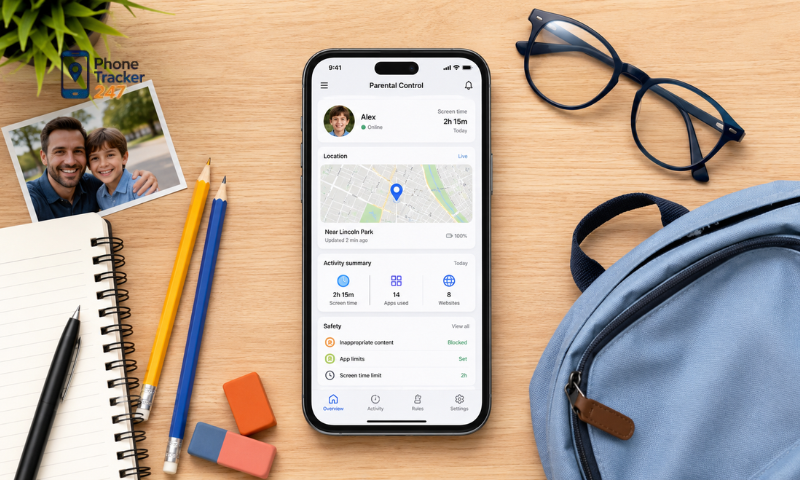
A parental control app helps parents set boundaries for their child’s smartphone, tablet, or computer use. Its main purpose is to reduce exposure to unsuitable content and encourage healthier digital habits.
Common parental control features include:
- Screen time limits: Parents can set a daily usage allowance or restrict access during school, homework, meals, and bedtime.
- Website filtering: The app can block adult content, unsafe websites, gambling pages, or other categories selected by the parent.
- App management: Parents may approve new downloads, block specific applications, or limit how long children use games and social media.
- Activity reports: Weekly or daily reports show which applications children use most and how much time they spend on their devices.
- Purchase controls: Some parental control tools require approval before children can buy applications, games, or digital content.
These features are most useful when the family’s main concern is excessive screen time, unsuitable content, or poor device habits.
See more: App to Track Kids Phone: Location, Screen Time, and Safety
What Is a Phone Tracker App?
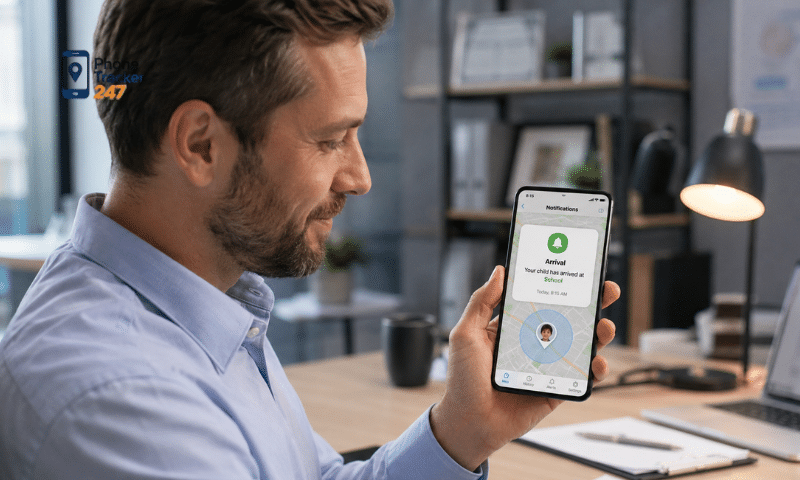
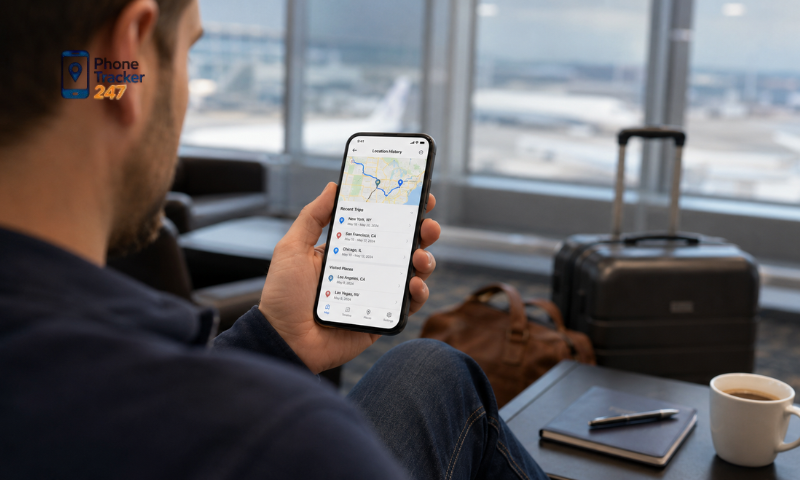
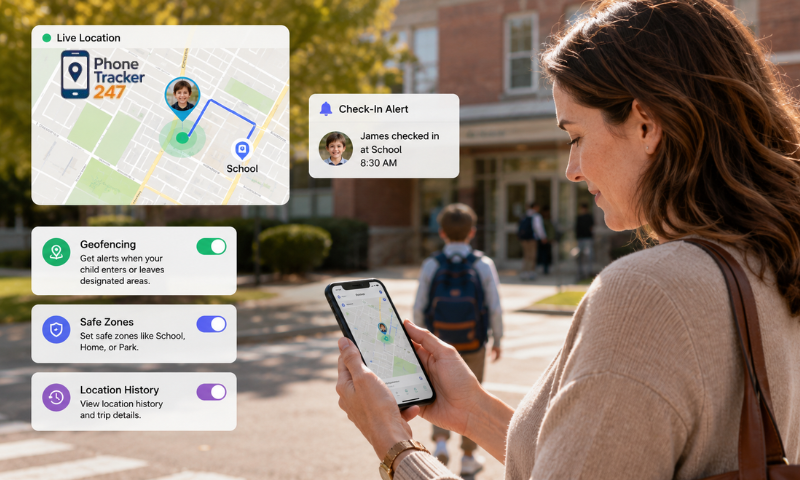
A phone tracker app focuses on location, movement, and selected device activity. It can help parents confirm whether a child has arrived at school, returned home, or stayed within an agreed area.
Typical phone tracking features include:
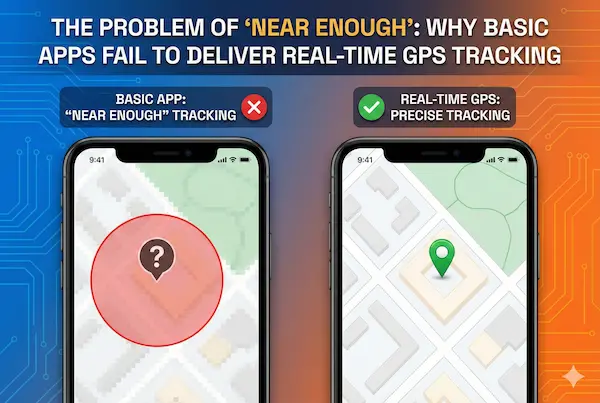
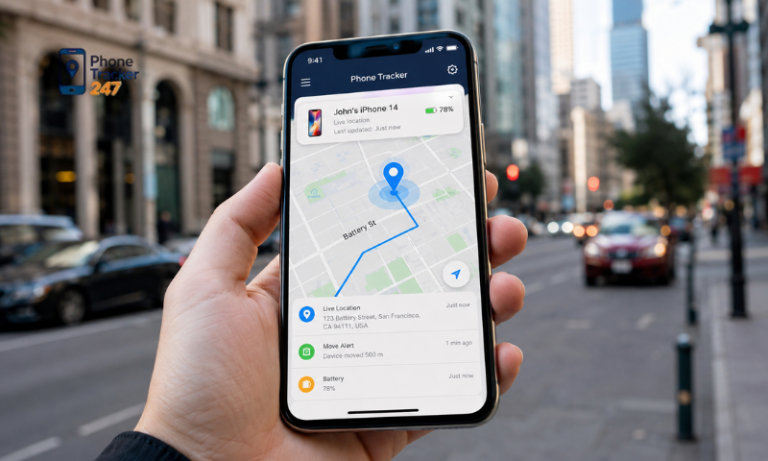
- Real-time GPS location: Parents can view the current or most recently recorded position of the child’s phone.
- Location history: A timeline may show previous routes and places visited during a selected period.
- Geofence alerts: Parents receive a notification when the device enters or leaves locations such as home, school, or a sports center.
- Lost-device support: Location information can help a family find a misplaced phone or identify its last known position.
- Device activity monitoring: Advanced trackers may provide information about calls, messages, browsing history, and application usage.
A phone tracker app is more suitable when the main concern is travel, independent outings, lost devices, or unexpected changes in routine.
Where Do These Apps Overlap?
The distinction is not always clear because modern family safety platforms may include both control and tracking functions.
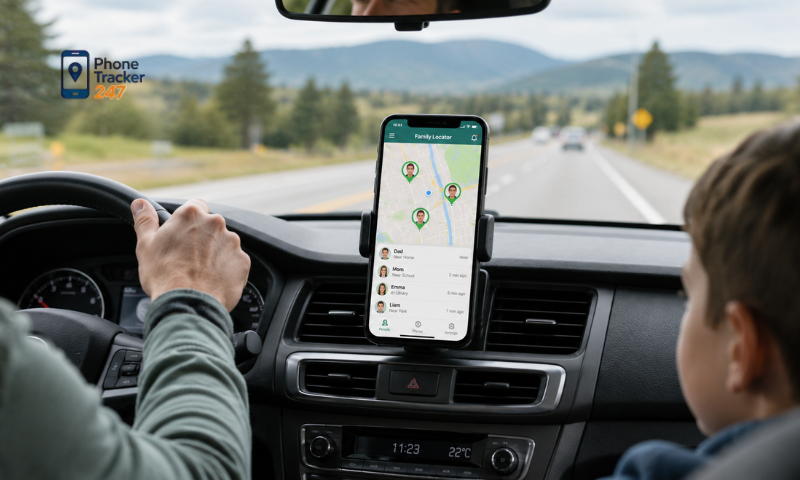
For example, an app may offer location tracking alongside screen time reports, website history, and application monitoring. This combination allows parents to manage digital habits while checking whether their child has reached an expected destination.
However, having more features does not automatically make an app better. Families should select functions that address a specific risk instead of collecting unnecessary information.
Parental Control App vs Phone Tracker App: Key Feature Comparison
The following table shows the main differences between the two options. Individual capabilities will vary depending on the application, device, operating system, and subscription plan.
| Comparison factor | Parental control app | Phone tracker app |
| Main purpose | Manage digital habits | Monitor location and device activity |
| Screen time limits | Usually included | May be limited or unavailable |
| Content filtering | A primary feature | Not always included |
| App blocking | Common | Depends on the platform |
| Real-time GPS | Sometimes included | A primary feature |
| Location history | May be basic | Usually more detailed |
| Geofence alerts | Available in some apps | Commonly included |
| Lost-phone support | Limited | Stronger focus |
| Call and SMS insights | Often limited | Available in some advanced tools |
| Best suited for | Screen habits and online content | Location and wider safety awareness |
A parental control app usually gives parents more direct control over device access. A phone tracker app provides more visibility into location and movement. Parents should decide whether their main goal is setting digital boundaries, checking physical safety, or covering both areas.
Which Type of App Fits Your Family?
The right choice depends on the child’s age, daily routine, device habits, and level of independence. Consider the problem you want to solve before comparing individual applications.
- Families with younger children: A parental control app is often the better starting point. Younger users usually need clear limits on screen time, downloads, purchases, and access to unsuitable websites.
- Children traveling to school alone: A phone tracker app may be more useful. Real-time location, route history, and school arrival alerts can reduce repeated calls and messages.
- Teenagers using social media: A combined platform may provide better coverage, but parents should avoid monitoring every interaction without a clear reason. Focus on signs of cyberbullying, scams, unsafe contacts, or harmful browsing habits.
- Children struggling with screen addiction: Choose a parental control app with schedules, application limits, downtime settings, and simple usage reports. Location tracking will not directly address excessive device use.
- Families worried about unexpected travel: A phone tracker with geofencing can alert parents when a device leaves an agreed area. Families should discuss these boundaries before enabling alerts.
- Children who often lose their phones: A basic phone tracker may be enough. There is little reason to pay for extensive content controls if device recovery is the only concern.
For many families, needs change over time. A younger child may initially need strict application controls, while an older child traveling independently may benefit more from location sharing and emergency support.
Can One App Provide Both Parental Control and Phone Tracking?
Yes. Some family safety platforms combine location tracking with selected parental monitoring tools. This approach can reduce the need to install and manage several separate applications.
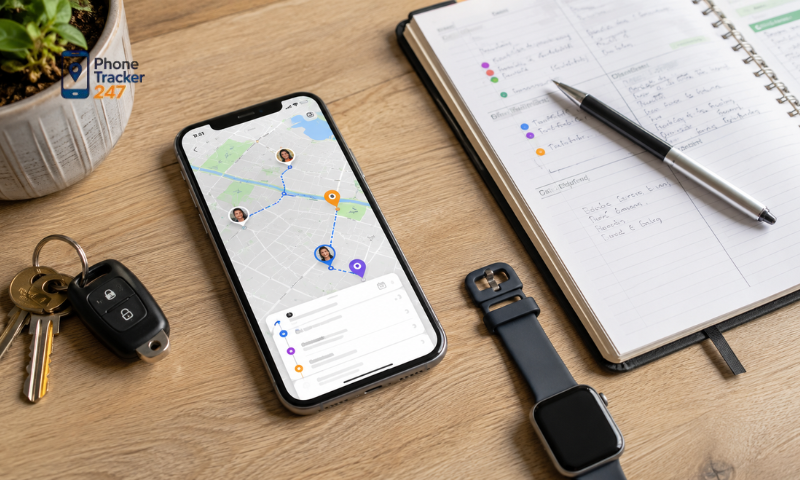
PhoneTracker247 brings several monitoring functions into one dashboard. Depending on device support, permissions, and the selected plan, parents can use features such as:
- Real-time GPS tracking and location history.
- Geofence alerts for important family locations.
- Call and SMS activity insights.
- Browsing history and application usage reports.
- Monitoring of selected messaging platforms.
Its live GPS location tracking can help parents check arrivals, review recent movement, and see a last-known location when the device is temporarily offline. Its browsing and app activity feature provides information about visited websites, application names, and usage time where supported and permitted.
An integrated platform may suit families that need both location awareness and digital activity reports. Parents should still enable only the functions they genuinely need.
How to Choose Without Over-Monitoring Your Child
Family safety tools work best when children understand why they are being used. Secret or excessive monitoring can damage trust and make children less willing to discuss online problems.
Use the following principles when setting up an app:
- Identify the main concern: Decide whether you need screen limits, content filtering, location alerts, device recovery, or activity reports. Avoid enabling every feature by default.
- Match settings to the child’s age: Younger children may need stricter controls. Teenagers generally require more privacy and should participate in setting family rules.
- Explain what information is visible: Tell the child whether the app records location, application use, website history, or communication activity.
- Set clear monitoring periods: Location tracking may only be necessary during school travel, after-school activities, or family trips.
- Review settings regularly: Reduce controls as the child demonstrates responsible behavior. Monitoring should adapt as the child becomes more independent.
- Discuss alerts before taking action: A location or activity report may lack context. Ask what happened before assuming that the child has broken a rule.
Technology should support communication, not replace it. Children still need practical guidance on scams, cyberbullying, passwords, inappropriate content, and responsible social media use.
Privacy and Legal Points Parents Should Check
Phone location and activity records can contain sensitive personal information. Parents should review how an app collects, stores, protects, and deletes this data.
Before installing an app, check:
- Who owns the monitored device.
- Whether notice or consent is required.
- Which permissions the app requests.
- How long location and activity records are retained.
- Whether data can be exported or permanently deleted.
- Who can access the family dashboard.
- Whether the app protects stored and transferred data.
- Which features are supported by the child’s operating system.
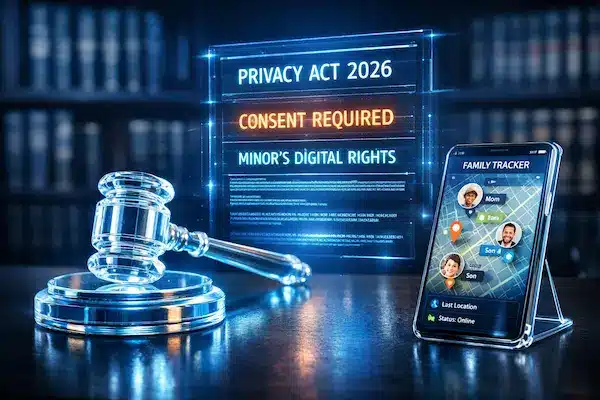
Laws differ by country, region, and the age of the child. Parents or guardians may have authority to manage a minor’s device in some circumstances, but this does not make every form of monitoring appropriate or lawful. Never use a family tracking tool to monitor another adult secretly.
PhoneTracker247 also states that its service should be used on devices the user owns or is authorized to manage, with clear consent and compliance with applicable laws.
Conclusion: Choose the App That Matches the Risk
The parental control app vs phone tracker app decision should begin with your family’s actual concern. Choose parental controls for screen time, application access, and content filtering. Choose a phone tracker for location, travel alerts, and lost-device support. If your family needs both, an integrated platform can provide broader visibility without requiring several separate tools.
Explore PhoneTracker247 to review its location and device activity features. Choose the functions your family needs, explain the rules clearly, and adjust monitoring as your child becomes more responsible.
Frequently Asked Questions (FAQs)
1. What is a parental control app?
It helps parents monitor and manage a child’s device.
2. What is a phone tracker app?
It mainly tracks a device’s GPS location.
3. Which app is better for parents?
A parental control app offers more safety features.
4. Can a parental control app track location?
Yes. Most include live GPS tracking.
5. Can a phone tracker manage screen time?
No. It mainly focuses on location tracking.
6. Which app blocks harmful content?
A parental control app.
7. Can one app do both?
Yes. Many apps combine parental controls and GPS tracking.
8. Are these apps legal?
Yes, when used with proper authorization.
9. Which app is best for child safety?
A parental control app.
10. Which app should I choose?
Choose parental controls for safety, or a phone tracker for GPS tracking only.