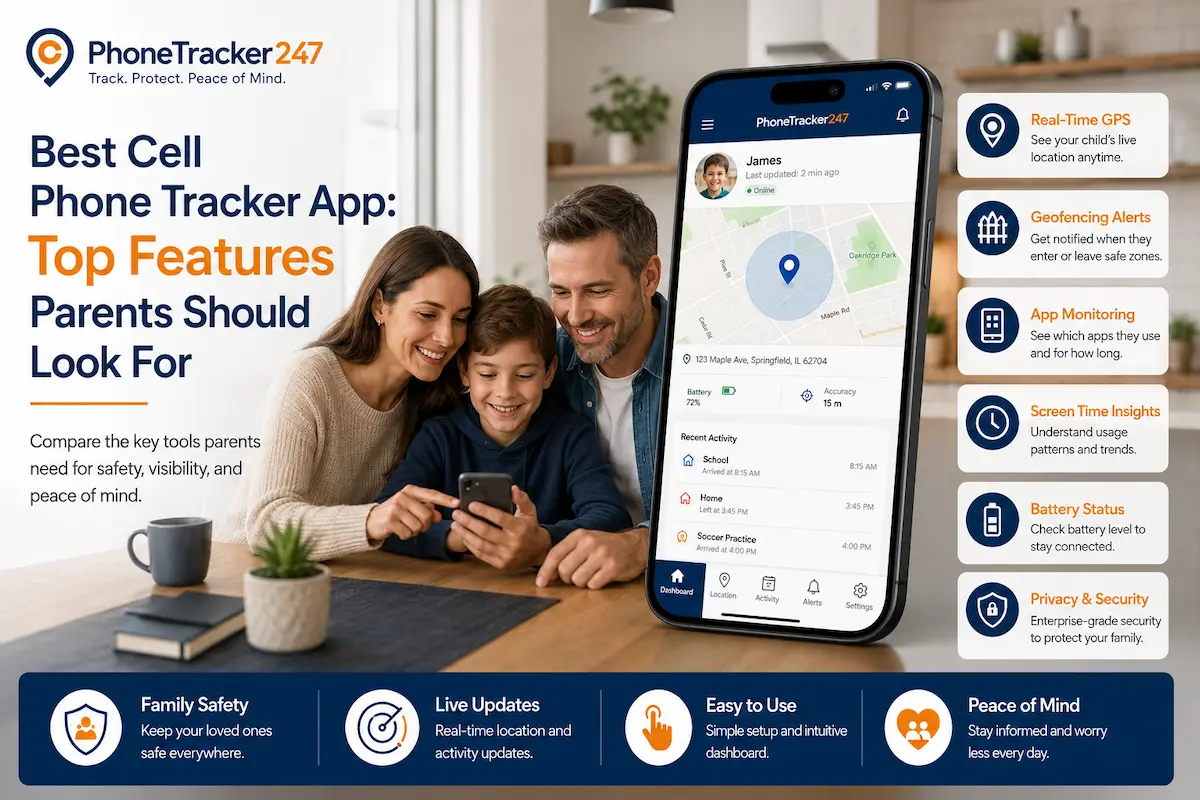
Finding the Best Cell Phone Tracker App is not about watching every move. Parents need a simple way to know where their children are, whether they arrive safely, and when something unusual happens. A good phone tracker app should support safety, trust, and quick response without making children feel controlled all the time. Let’s find out more in this article with Phonetrack247.
What Makes the Best Cell Phone Tracker App Worth Using?
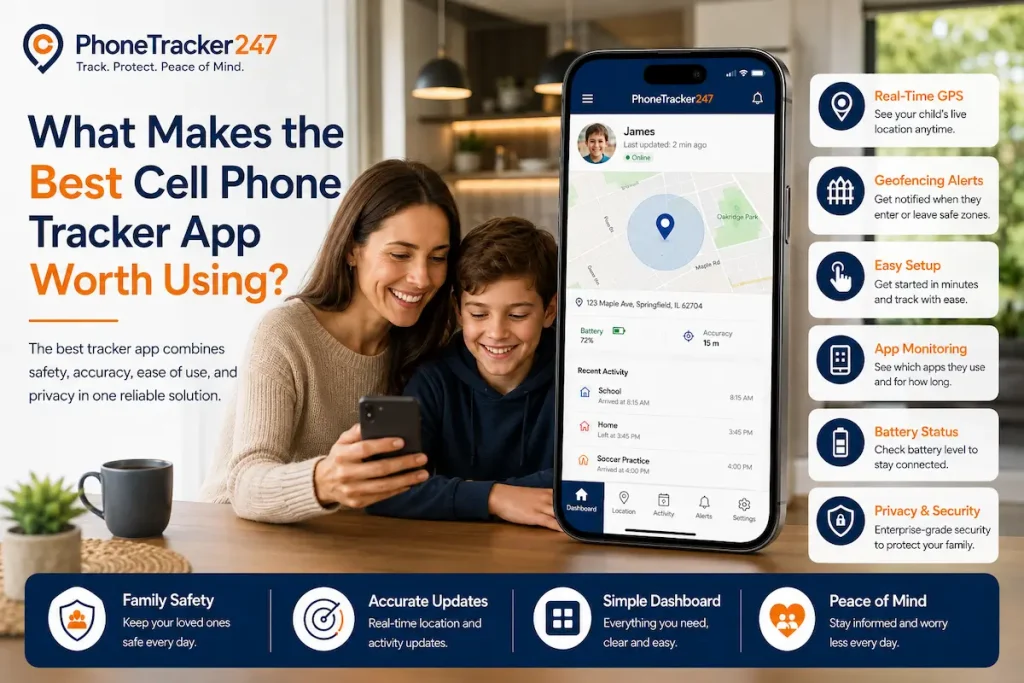
A useful cell phone tracker app should help parents stay informed in real situations. The best features are not always the most complicated ones, but the ones families can use every day.
Real-Time GPS Tracking for Accurate Location Updates
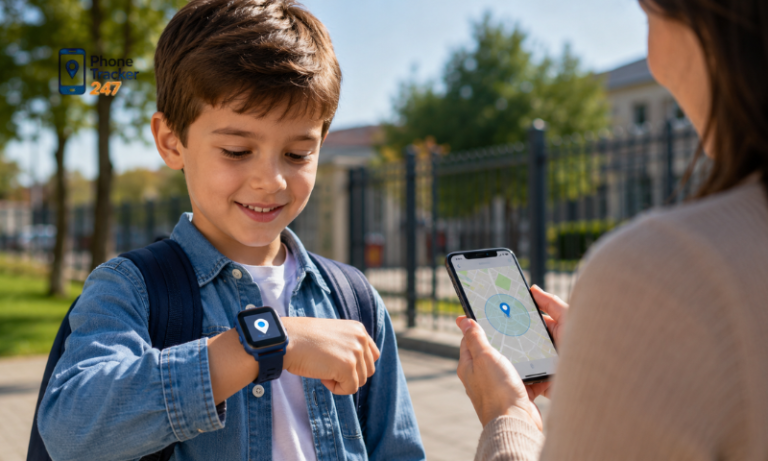
Real-time GPS tracking is the core feature of any strong phone tracker app. It helps parents check the current location of a child’s phone when they need fast reassurance.
- Check current location quickly: Parents can see whether their child is at school, home, or another expected place.
- Reduce repeated calls: Instead of calling many times, parents can check the app first and only contact the child when needed.
- Support daily safety: This feature is useful when children walk home, use public transport, or join after-school activities.
- Respond faster in unusual cases: If the child is far from the expected route, parents can notice and take action sooner.
See more: Top Phone Tracker App Features to Compare Before Buying
Location History to Review Daily Routes
Location history helps parents look back at where a phone has been. It is useful for understanding routines without checking the device every minute.
- Review school routes: Parents can see whether children follow their normal route to school or home.
- Check time spent at locations: The app can show how long the phone stayed at a place.
- Notice unusual patterns: If the child often stops somewhere unexpected, parents can ask about it calmly.
- Avoid constant monitoring: Parents can review movement later instead of watching the map all day.
Geofencing Alerts for Safer Boundaries
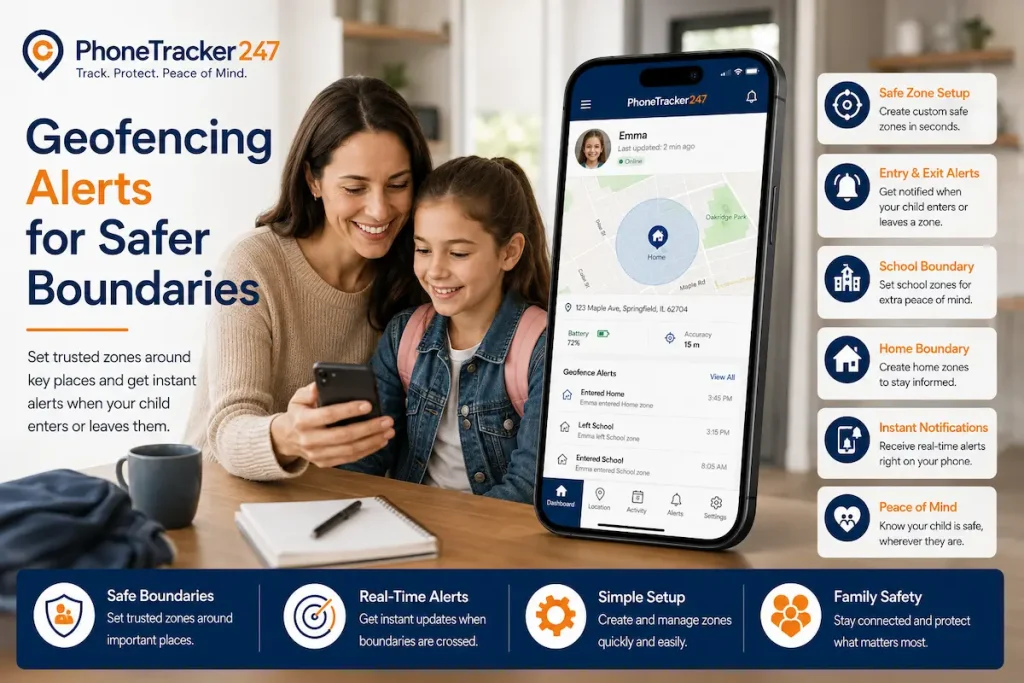
Geofencing lets parents create virtual safety zones around important places. These can include home, school, tutoring centers, sports clubs, or relatives’ houses.
- Get alerts when children arrive: Parents can know when their child reaches school or home safely.
- Receive alerts when they leave: The app can notify parents if the phone leaves a safe zone.
- Create safer routines: Families can set zones based on daily schedules.
- Reduce unnecessary checking: Parents only receive alerts when there is a meaningful movement.
SOS and Emergency Alerts
SOS alerts are important for children, teenagers, and family members who may need quick help. This feature should be simple and fast to use.
- Send help requests quickly: The child can alert parents when they feel unsafe or lost.
- Share location during emergencies: The alert can help parents know where the child is.
- Support faster response: Parents can act quickly instead of waiting for a normal call or message.
- Give children more confidence: Kids know they have a simple way to ask for help when needed.
Key Features Parents Should Compare Before Choosing a Phone Tracker App
Before choosing the Best Cell Phone Tracker App, parents should compare how the app works, how easy it is to use, and how responsibly it handles privacy.
Android and iPhone Compatibility
Not every phone tracker app works the same on Android and iPhone. Parents should check device compatibility before choosing a solution.
- Android may support more features: Some Android devices allow deeper location and activity tracking.
- iPhone may have more limits: Apple privacy settings can restrict certain tracking features.
- Permissions matter: The app must have the right permissions to work properly.
- Clear feature support is important: Parents should know what works before installing the app.
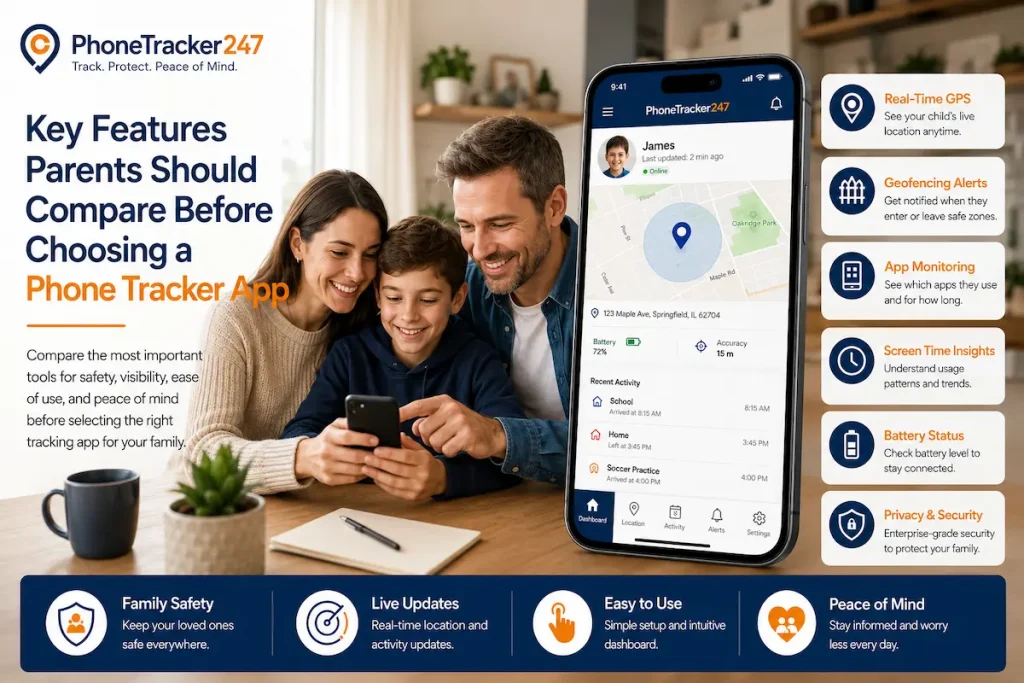
Privacy, Consent, and Responsible Tracking
A phone tracker app should be used for family safety, not secret surveillance. Responsible use helps protect trust between parents and children.
- Use tracking for clear reasons: Good reasons include child safety, family coordination, and device recovery.
- Explain the purpose: Parents should tell children why the app is being used.
- Respect family trust: Tracking should not become a punishment or a way to control every action.
- Protect personal data: Choose an app with clear privacy settings and secure access.
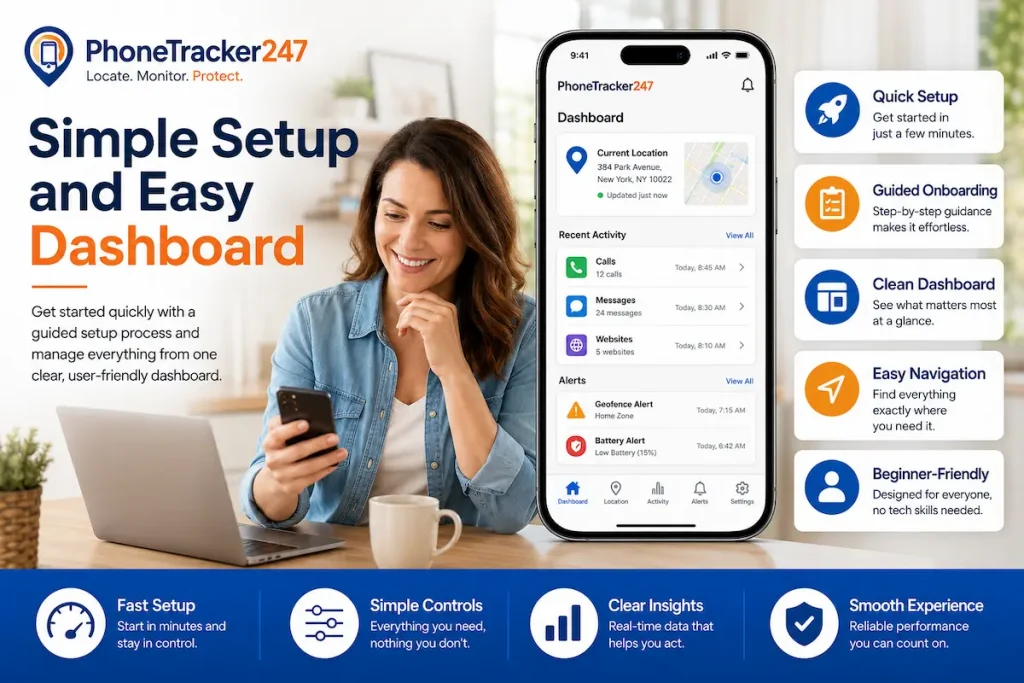
Simple Setup and Easy Dashboard
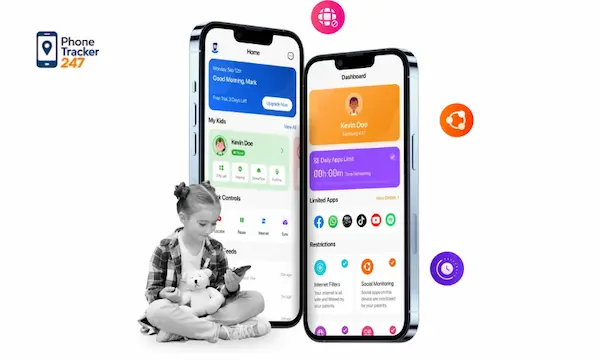
Parents need a phone tracker app that is simple to set up and easy to use. A complicated dashboard can make safety tracking harder.
- Fast setup: The app should not require advanced technical steps.
- Clear location view: Parents should see current location without confusion.
- Easy alert management: Geofence, SOS, and battery alerts should be simple to control.
- Readable dashboard: The app should show only the most useful information first.
Smart Alerts Instead of Constant Monitoring
The best phone tracker app should not force parents to watch the map all day. Smart alerts make tracking more practical.
- Geofence alerts: Notify parents when the phone enters or leaves a safe zone.
- Low-battery alerts: Help parents remind children to charge their phones.
- SOS alerts: Warn parents when the child needs urgent help.
- Useful notifications: A good app should send meaningful alerts, not too many unnecessary messages.
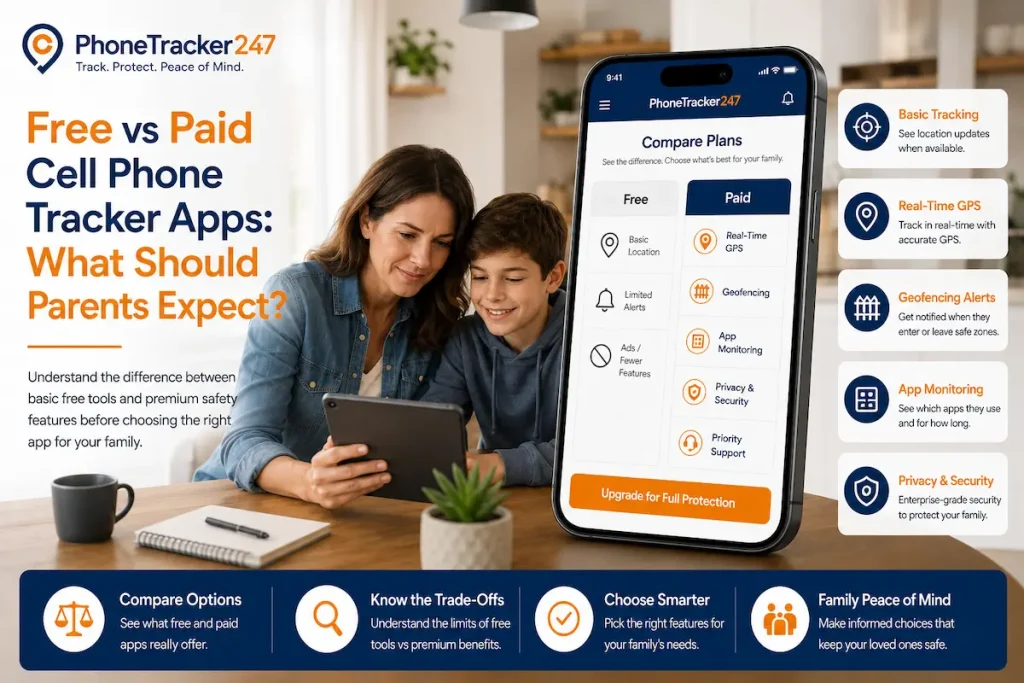
Free vs Paid Cell Phone Tracker Apps: What Should Parents Expect?
Free tracker apps can work for basic needs, but paid apps usually offer more stable tracking, better alerts, and stronger support.
| Criteria | Free Tracker Apps | Paid Tracker Apps |
| Real-time GPS tracking | Basic or limited | More stable and detailed |
| Geofencing alerts | Often limited | Usually available |
| Location history | Short or unavailable | More complete records |
| SOS alerts | Not always included | Often included |
| Device compatibility | May be limited | Better Android/iPhone support |
| Customer support | Minimal | More reliable support |
| Privacy controls | Varies by app | More structured |
Why PhoneTrack247 Is Built for Family Safety
PhoneTrack247 is designed for families that need a practical and responsible way to stay connected. It focuses on useful tracking, simple access, and safety-first monitoring.
- Family-first tracking: PhoneTrack247 helps parents check location when it matters.
- Responsible monitoring: The app supports safe and transparent use, not hidden surveillance.
- Practical alerts: Parents can focus on important updates instead of constant checking.
- Simple experience: The platform is built for everyday family use, even for non-technical parents.
- Safety and trust: PhoneTrack247 helps families balance protection with independence.
See more: Get Started Free
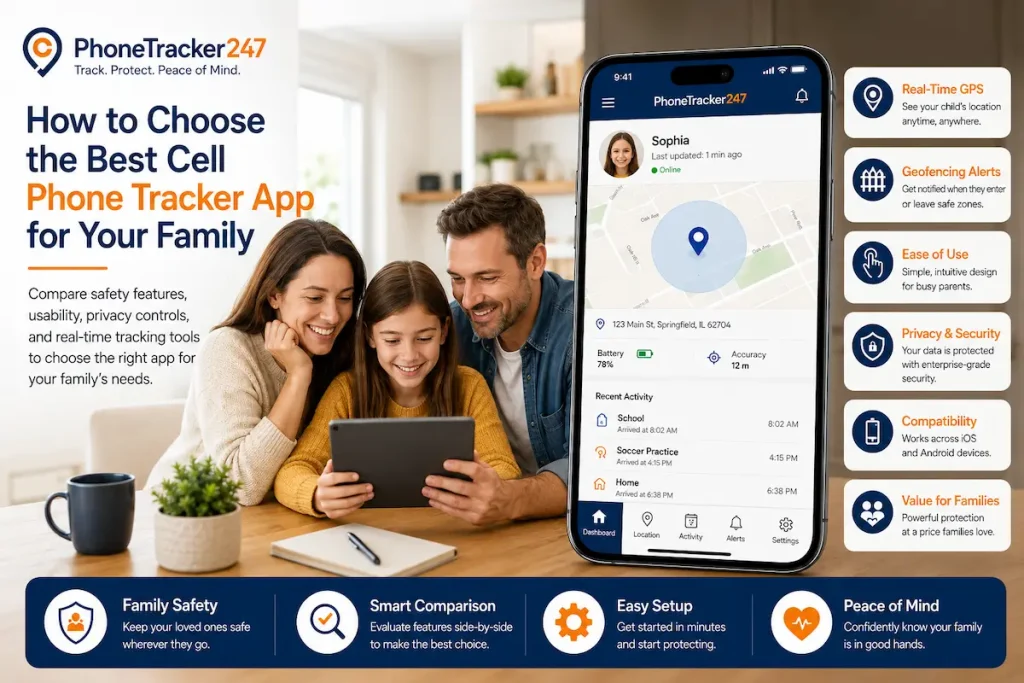
How to Choose the Best Cell Phone Tracker App for Your Family
Parents should choose a phone tracker app based on real family needs, not only the longest feature list.
- Define your main purpose: Decide whether you need school-route tracking, emergency alerts, family location sharing, or device recovery.
- Check device compatibility: Make sure the app works well with Android or iPhone.
- Review privacy settings: Choose a solution that supports transparent and responsible tracking.
- Prioritize safety alerts: Look for geofencing, SOS, low-battery, and location-change alerts.
- Test daily usability: The app should be simple enough for regular family use.
- Avoid unnecessary features: Choose useful tools instead of complicated monitoring options your family will not use.
Final Thoughts: The Best Cell Phone Tracker App Should Balance Safety and Trust
The Best Cell Phone Tracker App should help families stay safe without creating fear or pressure. Parents need accurate location updates, useful alerts, simple controls, and responsible privacy settings. Children also need trust and space to grow. That balance is what makes a phone tracker app truly useful.
PhoneTrack247 helps families use tracking in a smarter and safer way. It gives parents the tools they need to respond quickly, stay informed, and protect their loved ones with more confidence.
Start using PhoneTrack247 today to protect your family with smarter, safer, and more responsible phone tracking.
For daily updates, subscribe to PhoneTracker’s blog!
We may also be found on Facebook!
FAQs
1. What is a cell phone tracker app?
A tool that helps parents track a phone’s location and safety status.
2. What feature matters most?
Real-time GPS tracking is the most important feature.
3. Why use location history?
It helps parents review daily routes and unusual stops.
4. What is geofencing?
Geofencing sends alerts when a phone enters or leaves safe zones.
5. Are SOS alerts useful?
Yes, they help children ask for help quickly.
6. Does it work on Android and iPhone?
It depends on the app and device permissions.
7. Are free tracker apps enough?
Free apps are basic; paid apps usually offer more features.
8. Is phone tracking safe?
Yes, when used responsibly with privacy and consent.
9. Should parents monitor all the time?
No, smart alerts are better than constant checking.
10. How to choose the best app?
Choose one with GPS, alerts, privacy, and easy setup.