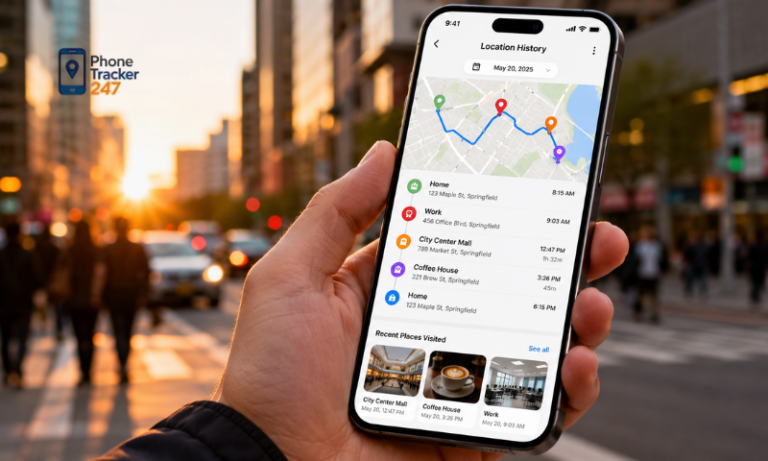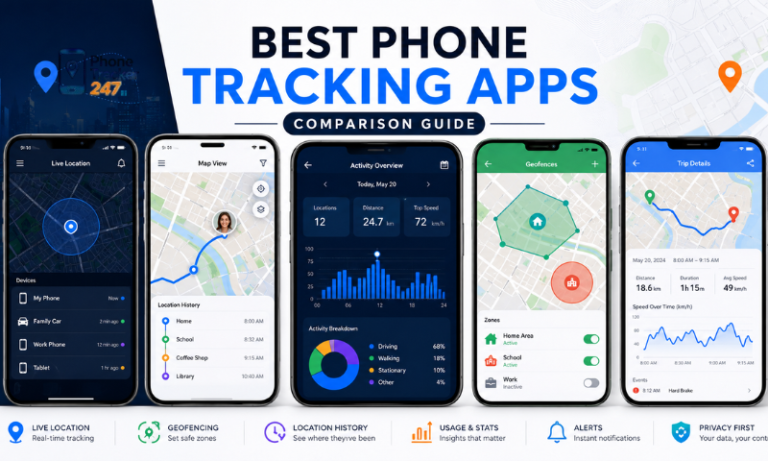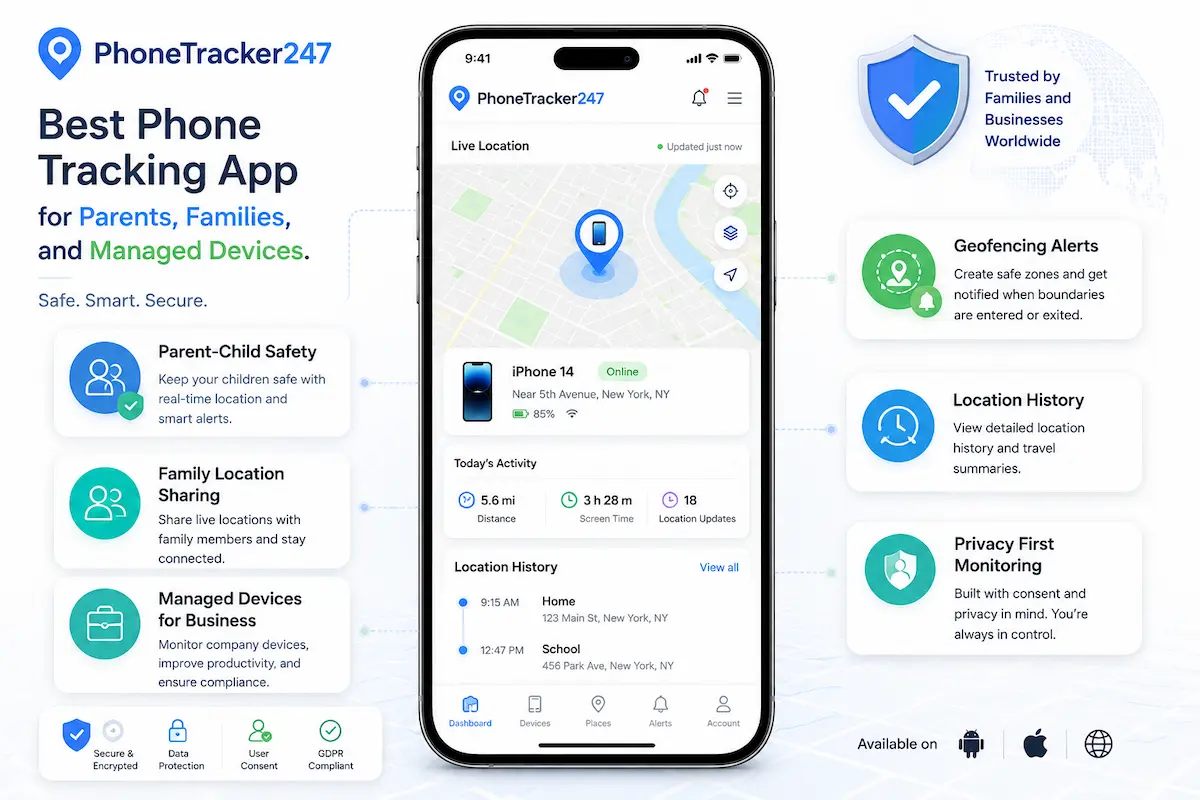
As mobile phone use becomes increasingly common, the need to track and manage devices used by children, family members, or business teams is also gaining more attention. Today’s phone tracking apps not only help identify real-time locations but also support device activity monitoring, enhance safety, and improve management capabilities. So, what are the best phone tracking apps for parents, families, and managed devices? In the article below, PhoneTracker247 will help you explore the options and choose the most suitable solution.
Criteria for Choosing the Best Phone Tracking App
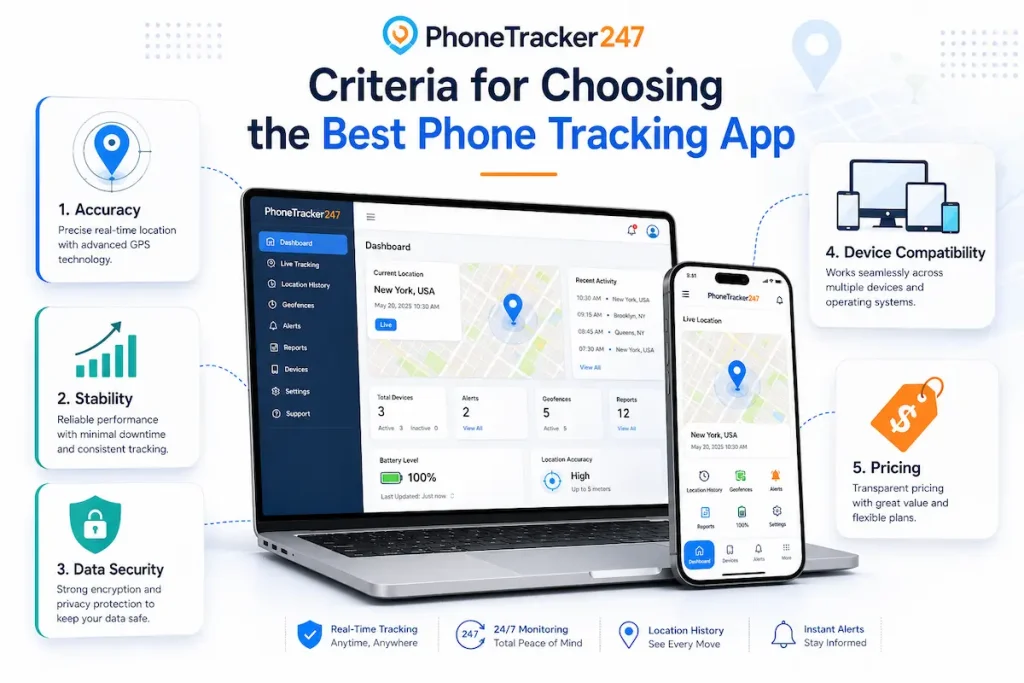
Choosing the best phone tracking app requires more than simply comparing features. Users should also consider accuracy, security, device compatibility, ease of use, and whether the app supports responsible and legal monitoring.
Key criteria to consider:
- Real-time GPS accuracy and reliable location updates.
- Battery-friendly performance when running in the background.
- Useful features such as geofencing, alerts, and activity monitoring.
- Compatibility with both Android and iOS devices.
- Strong data privacy, encryption, and secure account access.
- Simple installation process and an easy-to-use interface.
- Transparent usage policies and support for legal compliance.
- Flexible plans for parents, families, or business device management.
- Customer support and clear guidance for setup and troubleshooting.
- Regular updates to improve performance, security, and compatibility.
A good phone tracking app should deliver accurate monitoring while protecting user privacy. The best choice is the one that fits your needs, works reliably on your devices, and supports safe, ethical, and compliant usage.
Best Phone Tracking App for Parents and Families
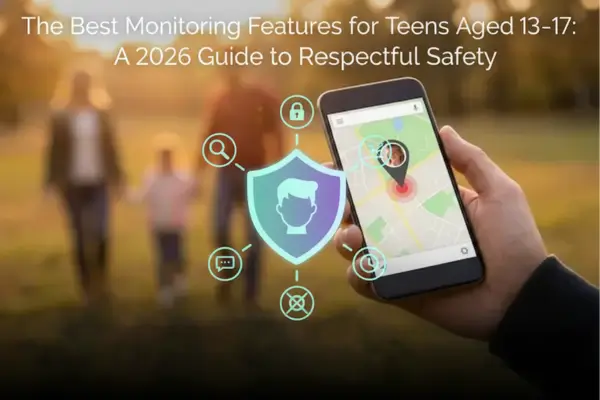
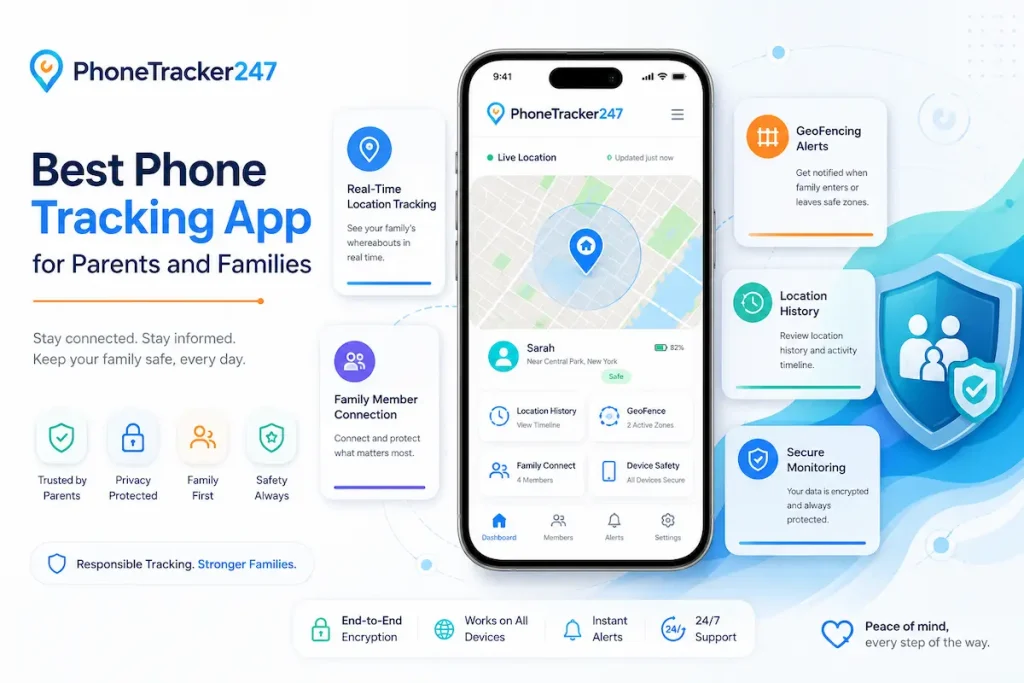
Phone tracking apps are widely used by parents and families to improve safety and communication, especially when caring for children, teenagers, or elderly family members. These tools can provide real-time location updates, activity insights, and safety alerts, helping families stay connected and respond quickly when needed.
Real-time location tracking apps
Real-time location tracking apps allow parents and family members to monitor live locations through GPS. This is especially useful during school hours, travel, outdoor activities, or daily commuting.
Key features include:
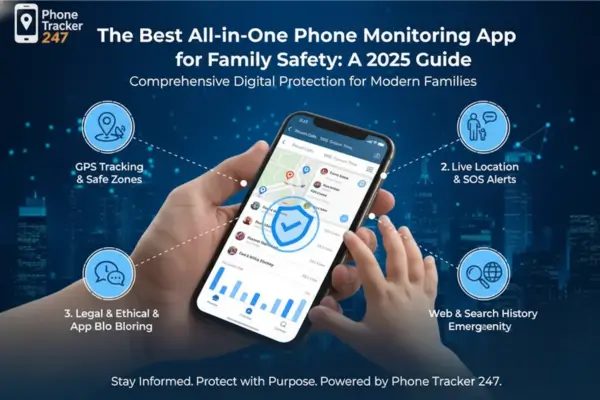
- GPS-based real-time location tracking.
- Location history review.
- Geofencing alerts for safe zones such as home, school, or workplace.
- Emergency SOS features for urgent situations.
- Notifications when a family member arrives or leaves a specific place.
These features help parents stay informed and provide extra peace of mind without needing to constantly call or message.
Child monitoring applications
Child monitoring apps are designed to help parents guide children’s smartphone usage in a safer and more balanced way. They are useful for managing screen time, reducing exposure to harmful content, and encouraging healthy digital habits.
Common features include:
- Screen time control.
- App usage monitoring.
- Website and content filtering.
- Remote device locking.
- Activity reports and alerts.
These tools can support parents in creating a safer digital environment while helping children develop responsible device habits.
See more: Free Phone Tracker App: Benefits, Limits, and Safer Alternatives
Family device management apps
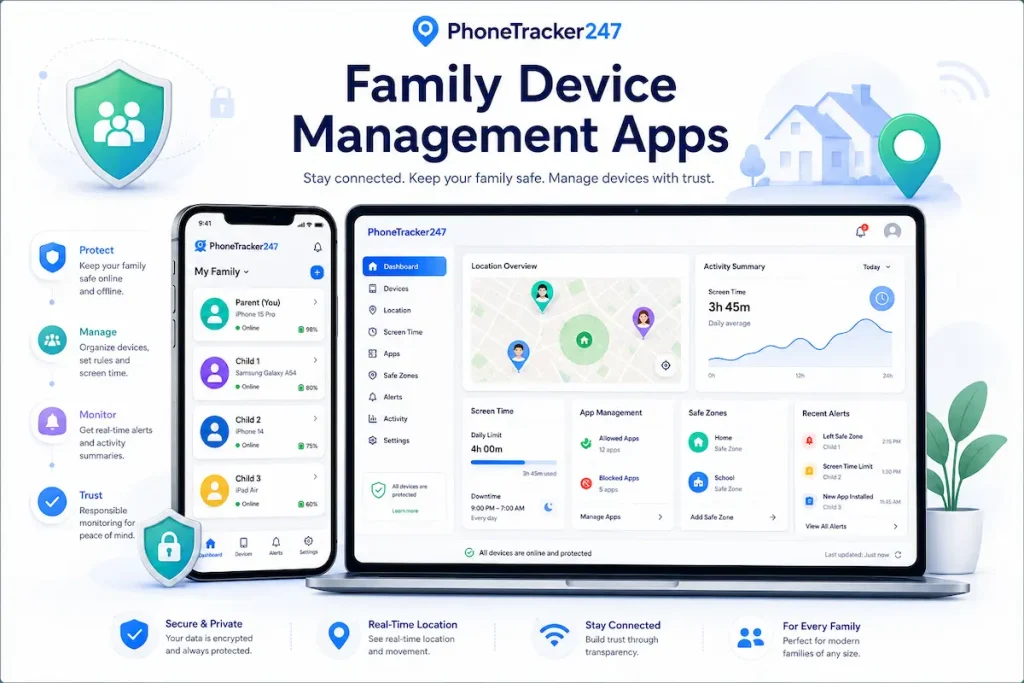
Family device management apps focus on improving coordination across multiple family members and devices. They are suitable for families that want shared visibility, better communication, and quick emergency support.
Typical features include:
- Shared family dashboard.
- Multi-device tracking.
- Real-time location sharing.
- Emergency notification systems.
- Family alerts and activity summaries.
Overall, phone tracking apps for parents and families provide a practical way to improve safety, manage device usage, and maintain better communication. The best app should match your family’s needs, work reliably across devices, and support responsible, transparent monitoring.
Tracking Apps for Business Devices
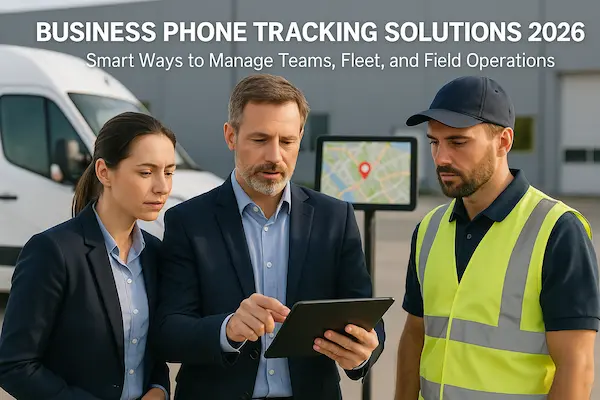
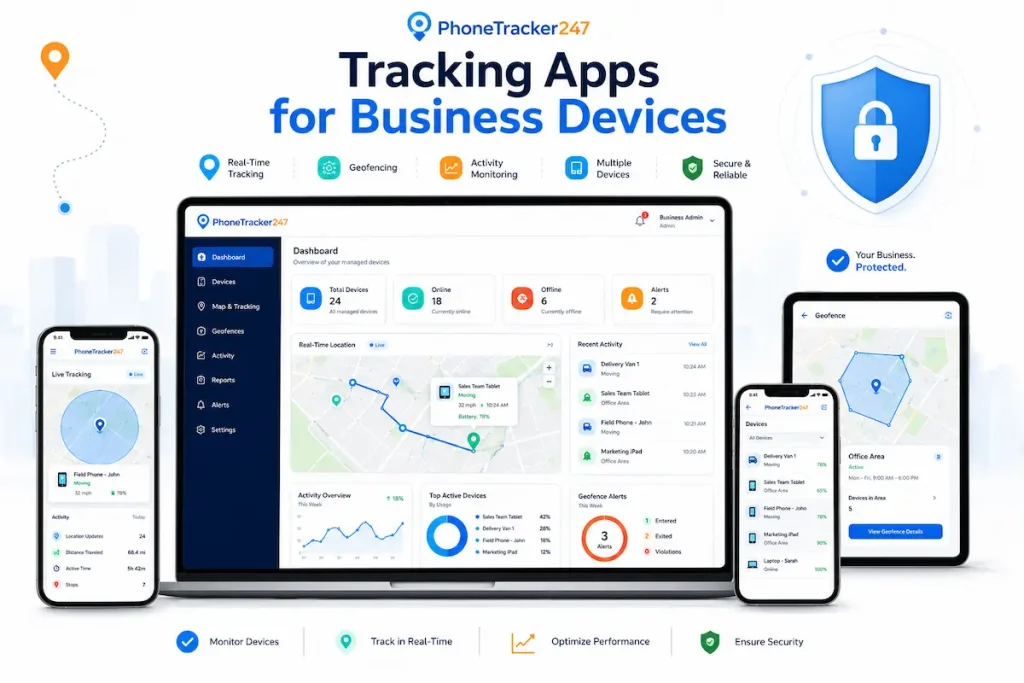
In a business environment, phone tracking apps can help companies manage company-owned devices, protect corporate data, and coordinate employees more efficiently. When used with proper policies, clear communication, and employee consent where required, these tools can support both productivity and security.
Key uses of tracking apps for business devices:
- Monitor employee locations in real time when necessary and legally permitted.
- Track work routes for field staff, delivery teams, technicians, or mobile employees.
- Support attendance tracking, shift verification, and team coordination.
- Improve dispatch planning by helping managers assign tasks based on employee location.
- Protect business data with remote lock and wipe features if a device is lost or stolen.
- Use encryption, access control, and app restrictions to reduce security risks.
- Manage files, business apps, and sensitive company information more securely.
- Monitor battery, storage, app usage, and device performance.
- Generate reports and logs to evaluate device usage and improve operational efficiency.
- Reduce misuse of company-owned devices during working hours.
- Support compliance with internal device management policies.
For businesses, phone tracking apps are most effective when used transparently on company-owned or managed devices. Companies should clearly explain what data is collected, why it is needed, and who can access it. With the right setup, these apps can improve operational control, protect corporate data, and help teams work more efficiently without compromising trust or privacy.
See more: Best Phone Tracker App: How to Choose the Right Solution
Important Notes When Using Phone Tracking Apps
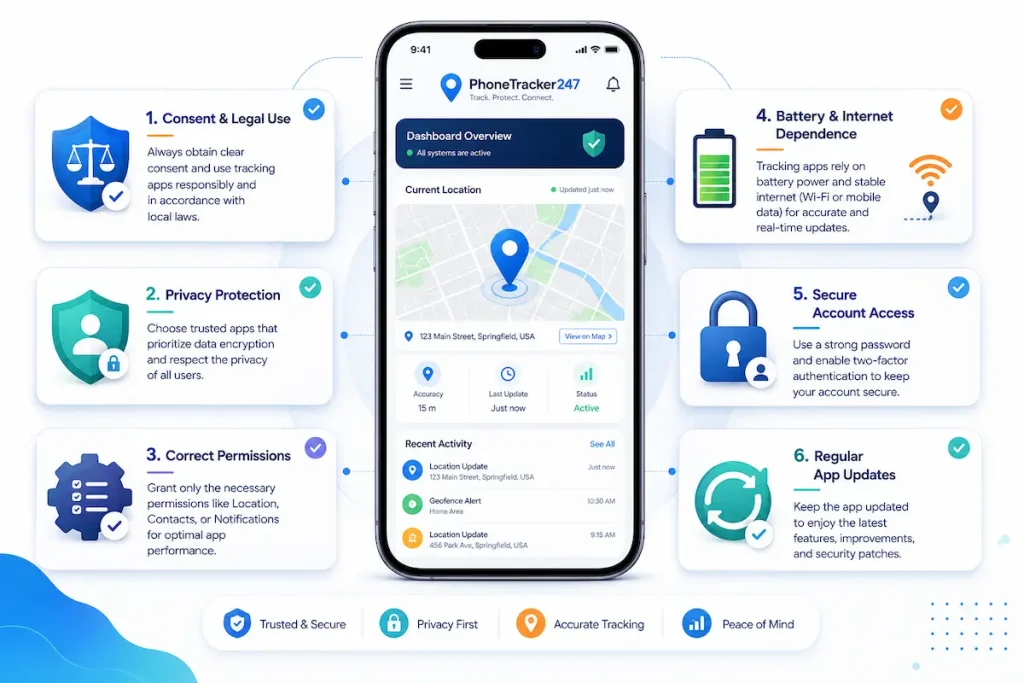
Phone tracking apps can be useful for safety, family protection, and device management, but they should always be used responsibly. Since these tools may involve sensitive personal data such as location history, device activity, and user behavior, it is important to follow legal requirements, respect privacy, and use tracking only for legitimate and transparent purposes.
Important notes when using phone tracking apps:
- Obtain consent from the person being tracked whenever required.
- Follow local privacy laws and avoid unauthorized surveillance.
- Use tracking only for valid purposes such as child safety, family coordination, or managed business devices.
- Protect collected data with secure platforms and trusted providers.
- Limit access to tracking information to authorized users only.
- Avoid excessive or intrusive monitoring that may violate personal privacy.
- Communicate clearly with the person being monitored about what data is collected and why.
- Review tracking settings regularly to make sure they still match the original purpose.
- Disable tracking when it is no longer needed.
- Choose apps with clear privacy policies, encryption, and account protection features.
- For business use, apply tracking only on company-owned or managed devices with proper internal policies.
- For families, use tracking as a safety tool rather than a way to control or invade personal space.
When used ethically and transparently, phone tracking apps can support safety, coordination, and device management without compromising trust, privacy, or legal compliance.
Conclusion
Phone tracking apps offer valuable solutions for parents, families, and businesses by improving safety, security, and device management. However, choosing the right app and using it responsibly is crucial to ensure both effectiveness and compliance.
If you are looking for a reliable phone tracking solution, evaluate your needs carefully and select an app that balances functionality, privacy, and ease of use for the best experience.
For daily updates, subscribe to PhoneTracker’s blog!
We may also be found on Facebook!
FAQs
1. What is a phone tracking app for parents?
It helps parents monitor a child’s phone location and activity responsibly.
2. How can families use a phone tracking app?
Families can use it for location sharing, safety alerts, and lost phone recovery.
3. What are managed devices?
Managed devices are phones owned or authorized for monitoring by a parent or business.
4. What features should parents look for?
Look for GPS tracking, location history, geofencing, alerts, reports, and privacy controls.
5. Can it show real-time location?
Yes, many phone tracking apps show live GPS location on a map.
6. What is geofencing for families?
Geofencing sends alerts when a phone enters or leaves a selected safe area.
7. Is phone tracking legal for parents?
Yes, when used responsibly with consent, supervision, and lawful purpose.
8. Can businesses track managed devices?
Yes, businesses can monitor company-owned devices with policy and authorization.
9. How can tracking data stay secure?
Use secure login, encryption, limited access, and trusted tracking software.
10. Is PhoneTracker247 suitable for families?
Yes, PhoneTracker247 supports GPS tracking, alerts, reports, privacy controls, and dashboard access.