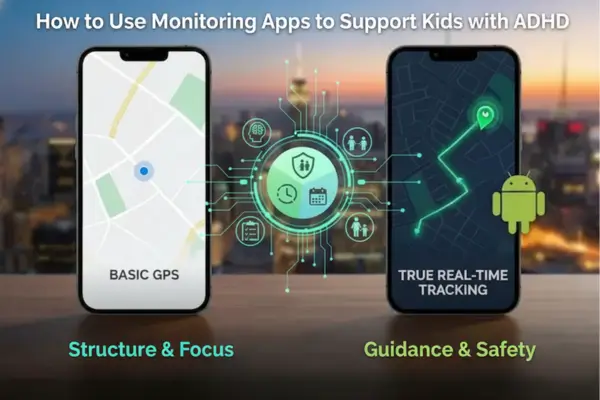
Master How to Use Monitoring Apps to Support Kids with ADHD. Learn to use Screen time management and Device monitoring as tools for executive function support, not punishment
Introduction: The ADHD Brain in a Digital World
For parents raising neurodivergent children, the smartphone is a paradox: it is an essential tool for organization and social connection, yet it is also a “dopamine slot machine” designed to exploit the exact vulnerabilities of the ADHD brain. Understanding How to Use Monitoring Apps to Support Kids with ADHD is not about strict policing or inducing shame; it is about creating a “digital scaffold.” Just as a child with ADHD might need a checklist to remember their morning routine, they need digital structures to navigate the infinite distractions of the internet without becoming overwhelmed.
The challenge lies in the fact that standard parenting advice often fails for ADHD families. Simple rules like “put the phone away” do not account for executive dysfunction or time blindness. Therefore, utilizing parental monitoring apps becomes a therapeutic intervention rather than a disciplinary one. This guide explores How to Use Monitoring Apps to Support Kids with ADHD by transforming these tools into external executive functions, helping your child build digital well-being and resilience in a hyper-connected world.
Why We Need to Know How to Use Monitoring Apps to Support Kids with ADHD
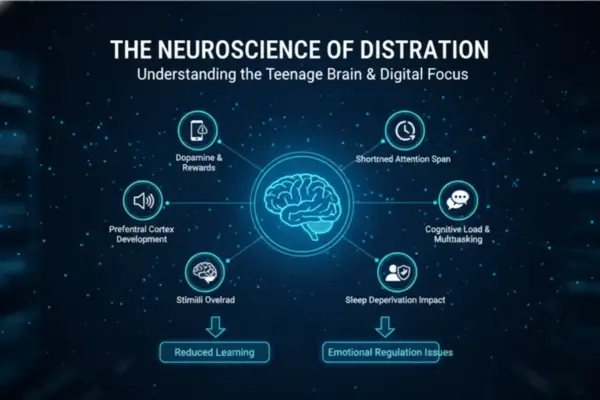
The Neuroscience of Distraction: Why We Need to Know How to Use Monitoring Apps to Support Kids with ADHD
To implement these tools effectively, we must first understand the biology. The ADHD brain often struggles with the regulation of dopamine, the neurotransmitter associated with reward and focus. Screens provide instant, high-frequency dopamine hits, creating a feedback loop that can be nearly impossible for an ADHD child to break voluntarily. Consequently, learning How to Use Monitoring Apps to Support Kids with ADHD starts with recognizing that the app acts as the “brakes” when the child’s brain cannot stop the car.
Dopamine Loops and Time Blindness
“Time blindness”—the inability to sense the passing of time—is a hallmark symptom of ADHD. A 15-minute break on TikTok can inadvertently turn into four hours, not because the child is defiant, but because they literally do not perceive the duration. Device monitoring software provides the objective “hard stop” that the child’s internal clock lacks. By automating these limits, parents remove the burden of constant nagging, which often damages the parent-child relationship.
Externalizing Executive Function with Technology
Executive function includes skills like planning, prioritizing, and impulse control. How to Use Monitoring Apps to Support Kids with ADHD effectively involves using the software to externalize these skills. Instead of expecting the child to resist the urge to open a game during homework time (internal control), the app blocks the game automatically (external control). This preserves the child’s limited mental energy for the actual homework, rather than wasting it on fighting the distraction.
Table 1: ADHD Digital Scaffolding Schedule
| Time block | Child goal (what “success” looks like) | Phone allowed (keep it simple) | App rules to set (automation) | Parent role (2 minutes, not policing) | Minimal data to review (privacy-first) |
|---|---|---|---|---|---|
| Wake-up → School prep | Get ready on time (no time-blindness spiral) | Music, calendar, alarms | “Focus mode” until leaving home; block games/social feeds | Quick check-in: “What’s your 1st step?” | None (avoid logs) |
| Commute / travel | Safe arrival + calm transition | Maps, messaging/calls to approved contacts | Location sharing ON; geofence Home/School alerts | Only respond to “arrived/left” alerts | Location events (arrive/leave), not full history |
| School hours | Reduce distraction; keep school tools usable | School apps, notes, dictionary | Block entertainment + app installs; allow school whitelist | Don’t message about screen time during class | None unless safety issue |
| After school (30–60 min) | Decompress without hyperfocus | Short, pre-agreed leisure list | Timed leisure window (e.g., 30–45 min); auto-lock after | “Timer ends = reset break” reminder | Screen-time totals (category-level) |
| Homework block | Start tasks faster; stay on track | Only homework tools + calculator | Block social/games; allow “break timer” every 45–60 min | Praise starts/effort, not perfection | None (no content review) |
| Dinner / family time | Reconnect; nervous system downshift | Phone-free | Device-free zone/time | Model it (parents too) | None |
| Wind-down (1 hour pre-bed) | Protect sleep routine | Calm audio, meditation | “Bedtime mode” 60 min pre-sleep; block stimulating apps | Gentle prompt: “Plug in, phone parks here” | Battery % only (to avoid “phone died” issues) |
| Night | Sleep + safety | Calls from approved contacts only | Lock device; allow emergency calls | No “checking” at night | None |
How to Use Monitoring Apps to Support Kids with ADHD via Scheduling
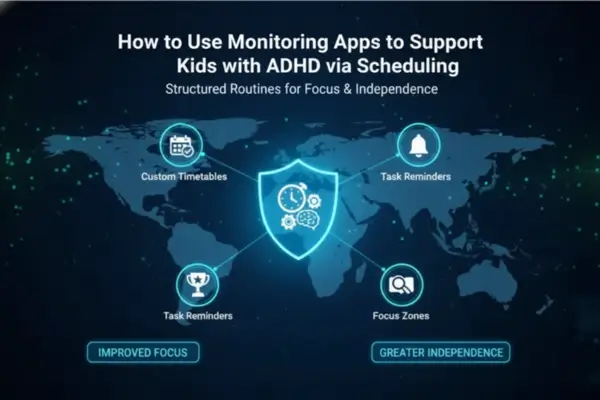
Combatting “Time Blindness”: How to Use Monitoring Apps to Support Kids with ADHD via Scheduling
The most practical application of How to Use Monitoring Apps to Support Kids with ADHD is through granular screen time management. Standard time limits are often too broad. ADHD brains thrive on structure and routine. Therefore, the monitoring app should be used to create a “digital schedule” that mirrors their real-world routine.
Automating Breaks to Break Hyperfocus
Hyperfocus is a state where an ADHD child becomes so engrossed in a task (often gaming or social media) that they block out the world. While this can be a superpower, it is detrimental when it interferes with eating, sleeping, or hygiene.
Strategy: Use the “Downtime” or “Focus Mode” features in your online safety tools. Program the device to lock for 15 minutes every hour. This forced break snaps the child out of the hyperfocus trance, allowing them to check in with their physical needs (water, bathroom, food) before potentially returning to the screen.
Sleep Hygiene and Mobile Security Practices
Sleep issues are comorbid with ADHD. The blue light and stimulation from screens exacerbate this.
Strategy: Implement a hard digital curfew. How to Use Monitoring Apps to Support Kids with ADHD involves setting the device to “Bedtime Mode” one hour before sleep. This must be non-negotiable and automated. By removing the decision-making process (“Should I scroll for 5 more minutes?”), you reduce the cognitive load on the child and protect their circadian rhythm, which is vital for managing ADHD symptoms the next day.
Read more: Top 10 Apps to Monitor Kids’ Phones
How to Use Monitoring Apps to Support Kids with ADHD Using Content Filters
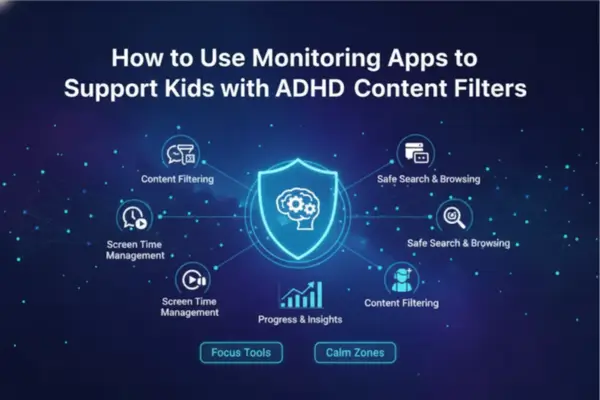
Managing Impulsivity: How to Use Monitoring Apps to Support Kids with ADHD Using Content Filters
Impulsivity is another core symptom. A child with ADHD might click a link, download an app, or make an in-game purchase without pausing to consider the consequences. This makes them statistically more vulnerable to phishing scams, malware, and inappropriate content. Learning How to Use Monitoring Apps to Support Kids with ADHD requires utilizing content filters as a safety net for these impulsive moments.
Cyber Risk Prevention for Impulsive Clicking
ADHD children often struggle with “pause and assess.” If a pop-up promises free Robux, they click it.
Strategy: enable strict web filtering within the parental monitoring apps. These filters block known malicious sites and adult content. More importantly, configure the app to block “Unknown Sources” for downloads. This layer of mobile security practices acts as a buffer, catching the impulsive mistake before it becomes a security breach or a virus infection.
Reducing Decision Fatigue with App Blocking
An uncluttered digital environment helps a cluttered mind. Having 50 apps available on the home screen is overwhelming and distracting.
Strategy: Use the “App Blocking” feature to hide non-essential apps during specific times. For example, during school hours, only the calculator, dictionary, and school portal apps should be accessible. By removing the icons for Instagram or games, you remove the visual trigger that leads to distraction. This is a core tenet of How to Use Monitoring Apps to Support Kids with ADHD: simplify the environment to improve success.
Safety Nets for Wandering: Location Tracking Accuracy
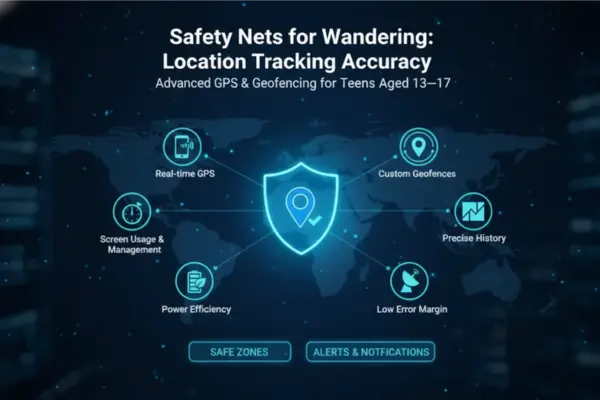
Safety Nets for Wandering: Location Tracking Accuracy
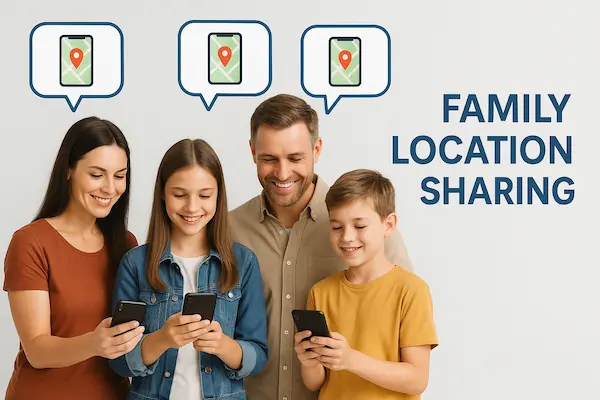
Children with ADHD can be prone to wandering or getting lost in thought, missing their bus stop, or impulsively going to a friend’s house without asking. Here, Location tracking accuracy is not about surveillance; it is about safety assurance.
Geofencing as an Independence Tool
Parents of ADHD kids often hover because they fear the child’s impulsivity. Device monitoring allows parents to step back.
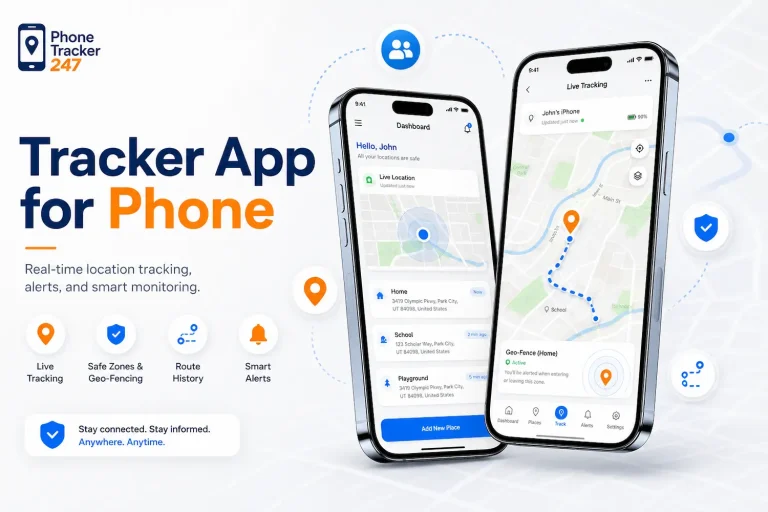
Strategy: Set up Geofences around school and home. If the child arrives at school safely, you get an alert. This allows you to give them the independence to walk or bike to school, knowing that if they get distracted and wander off route, the system will notify you. This builds their confidence and autonomy, which is crucial for their development.
Table 2: Feature-to-Need Map
| ADHD-related challenge | App feature to use | Recommended setting (practical default) | Why it helps (scaffolding logic) | Privacy boundary (say it out loud) | Red flags to avoid |
|---|---|---|---|---|---|
| Time blindness / “one more video” | Screen time schedules | Fixed “windows” (after school + weekend blocks), not constant limits | Replaces internal clock with external structure | “We track time, not messages.” | 24/7 micromanagement; changing rules daily |
| Hyperfocus (gaming/short videos) | Downtime / forced breaks | 15-min break every 60–90 min for leisure sessions | Interrupts trance state; supports self-check | “Breaks are automatic—no arguing with me.” | Punishing with random lockouts |
| Impulsivity (clicking risky links) | Web/content filtering | Block adult/malware + unknown downloads; safe search | Reduces harm from impulsive taps | “Filters are for safety, not control.” | “Stealth/undetectable” monitoring claims |
| Decision fatigue / too many apps | App blocking / app whitelists | Hide non-essential apps during school/homework | Removes visual triggers; fewer choices | “We’ll choose the ‘must-have’ apps together.” | Blocking everything (backfires, secrecy) |
| Sleep problems / late scrolling | Bedtime mode | No screens 1 hour before bed | Protects sleep consistency; lowers stimulation | “Sleep is health. This is non-negotiable.” | Allowing phone in bed “just tonight” repeatedly |
| Wandering / missed bus stop | Location sharing + geofences | Only Home/School/Activities; alerts only | Safety net without stalking | “We use location for arrivals, not routes.” | Continuous live-map monitoring “for comfort” |
| Forgetting to charge phone | Battery alerts | Low-battery notification at X% | Prevents safety tool from going offline | “Battery alerts aren’t about control—just readiness.” | Shaming: “You never charge!” |
| Trust / rejection sensitivity (RSD) | Consent & review cadence | Pre-agreed review: only alerts + weekly 5-min review | Reduces conflict; keeps relationship intact | “If I need to check more, I’ll tell you first.” | Secret installs; reading private chats by default |
| Long-term independence | Step-down plan | Reduce controls every 8–12 weeks with earned milestones | Builds autonomy; scaffolding fades with growth | “Goal is less monitoring over time.” | “Set and forget” forever monitoring |
Ethical Implementation: Privacy Policy and Consent
Implementing these tools requires sensitivity. Children with ADHD often suffer from Rejection Sensitive Dysphoria (RSD), meaning they perceive correction or restriction as severe personal rejection. If they feel you are spying on them because they are “bad” or “untrustworthy,” it can damage their self-esteem.
How to Use Monitoring Apps to Support Kids with ADHD ethically involves transparency.
- The Conversation: Explain the “Scaffolding” concept. “This app isn’t because I don’t trust you. It’s a tool to help your brain with the boring stuff—like remembering to sleep or ignoring distractions—so you don’t have to work so hard.”
- Collaborative Setup: Involve the child in setting the limits. Ask, “How much time do you think is fair for gaming?” When they participate in the privacy policy and consent agreement, they are more likely to respect the boundaries.
Frequently Asked Questions (FAQs)
1) Will monitoring apps make my ADHD child more rebellious?
Only if they feel like punishment. Used as support with consistent rules, they usually reduce conflict.
2) Should I block all social media for my ADHD teen?
Not always. Try time limits and scheduled breaks first.
3) Can these apps help with schoolwork?
Yes. Block distracting apps during study hours.
4) How do I handle impulsive in-app purchases?
Require a password for every purchase or lock the app store.
5) What if my child forgets to charge their phone?
Use battery alerts and a simple daily charging routine.
6) Is 24/7 location tracking a good idea?
Better: geofence alerts for arrivals/departures, not constant tracking.
7) Should I read my child’s messages to keep them safe?
Usually no. Start with screen time, app blocks, and web filters.
8) How do I introduce monitoring without breaking trust?
Set rules together, explain why, and review them briefly once a week.
Conclusion: Scaffolding for Success
The journey of raising a neurodivergent child involves finding creative ways to support their unique brain wiring. Understanding How to Use Monitoring Apps to Support Kids with ADHD is a powerful step toward empowering them. These tools are not meant to control the child forever, but to provide the necessary structure—the digital scaffolding—while their own executive functions develop.
By automating screen time management, filtering impulsive risks for cyber risk prevention, and using location tracking accuracy to support independence, parents can reduce the daily conflict surrounding technology. Instead of being the “bad guy” constantly taking the phone away, the parent becomes a partner in the child’s digital well-being. With the right tools from PhoneTracker247.and a compassionate approach, technology can shift from being a source of distraction to a foundation for success.
For daily updates, subscribe to PhoneTracker’s blog!
We may also be found on Facebook!