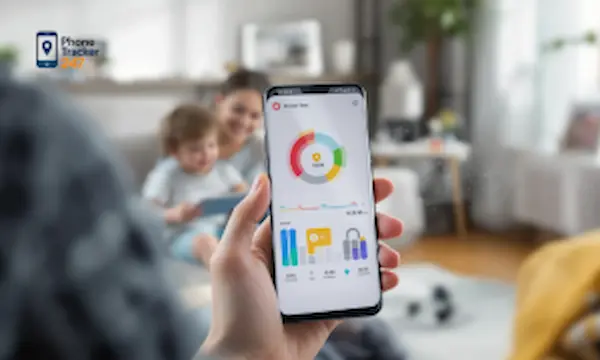
Parenting a teenager online is a little like teaching someone to drive in real traffic. You cannot lock the car in the garage forever, but you also should not hand over the keys with no rules, no mirrors, and no dashboard warnings. That is why the best parental controls for teenagers are not just about blocking apps. They are about visibility, boundaries, and trust. With PhoneTracker247, we approach teen digital safety as a balance between protection and independence, giving families practical tools to monitor risk, guide habits, and respond early when something feels off.
Best Parental Controls for Teenagers: Quick Summary
| Question | Short Answer |
|---|---|
| Main goal | Balance safety and independence |
| Best first step | Set clear digital rules |
| Key feature | Screen time management |
| Important tool | App usage monitoring |
| Safety feature | Real-time location tracking |
| Extra protection | Web filtering |
| Teen risk | Cyberbullying and unsafe contact |
| Best approach | Layered parental controls |
| Built-in tools | Helpful but limited |
| Final advice | Use visibility, not overcontrol |
Why parental controls for teenagers need a different approach
Teens are not little kids, so the control model has to change. At this stage, the goal is less about locking down every screen and more about creating guardrails around communication, content, location, and time spent online.
Parents usually face three challenges at once:
- More independence
Teens use more apps, more devices, and more social platforms, often without asking for help. - More hidden risk
Problems now include cyberbullying, explicit content, risky meetups, compulsive scrolling, and secret accounts. - More resistance to control
Heavy-handed restrictions can backfire, especially when a teenager feels watched instead of supported.
That is why the best parental controls for teenagers combine screen time management, app visibility, web oversight, communication boundaries, and location awareness in one system. Apple Screen Time supports app limits, downtime, communication limits, and content restrictions through Family Sharing. Google Family Link adds app approvals, screen time limits, and location tools on supervised devices. Instagram also offers teen supervision tools through Family Center, while Roblox includes content maturity and communication controls.
What the best parental controls for teenagers should include
Before choosing any tool, we should define what actually matters. A good solution for teens needs more than a simple website blocker or bedtime timer.
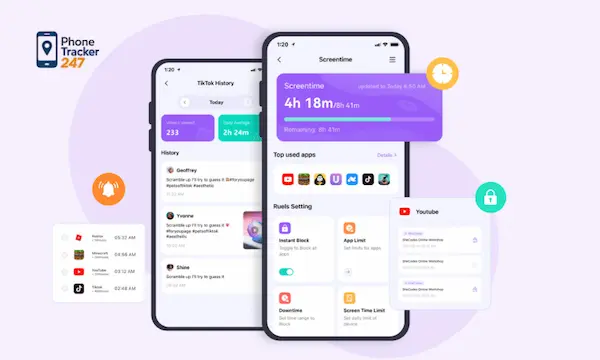
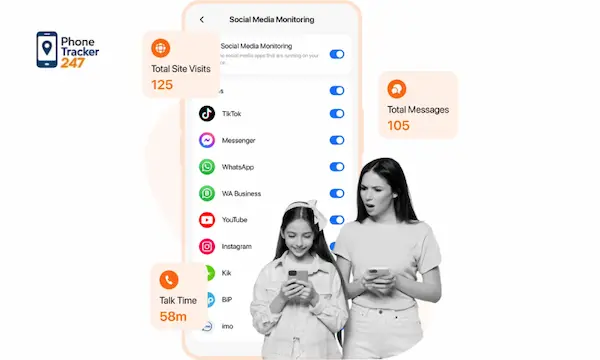
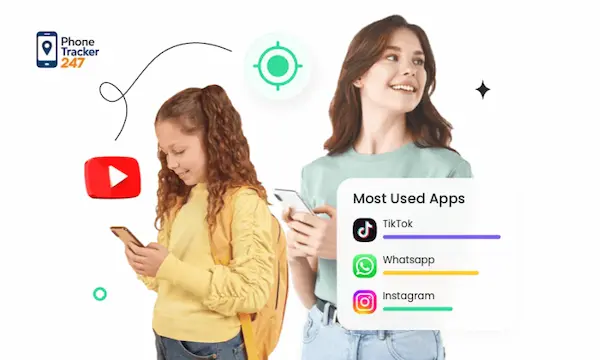
App usage monitoring and screen time insights
Teenagers rarely spend all their time in one place. They jump between messaging apps, short-form video, games, browsers, and private communities. That makes app visibility essential.
With strong app usage monitoring, parents can:
- See which apps get the most time
This helps identify unhealthy patterns before they become routine. - Spot sudden behavior changes
A new app, a spike in late-night usage, or constant switching can signal stress or secrecy. - Create better conversations
Data is more useful than assumptions when discussing phone habits with a teenager.
PhoneTracker247 is positioned as an all-in-one phone tracker app and parental control platform that can monitor app activity, browsing history, and usage reports through a centralized dashboard. It is designed around layered monitoring rather than GPS alone.
See more: Top 10 Family Location History App (2026 Detailed Guide)
Location tracking and geofencing
For families with teenagers, location tools are often the most practical starting point. Parents do not always need minute-by-minute surveillance, but they do need confidence that their teen reached school, practice, or home safely.
The most useful location features include:
- Real-time location
Helpful during commutes, outings, and schedule changes. - Location history
Useful for verifying patterns and understanding routines over time. - Geofencing alerts
Early warnings when a teen enters or leaves a set area such as school or a friend’s house.
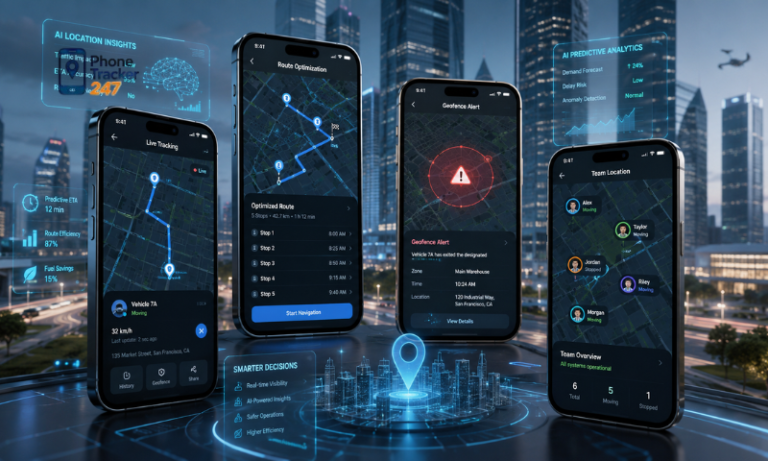
PhoneTracker247 emphasizes real-time GPS tracking, movement history, and geofencing as core features. The platform describes its location layer as using GPS, Wi-Fi, and tower data, with alerts managed from a web dashboard. Google Family Link also supports location checks for a child’s Android or compatible Fitbit device.
Table 2: What Teen Parental Controls Should Include
| Feature | Why It Matters | Best Use |
|---|---|---|
| Screen time limits | Reduces overuse | Daily phone boundaries |
| App usage monitoring | Shows risky patterns | Spot sudden behavior changes |
| Location tracking | Improves safety | School, home, and outings |
| Geofencing alerts | Confirms arrivals | Key places and routines |
| Web filtering | Blocks unsafe content | Explicit or harmful websites |
| Communication visibility | Detects risk signals | Unknown contacts or late-night activity |
| Social media supervision | Supports safer use | Instagram and teen platforms |
| Gaming controls | Manages online play | Roblox and game chats |
| Built-in controls | Good first layer | Apple Screen Time, Family Link |
| Centralized dashboard | Saves time | One place to review activity |
Web filtering and content restrictions
Teenagers are curious by nature, and the internet rarely waits for maturity to catch up. Content controls help reduce exposure to explicit, harmful, or age-inappropriate material without cutting teens off from useful digital spaces.
Strong parental controls should help families manage:
- Web content filters
To reduce access to explicit or unsafe sites. - App store and media restrictions
To limit age-inappropriate downloads and purchases. - Platform-specific content settings
Especially on gaming and social apps where maturity levels vary.
Apple lets parents restrict web content, media ratings, and built-in features through Screen Time. Roblox offers content maturity settings and communication controls for youth accounts linked to a parent account. Google Play parental controls can also filter content categories through Family Link.
Communication visibility and digital risk signals
Teen years bring more private conversations, which is exactly where many serious risks begin. The best parental controls for teenagers should help families notice warning signs without turning every chat into a surveillance exercise.
Useful signals may include:
- Who is contacting your teen
Patterns matter, especially with unknown numbers or frequent late-night contacts. - How communication habits change
Sudden spikes or secrecy may point to conflict, pressure, or inappropriate influence. - Whether unsafe behavior is escalating
Repeated contact from strangers or risky conversations should be easier to catch early.
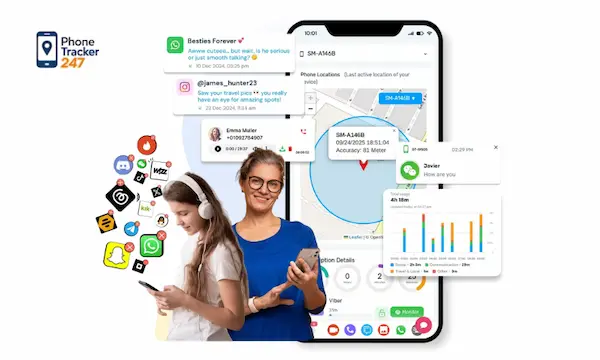
PhoneTracker247’s platform includes modules for SMS, call history, and in some cases additional monitoring layers, all presented through a centralized dashboard. The brand also frames these capabilities around lawful use, consent, family safety, and privacy rather than covert monitoring. Instagram supervision can show time spent and some account-related oversight, but it does not give parents access to private message content.
Why built-in parental controls are useful but often incomplete
Built-in tools from Apple, Google, Instagram, and Roblox are valuable. They are often the first layer we recommend because they are familiar, accessible, and directly integrated into each platform.
They work well for:
- Basic screen time limits
- Download and purchase approvals
- Content rating controls
- Some location and supervision settings
But they also have clear limits for families raising teenagers. Most built-in options stay inside one ecosystem. Apple works best on Apple devices. Family Link is strongest on Android and Google-managed environments. Instagram supervision only covers Instagram. Roblox only manages Roblox.
That fragmentation creates gaps. A parent may set strong rules on one platform and still miss what happens in browsers, third-party apps, call activity, or device-wide behavior. For teen safety, those blind spots matter more than most families expect.
Why PhoneTracker247 fits families with teenagers
The best parental controls for teenagers should give parents one place to understand digital behavior, not force them to check five separate menus across five different apps. That is where PhoneTracker247 stands out.
Instead of acting as a single-purpose tracker, PhoneTracker247 is positioned as a multi-layer device monitoring platform with:
- Real-time location tracking
See where a teen is and review movement history. - Geofencing alerts
Know when they arrive at or leave key locations. - SMS and call history monitoring
Review communication metadata and selected monitoring records where supported. - Browsing history and app activity
Understand what they access and how they spend time. - Centralized dashboard management
Review device activity from one control panel.
The platform is also framed for lawful use on devices the user owns or is authorized to manage, with an emphasis on informed notice, privacy, and encrypted data protection. That positioning matters for family use because it supports transparency instead of secretive monitoring.
See more: How to Use the Phone Tracker App by Phone Number to Manage Your Phone Remotely
How to choose the best parental controls for your teenager
Every family has a different risk profile, so the right setup depends on what you need most. A practical way to choose is to match the tool to the parenting problem.
- If screen time is the main issue
Start with Apple Screen Time or Google Family Link for daily limits and app controls. - If social media is the concern
Add platform-level supervision on services like Instagram, where available. - If gaming safety matters
Use native controls such as Roblox content maturity and communication settings. - If you need a fuller picture across the device
Use a platform like PhoneTracker247 that combines location, app activity, browsing oversight, and communication monitoring in one dashboard.
For many families, the strongest approach is layered. Use built-in controls for app permissions and age-based restrictions, then add PhoneTracker247 when you need broader visibility across the device.
Final thoughts on the best parental controls for teenagers
The best parental controls for teenagers do not come from the harshest restrictions. They come from smart visibility, consistent boundaries, and tools that help parents act before small issues become major problems.
For teenagers, a good parental control system should support independence while still protecting against online risks, unsafe contact, compulsive screen habits, and location uncertainty. Built-in tools from Apple, Google, Instagram, and Roblox can help, but they often cover only part of the picture.
For daily updates, subscribe to PhoneTracker’s blog!
We may also be found on Facebook!
FAQs – The Best Parental Controls for Teenagers
1. What are the best parental controls for teenagers?
The best tools balance safety, privacy, and independence.
2. Why do teenagers need parental controls?
They help reduce online risks and screen overuse.
3. Should parents monitor teen phone use?
Yes, but with clear rules and transparency.
4. What features matter most for teens?
Screen time, app activity, location, and web filtering.
5. Is screen time control important?
Yes, it helps build healthier phone habits.
6. Should parents track teen location?
Yes, for safety, not constant surveillance.
7. Are built-in parental controls enough?
They help, but may not cover everything.
8. What online risks affect teenagers?
Cyberbullying, explicit content, strangers, and risky apps.
9. Is PhoneTracker247 useful for teens?
Yes, it offers broader device visibility.
10. What is the best approach for parents?
Use layered tools with trust and communication.