Choosing the right parental control app has become increasingly important in the digital age. In this parental control app reviews article, PhoneTracker247 will help you compare popular apps based on features, safety, and effectiveness, making it easier to find the optimal solution to protect children when using devices and the internet.
Contents
- 1 The role of parental control apps in protecting children in the digital environment
- 2 Criteria for evaluating parental control app reviews
- 3 Parental control app reviews: Comparing popular applications
- 4 Things to consider when using parental control apps
- 5 FAQs – Parental control app reviews
- 6 Conclusion
The role of parental control apps in protecting children in the digital environment
In a context where children are accessing the internet and smart devices at an increasingly early age, parental control apps have become essential tools that help parents monitor and guide their children’s use of technology. These apps go beyond simple supervision, acting as a “digital shield” that protects children from potential online risks.
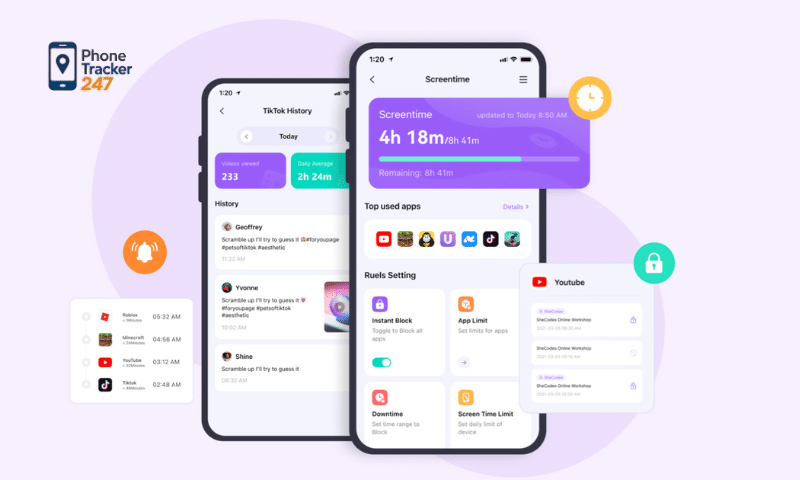
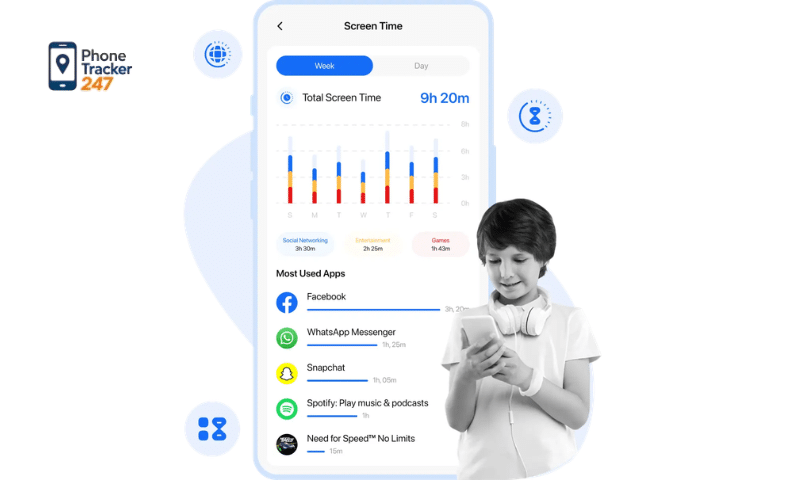
- Monitoring online activities: Allow parents to track screen time, apps used, and content accessed by their children. Provide detailed reports on internet usage habits, helping parents better understand their child’s behavior and needs. Detect early warning signs such as excessive device use or access to inappropriate content.
- Blocking inappropriate content: Include filtering features for websites, videos, and apps based on age. Prevent exposure to harmful content such as violence, explicit material, misinformation, or online scams. Help create a safer and healthier online environment for children.
- Managing screen time: Parents can set daily usage limits or specific schedules. Support the development of healthy digital habits, preventing overuse of phones or computers. Help children maintain a balance between studying, entertainment, and outdoor activities.
- Location tracking and safety: Some apps offer real-time GPS tracking, allowing parents to know their child’s location. Enable geofencing alerts when children leave designated safe areas. Provide peace of mind, especially when children are at school or participating in outside activities.
- Supporting education and digital behavior guidance: Help parents communicate with and guide their children on proper internet usage. Contribute to building awareness, responsibility, and self-discipline in using technology.
Thanks to these comprehensive features, parental control apps not only protect children from online risks but also support parents in educating and developing healthy technology habits for their children.
Criteria for evaluating parental control app reviews
To choose the right parental control app, parents should consider several important criteria to ensure both effectiveness and safety for their children. A thorough evaluation will help you find the most suitable solution for your family’s needs.
Control features
- The app should provide essential features such as screen time limits, content filtering, app monitoring, and location tracking.
- Advanced apps may also offer detailed reports, unusual activity alerts, or social media monitoring.
- The more comprehensive the features, the better parents can manage without needing multiple tools.
See more: How to choose the best phone monitoring app for iPhone that suits your needs
Safety and security
- Children’s and family data must be encrypted and strictly protected.
- The app should have a clear privacy policy and not share information with third parties.
- It’s best to prioritize apps from reputable brands with positive user reviews.
Ease of use
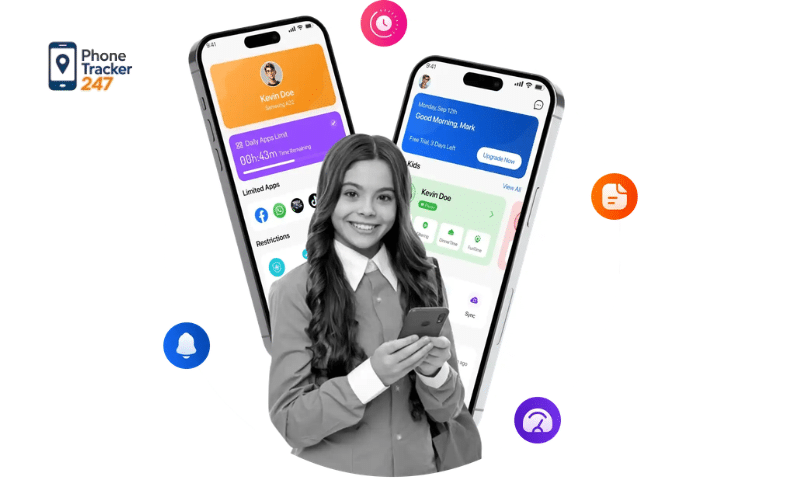
- The interface should be intuitive, easy to install, and simple to operate for all parents.
- Clear instructions help users quickly get familiar and set up the app.
- Ease of use ensures long-term management without inconvenience.
Compatibility
- The app should run smoothly across multiple platforms such as Android, iOS, and computers.
- It should support data synchronization across devices, making it easier for parents to manage.
- It must not conflict with other apps on the child’s device.
Cost and value
- Many apps offer free versions with basic features and premium plans with advanced options.
- Parents should choose a plan that fits their needs and budget.
- A good app not only has a reasonable price but also delivers long-term value.
Evaluating these criteria will help parents select the most effective, safe, and suitable parental control app, thereby better supporting the protection and guidance of children in the digital environment.
Table 1: Key Criteria for Evaluating Parental Control Apps
| Criteria | What to Check | Why It Matters |
|---|---|---|
| Control Features | Screen time limits, content filtering, app monitoring, location tracking, alerts | Helps parents manage digital habits and spot risks earlier |
| Safety and Security | Data encryption, privacy policy, secure storage, trusted provider | Protects family data and reduces privacy concerns |
| Ease of Use | Simple setup, intuitive dashboard, clear instructions | Makes long-term monitoring easier for busy parents |
| Compatibility | Works on Android, iPhone, tablets, and computers | Ensures smooth use across the devices children actually use |
| Cost and Value | Free plan, premium features, long-term usefulness | Helps families choose a solution that fits both needs and budget |
Parental control app reviews: Comparing popular applications
Currently, there are many parental control apps with diverse features. Below is a detailed comparison table of popular parental control apps to help parents make an informed choice.
Table 2: Best Parental Control Apps Compared
| App | Standout Features | Main Advantage | Best For |
|---|---|---|---|
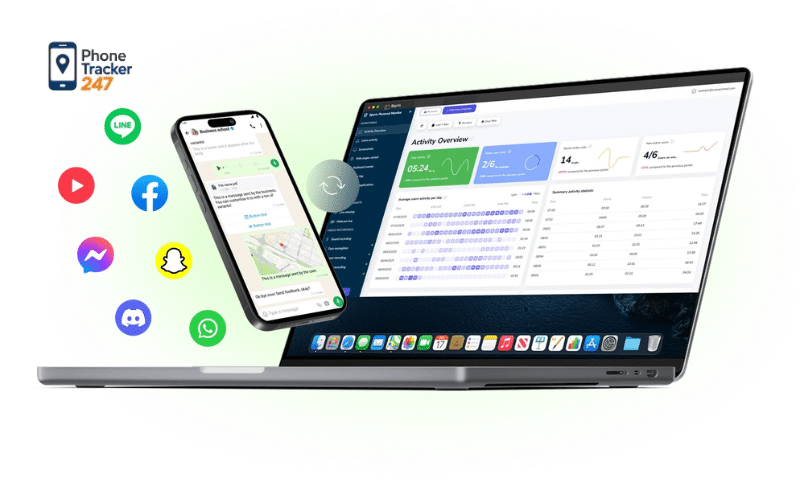
| PhoneTracker247 | Real-time GPS tracking, call and message monitoring, app activity insights, browsing history, social media visibility | All-in-one monitoring with an easy dashboard and 24/7 tracking | Parents, families, and users who want broad monitoring coverage |
| Google Family Link | Screen time limits, app approval, location tracking | Free, simple, and well integrated with Android | Parents seeking a basic and cost-effective solution |
| Qustodio | Web filtering, social media monitoring, detailed reports | User-friendly and feature-rich | Families needing all-in-one parental controls |
| Bark | Harmful content alerts, bullying/scam/violence detection, smart analysis | Strong content analysis and early warning alerts | Parents focused on content safety |
| Norton Family | Search monitoring, video tracking, screen time management | Strong security backing from a trusted brand | Families prioritizing security and reliability |
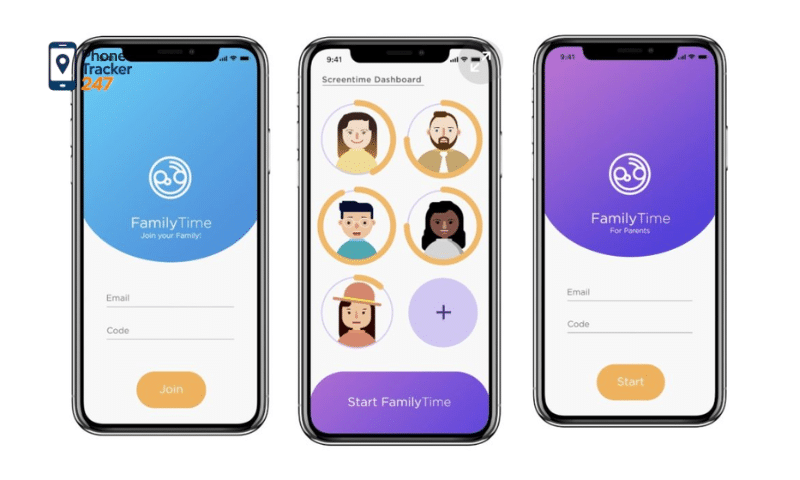
Quick evaluation:
- Best free option: Google Family Link
- Most comprehensive: Qustodio
- Best content analysis: Bark
- Highest security: Norton Family
Each app has its own strengths, so parents should consider their specific needs, the child’s age, and budget to choose the most suitable solution.
See more: Top 10 Best iOS Parental Control Apps for Effective Child Protection
Things to consider when using parental control apps
Although parental control apps offer many benefits in protecting children in the digital environment, parents need to use them properly to achieve the best results while still supporting their child’s natural development. Balancing control and trust is the key factor.
- Respect children’s privacy: Avoid excessive monitoring that may make children feel watched or restricted. Have open conversations about why the app is used, helping them understand it is for protection, not control. Encourage cooperation instead of imposing rules to build trust between parents and children.
- Set reasonable limits: Establish screen time limits that match the child’s age and daily routine. Avoid overly strict restrictions, which may lead to resistance or attempts to bypass rules. Ensure a healthy balance between studying, entertainment, and outdoor activities.
- Combine with education and guidance: Parental control apps are only supportive tools and cannot replace the role of family education. Teach children how to use the internet safely, recognize risks, and avoid harmful online behavior. Help them develop self-awareness and responsibility when using technology.
- Monitor and adjust regularly: Regularly review and update settings based on the child’s age and changing needs. Adjust control levels according to each stage of development instead of applying rigid rules. Use app reports to promptly detect and address potential issues.
Using parental control apps flexibly and appropriately helps parents protect their children effectively while still allowing them to grow independently and safely in the digital environment.
FAQs – Parental control app reviews
1. What do parental control apps help parents do?
They help parents monitor online activity, manage screen time, block harmful content, and improve child safety online.
2. Why are parental control apps important?
They act as a digital safety layer that helps children use devices and the internet more safely.
3. What features should a good parental control app have?
A good app should include screen time limits, content filtering, app monitoring, and location tracking.
4. Which parental control app is the best free option?
Google Family Link is the best free option mentioned in the article.
5. Which app is the most comprehensive?
Qustodio is presented as the most comprehensive option in the comparison.
6. Which app is best for content safety?
Bark is best for content safety because it focuses on alerts for harmful content such as bullying, scams, and violence.
7. Which app is best for security-focused families?
Norton Family is a strong choice for families that prioritize security and brand reliability.
8. Can parental control apps track a child’s location?
Yes. Some parental control apps offer real-time GPS tracking and geofencing alerts.
9. What should parents consider before choosing an app?
Parents should compare features, safety, ease of use, compatibility, and overall value.
10. Should parents talk to children before using a parental control app?
Yes. The article recommends open communication so children understand the app is for protection, not punishment.
Conclusion
Parental control app are an effective solution that helps parents manage and protect their children in an increasingly complex digital environment. Choosing the right app will help balance safety, freedom, and healthy development for children.
If you are looking for an effective way to monitor your child, start with one of the apps reviewed in this article and set it up today to better protect your child in the digital world.
Quick Summary Table
| Key Takeaway | Why It Matters |
|---|---|
| Parental control apps do more than block content | They also help parents guide digital habits and spot risks earlier |
| Feature depth should match family needs | Some families only need basics, while others need alerts, tracking, and reports |
| Ease of use affects long-term success | A simple dashboard makes daily monitoring more practical |
| Privacy and security should never be ignored | Family data should be protected by clear policies and trusted systems |
| PhoneTracker247 is a strong all-in-one option | It offers broader monitoring visibility for parents who want more than basic controls |
If you are ready to make your child’s digital environment safer, now is the time to choose a tool that gives you real clarity. Explore PhoneTracker247 today and see how smarter monitoring, stronger visibility, and easier parental oversight can help you protect your family with more confidence.