Tracking an iPhone has never been easier thanks to iOS phone tracker apps. In 2026, the market offers a wide range of apps with diverse features, from precise location tracking and real-time monitoring to theft alerts. In this article, PhoneTracker247 introduces the top 5 best iOS phone tracker apps, helping you choose the right tool to protect your device and manage your phone safely and effectively.
Contents
What is an iOS Phone Tracker App?
iOS Phone Tracker Apps are applications specifically developed for iPhones, helping users track their device’s location accurately and conveniently. These apps are not only useful for recovering lost phones but also serve as tools for parents to manage their children, monitor employees, or protect personal assets.
These applications typically offer a range of smart features, including:
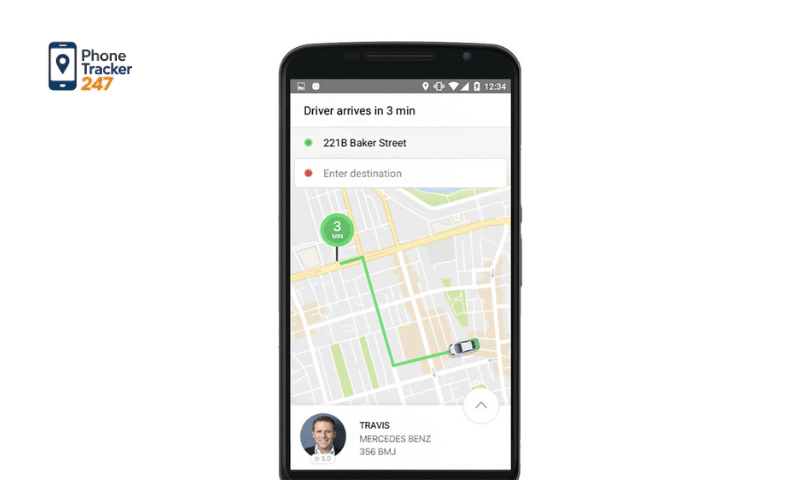
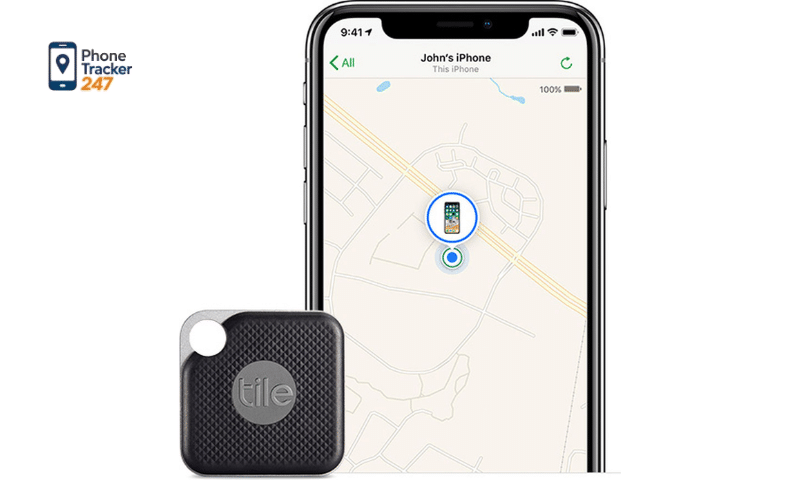
- Real-time location tracking: Displays the exact current location of the iPhone on a map, allowing you to quickly know where your device is.
- Location history: Lets you review the places the device has been over a certain period, useful for route management or child monitoring.
- Geo-fencing alerts: Sends notifications when the device enters or leaves a predefined area you have set.
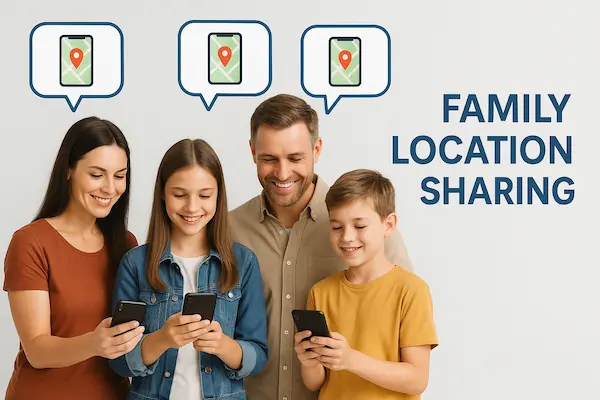
- Secure location sharing: Enables you to share your location with family members or colleagues without worrying about personal data exposure.
Thanks to these features, iOS Phone Tracker Apps have become a convenient, safe, and effective tool for all iPhone users, from individuals to businesses.
Top 5 Worth-Using iOS Phone Tracker Apps in 2026
Choosing an iOS Phone Tracker App depends on usage needs, security level, features, and cost. Below are 5 popular, reliable, and highly rated apps in 2026:
Find My iPhone
- Key features: This is Apple’s default app, integrated directly into iOS, helping users locate lost devices, lock them remotely, or erase data for security.
- Advantages: Completely free, directly connected to Apple ID, high security, easy to use.
- Disadvantages: Only works on Apple devices, limited advanced tracking features such as geo-fencing or detailed history reports.
- In-depth analysis: Find My iPhone is the best choice for protecting your phone from loss or theft, but not suitable if you want long-term tracking or to monitor multiple devices at once.
See more: What Is a Family Locator App and Who Should Use It?
Life360
- Key features: A family-oriented app that allows real-time location sharing and notifications when members leave or arrive at predefined areas.
- Advantages: Supports geo-fencing, movement history reports, emergency SOS feature.
- Disadvantages: The free version limits some advanced features, requires a paid plan for full functionality.
- In-depth analysis: Life360 is suitable for parents who want to manage their children or family groups, providing peace of mind about members’ locations, especially in emergency situations.
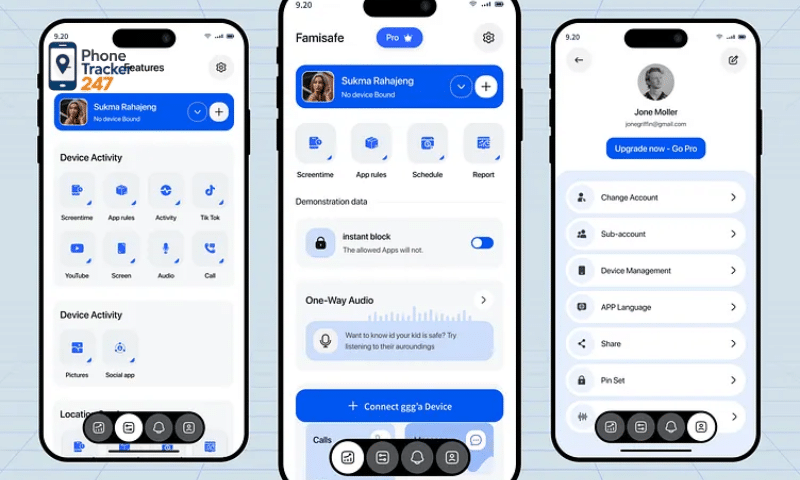
FamiSafe
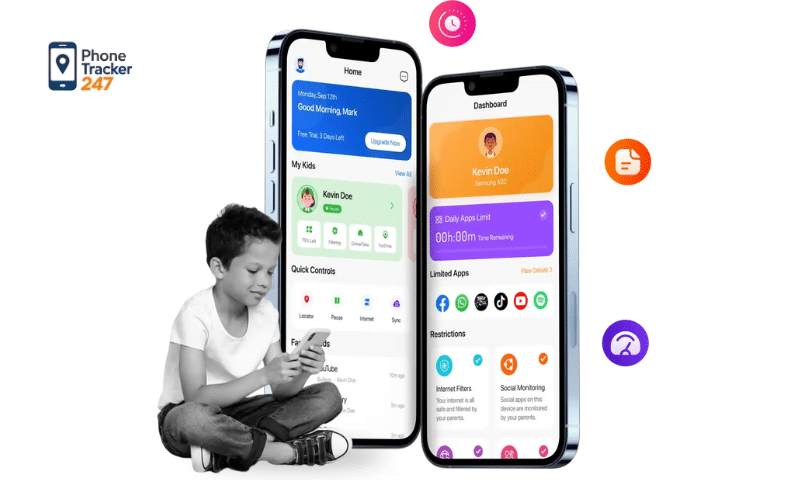
- Key features: Focuses on child monitoring, device usage management, and safety alerts.
- Advantages: Supports location tracking, app restriction, alerts when entering/leaving dangerous areas, detailed device activity reports.
- Disadvantages: Higher cost compared to basic apps, requires setup for each device.
- In-depth analysis: FamiSafe is an ideal choice for parents who want comprehensive management, not only tracking location but also controlling their children’s iPhone usage.
Glympse
- Key features: Allows temporary location sharing with friends, colleagues, or workgroups without long-term account registration.
- Advantages: Easy to use, no complicated setup, fast and secure location sharing.
- Disadvantages: Does not store location history, not suitable for long-term monitoring.
- In-depth analysis: Glympse is suitable for temporary situations such as meeting friends, coordinating workgroups, or sharing location during short trips.
mSpy
- Key features: A powerful app for businesses and parents, providing location tracking, messages, calls, browsing history, and more.
- Advantages: Comprehensive features, suitable for monitoring both family and employees, real-time detailed reports.
- Disadvantages: High cost, complex setup and installation, requires legal compliance when monitoring others.
- In-depth analysis: mSpy is a professional solution for those who need comprehensive monitoring and control, but careful consideration of privacy and legal issues is required.
Each app has its own pros and cons, so you should consider your needs, security level, and cost before choosing.
How to Install and Use an iOS Phone Tracker App Effectively
To ensure an iOS Phone Tracker App works optimally and keeps your personal data secure, you should follow these detailed steps:
Download and install the app
- Only download apps from trusted sources such as the App Store or the developer’s official website.
- Avoid installing apps from unknown sources, as they may contain malware or scams that can affect your device’s security and performance.
Sign in or create an account
- Open the app and create a new account or log in if you already have one.
- Use a valid email address or active phone number to ensure account recovery in case you lose access.
- Set a strong password that includes uppercase letters, lowercase letters, numbers, and special characters to enhance security.
Grant location access
Allow the app to access your device’s location for accurate real-time tracking.
Choose permission settings:
- Always Allow if you need continuous tracking
- While Using the App to limit tracking access
Also check if the app requires additional permissions such as network access, notifications, or data sharing to fully utilize its features.
Configure additional features
Enable important features such as:
- Geo-fencing: Receive alerts when the device enters or leaves designated areas
- Secure location sharing: Allow family members or colleagues to track when necessary
- Lost phone alerts: Get notified when the device is moved or disconnected
Adjust notification frequency to receive timely alerts without being overwhelmed.
See more: Top 10 Best Apps Like Life360 for Families in 2026
Regular checks and maintenance
- Regularly check your network connection and location permissions to ensure accurate app performance.
- Update the app and iOS system periodically to fix bugs, improve performance, and enhance security.
- Review notification settings and additional features to make sure alerts are delivered on time.
Important notes
- Do not rely entirely on the app—this is a support tool. You should still protect your device with passwords, Face ID, and other security measures.
- Respect others’ privacy and only use tracking apps with proper consent and in compliance with the law.
Following these steps will help you use an iOS Phone Tracker App effectively, safely, and accurately, while protecting your privacy, personal data, and optimizing device tracking capabilities.
Important Notes When Using an iOS Phone Tracker App
When using an iOS Phone Tracker App, to ensure effectiveness and safety, you should pay attention to the following points:
- Data security: Only install and use reputable apps that are highly rated on the App Store. Avoid unknown or unverified apps to prevent personal information and location data leaks.
- Respect privacy: Do not track someone else’s device without their consent. This helps avoid legal violations and protects personal privacy.
- Regular checks and updates: Frequently update the app and iOS system to fix bugs, improve stability, and enhance security, ensuring accurate tracking performance.
- Do not rely entirely on the app: iOS Phone Tracker Apps are support tools. You should still use strong passwords, Face ID, lost device alerts, and other security measures to enhance protection.
These notes help you use an iOS Phone Tracker App effectively, safely, and legally, while keeping your personal information secure.
Conclusion
iOS Phone Tracker Apps are useful tools that help you protect your phone, ensure family safety, and manage employees effectively. Choosing the right app and using it properly will provide a convenient and secure experience.
If you are looking for a reliable and easy-to-use iOS Phone Tracker App, try the apps mentioned above to protect your device and your loved ones.