GPS phone tracking app are becoming increasingly popular for locating devices, monitoring travel routes, and supporting real-time safety. However, the accuracy of these apps is not always absolute, as it can be affected by various technical and environmental factors. In this article, Phonetrack247 explores the key factors that influence the accuracy of GPS Phone Tracker apps, helping users better understand how location data is determined and how tracking reliability can be improved.
Contents
Factors Affecting GPS Tracking Accuracy
GPS tracking accuracy depends on several conditions, including satellite visibility, the surrounding environment, internet connection, device quality, and software settings. When these factors are not optimized, location updates may become delayed, unstable, or less precise.
Satellite Signal Strength
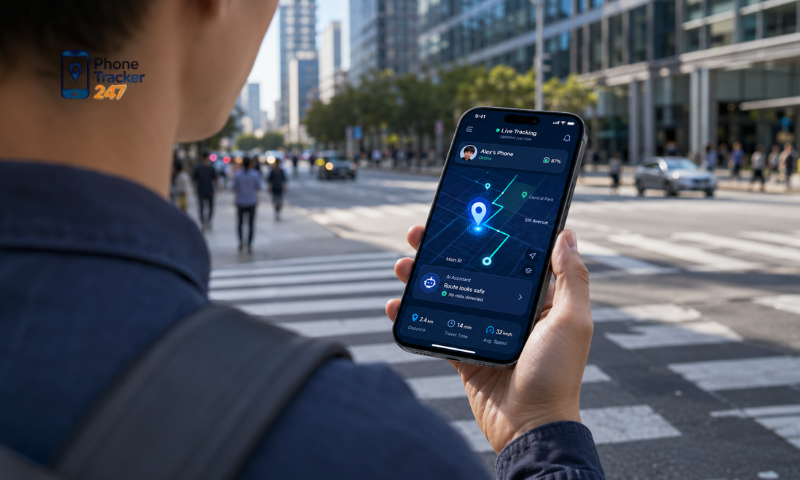
GPS determines location by receiving signals from multiple satellites.
- More visible satellites usually provide better accuracy.
- Weak or reflected signals may cause incorrect positioning.
- Open outdoor areas offer the clearest satellite reception.
- Tall structures can interrupt or redirect signals.
Strong and stable satellite signals are essential for reliable tracking.
Environmental Conditions
The surrounding environment can significantly affect GPS performance.
- Tall buildings may create the urban canyon effect.
- Dense forests can weaken satellite signals.
- Tunnels, basements, and underground parking areas may block GPS completely.
- Thick concrete walls and metal roofs can reduce indoor accuracy.
Using GPS in open or less obstructed areas helps minimize location errors.
Internet and Mobile Data Connection
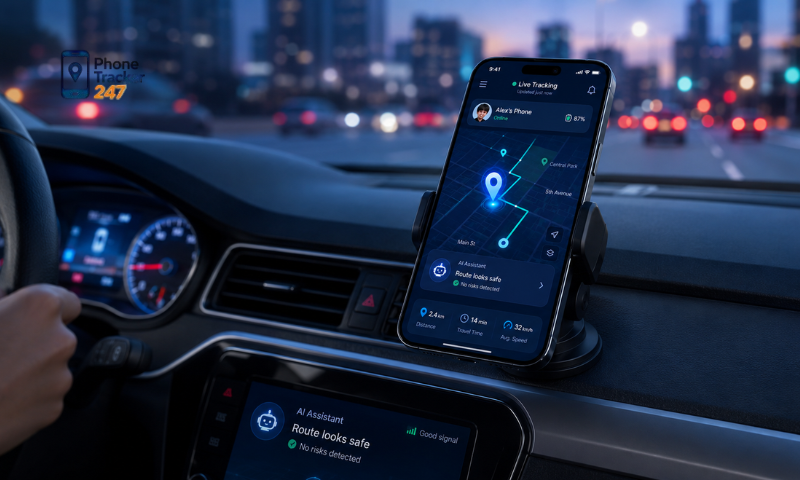
Although GPS can calculate location without internet access, most tracking apps need a network connection to transmit data.
- Weak mobile data may delay real-time updates.
- Unstable Wi-Fi can cause outdated locations to appear.
- Switching between networks may temporarily interrupt tracking.
- Assisted GPS may respond more slowly without internet access.
A stable connection allows tracking apps to update and share locations more consistently.
Device Hardware Quality
The quality of the phone’s GPS chip, antenna, and internal sensors directly affects performance.
- Newer devices often support more satellite systems.
- High-quality GPS chips usually provide faster positioning.
- Older or budget devices may have wider error margins.
- A damaged antenna can reduce signal reception.
- Device overheating may temporarily affect performance.
Modern and well-maintained devices generally deliver more accurate results.
See more: Phone Location Tracker App: Live Location, History, and Alerts
Software Settings and Permissions
Incorrect settings can prevent tracking apps from accessing precise or continuous location data.
- Location services may be turned off.
- The app may only have approximate location access.
- Background location permission may be restricted.
- Battery optimization can pause GPS activity.
- Outdated apps or operating systems may cause compatibility issues.
Reviewing permissions and disabling unnecessary restrictions can improve tracking stability.
Battery Level and Update Frequency
Power management and tracking intervals also influence the quality of location updates.
- Low battery levels may activate power-saving restrictions.
- Background tracking may stop when the app is inactive.
- Longer update intervals can display an outdated position.
- Frequent updates improve route detail but consume more battery.
- Some devices reduce location activity when stationary.
Balancing battery use and update frequency helps maintain continuous tracking.
Device Placement and Movement
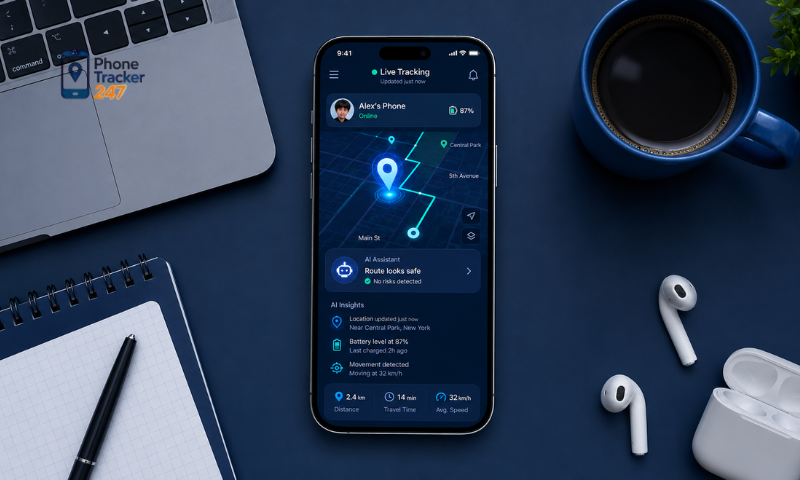
The position of the phone can affect how effectively it receives GPS signals.
- Thick cases or metal objects may weaken reception.
- Keeping the device inside a bag can reduce signal quality.
- Rapid movement may cause temporary update delays.
- Placing the phone near a window can improve indoor reception.
- Sudden changes in direction may take time to display accurately.
Proper device placement supports more stable and precise location tracking.
By improving satellite visibility, maintaining a stable connection, checking app permissions, and using a suitable device, users can achieve more accurate, timely, and consistent GPS tracking results.
Differences Between GPS, Wi-Fi, and Mobile Network Positioning
Modern tracking systems often combine GPS, Wi-Fi, and mobile network positioning to improve location accuracy and maintain stable tracking in different environments.
| Positioning Method | How It Works | Main Advantages | Main Limitations | Best Use Case |
| GPS Positioning | Uses signals from satellites to calculate the device’s location. | High accuracy in outdoor areas and open spaces. | May be slower or less reliable indoors, underground, or near tall buildings. | Outdoor navigation, driving, hiking, and route tracking. |
| Wi-Fi Positioning | Identifies nearby Wi-Fi networks and compares them with location databases. | Usually more accurate than GPS in indoor and densely built environments. | Accuracy depends on the availability and quality of Wi-Fi network data. | Shopping malls, offices, airports, and residential buildings. |
| Mobile Network Positioning | Estimates location by measuring signals from nearby cell towers. | Works across wide areas wherever a mobile signal is available. | Less accurate than GPS or Wi-Fi and may have a larger margin of error. | General location tracking in areas with weak GPS or limited Wi-Fi. |
Each technology has different strengths and limitations. Combining all three methods helps tracking systems provide faster, more stable, and more accurate location updates.
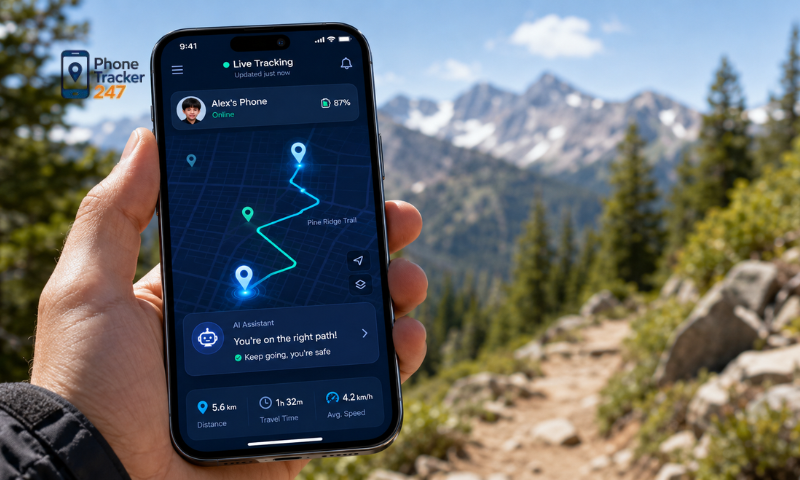
See more: Phone Apps to Track Location: How Real-Time GPS Works
How to Improve GPS Phone Tracker Accuracy
To improve tracking precision, users should optimize device settings, maintain a stable internet connection, and use the phone in suitable environmental conditions.
- Enable High Accuracy mode: Allow the device to combine GPS, Wi-Fi, Bluetooth, and mobile networks for better positioning.
- Keep GPS and mobile data active: Using both services helps the tracking app update locations more consistently.
- Enable Wi-Fi scanning: Nearby Wi-Fi networks can improve positioning even when the device is not connected to them.
- Allow background location access: Make sure the tracking app can continue receiving location data when running in the background.
- Disable battery-saving restrictions: Power-saving modes may reduce GPS activity or delay location updates.
- Avoid obstructed environments: Tunnels, underground areas, tall buildings, and dense indoor spaces can weaken satellite signals.
- Maintain a clear view of the sky: Outdoor areas generally provide faster and more accurate GPS readings.
- Update the app and operating system: Regular updates can improve performance, compatibility, and location accuracy.
- Check app permissions: Confirm that location access is set to “Always” or the highest permission level available.
- Calibrate the device compass: Recalibration may improve direction and movement tracking.
- Use a modern device: Newer phones with multi-band or high-quality GPS chips usually deliver more reliable results.
- Maintain sufficient battery power: Very low battery levels may activate restrictions that affect tracking performance.
- Restart location services when necessary: Turning GPS off and on again can help resolve temporary signal or synchronization issues.
Applying these measures can reduce location delays, improve route tracking, and provide more stable and accurate position updates.
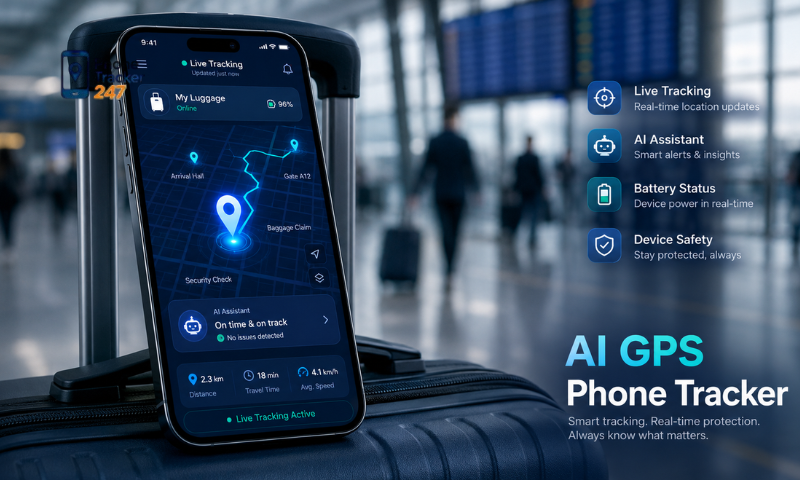
Conclusion
GPS phone tracker app accuracy depends on a combination of satellite signals, environmental conditions, device hardware, and software settings. While no tracking system is 100% perfect, understanding these factors can significantly improve performance and reliability. By optimizing device settings and using tracking apps correctly, users can achieve much more accurate and consistent location results.
For daily updates, subscribe to PhoneTracker’s blog!
We may also be found on Facebook!
FAQs
1. What is a GPS phone tracker app?
An app that tracks a phone’s location using GPS.
2. What affects GPS tracking accuracy?
Satellite signals, environment, internet, device, and settings.
3. Why are satellite signals important?
Strong satellite signals help provide more accurate locations.
4. Can buildings affect GPS accuracy?
Yes, tall buildings can weaken or reflect GPS signals.
5. Does internet connection matter?
Yes, it helps tracking apps send location updates faster.
6. Can phone settings affect tracking?
Yes, wrong permissions can limit accurate location access.
7. Does battery saving reduce accuracy?
Yes, power-saving modes may delay GPS updates.
8. Is GPS better outdoors?
Yes, open outdoor areas usually give better GPS results.
9. Can Wi-Fi improve location tracking?
Yes, Wi-Fi can help improve indoor location accuracy.
10. How can users improve GPS accuracy?
Enable GPS, data, permissions, and update the app.