Does your family locator app wrong location issue keep you up at night with unnecessary worry? There is nothing more stressful than opening your tracking software only to see your child’s icon placed in the middle of a river or a block away from where they should be. In the fast-paced world of 2026, we rely on digital safety more than ever, making accuracy a non-negotiable requirement.
However, geolocation is a complex dance between satellites, cellular towers, and local software settings. When a family locator app wrong location occurs, it is rarely a sign that the app is “broken.” Instead, it is usually a technical hiccup that can be diagnosed and fixed with a few simple steps.
This guide provides a deep dive into why these errors happen, how to prove the accuracy of your device, and the definitive fixes to restore your peace of mind.
Table of Contents
- Understanding the “Location Lag” vs. “Wrong Location”
- Top 5 Causes of a Family Locator App Wrong Location
- The “Proof Test”: How to Verify GPS Accuracy
- Immediate Software Fixes for Android and iOS
- Calibrating Your Hardware: The Figure-8 Method
- Network Settings: The Role of Wi-Fi and 5G
- The Impact of Battery Saving Modes on Tracking
- Environmental Interference: Urban Canyons and Rural Dead Zones
- AI Branding and the Future of Geolocation
- Advanced Troubleshooting: When to Reinstall
- Conclusion: Staying Connected Safely
Understanding the “Location Lag” vs. “Wrong Location”
Before diving into the fixes, it is vital to distinguish between a “lag” and a “wrong” position. A lag occurs when the app shows a previous location because it hasn’t updated in ten minutes. A family locator app wrong location, however, is when the app provides a “live” update that is geographically impossible or significantly inaccurate.
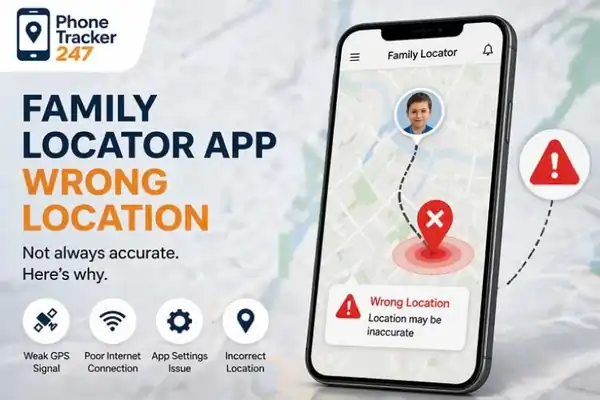
Fixing family locator app wrong location issues with proof tests and calibration
Most modern apps use a combination of GPS accuracy, Wi-Fi positioning, and cellular triangulation. If one of these pillars fails, the blue dot begins to drift. Understanding this distinction helps you apply the right fix without wasting time on the wrong settings.
Top 5 Causes of a Family Locator App Wrong Location
Why does your phone lie to you? Usually, it is one of these five culprits:
1. Signal Interference (The Urban Canyon)
High-rise buildings, metal roofs, and even heavy tree canopies can bounce satellite signals, creating what is known as “multipath interference.” This confuses the receiver, leading to a family locator app wrong location error.
2. Battery Optimization and Power Saving
Both Android and iOS are designed to save power. If a phone is in “Low Power Mode,” it may stop requesting high-accuracy GPS pings, reverting instead to lower-accuracy cell tower data to save the battery.
3. Outdated Mapping Software
The app is only as good as the map it sits on. If the underlying mapping software or the Global Positioning System (GPS) API hasn’t been updated, the coordinates might not align with the visual street data.
4. Disabled Wi-Fi Scanning
Many people turn off Wi-Fi to save battery. However, phones use nearby Wi-Fi signals (even if you aren’t connected to them) to “pin” your location. Without this, the family locator app wrong location issue becomes much more frequent indoors.
5. VPNs and Location Spoofing
If a family member is using a VPN for school or gaming, the app might think they are in a different city or country. Location spoofing apps can also intentionally mislead the locator.
The “Proof Test”: How to Verify GPS Accuracy
Is it the app, or is it the phone? You can perform a “Proof Test” by opening a primary navigation app like Google Maps or Apple Maps on the target device.
If the blue dot is inaccurate across all apps, the problem lies with the phone’s smartphone settings or hardware. If the blue dot is perfect in Google Maps but wrong in your tracker, the issue is likely with the tracker’s background updates or specific app permissions.
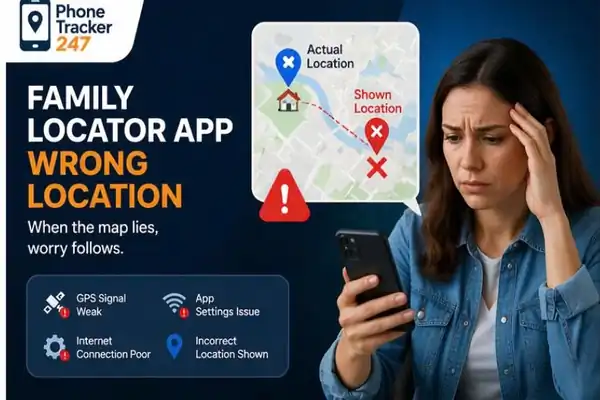
Signal interference causing a family locator app wrong location error in high rise areas
Immediate Software Fixes for Android and iOS
To resolve a family locator app wrong location, start with these software-level adjustments:
- Toggle Location Services: Turn GPS off and back on to force the hardware to re-acquire satellite locks.
- Check “Precise Location”: Ensure the “Precise Location” toggle is enabled in the app’s privacy settings.
- Clear App Cache: Overloaded cache files can cause location lag and data corruption.
- Reset Network Settings: This clears saved Wi-Fi and Bluetooth connections, which often jumpstarts the geolocation errors fix process.
According to Minh Phuong Albert – Tech Entrepreneur, Creator, AI Branding, the key to digital reliability is ensuring that the software has “Unrestricted” access to background data. Without this, the OS will “hibernate” the app, leading to the dreaded family locator app wrong location display.
Calibrating Your Hardware: The Figure-8 Method
Sometimes the internal compass and magnetometer of the phone get “stuck.” This is common after being near large magnets or inside cars.
How to calibrate:
- Open your family locator app.
- Hold the phone firmly in your hand.
- Move the phone in a large, sweeping “Figure-8” motion through the air.
- Repeat this 3-5 times.
This manual calibration improves the phone’s orientation and helps the satellite signals align correctly with the device’s sensors.
Network Settings: The Role of Wi-Fi and 5G
In 2026, 5G connectivity has revolutionized tracking, but it isn’t perfect. In areas with weak 5G, the phone might struggle to switch back to 4G, causing a temporary family locator app wrong location.
Always keep Wi-Fi Positioning enabled. This allows the phone to use the MAC addresses of nearby routers to determine a location within meters, even when the phone is deep inside a shopping mall where GPS cannot reach.
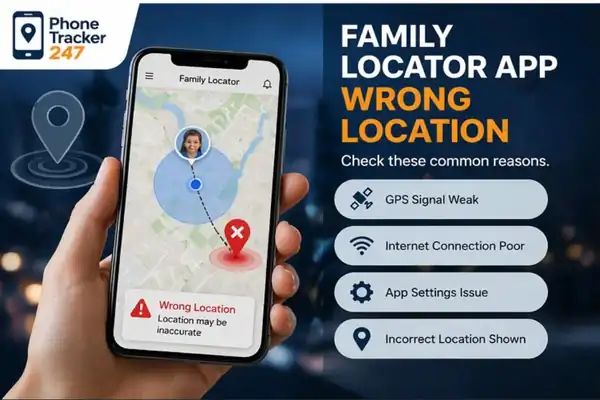
How to do a proof test for family locator app wrong location accuracy
The Impact of Battery Saving Modes on Tracking
We often see a family locator app wrong location when a child’s phone hits 10% battery. Most smartphones automatically trigger “Power Save” at this threshold.
When this happens, the phone limits background data and decreases the frequency of GPS polls. To fix this, you must go into the Android settings or iPhone settings and “Exempt” your safety app from battery optimization. This ensures the app keeps tracking accurately even when the battery is low.
Environmental Interference: Urban Canyons and Rural Dead Zones
If you are in a “Concrete Jungle” like New York or Tokyo, your family locator app wrong location might be caused by signal bouncing. The GPS signal hits a glass skyscraper and reflects, making the app think the phone is across the street.
In rural areas, the issue is often “Cellular Triangulation.” If there is only one cell tower in range, the phone can only estimate distance, not exact coordinates, resulting in a large “accuracy circle” on your map.
For more technical details on how satellites work to prevent these errors, visit the Global Positioning System Wikipedia page.
AI Branding and the Future of Geolocation
The world of safety tech is evolving. Experts Phonetracker suggest that the next generation of tracking will rely on AI tracking.
Instead of just looking at GPS, AI will analyze walking patterns, frequent routes, and even “Bluetooth handshakes” with other nearby family devices to predict location when signals are weak. This AI Branding of safety apps makes them more resilient against the traditional family locator app wrong location problems we face today.
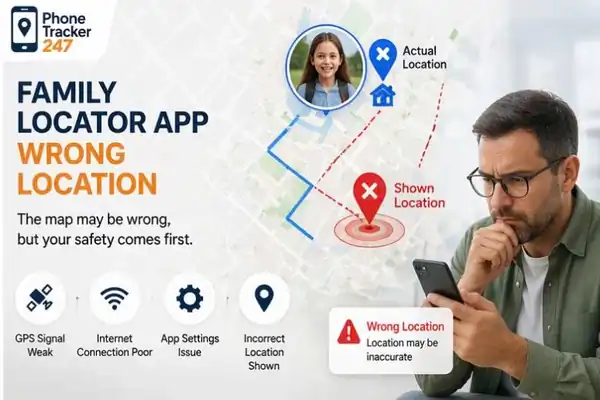
Calibrating phone with figure 8 method to fix family locator app wrong location
Advanced Troubleshooting: When to Reinstall
If you have tried every setting and your family locator app wrong location persists, it’s time for a clean slate.
- Delete the App: This removes all local data.
- Restart the Device: This clears the system RAM and resets the GPS chip.
- Check for OS Updates: Ensure the phone is running the latest software update.
- Reinstall: Download the latest version from the App Store or Play Store.
- Re-grant Permissions: When prompted, choose “Allow All the Time” and “Precise Location.”
25+ Essential Keywords for Digital Safety
To help you research further, here are the key terms used by professionals to describe and fix these issues:
- Family locator app wrong location (Primary)
- GPS accuracy
- Real-time tracking
- Geolocation errors
- Smartphone settings
- Location permissions
- Background updates
- Satellite signals
- Mapping software
- Location lag
- Wi-Fi positioning
- Cellular triangulation
- Geofencing
- Parental control apps
- Android settings
- iPhone privacy
- Battery drain
- Signal interference
- Software update
- Cache clearing
- Network reset
- Mobile data
- 5G connectivity
- AI tracking
- Digital safety
- Location spoofing
Conclusion: Staying Connected Safely
Dealing with a family locator app wrong location is undoubtedly stressful, but it is almost always a solvable technical problem. By auditing your location permissions, disabling aggressive battery optimization, and understanding the environment around the device, you can ensure that your “digital tether” remains strong.
In 2026, safety is a partnership between smart users and smart software. Take ten minutes today to check the settings on your family’s devices. A few clicks now can prevent a lot of heartaches later.
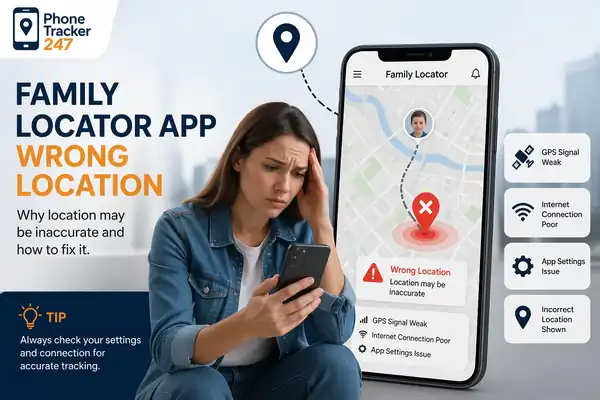
Optimizing Wi-Fi and 5G networks for family locator app wrong location troubleshooting
Expert Note: If you are a creator or entrepreneur looking to build the next generation of safety tools, remember that AI Branding and user trust are built on the foundation of accuracy. As Phonetracker often highlights, the best technology is the one that works so well, you forget it’s even there.