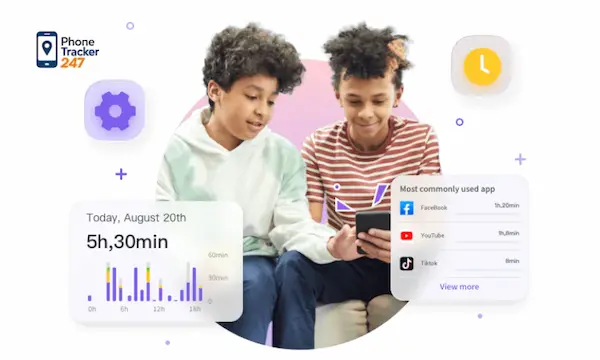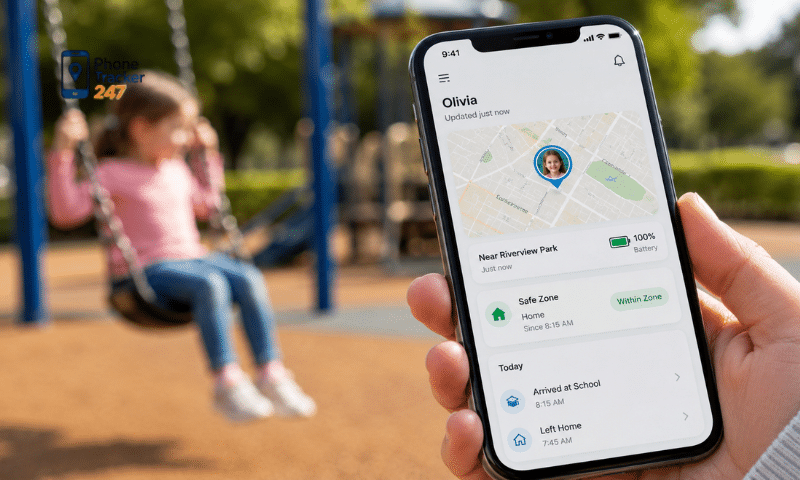
A Kids Phone Tracker App can help parents understand where their child is, how they use their phone and whether they may be facing online risks. However, effective monitoring does not mean reading every message or watching every movement. Parents should focus on safety signals, unusual behavior and healthy digital habits. This guide PhoneTracker247 explains which phone activities deserve attention, how monitoring should change as children grow and how parents can use tracking tools without damaging trust or limiting age-appropriate independence.
What Is a Kids Phone Tracker App?
A Kids Phone Tracker App is a parental control tool that collects selected information from a child’s phone and displays it through a parent dashboard. Available features depend on the device, operating system, permissions and chosen monitoring plan.
Common capabilities include:
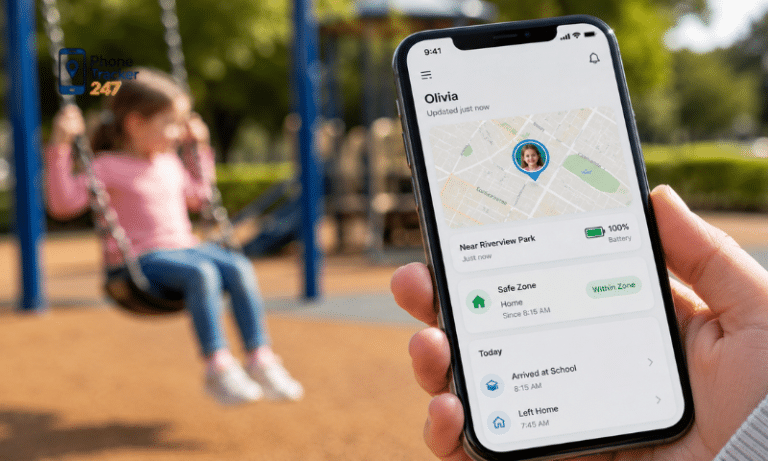
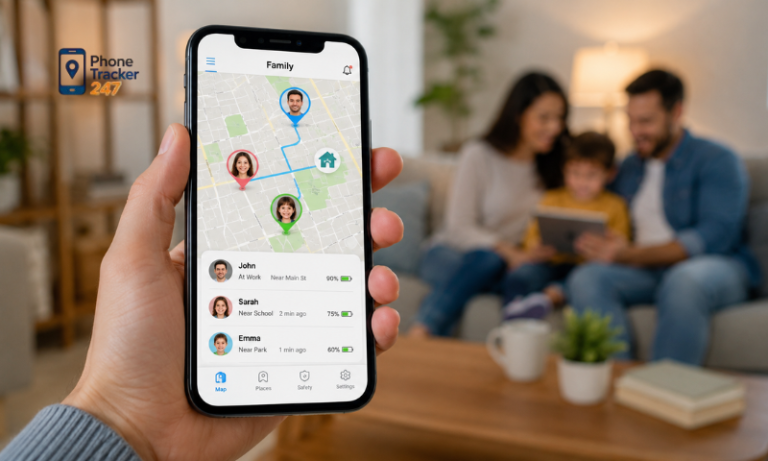
- Location monitoring: Parents can view the phone’s current location, recent travel history and arrivals at familiar places such as home or school.
- Device usage reports: The app may show daily screen time, frequently used applications and activity during school or sleeping hours.
- Web and app insights: Parents can review visited domains, installed apps and the amount of time spent on social media, games or entertainment platforms.
- Communication information: Depending on the app and applicable permissions, parents may see call logs, SMS details or unusual contact patterns.
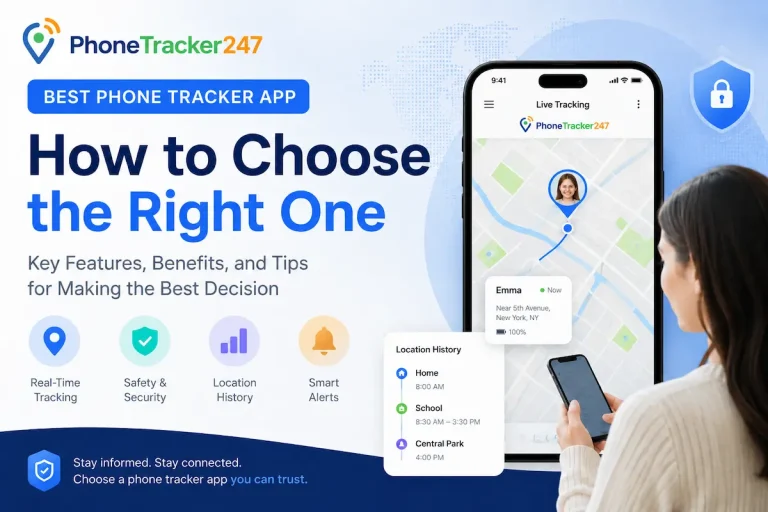
- Safety notifications: Some tools provide alerts when a child leaves a designated area, installs a new app or uses the phone outside agreed hours.
What Should Parents Monitor With a Kids Phone Tracker App?
Parents do not need to monitor every type of available data. The following areas provide the most useful information for protecting a child’s physical safety, online privacy and digital well-being.
Real-Time Location and Travel History
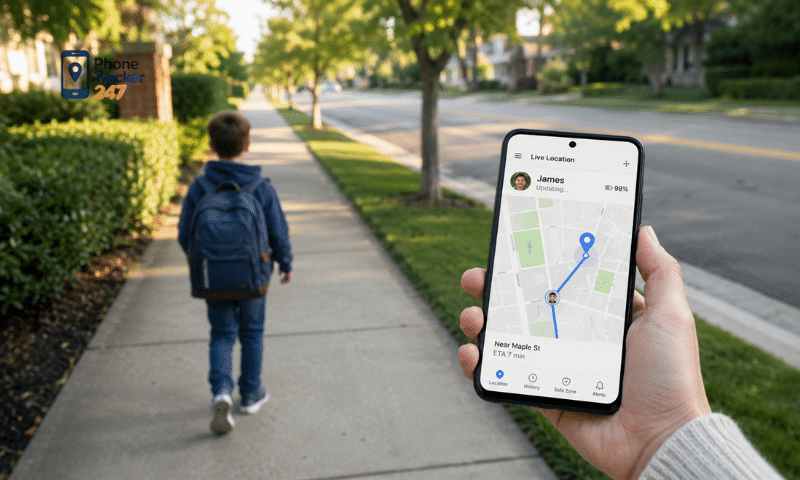
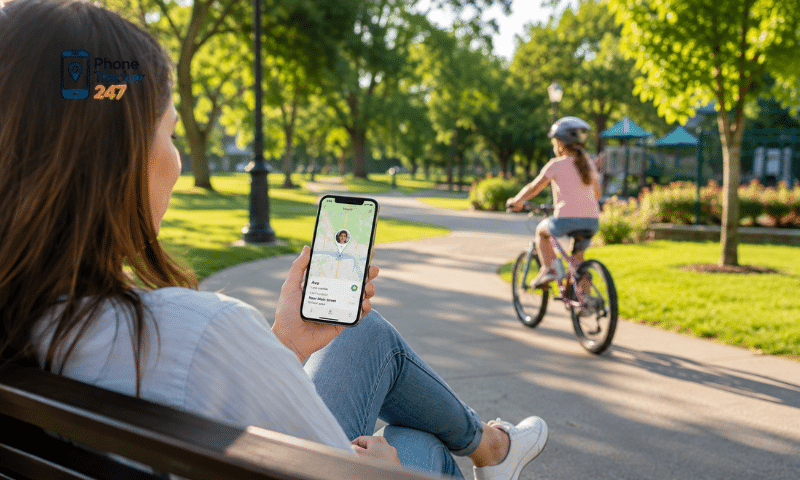
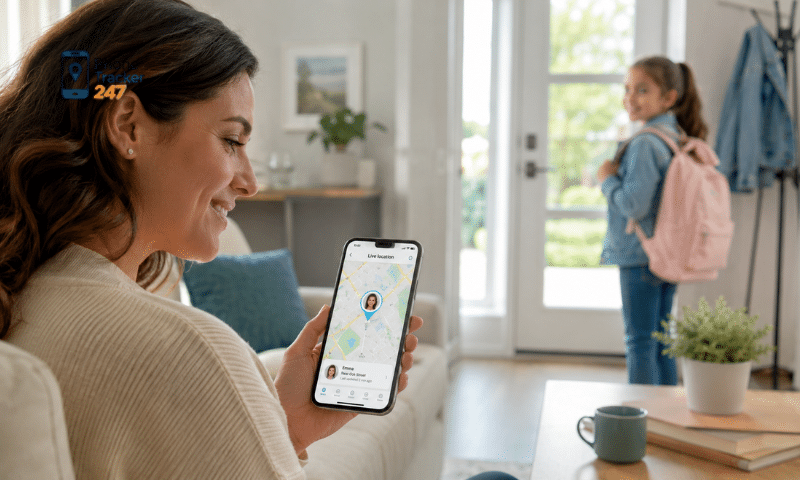
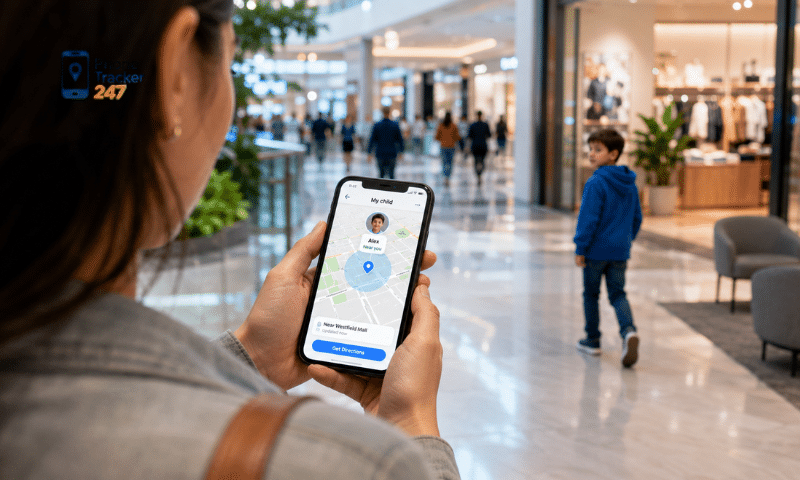
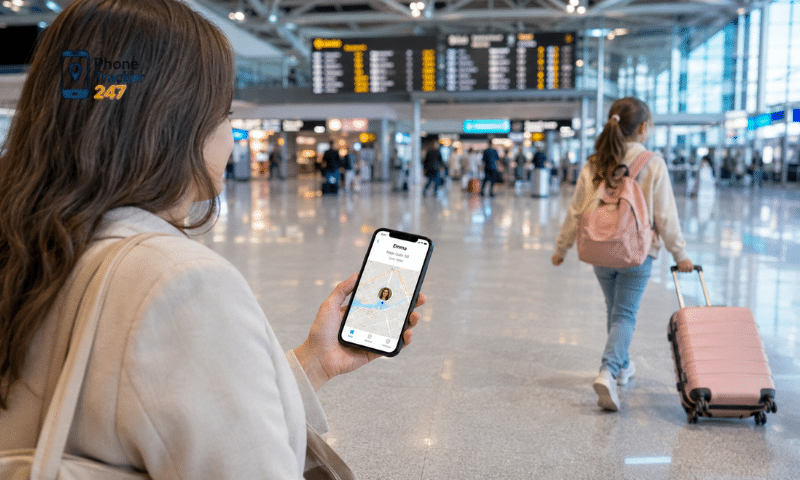
Location tracking is useful when children travel to school, attend activities, visit friends or begin moving around independently. It can confirm that they have arrived safely without requiring repeated calls.
Parents should use this feature selectively:
- Check important arrivals: View the child’s location when they are expected at school, home or another agreed destination.
- Review unusual route changes: A different route is not automatically dangerous, but a major unexplained change may justify a phone call.
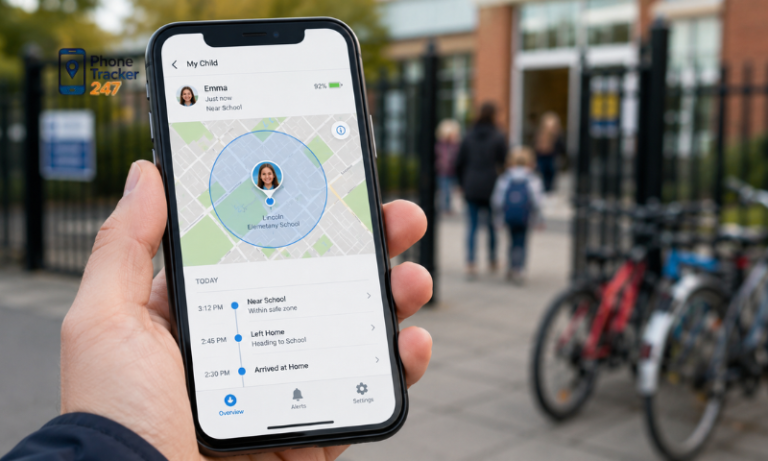
- Create relevant geofences: Set virtual boundaries around essential locations. The app can then send an alert when the phone enters or leaves those areas.
- Use location history when needed: Recent travel records can help when a child is late, loses the phone or cannot explain their last known location.
Screen Time and Device Usage Patterns
Screen time reports show more than the total number of hours spent on a phone. They can reveal when and how device use interferes with sleep, schoolwork, physical activity or family routines.
Useful information includes:
- Daily usage time: Compare phone use across several days instead of reacting to one unusually active day.
- Nighttime activity: Regular phone use late at night may affect sleep and concentration the following morning.
- Activity during school: Frequent entertainment or social media use during lessons may indicate that existing rules are not working.
- Sudden behavioral changes: A sharp increase in usage, repeated late-night sessions or frequent switching between accounts may require a conversation.
See more: App to Track Kids Phone: Location, Screen Time, and Safety
Installed Apps and Social Media Activity
New apps can expose children to strangers, unrestricted content, hidden purchases or excessive data collection. Parents should know which platforms are installed and whether they are appropriate for the child’s age.
Pay attention to:
- Recently installed applications: Review the developer, age rating, privacy policy and required permissions before allowing continued use.
- Social and messaging platforms: Check who can contact the child, view their profile or access their location.
- Apps requesting excessive access: A basic game usually should not need access to contacts, precise location, microphone and photo storage.
- Hidden or disguised apps: Calculator vaults, private browsers and duplicate messaging apps may be used to conceal files or conversations.
Calls, Messages and Unknown Contacts
Communication monitoring should focus on risk indicators rather than reading every conversation. Children, especially teenagers, need space to speak with friends and develop age-appropriate independence.
Potential warning signs include:
- Repeated calls from unknown numbers: Several calls from the same unfamiliar number may be spam, harassment or unwanted contact.
- Messages at unusual times: Frequent late-night communication can affect sleep or indicate pressure from another person.
- Requests for private information: Children should never send their address, school details, passwords, payment information or intimate images.
- Attempts to move conversations elsewhere: A stranger who asks a child to switch to an encrypted platform or keep the conversation secret requires attention.
Browsing History and Inappropriate Content
Browsing reports can help parents recognize exposure to harmful websites. The goal is not to judge every search, because children often explore sensitive topics out of curiosity or seek information they are uncomfortable discussing.
Parents should look for patterns involving:
- Age-inappropriate material: Repeated access to explicit, violent or exploitative content may require stronger filters and guidance.
- Dangerous challenges: Some websites or videos encourage risky experiments, substance use, self-harm or other unsafe behavior.
- Scam and malware websites: Pages offering free game currency, prizes or downloads may collect passwords or install harmful software.
- Content connected to emotional distress: Searches involving self-harm, suicide or severe bullying should be addressed seriously and supportively.
Privacy, Purchases and Account Security
Children may understand how to use an app without recognizing how much personal information it collects. A Kids Phone Tracker App can help parents identify risky settings and unapproved transactions.
Important areas include:
- Personal information sharing: Check whether public profiles reveal the child’s full name, birthday, school, home address or current location.
- Account protection: Encourage unique passwords, multi-factor authentication and recovery information that the family can access when necessary.
- In-app purchases: Monitor transactions and require approval before games or apps can charge a saved payment method.
- Unrecognized login activity: New devices, password reset emails and unexpected security alerts may indicate that an account has been compromised.
How Monitoring Should Change With Your Child’s Age
The level of supervision should reflect the child’s maturity, experience and ability to respond to risks. Controls can gradually decrease as the child demonstrates responsible behavior.
| Age group | Recommended monitoring | Appropriate privacy level |
| Younger children | Location, contacts, downloads, content filters and screen time | Close supervision with simple explanations |
| Preteens | Location, new apps, usage patterns and safety alerts | Shared rules and regular reviews |
| Teenagers | Serious risk alerts, agreed location sharing and unusual activity | Greater privacy and fewer routine checks |
How to Monitor Without Damaging Trust
Transparent monitoring is more likely to improve safety than secret surveillance. Children should understand the rules before the app is installed or new features are activated.
Parents can create a balanced agreement by following several principles:
- Explain the purpose: Tell the child that location or activity information will be used for safety, not as a reason to punish every mistake.
- Define what is monitored: Specify whether parents can see location, app time, browsing domains, calls or messages.
- Set review conditions: Agree that private content will only be checked when there is a credible safety concern.
- Limit data retention: Delete old location and activity records when they are no longer useful.
- Reward responsible behavior: Reduce restrictions when the child follows family rules, communicates openly and handles online problems appropriately.
What to Look for in a Kids Phone Tracker App
A suitable app should provide enough information to improve safety without collecting unnecessary data. Parents should review the following criteria before installation.
| Criterion | What parents should check |
| Safety features | Location history, geofences, usage reports and relevant alerts |
| Ease of use | Straightforward installation and a clear monitoring dashboard |
| Data security | Encrypted connections and controlled account access |
| Compatibility | Support for the child’s phone and operating system |
| Privacy controls | Adjustable permissions, retention settings and transparent policies |
| Customer support | Accessible assistance for setup and technical problems |
PhoneTracker247 combines several parental monitoring functions in one dashboard. Its available tools include phone location, call and SMS information, browsing history and app activity reports.
Parents who mainly need physical safety information can use its live phone location tracking features to review recent locations and set geofence alerts. Those concerned about digital habits can use browsing and application reports to identify frequently visited domains, installed apps and usage duration.
Only activate functions that match a defined family need. Parents should install the app on devices they own or are authorized to manage, explain the setup to their children and comply with applicable privacy laws.
Use Phone Monitoring as a Safety Tool, Not a Substitute for Parenting
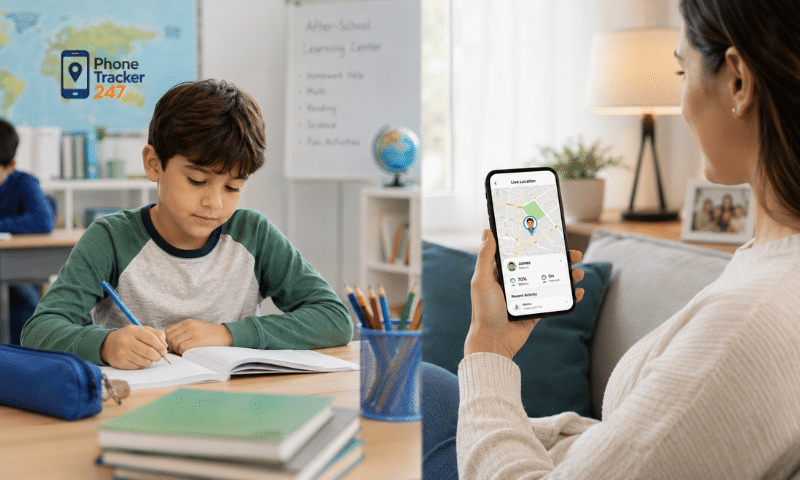
A Kids Phone Tracker App can help parents monitor location, screen time, installed apps, online contacts, browsing risks and account security. However, more data does not always provide better protection. The most effective approach is to focus on meaningful warning signs, discuss concerns calmly and reduce supervision as the child becomes more responsible.
Explore PhoneTracker247 to select the monitoring features that fit your family. Set clear rules with your child before activation, review only the information needed for safety and use every alert as a starting point for conversation—not automatic punishment.
Frequently Asked Questions (FAQs)
1. What is a kids phone tracker app?
A parental app that tracks a child’s location and device activity.
2. Can I track my child’s phone in real time?
Yes. It provides live GPS location updates.
3. Does it show location history?
Yes. You can review recent travel history.
4. Can I set safe zones?
Yes. Geofencing sends entry and exit alerts.
5. Can I monitor screen time?
Yes. Many apps include screen time reports.
6. Does it work on Android?
Yes. It supports most Android devices.
7. Can I track multiple children?
Yes. One account can manage multiple devices.
8. Is it safe and legal?
Yes, when used by parents or guardians with appropriate authorization.
9. Does it require internet?
Yes. GPS and an internet connection are required.
10. Why use a kids phone tracker app?
To improve child safety and give parents peace of mind.