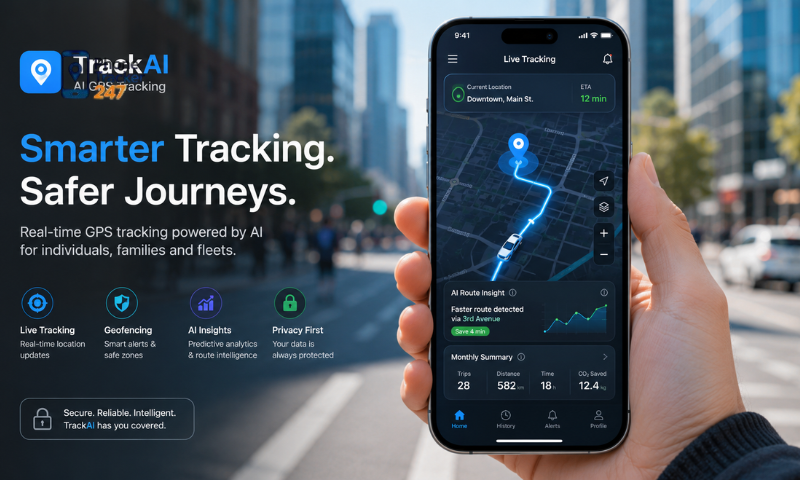
GPS tracking apps for mobile phones are becoming increasingly popular among users who want to track locations, manage devices, and enhance safety for their families or businesses. However, each app offers different features, advantages, and levels of suitability. In this article, Phonetrack247 will explore the key features you should compare when choosing a GPS tracking app for mobile phones, helping you find the solution that best meets your needs.
Contents
Why Use a GPS Tracking App for Mobile Phones?
A GPS tracking app allows users to monitor the real-time or historical location of a mobile device through GPS, Wi-Fi, or mobile network data. Depending on the application, it may also include features such as route history, geofencing alerts, emergency notifications, and device status updates.
These tools can help individuals protect family members, locate missing phones, and respond more quickly in unexpected situations. For businesses, GPS tracking apps can also improve workforce coordination and make it easier to manage company-owned devices.
Common reasons for using a GPS tracking app include:
- Monitoring children’s locations: Parents can check whether their children have arrived at school, returned home, or reached another location safely.
- Locating family members: Real-time location sharing can be useful during travel, emergencies, or when visiting unfamiliar places.
- Tracking company-owned devices: Businesses can monitor smartphones assigned to field workers, delivery staff, or sales teams.
- Finding lost or stolen phones: Users may be able to view the current or last known location of a missing device.
- Reviewing location history: The app can show previously visited places, travel routes, and movement patterns.
- Receiving geofencing alerts: Notifications can be sent when a device enters or leaves a selected area.
- Supporting field team management: Location data can help businesses coordinate tasks, plan routes, and improve response times.
- Improving personal safety: Some apps offer SOS alerts or location-sharing options for trusted contacts.
- Managing multiple devices: Families and organizations can monitor several devices through one account or dashboard.
As smartphones become increasingly important in everyday life, GPS tracking apps provide a practical solution for both personal and business use. Before choosing an app, users should compare tracking accuracy, privacy settings, device compatibility, pricing, and consent requirements.
Key Features to Compare in a GPS Tracking App
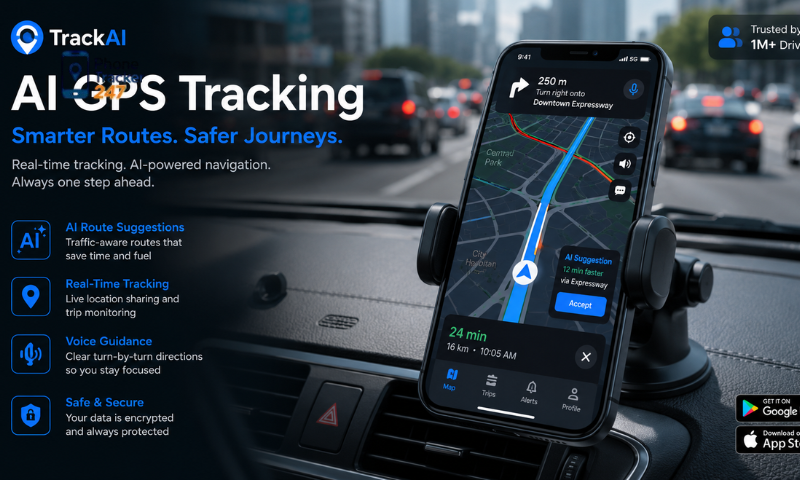
When comparing GPS tracking apps, location accuracy should not be the only consideration. A reliable application should also provide strong security, stable performance, useful alerts, and practical device management tools. Reviewing the following features can help users choose a solution that matches their personal or business needs.
Real-Time Location Tracking
Real-time location tracking allows users to view the current position of a mobile device whenever necessary. The quality of this feature often depends on update speed, positioning accuracy, and connection stability.
Important features to consider include:
- Accurate GPS positioning.
- Fast and frequent location updates.
- Clear and interactive map displays.
- Compatibility with different operating systems.
- Stable performance across various environments.
Reliable real-time tracking is especially valuable for monitoring family members, employees, or company-owned devices.
Location History
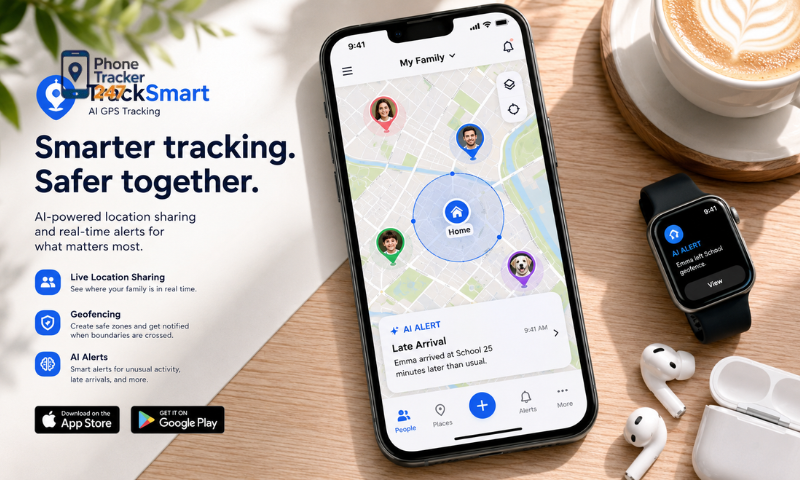
Location history stores records of the places a device has visited over a selected period. This information can help users understand travel patterns and review past activity when needed.
Key benefits include:
- Reviewing previous travel routes.
- Monitoring daily routines and movement patterns.
- Checking arrival and departure times.
- Identifying frequently visited locations.
- Supporting incident reviews or internal investigations.
This feature is useful for parents, organizations, and businesses that need access to historical location records.
See more: Phone Location Tracker App: Live Location, History, and Alerts
Geofencing Alerts
Geofencing allows users to create virtual boundaries around selected locations on a map. The app can then send notifications whenever the tracked device enters or leaves one of these areas.
Common uses include:
- Receiving alerts when a child arrives at school.
- Monitoring when a family member leaves home.
- Checking employee arrivals at the workplace.
- Creating notifications for restricted areas.
- Tracking movement within designated work zones.
Geofencing helps users stay informed without checking the device location manually throughout the day.
Battery and Performance Optimization
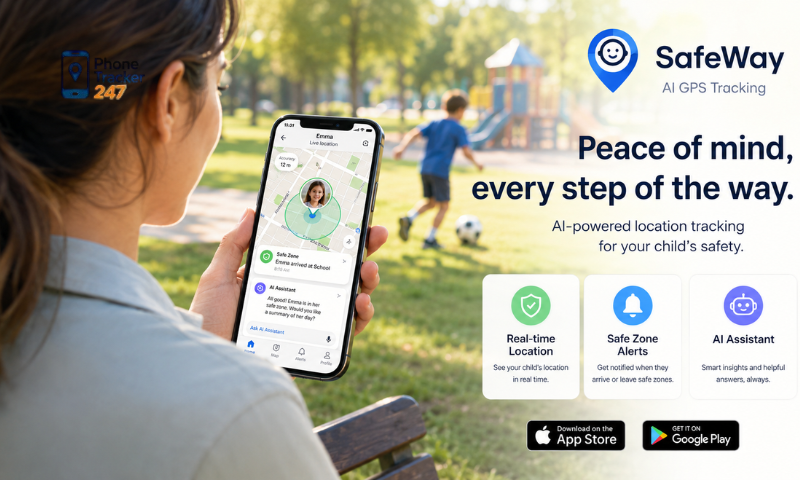
Continuous GPS tracking can consume significant battery power if the application is not properly optimized. A well-designed app should maintain accurate tracking while minimizing its effect on device performance.
Important considerations include:
- Low battery consumption.
- Efficient use of GPS and network services.
- Reliable background operation.
- Minimal impact on device speed.
- Stable performance during long-term use.
Good optimization allows the app to provide continuous location updates without making the device difficult to use.
Privacy and Data Security
Location data is highly sensitive and should be protected against unauthorized access. Before selecting an app, users should review how it stores, processes, and secures personal information.
Look for security features such as:
- Strong data encryption.
- Secure and protected user accounts.
- Permission-based access controls.
- Regular software and security updates.
- Compliance with relevant privacy requirements.
Strong privacy and security measures help ensure that location information remains accessible only to authorized users.
How to Choose the Right GPS Tracking App for Your Needs
Choosing the right GPS tracking app depends on your intended purpose, the devices you use, and the level of monitoring you require. Rather than selecting an app based only on price, it is important to compare its features, compatibility, usability, and customer support.
Identify Your Purpose
Different users have different tracking needs, so the first step is to determine how the app will be used. A solution designed for one purpose may not be suitable for another.
Common use cases include:
- Parents monitoring children for added safety.
- Businesses tracking employees or company-owned devices.
- Individuals locating lost or misplaced phones.
- Caregivers checking the location of elderly family members.
- Organizations managing several mobile devices.
Choosing an app that matches your primary use case can provide more relevant features and better overall results.
Compare Available Features
Pricing is important, but the available feature set often determines the app’s long-term value. Users should compare both basic tracking functions and additional management tools.
Key features to review include:
- Real-time location accuracy.
- Detailed location history.
- Geofencing and automatic alerts.
- Ease of use and dashboard design.
- Reports and activity records.
- Support for multiple devices.
- Emergency or location-sharing functions.
A more complete feature set can make the app more useful as your personal or business needs change.
See more: Phone Apps to Track Location: How Real-Time GPS Works
Check Device Compatibility
Before installing a GPS tracking app, confirm that it works with the devices and operating systems you plan to monitor. Compatibility issues may affect installation, performance, or access to certain features.
Important compatibility factors include:
- Support for Android devices.
- Support for iPhones and iOS.
- Compatibility with current operating system versions.
- Ability to manage multiple devices.
- Access through mobile apps or web dashboards.
Verifying compatibility in advance helps ensure a smoother setup and more reliable user experience.
Consider Customer Support
Reliable customer support can be valuable when users need help with installation, account settings, or technical issues. A responsive provider can reduce delays and make the app easier to manage.
Look for support options such as:
- Clear setup guides and documentation.
- Email, chat, or live technical support.
- Regular software and compatibility updates.
- Troubleshooting resources.
- Responsive customer service.
Strong technical support contributes to a more dependable and convenient GPS tracking experience.
Why Many Users Choose iKeyMonitor for GPS Tracking
Among the available GPS tracking solutions, iKeyMonitor is chosen by many parents and organizations because it combines location tracking with a broader range of device monitoring features. This makes it suitable for users who want more than a basic tool for checking a phone’s location.
In addition to GPS tracking, iKeyMonitor provides several features designed to help users manage devices, review location activity, and improve safety.
Key advantages include:
- Real-time GPS tracking: Users can view the current location of a monitored device.
- Detailed location history: Previous locations and movement records can be reviewed when needed.
- Geofencing notifications: Alerts can be generated when a device enters or leaves a predefined area.
- User-friendly dashboard: Monitoring information can be accessed and managed through a clear interface.
- Multiple-device support: Users can manage more than one connected device from a single account.
- Reliable performance: The app is designed to operate across different locations and usage environments.
- Regular improvements: Updates may introduce new features, performance enhancements, and compatibility improvements.
With its intuitive interface and comprehensive monitoring capabilities, iKeyMonitor can be a practical option for parents and organizations that require additional device management features alongside GPS location tracking.
Conclusion
Choosing the right GPS Tracking App for Mobile Phones requires careful comparison of features such as real-time tracking, location history, geofencing, battery efficiency, and data security. By evaluating these factors, users can select a solution that matches their personal or business requirements.
If you’re looking for a reliable GPS tracking solution with advanced monitoring capabilities, iKeyMonitor offers a comprehensive platform designed to improve device management, enhance safety, and provide accurate location information whenever you need it.
Frequently Asked Questions (FAQs)
1. What is a GPS tracking app for mobile phones?
An app that tracks a phone’s GPS location in real time.
2. How does a GPS tracking app work?
It uses GPS, Wi-Fi, and cellular networks to locate a device.
3. Can I track a phone live?
Yes. Most apps provide real-time location updates.
4. Does it show location history?
Yes. Many apps save previous locations and routes.
5. Can I create geofencing alerts?
Yes. You’ll receive alerts when a device enters or leaves a safe zone.
6. Does it work on Android and iPhone?
Yes. Most GPS tracking apps support both platforms.
7. Can I track multiple devices?
Yes. One account can manage multiple devices.
8. Is it legal to track a mobile phone?
Yes, if you own the device or have the user’s consent.
9. Does it require internet access?
Yes. GPS and an internet connection are required.
10. Why use a GPS tracking app?
To improve safety, locate lost phones, and stay connected with family.