In the digital technology era, tracking phone apps are becoming increasingly popular as a solution to help monitor devices, manage safety, and protect personal data. However, these apps need to be used properly to ensure effectiveness while complying with privacy regulations. In the article below, PhoneTracker247 will provide a detailed guide on how to install a tracking phone app, its important features, and key security principles to keep in mind when using it.
Common Features of Tracking Phone Apps Today
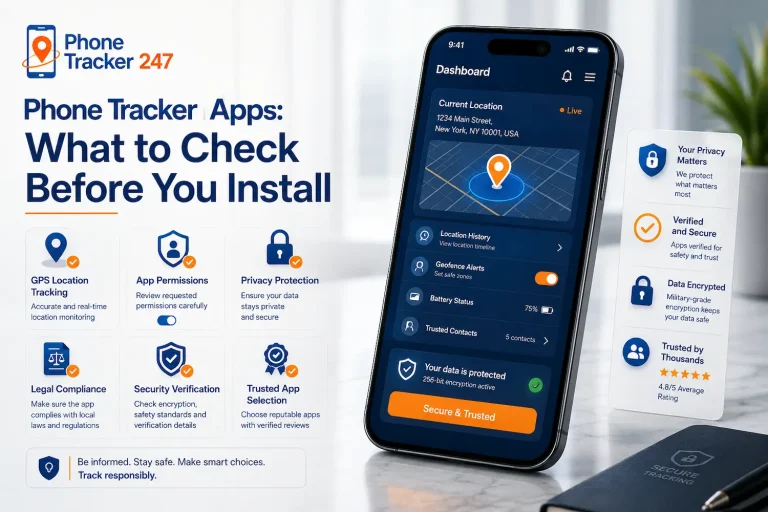
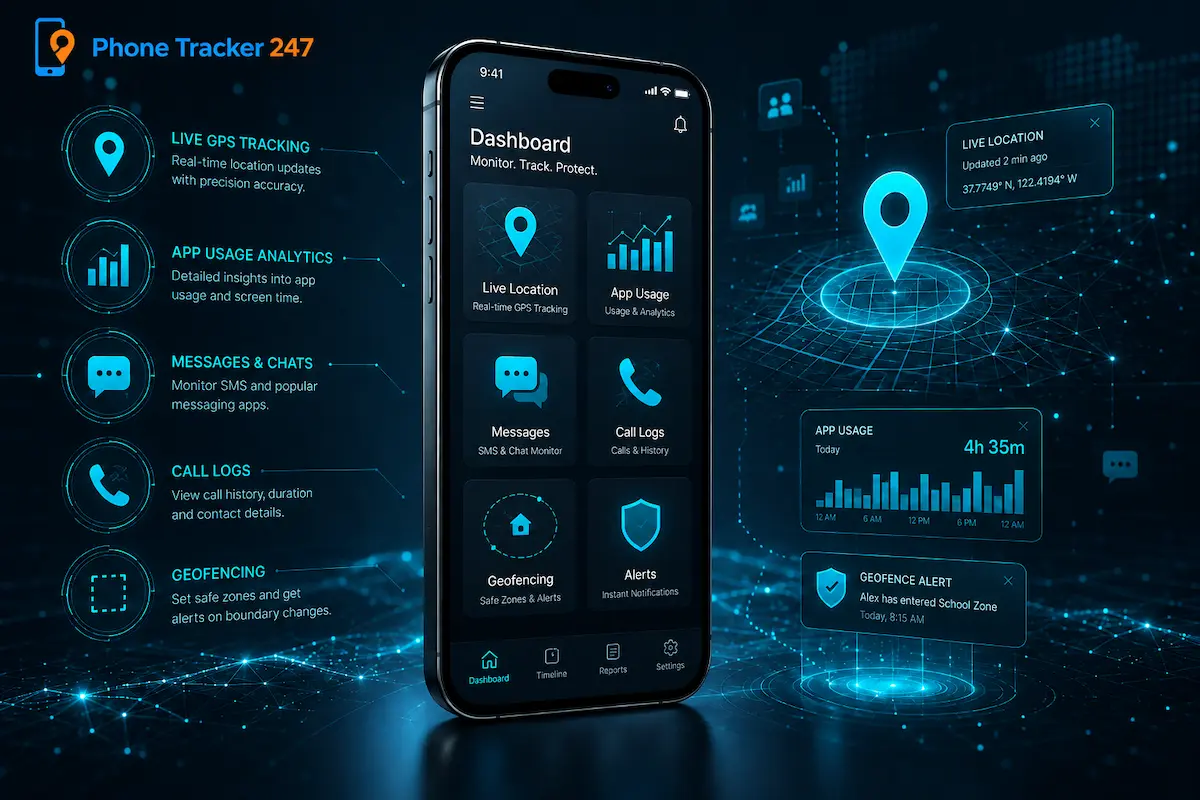
Modern tracking phone apps provide many features that help users monitor device activity, improve safety, and manage digital usage more effectively. Depending on the purpose, these apps can support parental control, business device management, or personal phone security.
Real-Time Location Tracking
Real-time location tracking is one of the most important features of tracking phone apps, helping users know where a device is at a specific moment.
- View device location on a map – Users can check the current location of the tracked device directly through the app.
- Support safety monitoring – This feature is useful for parents, families, or businesses that need to ensure device and user safety.
- Assist with device recovery – If a phone is lost, real-time tracking can help locate it more quickly.
This feature helps users stay informed and respond faster in urgent situations.
Location History
Location history allows users to review where a device has been over a certain period.
- Track past movements – Users can see previous locations and travel routes.
- Review activity patterns – This helps understand common routes or places frequently visited.
- Support safety checks – Parents or managers can use location history to confirm whether movement patterns are normal.
Location history provides useful context beyond current location tracking.
Geofencing Alerts
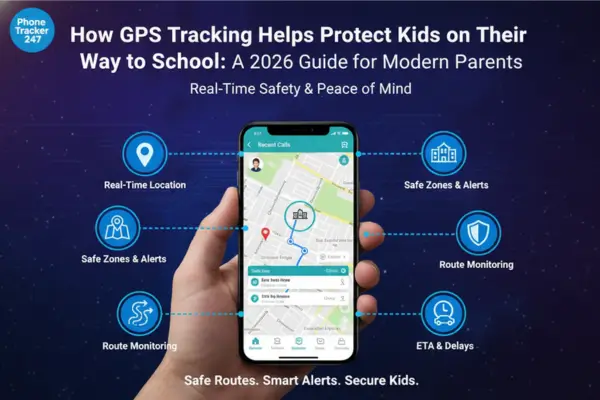
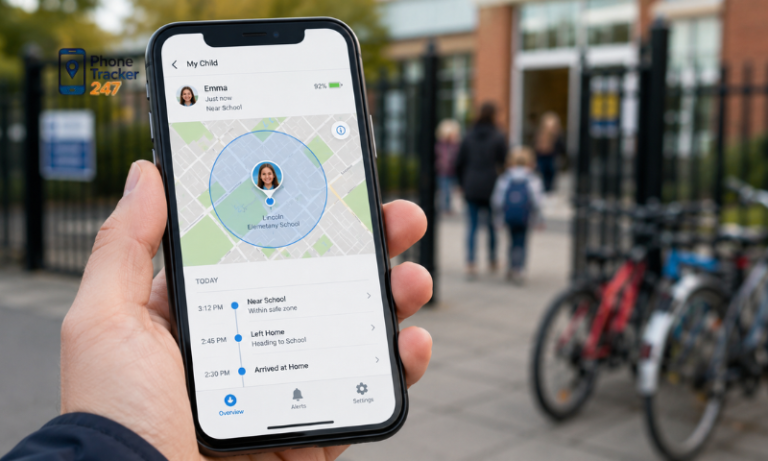
Geofencing alerts notify users when a device enters or leaves a selected area.
- Create safe zones – Users can set areas such as home, school, workplace, or office.
- Receive instant notifications – The app sends alerts when the device moves in or out of these zones.
- Improve safety control – This is helpful for monitoring children, employees, or personal devices.
Geofencing makes tracking more proactive and reduces the need for constant manual checking.
App Usage Monitoring
App usage monitoring shows which apps are being used and how much time is spent on them.
- Understand digital habits – Users can see which apps are used most often.
- Manage screen time – This feature helps identify overuse of games, social media, or entertainment apps.
- Support better device control – Parents or managers can adjust usage rules based on real data.
App usage monitoring helps create healthier and more balanced digital habits.
See more: Phone App Tracker vs Phone Tracker App: Key Differences Explained
Call and Message Logs
Some tracking phone apps provide basic insights into communication activity, depending on device permissions and legal requirements.
- View basic communication activity – Users may see call history or message activity where allowed.
- Support safety awareness – This can help parents understand communication patterns.
- Require proper consent – This feature should only be used legally and transparently.
Because this feature involves private data, it must always be used with care and respect for privacy laws.
Device Activity Reports
Device activity reports summarize overall phone usage patterns in a clear and organized way.
- Provide usage summaries – Reports show screen time, app activity, location data, or other key behaviors.
- Help identify unusual activity – Users can notice changes in usage patterns more easily.
- Support better decision-making – Reports help parents, businesses, or individuals adjust settings and rules effectively.
With these features, tracking phone apps can support safer, more responsible, and more efficient device management.
How to Install a Tracking Phone App on Your Mobile
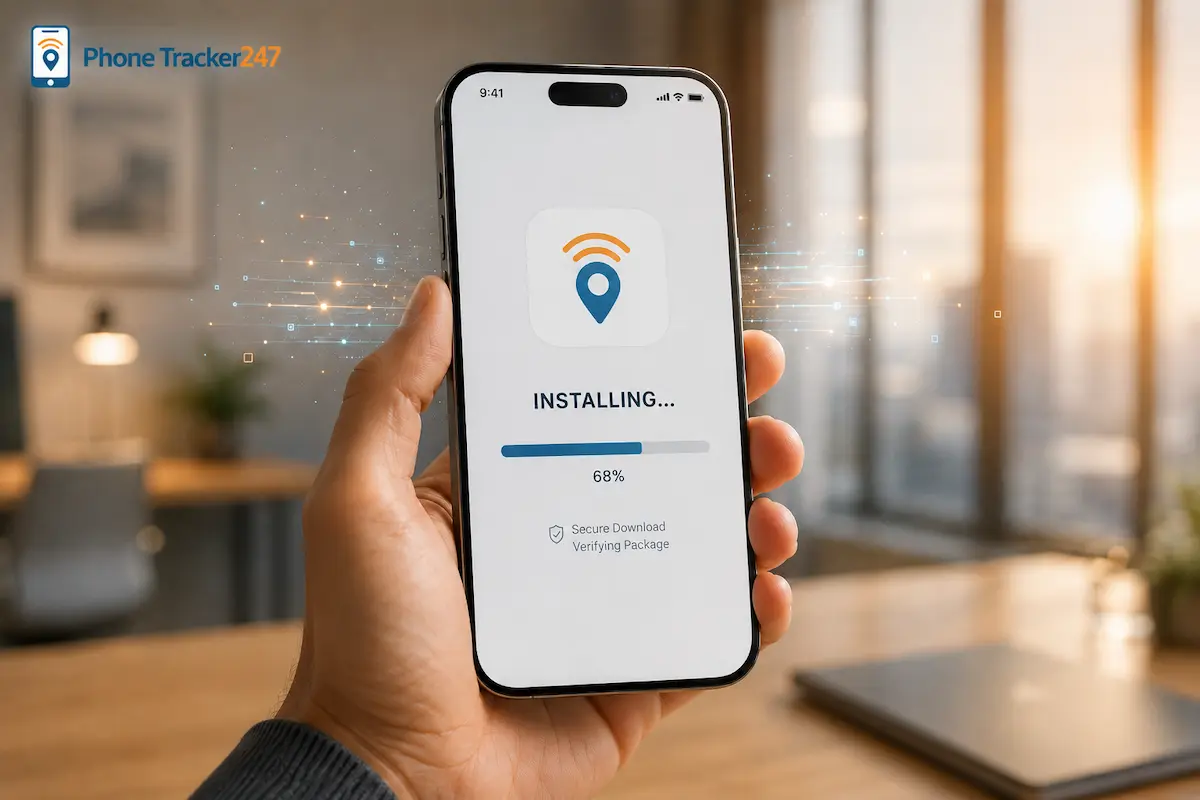
Installing a tracking phone app is usually simple, but the process may vary slightly depending on whether you use iOS or Android. To ensure safety and proper performance, users should choose a trusted app, grant only necessary permissions, and configure privacy settings carefully.
Step 1: Choose a Reliable App
Before installing any tracking phone app, it is important to select a trusted solution from official sources.
- Download from official stores – Use the App Store or Google Play to reduce the risk of unsafe or fake apps.
- Check app credibility – Review ratings, descriptions, privacy policies, and developer information before downloading.
- Avoid unknown sources – Do not install apps from suspicious websites or unofficial links.
Choosing a reliable app helps protect your device, personal data, and tracking accuracy from the beginning.
Step 2: Install the Application
After choosing the app, follow the installation steps shown on your mobile device.
- Follow setup instructions – Complete the installation process according to the app’s guide.
- Grant necessary permissions – Allow access to location, notifications, and background activity only when needed for the app to function.
- Review permission requests – Avoid granting unnecessary access that is not related to tracking or security.
Proper installation ensures the app can work correctly without creating unnecessary privacy risks.
Step 3: Create an Account
Most tracking phone apps require an account to manage devices and access tracking features.
- Sign up with accurate information – Use a valid email or phone number to create and verify your account.
- Link devices securely – Add the devices you want to manage under the same account.
- Use a strong password – Protect the account with a secure password to prevent unauthorized access.
A secure account setup helps keep tracking data private and easier to manage.
Step 4: Configure Settings
Once the app is installed, adjust the settings based on your intended use and privacy needs.
- Set location preferences – Choose how often the app updates location data.
- Enable useful alerts – Turn on alerts for location changes, device movement, or security events if needed.
- Adjust privacy controls – Make sure tracking settings comply with consent and legal requirements.
Customizing settings helps the app work more effectively while respecting privacy boundaries.
Step 5: Test the System
Before using the app regularly, test its main functions to make sure everything works properly.
- Check location accuracy – Confirm that the app shows the correct device location.
- Test alerts and reports – Make sure notifications, history logs, or reports are working as expected.
- Review performance impact – Check whether the app affects battery life or device speed.
Testing the system helps ensure the tracking phone app is ready for safe, stable, and responsible use.
See more: Cell Phone Tracker App: How It Works and Who Should Use It
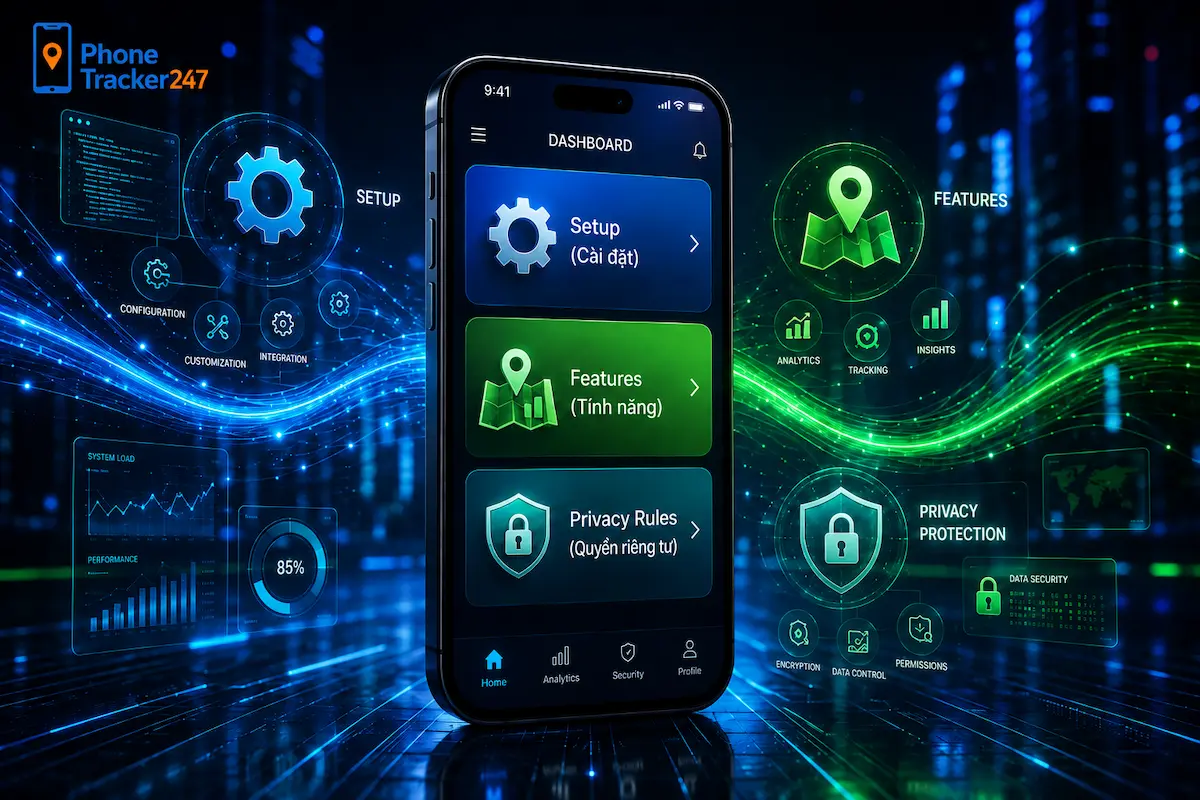
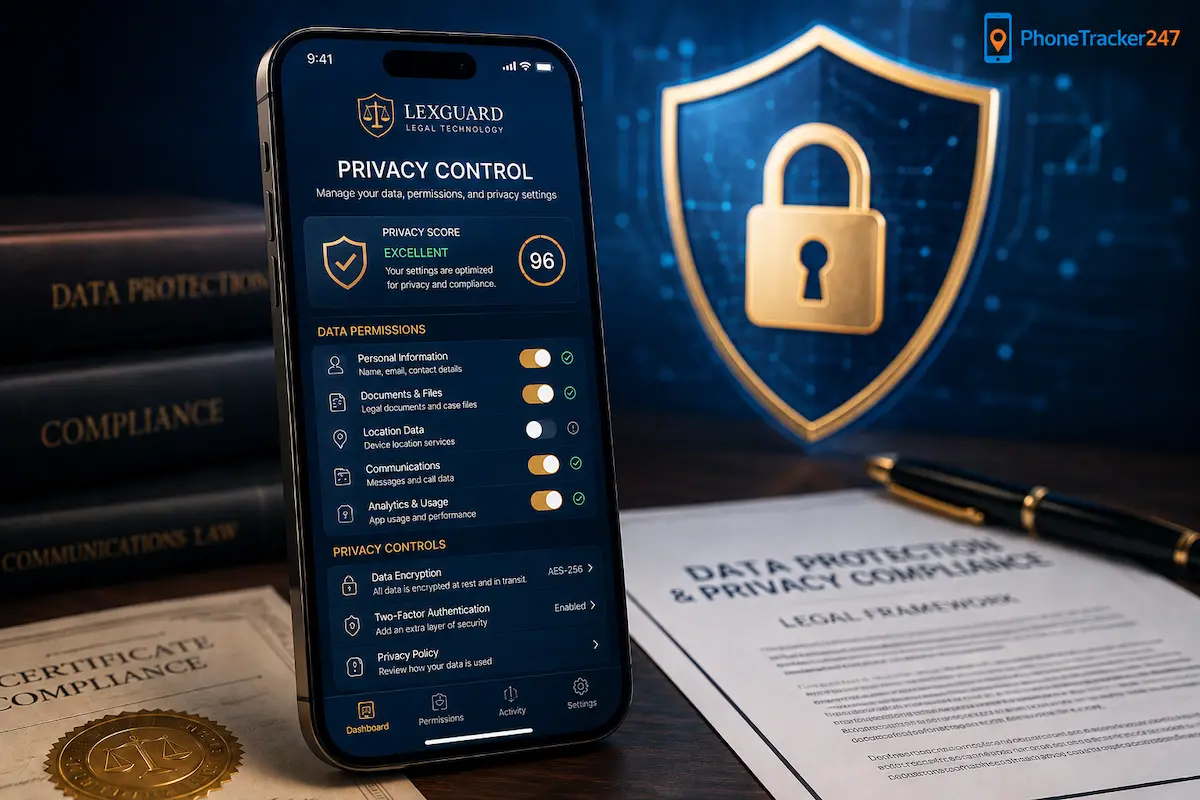
Privacy Rules When Using Tracking Phone Apps
Privacy is one of the most important factors to consider when using any tracking phone app. To use tracking technology responsibly, users need to ensure that all monitoring activities are ethical, transparent, and compliant with the law.
Key privacy considerations include:
- Obtain proper consent – Always get permission from the person being tracked when required by law.
- Avoid unauthorized surveillance – Tracking apps should not be used to secretly monitor someone without a valid and legal reason.
- Protect collected data – Use strong passwords, secure accounts, and privacy settings to prevent unauthorized access.
- Follow local regulations – Different regions may have different rules regarding digital monitoring and personal data protection.
- Use tracking for legitimate purposes – Tracking features should be used for safety, parental guidance, business device management, or device recovery.
Respecting privacy rules helps ensure that tracking phone apps are used safely, responsibly, and legally.
How to Choose a Tracking Phone App That Fits Your Needs
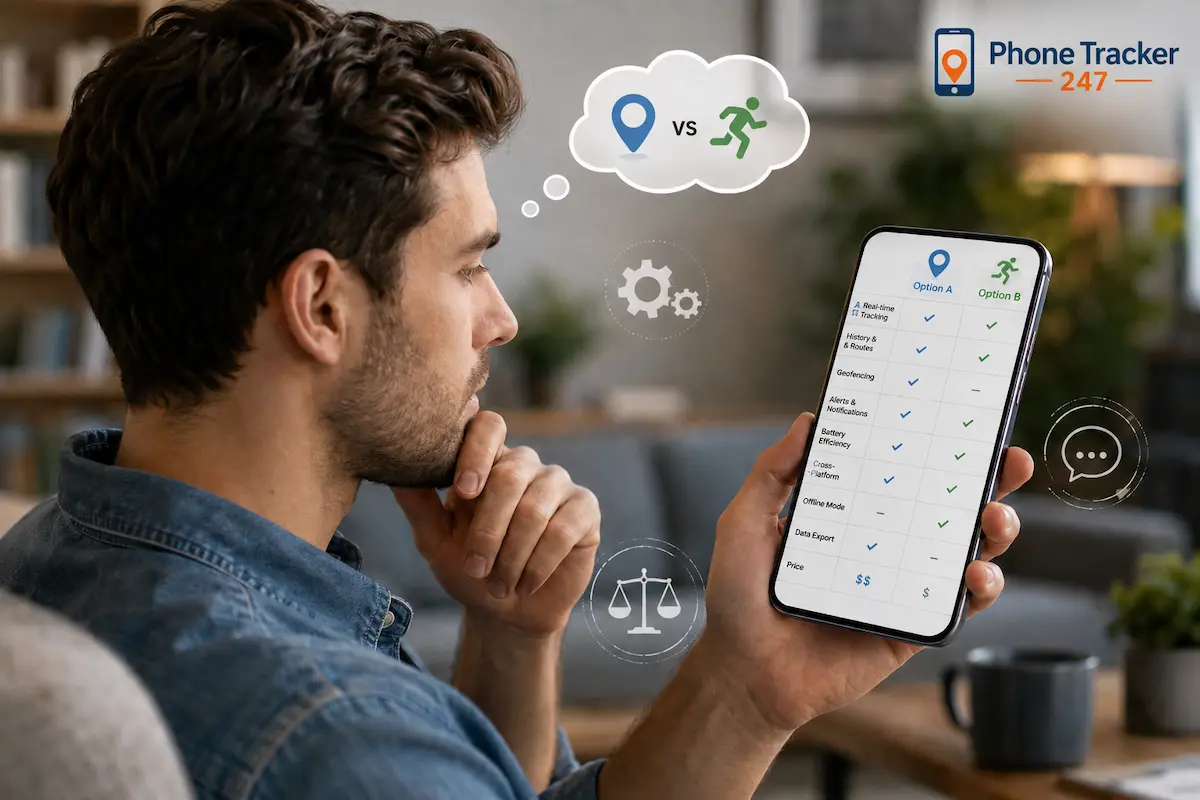
Selecting the right tracking phone app depends on your specific goals, device usage, and privacy expectations. A suitable app should provide the features you need while ensuring data protection and ease of use.
Some key use cases include:
- For parental control – Choose apps with strong content filtering, screen time management, and activity monitoring features to help protect children online.
- For business use – Look for multi-device management, usage reports, and location tracking tools to support team coordination and device security.
- For personal security – Prioritize real-time location tracking, lost phone detection, and anti-theft features to protect your device and personal data.
Other important factors to consider include:
- Ease of use – The app should have a clear interface and simple setup process.
- Battery efficiency – A good app should track effectively without draining the device battery too quickly.
- Data security – Prioritize apps with encryption and clear privacy policies.
- Subscription cost – Compare pricing plans to choose an option that fits your budget.
A well-balanced tracking phone app should offer useful features, stable performance, and strong privacy protection.
Conclusion
Tracking phone apps provide powerful tools for monitoring and securing mobile devices, but they must be used responsibly and within legal boundaries. Understanding how they work, how to install them, and how to respect privacy rules is essential for safe and effective usage.
If you are looking for a reliable solution, choose a tracking phone app that balances functionality, security, and user privacy to ensure the best overall experience for your needs.
For daily updates, subscribe to PhoneTracker’s blog!
We may also be found on Facebook!
FAQs
1. What is a tracking phone app?
A tracking phone app helps monitor a phone’s location and activity.
2. How do you set up a tracking phone app?
Install the app, allow permissions, connect the device, and open the dashboard.
3. What permissions are needed?
Common permissions include location, notifications, device access, and activity data.
4. Can it track real-time location?
Yes, many tracking phone apps provide live GPS location updates.
5. Does it show location history?
Yes, some apps show routes, visited places, and movement history.
6. What features should I look for?
Look for GPS tracking, geofencing, alerts, reports, privacy controls, and dashboard access.
7. Is a tracking phone app legal?
Yes, when used on your own device or with clear consent and lawful purpose.
8. Can parents use it for child safety?
Yes, parents can use it responsibly to help protect children.
9. How can users protect privacy?
Use consent, secure login, limited access, clear rules, and trusted apps.
10. Is PhoneTracker247 suitable for phone tracking?
Yes, PhoneTracker247 supports tracking tools, reports, privacy controls, and dashboard access.