Table of Contents
- The iOS Privacy Paradox: A Cybersecurity Overview
- Find My: The Gold Standard of Native Tracking
- Third-Party Apps: Navigating the Limits of the Walled Garden
- Digital Parenting: Balancing Monitoring and Autonomy
- Location Tracking Accuracy: From GPS to Satellite SOS
- The Stalkerware Shield: Why You Can’t Hide on iPhone
- How to Secure Your iPhone Against Unauthorized Tracking
- Frequently Asked Questions
The iOS Privacy Paradox: A Cybersecurity Overview
A phone tracker app for iPhone must operate within Apple’s strict “sandboxing” rules, which prevent apps from accessing each other’s data or hidden system files. While this ensures user privacy and prevents malicious “stealth” installation, it limits third-party apps to features explicitly authorized through the iOS Permission Controller and Apple ID.
As we move deeper into 2026, the battle between user convenience and data sovereignty has reached a fever pitch. For the average iPhone user, “tracking” is a double-edged sword. On one hand, you want to find your device if it’s stolen or ensure your child made it home from school. On the other, the idea of a clandestine phone tracker app for iPhone running in the background is a nightmare scenario.
Apple has famously built its brand on the concept of the “Walled Garden.” From a cybersecurity perspective, this means that iOS is significantly more resistant to “stalkerware” than its Android counterparts. You cannot simply download an APK from the web and hide it from the home screen. Every app must pass through the App Store’s rigorous review process, and every app must live in its own “sandbox.” If an app wants to see your location, it has to ask. If it wants to keep seeing it, iOS will periodically remind you with a map showing exactly what that app has been doing. This transparency is the core of the Apple experience.
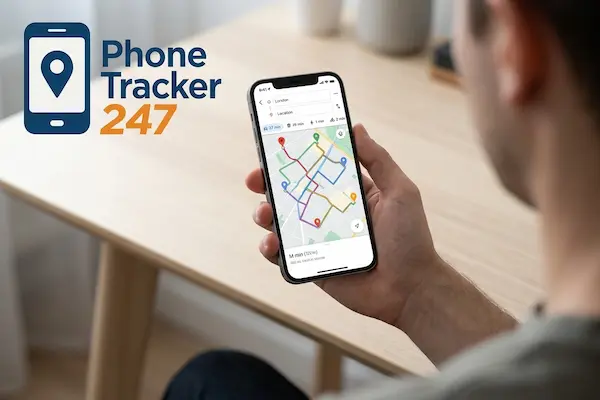
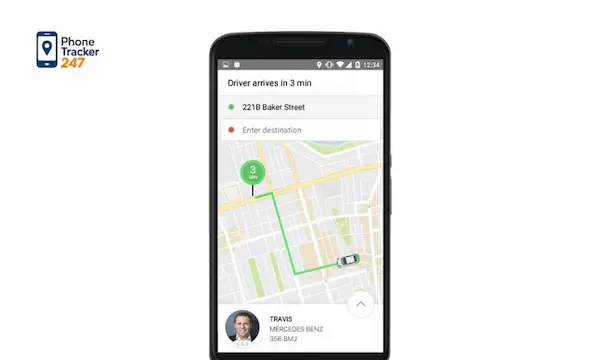
Phone tracker app for iPhone displaying real-time GPS location map on iOS device
Find My: The Gold Standard of Native Tracking
Apple’s “Find My” network remains the most powerful phone tracker app for iPhone because it is integrated at the hardware level. It uses a vast mesh network of hundreds of millions of Apple devices to locate lost phones even when they are offline or powered down, utilizing end-to-end encryption.
If you are looking for the most reliable way to monitor a device within the Apple ecosystem, the native “Find My” app is hard to beat. By 2026, this network has evolved into a global safety net. It doesn’t rely solely on your phone’s GPS or cellular connection. Instead, it uses a low-energy Bluetooth “handshake” with any nearby Apple device—be it a stranger’s iPad, a MacBook in a backpack, or even an AirTag.
This crowdsourced approach offers a level of device monitoring that third-party developers simply cannot replicate. Because the location data is encrypted with a key only your other Apple devices hold, even Apple itself cannot see where your phone is. For users at PhoneTracker247.com, we always recommend making “Find My” your primary recovery tool. It is the only tracker that survives a factory reset if “Activation Lock” is enabled, effectively turning a stolen iPhone into a high-tech paperweight for the thief.
Third-Party Apps: Navigating the Limits of the Walled Garden
Third-party apps for iPhone are legally and technically prohibited from “hiding” on the device. They cannot intercept iMessages, record calls, or access the camera without a visible indicator. These apps primarily focus on family location sharing and geofencing, relying on the user’s explicit consent and shared Apple IDs.
When you search for a phone tracker app for iPhone on the App Store, you’ll find plenty of “Family Locator” options like Life360 or mSpy. However, it is vital to understand what these apps cannot do. Unlike Android, where some apps can hide their icons or mask their names in the settings, iOS displays every installed app on the Home Screen or in the App Library. There is no such thing as a truly “invisible” app on a non-jailbroken iPhone.
Most legitimate third-party online safety tools for iPhone work by having you install the app on both the “tracker” and “target” devices. They then use Apple’s “Location Services” API to report coordinates. In 2026, Apple’s “Privacy Manifests” force these developers to disclose exactly how that data is used. If an app tries to track you too aggressively in the background, iOS will send a “Location Warning,” asking if you want to continue allowing that app to see your movements. This makes third-party apps excellent for cooperative tracking but largely useless for covert surveillance.
Phone tracker app for iPhone connecting all devices across a smart city network
Digital Parenting: Balancing Monitoring and Autonomy
Digital parenting on iOS is best managed through “Family Sharing” and “Screen Time” rather than third-party spyware. These native online safety tools allow parents to see a child’s location, approve app downloads, and set usage limits without compromising the security of the device or the child’s privacy.
In the world of digital parenting, the goal is often safety, not just surveillance. Apple’s “Screen Time” and “Family Sharing” are the most robust versions of device monitoring available to the public. They allow a parent to see which apps a child is using, who they are messaging (via communication limits), and, of course, their real-time location.
The beauty of the iOS approach is that it fosters a conversation between parent and child. Because the child can see the “Sharing Location” status at the top of their screen, it becomes a rule of the house rather than a secret spy mission. For more tips on how to set these boundaries effectively, visit our blog. We find that when children understand the why behind the tracking—such as being able to stay out later because their parents know they are safe—they are less likely to try to circumvent the system.
Location Tracking Accuracy: From GPS to Satellite SOS
Location tracking accuracy on modern iPhones is achieved through a “fused” provider: a mix of dual-frequency GPS (L1 and L5), Wi-Fi triangulation, and Bluetooth. In 2026, even without cellular service, iPhones use satellite-based “Find My” to update their location, providing a safety net in remote areas.
The precision of an iPhone’s location has improved dramatically. Older phones relied on single-band GPS, which struggled in “urban canyons” with tall buildings. Modern iPhones (from the 14 Pro onwards) use dual-frequency GPS, which filters out signal interference from buildings and trees. This means your location tracking accuracy is now often within 1–3 meters.
But what happens when you’re off the grid? This is where Apple has truly pulled ahead. The “Emergency SOS via Satellite” feature has expanded into the “Find My via Satellite” ecosystem. If a hiker goes missing in a national park with no cell towers, their iPhone can still ping a satellite to update its location on the “Find My” map. For anyone using a phone tracker app for iPhone for outdoor safety, this satellite backbone is a literal lifesaver. It ensures that “no signal” no longer means “untraceable.”
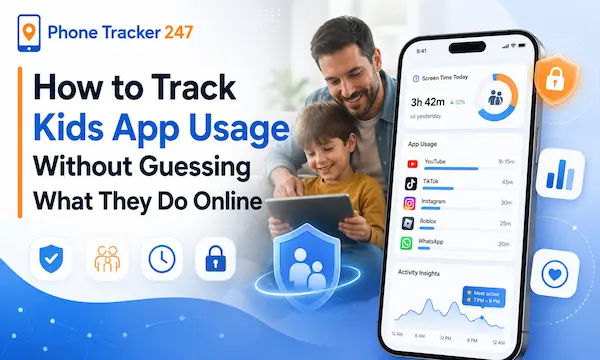
Phone tracker app for iPhone showing advanced and accurate real-time location data
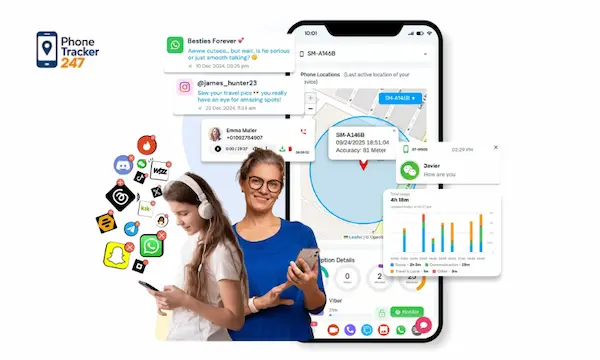
Phone tracker app for iPhone offering real-time and secure location tracking on iOS
The Stalkerware Shield: Why You Can’t Hide on iPhone
Apple has implemented aggressive anti-tracking measures, such as “Safety Check” and “Tracking Notifications,” to prevent unauthorized surveillance. If an unknown AirTag or a phone tracker app for iPhone is following you, iOS will automatically alert you via a push notification, allowing you to disable the tracker.
One of the greatest fears in the digital age is the “hidden tracker”—an AirTag slipped into a purse or a rogue app installed by a jealous partner. Apple’s response to this is the “Stalkerware Shield.” If your iPhone detects a Bluetooth tracker (like an AirTag or a Find My-compatible device) that isn’t yours moving with you over time, you will receive an alert: “Item Detected Near You.”
Furthermore, the “Safety Check” feature (found in Settings > Privacy & Security) is a cybersecurity “panic button.” With one tap, you can see exactly who has access to your location and revoke it instantly. It also allows you to sign out of iCloud on all other devices and reset your privacy permissions. This “Block” on unauthorized tracking is what makes the iPhone the preferred choice for privacy-conscious individuals. It is nearly impossible for someone to track you for long without the OS blowing their cover.
How to Secure Your iPhone Against Unauthorized Tracking
If you suspect your privacy is being compromised, follow these three essential steps to reclaim your digital sovereignty:
- Check Your Apple ID Devices: Go to Settings > [Your Name]. Scroll down to see every device signed into your account. If you see an iPad or a MacBook you don’t recognize, that device can see your location. Remove it immediately.
- Audit Location Sharing: Open the “Find My” app and tap the “People” tab. This shows everyone you are currently sharing your location with. Many people find they are still sharing their location with an ex-partner or a former coworker from years ago.
- Update Your Passcode and 2FA: Tracking an iPhone almost always requires access to the Apple ID. If someone knows your password, they can track you via iCloud.com. Change your password and ensure you have a hardware-based “Recovery Key” or “Contact” set up.
For more detailed guides on hardening your mobile security, check out PhoneTracker247.com.
Frequently Asked Questions
1. Can someone track my iPhone if I have “Location Services” turned off? While turning off Location Services stops most apps, it does not necessarily stop “Find My iPhone.” Apple uses a system-level permission that allows the device to be located in “Lost Mode” even if general location services are disabled. To be truly untraceable, the phone must be in a Faraday bag or completely dismantled.
2. Does a VPN stop a phone tracker app for iPhone? No. A VPN masks your IP address, which hides your general location from websites (e.g., making it look like you’re in London instead of New York). However, it does not affect the GPS hardware or the “Find My” system. An app with GPS permissions will still see your exact physical coordinates.
3. Is there a way to track an iPhone without them knowing? Technically, no. iOS is designed to prevent this. Any app that tracks location will trigger a system notification. The only “secret” way would be if someone had your Apple ID and password and logged into iCloud.com, but even then, Apple often sends an “Account Login” email alert.
4. What is “Precision Finding” and how does it help? Precision Finding uses the Ultra-Wideband (UWB) chip in your iPhone to lead you to an object with centimeter-level accuracy. It gives you an arrow on your screen and tells you exactly how many feet away you are. This is incredibly helpful for finding a phone lost inside a house.
5. Do I need to jailbreak my iPhone to use a tracker app? In the past, many phone tracker apps for iPhone required “jailbreaking” to work. However, in 2026, jailbreaking is nearly impossible on modern iOS versions due to “Rapid Security Responses.” Most tracker apps now use legitimate “Family Sharing” or iCloud-sync methods instead.
6. Can an app track me if I delete it? No. Once an app is deleted from an iPhone, all of its permissions are revoked, and its sandbox is wiped. It can no longer access your GPS. However, if the app was used to set up a system-level share (like Google Maps “Permanent Sharing”), you may need to go into the specific service’s settings to stop it.
7. How often does the iPhone update its location for “Find My”? It varies. If the device is moving and has a strong signal, it may update every few minutes. If it is stationary or has a low battery, it may update less frequently to conserve power. In “Lost Mode,” the frequency increases significantly to provide real-time location tracking accuracy.