Parents increasingly worry about kids’ digital safety—and they often turn to parental control tools like FamiSafe to help. With the rise of harmful content, online predators, and excessive screen time, many adults ask whether FamiSafe reviews live up to the hype and if this app really protects children without being too intrusive. In this article, we break down what FamiSafe offers, what users are saying in real FamiSafe reviews, and whether it’s worth your time and money in 2026.
What Is FamiSafe?
Before digging into user and expert FamiSafe reviews, it’s worth understanding what this app actually is and what it’s designed to do.
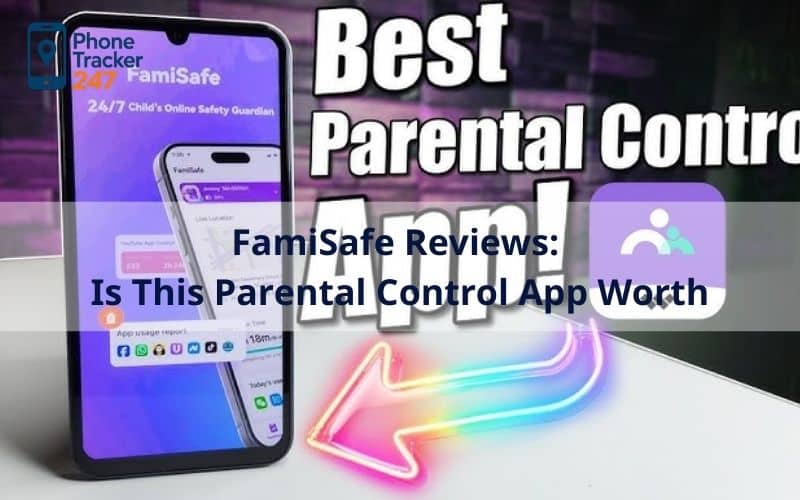
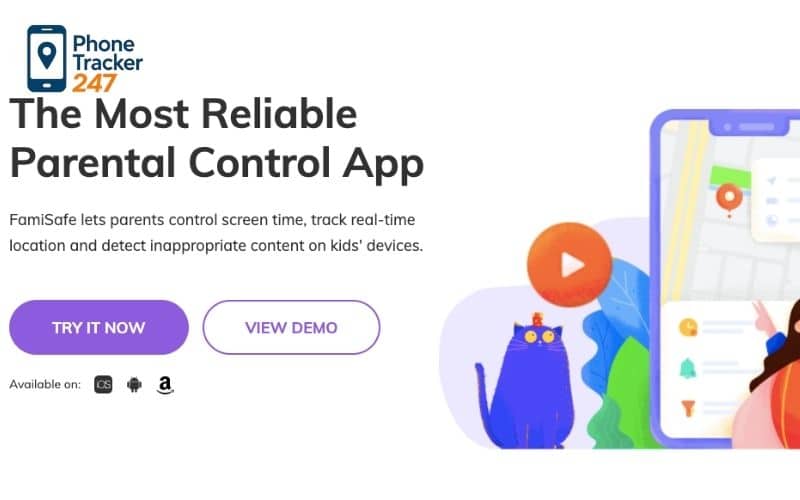
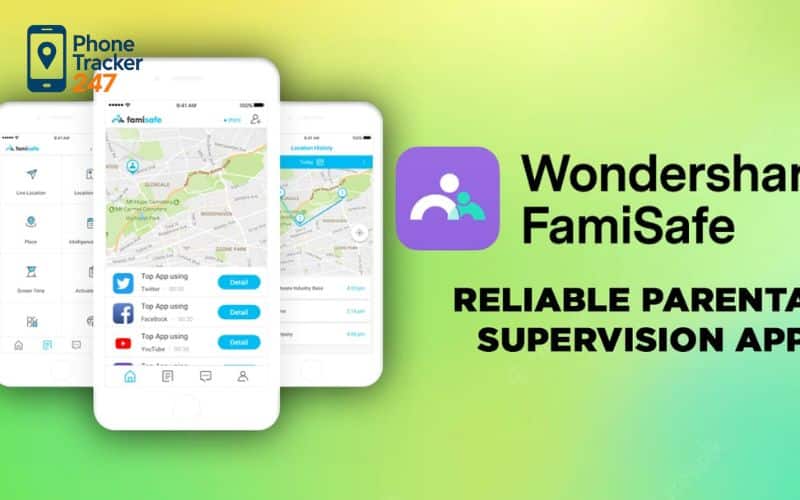
FamiSafe is a widely-used parental control app developed by Wondershare, offering tools to monitor and manage children’s phone activity across devices. It’s marketed as an all-in-one solution for digital safety, combining screen time limits, web filtering, location tracking, and social media monitoring into a single dashboard.
If your goal is everyday parenting (not surveillance), start with a family safety app mindset: routines, check-ins, and emergency alerts.
Overview of FamiSafe Parental Control App
FamiSafe provides parents with control over a child’s smartphone or tablet. This includes real-time location tracking, customizable geofencing, web content filtering, and app usage limits—all accessible through a parent device’s dashboard. While many parental control apps compete in this space, FamiSafe’s comprehensive approach has drawn both praise and criticism in recent reviews.
The app supports multiple operating systems including Android, iOS, Windows, macOS, and some Chromebook functions. This cross-platform compatibility is valuable for families with different devices but also introduces variations in feature availability between platforms.
Who Is FamiSafe Best For?
Based on aggregated user experiences seen in FamiSafe reviews, the app suits:
- Parents of younger children who want to enforce screen time limits and limit unsafe browsing.
- Families with teenage drivers because of driving behavior features and geofencing alerts.
- Households managing multiple devices, thanks to subscription plans covering several devices.
However, FamiSafe’s feature set may be overkill for families who only need basic screen time controls built into phones already (like Apple Screen Time or Google Family Link). Some users feel the app’s monitoring depth isn’t justified by its subscription cost.
Key Features Highlighted in FamiSafe Reviews
When reading detailed FamiSafe reviews, specific features come up repeatedly—both as strengths and potential weaknesses. Below, we break down the most discussed parts of the app.
Location Tracking and Geofencing
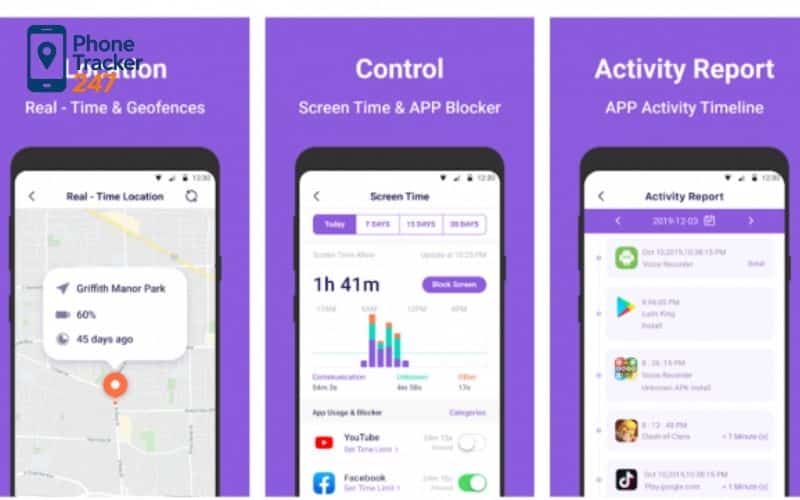
- Location tracking: FamiSafe includes real-time GPS tracking and detailed location history, helping parents see where their child has been throughout the day.
- Geofencing: You can set safe zones (geofences) and receive alerts when a child enters or leaves a designated area, such as home, school, or friends’ houses.
Many reviewers praise these location tools as accurate and valuable for peace of mind, especially for parents of teenagers learning independence. However, critics note that location tracking raises privacy concerns and may feel intrusive for older kids.
Screen Time Control and App Blocking
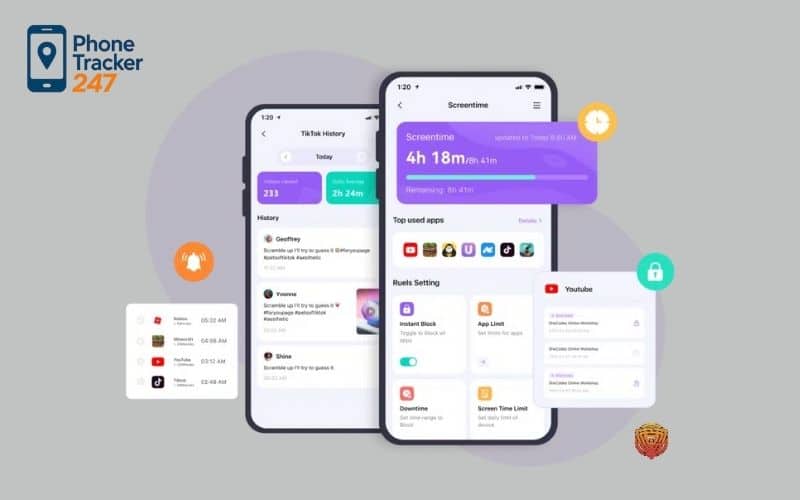
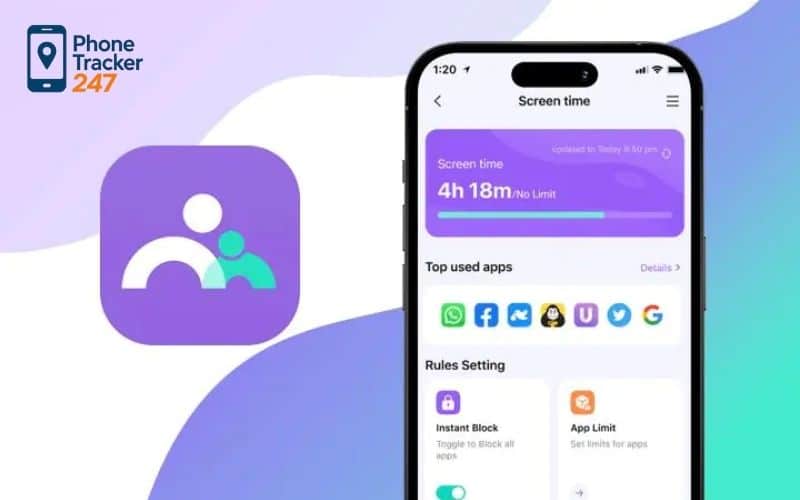
- Parents can set daily or weekly limits on screen time, with instant “lock” or “block” options when boundaries are reached.
- App blocking can restrict specific categories (e.g., games or social media) and enforce study or bedtime periods.
Screen time features are consistently highlighted in FamiSafe reviews as one of its strongest components. Users find these controls helpful for promoting healthier habits and reducing distractions. Still, some people report that tech-savvy children find workarounds or attempt to bypass restrictions—especially on certain device types.
Content Filtering and Web Monitoring
- FamiSafe offers web content filtering across major categories like adult content and unsafe sites, with tools to enforce safe search.
- Some reviews note that the filtering isn’t as sophisticated or automated as competitors using AI to scan more end-to-end content.
Parents find this feature useful but often mention it requires manual adjustments or regular oversight to remain effective, especially if children are using VPNs or alternate browsers.
While FamiSafe offers basic web filtering and limited app supervision, parents who need deeper parental controls for social media may find that specialized tools or AI-based monitoring apps provide more context-aware alerts.
FamiSafe Reviews: What Real Users Are Saying
The best insight often comes from actual users reflected in community feedback and review aggregates. Both positive and negative FamiSafe reviews help show the real-world pros and cons.
Positive FamiSafe Reviews
- Comprehensive parenting tools: Many parents appreciate that FamiSafe combines location, screen time, and web monitoring in one place, making it easier to manage multiple concerns from a single dashboard.
- Cross-platform support: Users with mixed device ecosystems (Android + iOS + PC) value the breadth of platform compatibility.
These strengths often come up in FamiSafe reviews as reasons the app is considered one of the more robust solutions for serious parental control needs.
Negative FamiSafe Reviews
- Setup challenges: Some users report confusing initial setup experiences, especially on iOS where profiles and permissions can be complex.
- Customer support frustrations: Multiple FamiSafe reviews mention unresponsive or unhelpful support during refund requests or troubleshooting.
- Feature limitations on certain devices: Because of OS restrictions, features like social media monitoring or call logging may work differently or less comprehensively on iPhones than on Android.
This mix of feedback indicates that while many parents find value in FamiSafe, others feel it falls short in execution or customer experience, especially considering the subscription cost.
Is FamiSafe Safe and Legit?
Concerns about safety, privacy, and legitimacy often arise in FamiSafe reviews, especially since parental control software involves access to children’s personal data.
Privacy and Data Security
FamiSafe follows enterprise-level security protocols, including AES-256 encryption and compliance with privacy standards like COPPA and GDPR. This means data transmitted and stored through the app is managed with industry-standard protections in place.
Despite these protections, some reviewers express concern about the volume of data collected—such as location history, app usage patterns, and browsing history—and the ethical implications of that level of monitoring.
Is FamiSafe Legal to Use?
Using FamiSafe legally generally requires parental consent or ownership of the device. In most regions, parents are permitted to install monitoring on children’s devices so long as it’s disclosed. However, installing it surreptitiously on an adult’s phone without permission could be a privacy violation under local laws.
Always follow local regulations and communication best practices when implementing parental controls. Transparency with children about why controls are used can mitigate privacy tension and build trust.
Don’t skip compliance—read parental monitoring laws parents must know before setting up any monitoring workflow.
FamiSafe Pricing and Subscription Plans
The cost of the app is a frequent point in FamiSafe reviews because it’s a paid service with subscription tiers.
Free Version vs Paid Plans
FamiSafe does not currently offer a fully functional free plan; rather, it typically provides a limited trial period or money-back guarantee to test before purchase.
Paid plans vary by duration and number of devices covered. Annual plans often offer better value for families with multiple children, and may include unlimited devices under certain subscriptions.
Is FamiSafe Worth the Price?
Reviews often reflect a split: families who need extensive monitoring and safety tools find the subscription reasonable, while those seeking only basic screen time limits sometimes feel the cost is too high compared to free built-in options.
Parents on a tight budget often look for an app to monitor their child’s phone free before committing to a paid solution. However, most free apps lack advanced features such as real-time location tracking, detailed reports, and long-term support that FamiSafe provides.
FamiSafe Pros and Cons (Quick Summary)
Let’s have a look at Pros and Cons of FamiSafe.
Pros of FamiSafe
- Broad range of safety features in one app.
- Detailed location tracking and geofencing.
- Works across multiple platforms.
Cons of FamiSafe
- Setup and permissions can be confusing.
- Web filtering and social monitoring aren’t best-in-class.
- Customer support is inconsistent according to user reviews.
FamiSafe vs Other Parental Control Apps
Comparisons appear often in FamiSafe reviews when users survey alternatives like Bark, Qustodio, and XNSPY.
FamiSafe vs Bark
- Bark tends to offer more advanced social media monitoring with contextual alerts across platforms, while FamiSafe provides broader device controls but less specific social context.
- Bark reports are typically more concise and focused, whereas FamiSafe’s dashboard includes a wide range of data types.
Many parents compare FamiSafe with Bark before making a decision, especially when it comes to social media monitoring and alert accuracy. For a deeper breakdown of Bark’s strengths and limitations, you can read this detailed: Bark Phone Review: Features and Best Alternatives in 2026 to see how the two apps differ in real-world use.
FamiSafe vs XNSPY
- XNSPY may outperform FamiSafe in logging calls and messaging details, but FamiSafe often wins in comprehensive location tracking and family-wide device coverage.
These comparisons help users decide which app best matches their specific needs.
FamiSafe vs Phone Tracker 247
FamiSafe is primarily designed as a parental control app focused on screen time management, content filtering, and child safety features. It emphasizes transparency and consent, making it more suitable for families with younger children.
Phone Tracker 247, on the other hand, is positioned as a more flexible phone monitoring solution with stronger tracking capabilities. While it may not offer as many built-in parenting tools, it provides broader tracking features that appeal to users looking for real-time phone monitoring beyond traditional parental controls.
Key differences between FamiSafe and Phone Tracker 247 include:
- FamiSafe focuses on family safety and age-appropriate controls, while PhoneTracker247 site prioritizes real-time tracking and monitoring flexibility.
- Phone Tracker 247 is often preferred by users who need simpler setup and cross-use tracking scenarios.
- FamiSafe includes structured screen time and content controls, whereas Phone Tracker 247 emphasizes tracking accuracy.
FAQs – FamiSafe Reviews
1) What is FamiSafe?
FamiSafe is a parental control app for screen time limits, app/web blocking, and location tracking.
2) Is FamiSafe worth it in 2026?
Yes if you want an all-in-one tool (screen time + location + content filtering). For basic needs, free options may be enough.
3) Does FamiSafe work on iPhone (iOS)?
Yes, but some features can be limited on iOS due to Apple restrictions.
4) Does FamiSafe work better on Android?
Usually yes—Android often allows deeper monitoring and control with the right permissions.
5) Can FamiSafe track location in real time?
Yes—FamiSafe supports GPS tracking, location history, and geofencing alerts.
6) Can FamiSafe block apps and websites?
Yes—FamiSafe can block apps and filter websites (feature depth depends on device/OS).
7) Can FamiSafe monitor social media messages?
It depends—social monitoring varies by platform and may be Android-only for some apps.
8) Can a child uninstall FamiSafe?
It’s harder if set up correctly—FamiSafe includes anti-uninstall/anti-tamper protections (especially on Android).
9) Does FamiSafe drain battery?
It can—GPS and background monitoring may increase battery use. Enable only the features you need.
10) Is FamiSafe legal and safe to use?
Yes when used on your child’s device and with clear family rules/consent where required.
Final Verdict: Should You Trust FamiSafe Reviews?
The consensus from recent FamiSafe reviews is that this parental control app is one of the more complete solutions available in 2026. It combines location tracking, screen time controls, and device monitoring into one platform, and is supported across multiple device types.
However, it’s not perfect: web filtering, social media monitoring, and customer support are common areas where some users feel improvements are needed. The app’s subscription cost may also be a consideration for families with simpler needs.
Overall, FamiSafe is a strong choice for proactive parents who want detailed oversight and control, but less intensive users may prefer simpler tools or alternatives.