When people search for How To Record Calls On iPhone, they are usually not just playing with a new feature, they are trying to protect themselves in real situations where details matter. A difficult client call, a verbal agreement, or a sensitive family discussion can all create pressure to have an accurate record of what was said. The goal of this guide is to show you how to capture those conversations in a way that is legal, transparent and respectful, so that any recording you keep would still make sense in front of your employer, a regulator or even a court.
Contents
- 1 1. How To Record Calls On iPhone – Why It Is Sensitive And Heavily Regulated
- 2 2. Call Recording Laws You Must Understand Before You Record Calls On iPhone
- 3 3. How To Record Calls On iPhone Using Built In And Semi Native Methods
- 4 4. How To Record Calls On iPhone Safely With Third Party Apps
- 5 5. Scenario Based Guide – How To Record Calls On iPhone For Different Use Cases
- 6 6. Best Practices To Store, Protect And Manage iPhone Call Recordings
- 7 7. Comparing iPhone Call Recording Methods – Risks And Tradeoffs
- 8 Frequently Asked Questions About Recording Calls On iPhone
- 9 Conclusion – A Consent First Way To Record Calls On iPhone
1. How To Record Calls On iPhone – Why It Is Sensitive And Heavily Regulated
When people search How To Record Calls On iPhone, they usually expect to find a hidden switch or a quick trick in the settings. Instead, they step into a space where law, technology and ethics collide. Recording a human voice is not the same as jotting down a few notes after a call. A full audio file can be replayed, shared, misused or presented as evidence years later, which is why most privacy frameworks treat call recording as a high-risk activity.
1. Why Apple makes call recording harder, not easier
Apple’s iOS is built around “privacy by design”. There is no native “Record” button in the Phone app, and that is intentional. The system makes it difficult for apps to grab the raw audio stream from a live call. For anyone trying to learn How To Record Calls On iPhone, this can feel inconvenient, but the friction is a safety feature. If recording every conversation were effortless, it would be too easy for bad actors, or even frustrated partners and managers, to monitor people secretly. By limiting direct access to call audio, Apple nudges users toward more transparent approaches, such as using VoIP tools, conference bridges or a clearly visible second device.
2. Legal risk depends on consent and where you live
Every time you record calls on iPhone, you create a potential piece of legal evidence. Laws that shape How To Record Calls On iPhone usually revolve around consent. In “one-party consent” regions, only one person on the call has to agree to the recording, which might be you. In “two-party” or “all-party” consent regions, everyone involved must clearly say yes before you hit record. These rules can change from country to country and even between states or provinces, so copying a friend’s practice from another jurisdiction can be dangerous. The same recording might be perfectly lawful in one location and a serious violation in another.
3. Trust, reputation and workplace policies
Even when you are technically allowed to record calls on iPhone, secrets rarely stay secret forever. If clients, colleagues or family members discover they were recorded without any warning, trust can collapse overnight. Complaints can escalate to employers or professional bodies, and relationships may be damaged beyond repair. That is why many organisations publish strict policies on when staff may use any method for How To Record Calls On iPhone, how consent must be captured, and how long recordings can be stored. Treating call recording as an exception, not a default, helps you stay aligned with both the law and the people you speak to.
2. Call Recording Laws You Must Understand Before You Record Calls On iPhone
Before you worry about apps or tricks, you need to know where the legal floor is. The same recording can be harmless in one place and a serious problem in another. Many people search How To Record Calls On iPhone and assume that if the phone can do it, the law quietly agrees. It does not. Law cares about consent, expectations of privacy and how you use the file, not what your device is technically able to do. If you want a way to record calls on iPhone that still looks reasonable years from now, it has to sit inside both local law and your own organisation’s rules.
1. One party consent versus two party consent
Most call recording rules start with a basic question: how many people must agree before you hit record. In a one party consent region, only one person on the call needs to say yes, and that person can be you. In a two party or all party consent region, everyone has to clearly agree first. The safest habit is to design your own process for How To Record Calls On iPhone as if you always needed clear consent from all sides, even when your written law is more relaxed.
2. How jurisdiction can change the rules
Jurisdiction is where well meaning users often slip up. You might live in a one party consent state but call someone who is sitting in a strict two party consent country. In practice, courts and regulators often look at the law that protects the more vulnerable side of the call. If you copy a friend’s routine for How To Record Calls On iPhone without thinking about cross border conversations, you may create a recording that helps the other person more than it helps you. When in doubt, act as if the strictest likely rule applies.
3. Workplace, industry and internal policies
Legal consent is only one layer. Many organisations treat recording as a controlled activity with its own internal rules. Your contract or staff handbook may say who is allowed to record calls on iPhone, which tools are approved and where audio must be stored. In regulated sectors like finance, healthcare or legal services, breaking an internal policy on How To Record Calls On iPhone can damage your career even if no one ever files a formal complaint.
4. What real consent sounds like in practice
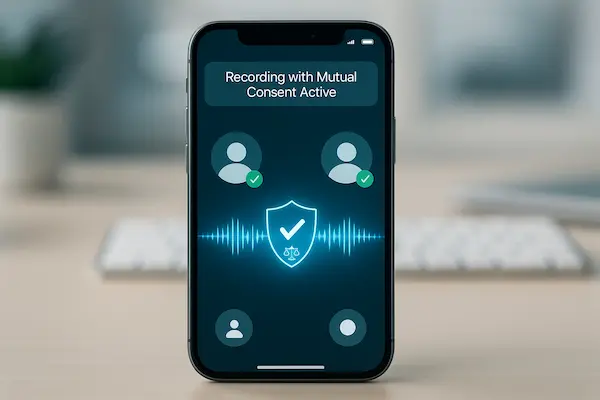
Real consent is more than a small icon on screen. Before you record calls on iPhone, give a short, clear explanation that the call will be recorded, why you are doing it, how long you will keep the file and who may listen to it. Then give the other person a real chance to say no and be ready to continue without recording if they refuse. This simple script turns How To Record Calls On iPhone from a quiet risk into a practice you can defend calmly if a client, manager or regulator ever asks how you collected that audio.
3. How To Record Calls On iPhone Using Built In And Semi Native Methods
Once you understand the legal side, the next step is making recording work in daily life. Many people search How To Record Calls On iPhone expecting a hidden record button in the Phone app. That button does not exist, but iOS still gives you a few simple workflows that keep the process visible and easy to explain if anyone later questions how you recorded a call.
1. Using speakerphone and a second device
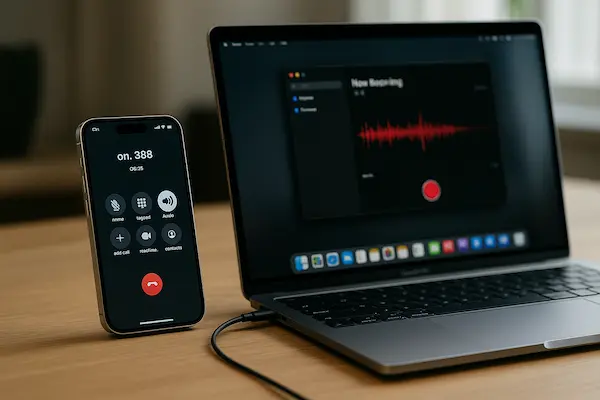
The most basic option is to put your iPhone on speaker and let a second device record the call. For anyone who wants How To Record Calls On iPhone without installing risky apps, this is often the cleanest starting point. You clearly say the call is on speaker and will be recorded, place another phone or recorder on the table, check both voices are audible, and then store or delete the files in a controlled way.
2. Using voicemail or carrier features
Some mobile networks offer features that quietly act as simple recorders, for example by letting you merge the live call into your own voicemail and replay it later. When you research How To Record Calls On iPhone, it is worth checking your carrier’s help pages and terms to see whether this is supported and which call types are covered. Because the feature is built into the phone service, it often matches local expectations better than a random app, but you still need to tell the other person and handle the resulting audio carefully.
3. Using VoIP and meeting apps with recording built in
A more modern route is to move important conversations into apps that already support recording, such as Zoom, Teams, Google Meet or other business calling platforms. You join from your iPhone, tap their built in record button and let the app show visual indicators or play a short notice that the session is being recorded. For sales, support and project work, this can be the cleanest way to approach How To Record Calls On iPhone because the platform also looks after storage, permissions and, in many cases, searchable transcripts.
4. Why screen recording is not a reliable strategy
You will often see people suggest using the built in screen recorder as a shortcut for How To Record Calls On iPhone. In practice, iOS normally blocks direct capture of in call audio for privacy reasons, so you can end up with video and almost no sound. Even if a workaround appears to function for a while, it can break with the next software update, so for a stable, compliant setup it is safer to keep screen recording for demos and rely on clearly announced methods for any real call you record.
4. How To Record Calls On iPhone Safely With Third Party Apps
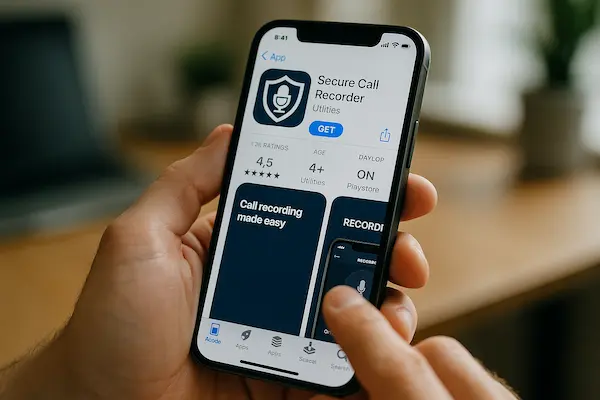
When there is no built in record button, most people head straight to the App Store. That is when things can get risky. Many apps promise to solve How To Record Calls On iPhone in one tap, but few explain clearly what happens to your audio once it leaves your device. These tools receive and store real conversations, so you have to treat them like serious infrastructure, not like a small gadget you install and forget.
1. How most recorder apps work
Most recorder apps that claim to handle How To Record Calls On iPhone use a three way call. They connect you, the other person and a recording bridge owned by the provider. The bridge captures the audio and stores it in their cloud, then the app lets you listen or download a copy. This model is common and not wrong by itself, but it means every recorded call passes through servers you do not control, often in another country and under another legal system.
2. Checklist for choosing a trustworthy recorder
A serious solution for How To Record Calls On iPhone is open about who runs it and how it handles data. Look for a real company name, a physical address, clear support information and a privacy policy written in plain language. Check whether recordings are encrypted, how long they are kept, whether you can download them and whether you can delete them fully. It is a good sign if the app talks about business users, compliance, retention and security, not only about catching partners or tracking staff in secret.
3. Red flags you should avoid
Some apps warn you off in their own description. If the main pitch around How To Record Calls On iPhone is spying on a spouse, monitoring employees without consent or listening in on children, the mindset is wrong from the start. Missing company details, no real privacy policy, only a free email contact and heavy in app ads are more reasons to walk away. Even if the recorder works, trusting that kind of service with sensitive calls is a long term risk to both privacy and reputation.
4. Use any app with a consent first routine
Even with a good provider, your habits decide whether How To Record Calls On iPhone is safe. Before you tap record, tell the other person that the call will be recorded, explain why and say how long you plan to keep the file. Give them a real chance to refuse, and be ready to continue without recording if they say no. Inside the app, avoid “record every call” modes unless you are in a tightly controlled business setup with written policies. Review your recordings regularly and delete ones you no longer need so the app becomes part of a clean, defensible workflow instead of a quiet liability on your phone.
5. Scenario Based Guide – How To Record Calls On iPhone For Different Use Cases
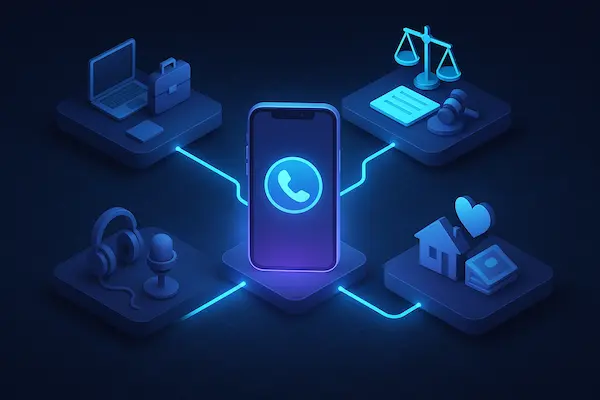
Not everyone who searches How To Record Calls On iPhone has the same problem to solve. A parent trying to remember school instructions, a sales manager coaching a team, and a consultant documenting complex advice all face very different risks. Instead of using one rigid rule for every call, it is smarter to build a few simple “mini playbooks” for the main situations in your life. That way, when the phone rings, you already know whether you will record, what you will say about it, and where the audio will go after the call ends.
1. Personal calls you want to keep for reference
For personal calls, trust usually matters more than legal complexity. If you want to record calls on iPhone to remember dates, instructions or prices, keep the method simple and visible. Use speakerphone plus a second device or a basic recorder app you understand well. Say something like, “Do you mind if I record this so I don’t forget anything,” then label the file clearly and delete it once it has done its job.
2. Business calls for sales, support and operations
In business, calls often contain commitments and sensitive customer data, so you need more structure around How To Record Calls On iPhone. Move important conversations into VoIP or meeting tools with built in recording, consent prompts and central storage. Use a short script at the start of every call, document where recordings are stored, and make sure only the right people in your team can access them.
3. Professional services and expert advice
If you are a lawyer, accountant or adviser, recordings can help you prove what was said, but they also sit under strict confidentiality rules. Check your regulator’s guidance first, then combine carefully stored audio with written summaries sent after the call. Limit access, encrypt storage and set clear retention periods so recordings do not live forever by default.
4. Journalists, creators and interview based work
For journalists and creators, recording is often essential. Here, How To Record Calls On iPhone should start with a clear on record / off record conversation. Explain that the call will be recorded, how the material may be used and whether the guest can review quotes. Protect raw audio like any other sensitive source material, because a careless leak can damage both your contact and your reputation.
6. Best Practices To Store, Protect And Manage iPhone Call Recordings
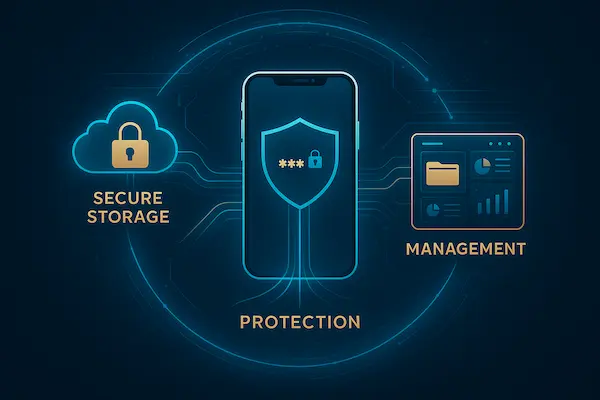
Knowing How To Record Calls On iPhone is only half the work. The moment a call becomes an audio file it turns into sensitive data that can protect you, embarrass you or even harm you if it leaks. A simple, consent based recording handled badly can create more trouble than a slightly imperfect setup that is stored and reviewed with care.
1. Choose safe, predictable storage
Decide where your recordings will live before you start. For personal calls, use a secure folder on your phone or a reputable cloud service with strong authentication. For business, follow approved systems rather than leaving files scattered across personal iPhones and random apps. Avoid dropping sensitive audio into open chats or cheap cloud accounts that you rarely check.
2. Control who can listen and for how long
Access should never be “everyone by default”. Ask who truly needs to hear each recording and limit access to that group only. Set simple retention rules so you do not keep everything forever just because storage is cheap. Routine personal calls might be deleted after weeks, while important business calls have a defined, documented retention period.
3. Label, document and, when useful, transcribe
Good labels make every recording easier to understand and defend. Use names that include date, caller, topic and, if possible, consent status, for example “2025-01-10 client pricing call, recorded with consent”. If you use transcription tools, remember that transcripts carry the same sensitivity as the audio and must be stored with the same level of care.
4. Have a simple plan for mistakes or leaks
Even with a careful approach to How To Record Calls On iPhone, things can still go wrong. A phone might be lost, a password reused or a link shared too widely. Decide in advance how you would respond: secure the account, change credentials, review what was exposed and, if needed, inform the people affected. Treat any incident as feedback to tighten your process so future recordings are safer and easier to justify.
7. Comparing iPhone Call Recording Methods – Risks And Tradeoffs
By now you have seen that there is no single “perfect” answer to How To Record Calls On iPhone. Each method balances legality, privacy, audio quality and convenience in a different way. Instead of chasing one magic tool, it helps to compare the main options side by side, then choose the simplest method that fits your real risk level and your consent workflow.
Table 2 – Overview of common ways to record calls on iPhone
| Method | Legal risk (with consent) | Privacy & security | Audio quality | Complexity | Best for |
|---|---|---|---|---|---|
| Speakerphone + second device | Low to medium | Depends how you store it | Medium | Low | Personal notes, ad hoc calls |
| Carrier / voicemail based recording | Medium | Tied to carrier policies | Medium | Medium | Simple setups where carrier supports it |
| VoIP / meeting apps with built in recording | Low to medium | High if configured well | High | Medium | Sales, support, remote teams, interviews |
| Third party call recorder apps | Low to high | Varies by provider | High | Medium | Structured, documented business workflows |
This table is not a legal verdict. It is a quick way to think about How To Record Calls On iPhone in context: the more you rely on cloud bridges and external providers, the more you must care about privacy policies and security, not just audio quality.
How to use this comparison in real life
For low stakes personal calls, a clear consent script plus speakerphone and a second device is often enough. For business, VoIP or meeting apps with built in recording and access control are usually safer than random recorder apps. If you ever choose a third party app as your main answer to How To Record Calls On iPhone, treat it like core infrastructure: review the company, understand where data lives and document why you chose that method over the simpler alternatives.
Frequently Asked Questions About Recording Calls On iPhone
1. Is it legal to record a call on iPhone without telling the other person?
Usually no or very risky. Always assume you must inform everyone and get clear consent first.
2. Does iPhone have a built in call recording feature?
No. There is no native record button, so How To Record Calls On iPhone always needs a workaround.
3. Can I use screen recording to capture call audio?
In most cases, iOS blocks in call audio, so screen recording is unreliable and should not be your main method.
4. What is the safest way to record business calls on iPhone?
Use VoIP or meeting apps with built in recording, consent prompts and secure central storage, not random recorder apps.
5. How do I ask for consent naturally?
Keep it short: “I’d like to record this call so I don’t miss details. Is that okay with you.”
6. How long should I keep call recordings?
Only as long as you have a real need. Set simple retention rules and delete old files on a schedule.
7. Are “spy” call recorder apps for iPhone safe to use?
No. Apps that promote hidden or secret recording are high risk for both privacy and legality. Avoid them completely.
8. Do I always need a third party app for How To Record Calls On iPhone?
Not always. You can also use speakerphone plus a second device, carrier tools or VoIP apps with recording.
Conclusion – A Consent First Way To Record Calls On iPhone
In today’s privacy focused world, the real question is not only How To Record Calls On iPhone, but how to do it in a way you can calmly defend to a client, a family member, your employer or even a regulator. If you record with clear consent, use visible methods and store audio carefully, call recording becomes a tool for clarity instead of a quiet risk.
Quick recap you can turn into a checklist
| Step | What you do |
|---|---|
| Check rules | Look at local law and any workplace policies |
| Ask for consent | Say you are recording, explain why, wait for a clear yes |
| Choose a method | Use a visible, documented workflow, not a secret trick |
| Store and delete well | Limit access, set a simple retention and delete on time |
Keep these four lines next to your phone and you already have a small, practical recording policy.
Let PhoneTracker247 be your lawful monitoring hub
PhoneTracker247 is built around transparent, consent based monitoring, not spyware tricks. If you want to go beyond this guide on How To Record Calls On iPhone, you can use PhoneTracker247 as your home base to:
- Learn more about call history, parental controls and digital safety
- Follow updates when laws or platform rules change
- Build one consistent, compliant approach across all your devices
If you are serious about doing things the right way, take one step today: bookmark PhoneTracker247, share this guide with your team or family, and use a short consent script on your very next important call. That small habit is what turns recording from a risk into a professional safeguard.
For daily updates, subscribe to PhoneTracker’s blog!
We may also be found on Facebook!