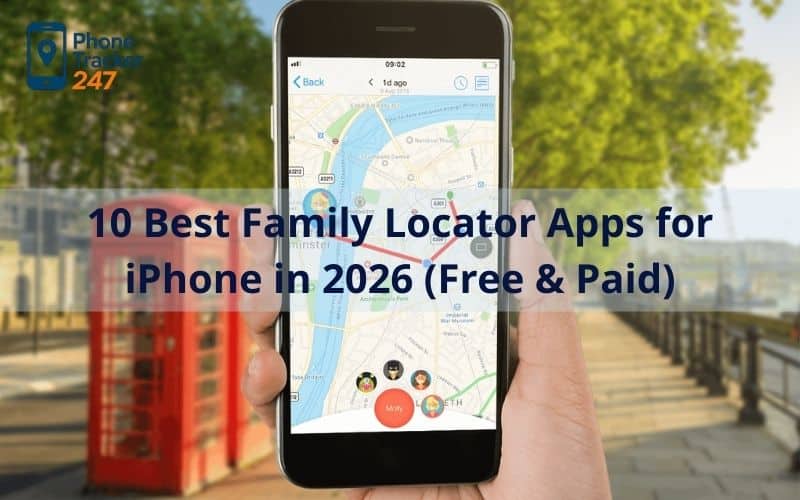
In the fast-paced world of 2026, staying connected with your loved ones has evolved from a simple phone call to a seamless digital safety net. Finding the right family locator apps for iPhone is no longer just about tracking a dot on a map; it is about gaining real-time peace of mind while respecting the boundaries of those we care about most.
This guide breaks down the top 10 solutions currently leading the market. Whether you need a free tool for occasional check-ins or a premium suite with advanced safety features, there is an option here to fit your family’s unique lifestyle.
Contents
- 1 Why You Need a Dedicated Family Locator for Your iPhone
- 2 10 Best Family Locator Apps for iPhone in 2026
- 3 Key Features to Look for in an iPhone Tracking App
- 4 Privacy and Safety: How to Track Responsibly
- 5 Comparison Table: Best iPhone Family Locators at a Glance
- 6 Frequently Asked Questions
- 7 Conclusion: Choosing the Right App for Your Family
Why You Need a Dedicated Family Locator for Your iPhone
While Apple’s ecosystem offers basic tracking, a dedicated app provides the context and specialized tools that standard features lack. Many families find that native tools are great for finding a lost device, but a specialized family locator apps for iPhone is far superior for active safety. These apps offer features like crash detection, SOS alerts, and historical route data that “Find My” simply doesn’t prioritize.
The real advantage lies in cross-platform flexibility. In a world where families often use a mix of devices, a dedicated app ensures that you can bridge the gap between iOS and Android. This ensures that no matter what phone a family member carries, they remain a part of your safety circle.
10 Best Family Locator Apps for iPhone in 2026
To help you cut through the noise on the App Store, we’ve narrowed down the 10 best family locator apps for iPhone in 2026, ranging from budget-friendly freebies to feature-rich premium suites.
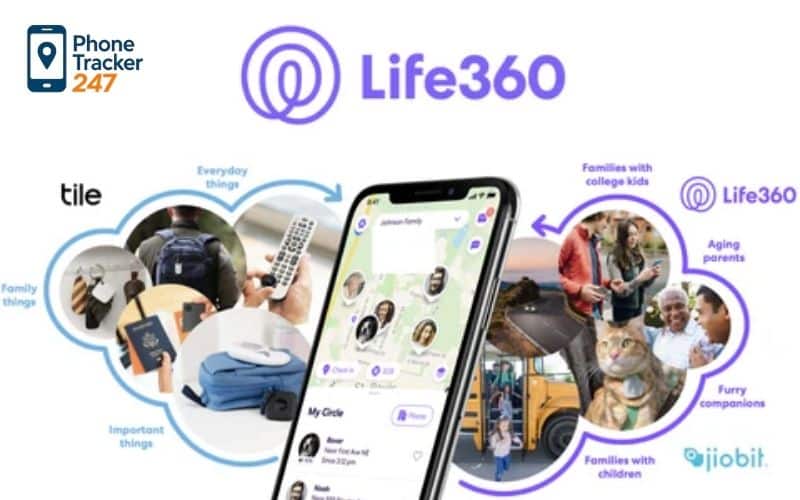
1. Life360 – The Gold Standard for Modern Families
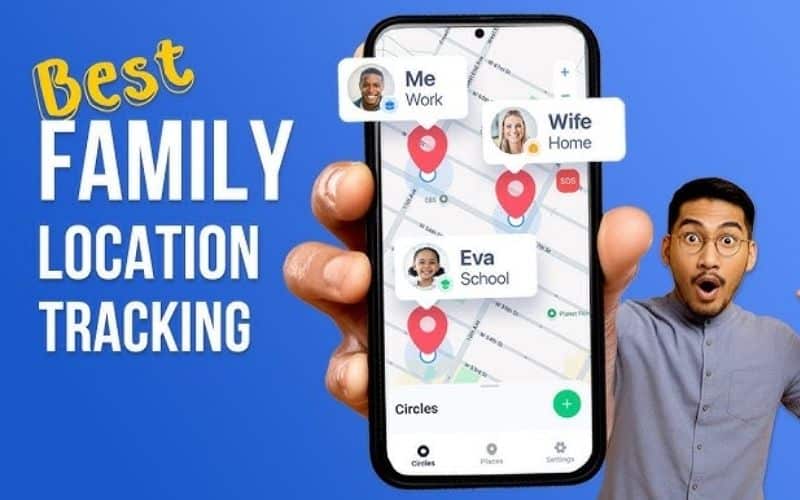
Life360 remains the most popular family locator app for iPhone because it functions as a comprehensive safety membership. Beyond basic GPS, it offers high-speed crash detection and emergency dispatch services that can save lives in critical moments.
The app uses a “Circles” system, allowing you to create private groups for different family branches or even close-knit friend groups. Its 2026 update features even more precise location accuracy, even in dense urban environments where GPS signals often struggle.
2. Qustodio – Best for Integrated Parental Controls
If your primary concern is balancing physical safety with digital health, Qustodio is the premier family locator app for iPhone. It combines robust location tracking with the ability to manage screen time and filter inappropriate content on your child’s device.
The app provides a unified dashboard where you can see where your child is and what they are doing online simultaneously. This dual-layer protection makes it a favorite for parents of pre-teens who are just beginning to explore both the physical world and the internet.
3. Apple Find My – The Ultimate Free Privacy Choice
For those who want a “set it and forget it” solution without a monthly bill, Apple’s native app is the best family locator app for iPhone. It is built directly into the operating system, meaning it is incredibly light on battery life and offers end-to-end encryption.
While it lacks driving analytics, it integrates perfectly with AirTags and other Apple devices. It is the most secure option for families who are fully committed to the Apple ecosystem and prioritize data privacy above extra features.
4. Findmykids – Tailored for Young Children and Watches
Findmykids is a specialized family locator app for iPhone designed specifically for parents with younger children who might not be ready for a smartphone. It pairs seamlessly with kid-friendly GPS smartwatches, allowing you to track your child during school hours without the distractions of a phone.
One of its unique features is the “Sound Around” function, which lets parents listen to the environment if a child isn’t answering their phone. It also includes a gamified system where kids earn “stars” for checking in on time, making safety feel more like a reward than a chore.
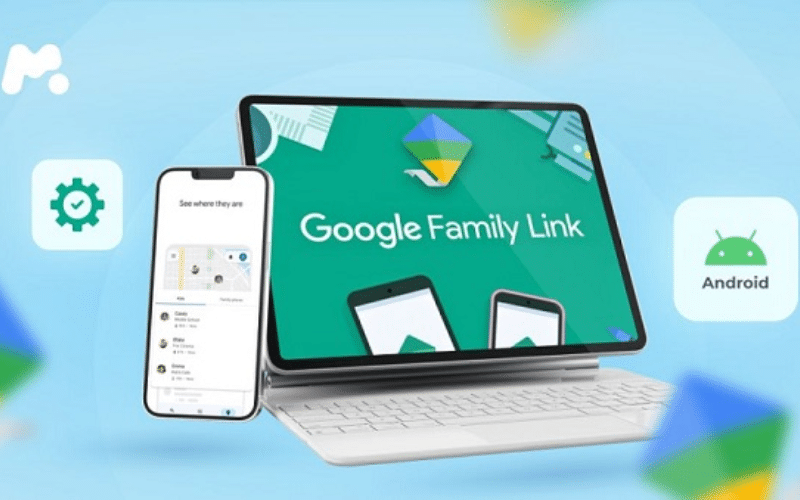
5. Google Family Link – The Best Free Cross-Platform Tool
Google Family Link is a fantastic, completely free family locator app for iPhone that works exceptionally well for mixed-device households. It allows parents to track an iPhone from an Android device or vice versa, providing a bridge that many other free apps lack.
The interface is clean and relies on the familiar Google Maps infrastructure. It offers basic geofencing, allowing you to receive alerts when a family member arrives at home or school without needing a paid subscription.
6. iSharing – Innovative “Walkie-Talkie” Features
iSharing brings a social element to safety, making it a highly engaging family locator app for iPhone. It features a built-in walkie-talkie mode that allows family members to send quick voice notes to each other, which is much faster than typing a text while on the move.
The app also includes a “Panic Alert” feature—by shaking your phone, you can send an immediate SOS to all family members. This makes it a top choice for students or family members who frequently commute late at night.
7. Norton Family – Trusted Security for the Digital Age
Norton Family leverages decades of security expertise to provide a family locator app for iPhone that focuses on “smart” supervision. It is particularly good at providing detailed history reports, showing you exactly where your children have been throughout the week.
The app includes a “School Time” mode, which limits device functionality during class hours while keeping the location tracking active. This ensures that the phone remains a safety tool rather than a classroom distraction.
8. Glympse – Best for Temporary Location Sharing
Sometimes you don’t need permanent tracking; you just need to know when someone will arrive for dinner. Glympse is a unique family locator app for iPhone that focuses on temporary “blasts” of location data that expire after a set time.
There is no need for a permanent account for the person viewing the location, making it great for sharing your ETA with extended family or friends. It is the most privacy-respecting choice for short-term logistics and one-off trips.
9. GeoZilla – The Battery-Saving Expert
GeoZilla uses “Significant Location Change” technology to ensure it is the most battery-efficient family locator app for iPhone on the market. It only wakes up the GPS when it detects movement, preventing the constant drain associated with older tracking apps.
It also features a shared family task list, allowing you to assign chores based on location. For example, you can get a reminder to “pick up bread” only when you are physically driving past the local grocery store.
10. Bark – Focus on Communication and Trust
Bark takes a different approach by focusing on “check-ins” rather than constant live surveillance. As a family locator app for iPhone, it encourages children to be active participants in their own safety by notifying parents when they arrive at certain milestones.
This app is ideal for older teens who might feel smothered by constant live tracking. Bark app alerts you if your child wanders into an “unusual” area, but otherwise stays in the background, fostering a relationship built on trust rather than hovering.
Key Features to Look for in an iPhone Tracking App
When you are choosing the right tool for your household, it’s important to look past the marketing and focus on how the app performs in daily life. One of the best high-quality family locator apps for iPhone should be a tool that simplifies your life, not one that adds more digital noise to your day.
- Real-Time Updates: Ensure the app offers “Live” or “Active” tracking modes with refresh rates of a few seconds during emergencies.
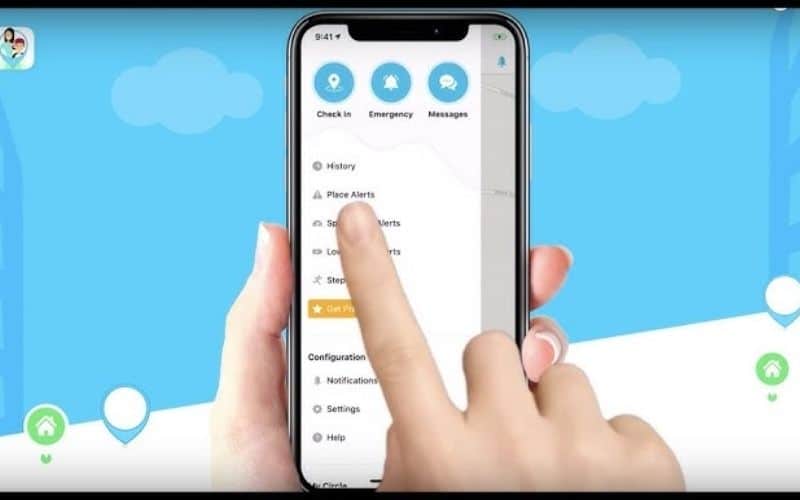
- Geofencing (Place Alerts): The ability to set “Safe Zones” is the most used feature for parents; look for an app that lets you set at least 5-10 different zones.
- Battery Optimization: Check user reviews for 2026 to see if the app causes significant drain on the latest iPhone models.
- Ease of Use: If the interface is too complicated, family members will likely disable the app or forget to use it.
Privacy and Safety: How to Track Responsibly
Transparency is the most important factor in the success of any tracking arrangement. While family locator app for iPhone is a powerful safety tool, it should always be used with the consent and knowledge of everyone involved.
- The Family Meeting: Before installing any app, have a quick meeting to explain that the goal is safety and logistics, not spying.
- Data Security: Only use apps from reputable developers who provide end-to-end encryption. Your family’s location history is sensitive data and should never be sold to advertisers.
Comparison Table: Best iPhone Family Locators at a Glance
To help you make a quick and informed decision, the table below summarizes the key features, pricing, and best use cases for our top-rated iPhone family locators.
| App | Best Feature | Price Range | Best For |
| Life360 | Driving Safety | Free / Premium | All-around families |
| Find My | Native Privacy | Completely Free | Apple purists |
| Qustodio | Content Filtering | Subscription | Parents of pre-teens |
| Google Family Link | Cross-Platform | Free | Mixed-device homes |
| iSharing | SOS Shaking | Free / Premium | Commuters & Students |
See more:
Frequently Asked Questions
Is there a free family locator app for iPhone that is actually good?
Yes, Apple’s “Find My” and Google Family Link are both excellent free options. While they lack the advanced “driving analytics” of paid apps, they provide reliable real-time location tracking without any monthly fees.
Does a family locator app for iPhone work without the internet?
Generally, no. These apps require either a Wi-Fi or Cellular data connection to transmit the GPS coordinates to your phone. However, Apple’s “Find My” can sometimes use the “Find My Network” to locate a device using nearby Apple devices even if it lacks a direct signal.
Can I see the location history of my family members?
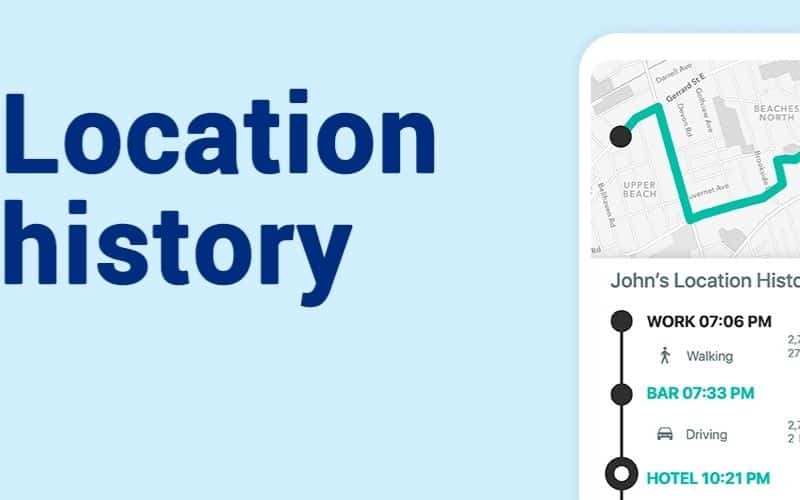
Most premium versions of a family locator app for iPhone allow you to see anywhere from 2 to 30 days of history. This is helpful for verifying that a child took the correct route home or for retracing steps if a phone is lost.
Conclusion: Choosing the Right App for Your Family
The “best” family locator app for iPhone is ultimately the one that your family feels comfortable using every day. If you want a deep dive into safety and don’t mind a subscription, Life360 is hard to beat. If you are looking for a simple, private, and free way to stay connected, Apple’s built-in tools are already waiting for you.
Safety in 2026 is about using technology to build trust and provide a cushion for life’s unexpected moments. Choose the app that fits your rhythm, and enjoy the peace of mind that comes with knowing your loved ones are just a tap away.