In today’s digital age, tracking location and keeping family members safe has become easier than ever thanks to location-sharing apps. Life360 is one of the most popular apps in this space, but there are many other alternatives that offer similar features, and some even provide better functionality and user experience. In the article below, PhoneTracker247 introduces the top 10 best apps like Life360 for families in 2026, helping you choose the right solution to track locations, share schedules, and protect your loved ones more effectively.
Contents
The Role of Life360 in Family Tracking
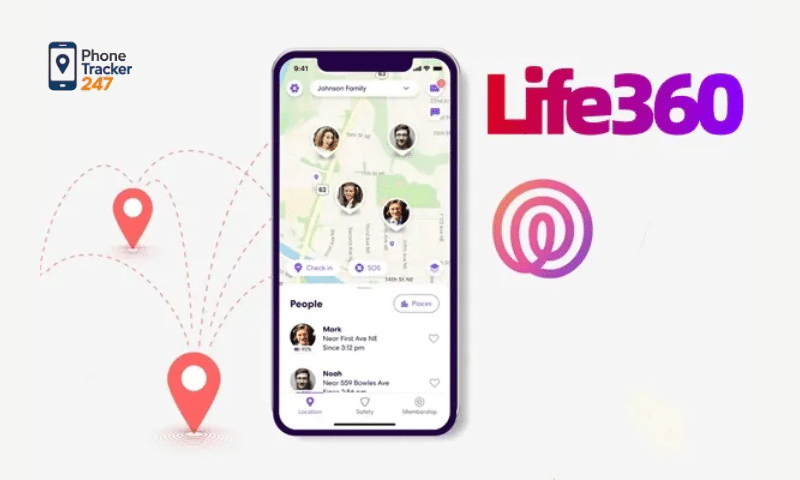
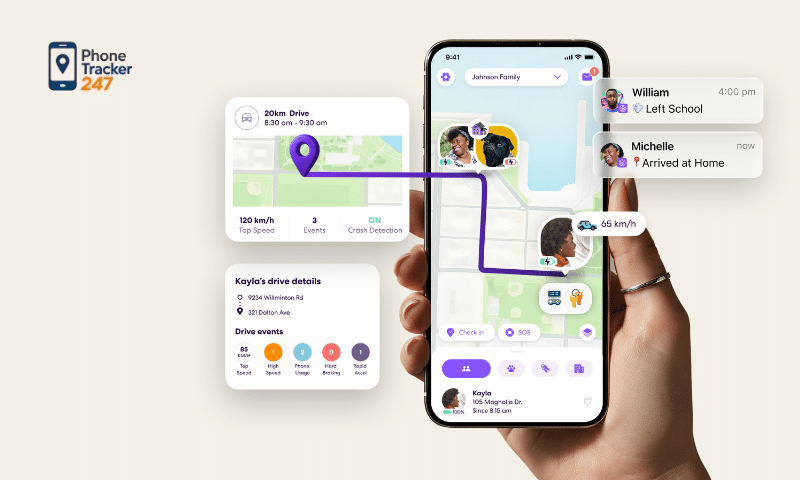
In today’s technology-driven world, keeping track of family members’ locations has become easier than ever with location-sharing apps like Life360. More than just a tool for pinpointing where someone is, Life360 serves as a practical family safety solution that helps households stay connected, informed, and reassured whenever loved ones are away from home.
For many families, especially those with children, teenagers, or elderly parents, knowing where each person is in real time can provide significant peace of mind. Instead of constantly calling or texting to check in, parents and caregivers can simply view live location updates and receive alerts about important movements. This makes daily coordination smoother while also reducing stress and uncertainty.
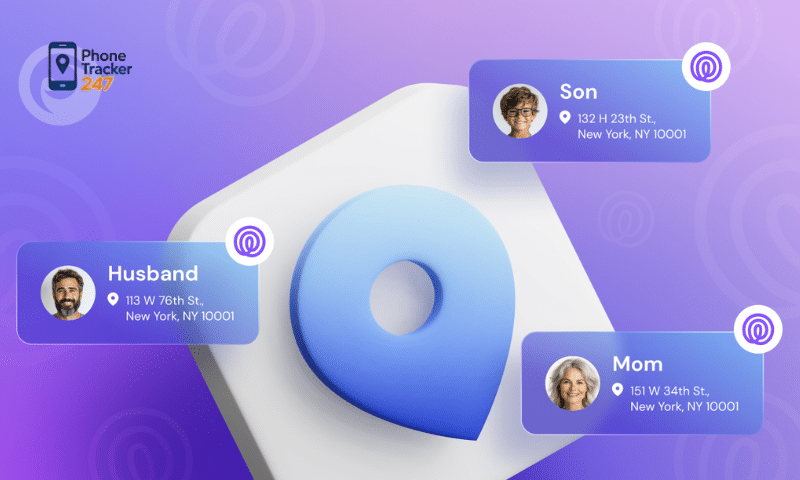
Key benefits of Life360 include:
- Enhancing the safety of children and loved ones: Parents can accurately monitor their children’s locations and receive alerts when they leave school, arrive at tutoring classes, or go to other destinations. This feature is especially useful for families who want to ensure their children are following their routines safely.
- Reducing worry during travel: Knowing the real-time location of each family member allows the household to respond more quickly in emergencies or unexpected situations. Whether someone is running late, stuck in traffic, or facing a problem on the road, Life360 helps the family stay informed and ready to assist.
- Enabling fast communication and emergency alerts: Life360 allows users to send urgent notifications, danger alerts, or SOS messages to other members in the group. In critical situations, this instant communication can make a major difference in ensuring everyone’s safety.
- Supporting better family schedule management: Tracking movements, arrival times, and frequently visited places makes it easier for families to organize daily activities and plan shared schedules. This creates a more structured and efficient way to manage school runs, work commutes, and family events.
- Building stronger family connection and peace of mind: Beyond its location-tracking features, Life360 helps families feel more connected in everyday life. It creates a sense of reassurance, knowing that loved ones can check in on one another when needed without being intrusive.
With these features, Life360 is not just a simple tracking app. It has become an important tool that helps families stay safe, feel secure, and manage everyday life more proactively, especially when caring for children and older adults.
See more: Detailed parental control app reviews: Comparison of popular child monitoring apps
Popular Alternatives to Life360 Available Today
Although Life360 is one of the most popular apps for family tracking and safety management, there are still many alternative options that may better suit the specific needs, devices, and preferences of different families. These apps like Life360 offer similar core features such as real-time location tracking, child monitoring, and emergency alerts, while also providing unique tools that can give parents and caregivers more flexibility in managing family safety.
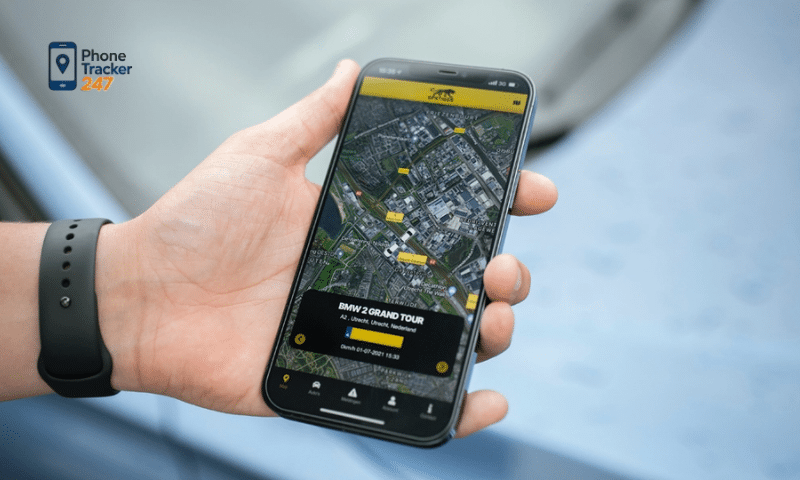
Depending on whether your family uses Android, iPhone, or a mix of devices, you may find that another app offers a more suitable combination of parental controls, location accuracy, battery efficiency, or content monitoring features.
Google Family Link
Google Family Link is a practical choice for families using Android devices. It allows parents to monitor their child’s real-time location while also managing how the device is used on a daily basis. In addition to location tracking, parents can review app activity, set screen time limits, and restrict access to inappropriate content. The app also provides detailed reports on a child’s daily digital habits, helping parents stay informed and involved.
Famisafe
FamiSafe is a strong alternative for parents who want a combination of location tracking and digital safety tools. It offers real-time GPS tracking and sends alerts when a child leaves a designated safe zone. Beyond location monitoring, FamiSafe lets parents block or manage apps, filter harmful online content, and supervise online activity. Features such as bedtime scheduling and web monitoring make it a more comprehensive option for family protection.
Find My (Apple)
For families who primarily use Apple devices, Find My is a convenient built-in solution. It works across iPhone, iPad, and Mac, allowing users to locate family members and trusted friends with ease. Because it is already integrated into the Apple ecosystem, it is simple to set up and use. It also includes geofencing-style notifications, helping parents know when a loved one leaves or arrives at a particular location.
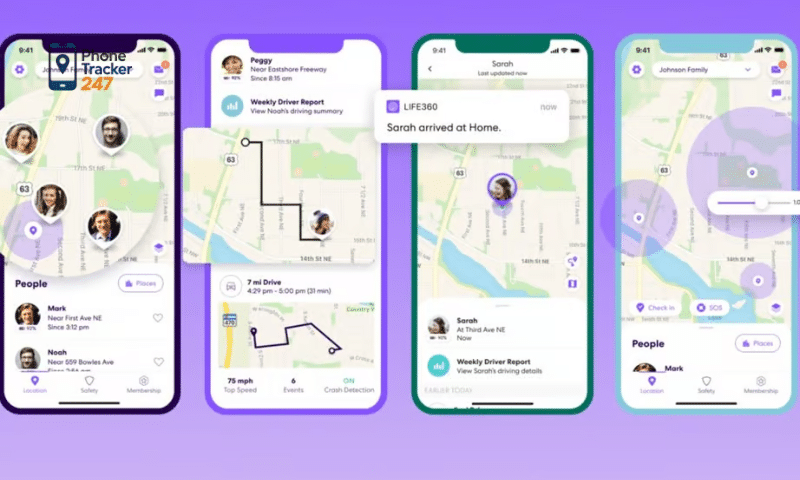
GeoZilla
GeoZilla focuses on real-time family location sharing while also optimizing battery usage, which is an important advantage for users who do not want constant tracking to drain their phones. The app provides emergency alerts when problems occur and supports location history sharing, making it easier for families to review travel patterns, monitor routines, and plan activities more effectively.
Family Locator – GPS Tracker
Family Locator – GPS Tracker is another useful option for families that want a simple and reliable tracking solution. It allows users to monitor the live locations of family members, review location history, and receive emergency notifications if someone leaves a safe area or encounters a problem. Its user-friendly design makes it accessible and easy for all family members to use, even those who are less familiar with technology.
Each of these apps has its own strengths. Some focus on saving battery life, others offer support across multiple platforms, and some provide advanced parental controls such as app management and content filtering. Based on your family’s real-world needs, you can choose the app that offers the best balance of safety, convenience, and control for protecting and supporting your loved ones.
See more: How to choose the best phone monitoring app for iPhone that suits your needs
Pros and Cons of Apps Like Life360
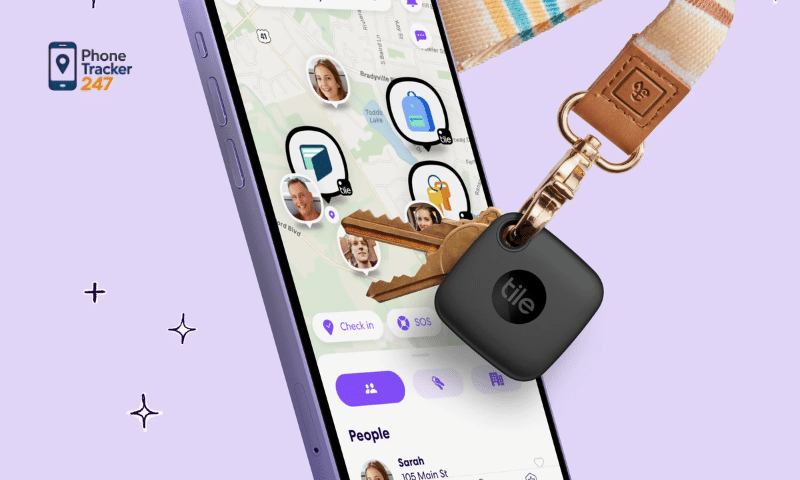
The comparison table below helps families more easily choose apps like Life360 based on their needs and devices, while balancing cost, features, and ease of use.
| App | Pros | Cons |
| Life360 | – Real-time location tracking for all family members.- Safe zone alerts and emergency support.- Helpful for planning group travel and daily coordination. | – Some advanced features require a paid subscription.- Continuous location tracking may raise privacy concerns for some users. |
| Google Family Link | – Monitors children’s device usage and location.- Filters online content to help protect children.- Completely free for Android users. | – Only supports Android devices.- Does not provide built-in SOS emergency alerts. |
| Find My (Apple) | – Built into Apple devices by default.- Alerts users when a family member leaves a safe area.- Easy location sharing with family and friends. | – Only works within the Apple ecosystem.- Does not offer app controls or content filtering. |
| GeoZilla | – Tracks real-time location and location history.- Sends alerts when someone leaves a designated safe zone.- User-friendly interface for families. | – Depends heavily on an internet connection.- Some advanced features are only available in paid plans. |
Tips for Using Location Tracking Apps to Keep Your Family Safe
Using location-tracking apps effectively does more than simply show where someone is. It can also play an important role in improving safety for every member of the family. Below are some practical tips to help families make the most of these apps:
- Set up safe zones (Geofencing): Receive alerts whenever a family member leaves or arrives at a designated area, such as home, school, or work.
- Share location only with trusted people: To protect privacy and personal security, location information should only be shared with close family members or people you trust.
- Check devices regularly: Make sure GPS, mobile data, and internet connections are working properly so the app can provide accurate and real-time updates.
- Enable emergency notifications: Set up SOS or emergency alert features so family members can quickly send a warning if they are in trouble or need urgent help.
- Use multiple safety features together: Combining tools such as location history, low-battery alerts, and unsafe-area notifications can significantly improve your family’s overall safety and awareness.
By using these features wisely, families can not only stay connected more easily but also create a safer and more proactive way to protect their loved ones in everyday life.
Conclusion
Apps like Life360 help families stay connected, protected, and better organized in their daily lives. Choosing the right app depends on your devices, specific needs, and the level of convenience and safety features you are looking for.
Try downloading one of these family location-tracking apps and experience the peace of mind that technology can bring to your entire family.